



A Hinge hard reset means deleting your account and starting again: your existing profile closes, and you lose your matches and conversations. It does not guarantee a new-user boost or an algorithm reset. Changing photos, prompts or preferences updates your profile but does not delete the account.
Key takeaways
- Deleting your account closes your profile and removes access to existing matches and conversations.
- Hinge does not guarantee that recreating an account resets its algorithmic treatment or gives it a new-user boost.
- Check Hinge's current app or Help materials before relying on Fresh Start. Its availability and effects are not verified here.
Why Reset Your Hinge Profile? The 3 Signs It's Time for a Fresh Start
Thinking about a reset isn't an act of desperation. It's a strategic move. If you're experiencing any of these signs, it might be time to pull the trigger.
If Hinge looked promising at first and then went quiet, use this Hinge no matches after the first week diagnosis before resetting the account.
Sign 1: You're Getting No Matches (Or Only Low-Quality Ones)
If your "Likes You" tab stays empty, review your photos, prompts and preferences first. An empty tab does not tell you how the Hinge algorithm ranks your profile.
A full reset closes your account, but Hinge does not promise a "new user" boost or increased visibility afterwards.
Sign 2: You've Run Out of People
Ever see that dreaded "You're all caught up" screen? Especially if you live in a smaller city or town, you might have genuinely swiped through everyone available in your preferences. It happens.
A reset may change what you see, but Hinge does not promise that it will re-circulate your profile or change how it is shown to other people.
Sign 3: You've Massively Improved Your Profile
Maybe you finally got some good dating pictures or wrote some killer prompt answers. Update your existing profile with them first.
Your early swipes and interactions may affect your experience. A reset does not guarantee that a new profile will receive a fresh algorithmic assessment.
The Critical Difference: Soft Reset, Hard Reset, & Hinge's 'Fresh Start'
You'll find a lot of advice online about resetting your profile. Most of it is confusing or just plain wrong. Let's clear up the confusion between the three main methods.
What is a Hinge Soft Reset?
A "soft reset" usually means pausing your account for a while, then changing your photos, prompts or preferences before un-pausing it. It does not create a new account or guarantee different treatment.
Does it work? Absolutely not.
Changing profile details or device identifiers does not guarantee that Hinge will treat you as a new user. We do not recommend relying on this method.
What is Hinge's Official 'Fresh Start' Feature?
The evidence available for this guide does not confirm whether Fresh Start is currently available to every account or what it changes. Check the explanation in your Hinge app or Hinge Help before relying on it. Do not assume it changes how other people see your profile or preserves your matches and conversations.
What Is a Hinge Hard Reset?
What people call a Hinge hard reset means deleting the account and starting again. Hinge's privacy policy describes a three-month safety-retention window after account closure, followed by deletion with limited longer retention for legal, safety and security, or legitimate-interest purposes. This is not a guarantee that registering again will receive new-user treatment. Hinge's non-member privacy notice also says it may link contact details previously processed for safety features, such as a blocked phone number or email address, to a later Hinge account.
| Feature | Soft Reset | Hinge 'Fresh Start' (if available) | Hard Reset |
|---|---|---|---|
| Algorithm Reset | No guarantee | No guarantee | No guarantee |
| New User Boost | No guarantee | No guarantee | No guarantee |
| Deletes History | No | Check Hinge's current in-app explanation | Account closed, subject to retention policy |
| Loses Matches | No | Check Hinge's current in-app explanation | Yes |
| Effectiveness | No guarantee | No guarantee | No guarantee |
Deleting your account removes the old profile, but it does not guarantee that a later registration will be treated as a brand-new user or receive an initial boost.
Look your best on every dating app. In 10 minutes our AI generates realistic and high-performing dating photos designed to get more likes and dates.
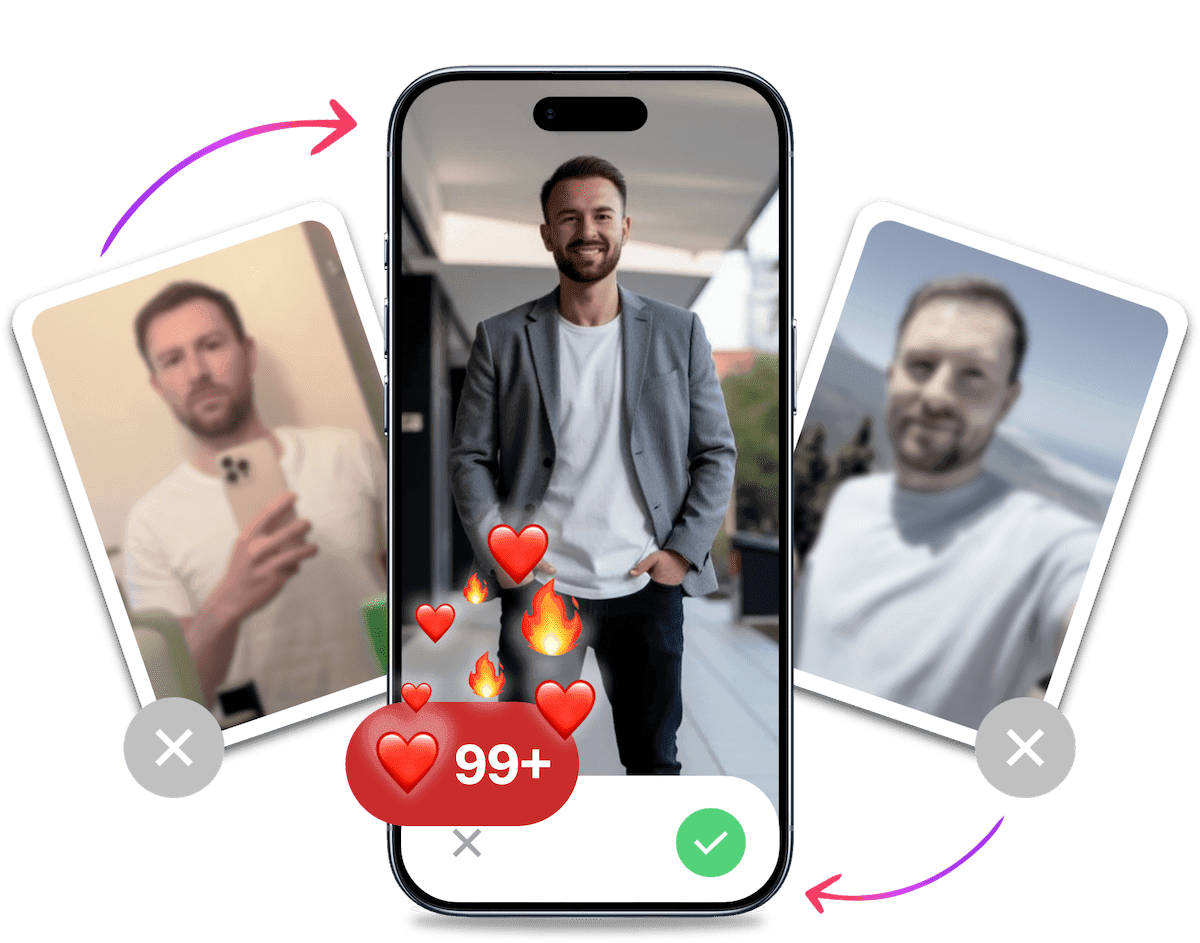
- Get a profile you're proud of
- Drastically increase your matches
- Turn great matches into more dates
The Complete Hinge Hard Reset Checklist: Advanced Guide
Crucial Warning: This is a permanent action. Before you start, understand that you will lose all of your existing matches, conversations, and likes. There is no going back. If you're ready, let's begin.
These steps close the account, but no step can guarantee new-user treatment or prevent restrictions.
Delete Your Hinge Account (The Right Way) Simply removing the app from your phone does nothing. You must delete the account from within the app itself.
- Open Hinge and tap your photo icon.
- Tap the cog icon to open account settings.
- Scroll to the bottom and tap Delete Account.
- Follow the confirmation prompts.
Unlink Google or Apple Access If you no longer want Hinge connected to Google or Apple, revoke its access through those account settings. This changes account access only and does not guarantee new-user treatment. Hinge currently lets you sign in with a phone number, Google or Apple. Facebook login is unavailable, as Hinge explains in its Help Centre.
- For Google: Go to your Google Account settings > Security > Third-party apps with account access. Find Hinge and remove its access.
- For Apple: Go to your iPhone Settings > Apple ID > Password & Security > Apps Using Your Apple ID. Find Hinge and stop using it.
Create an Account You Can Keep Accessing Use credentials you own and can keep accessing. Hinge publishes no sign-up credential or wait time that guarantees new-user treatment.
- Phone Number: Use a phone number you own and can keep accessing for verification.
- Google or Apple: Use an account you own and can keep accessing.
- Payment Method: Changing your payment method does not guarantee new-user treatment or change account restrictions.
Do Not Rely on Device or Photo Changes A factory reset, VPN, different network, another device or stripped photo metadata does not guarantee a clean reset or bypass Hinge's checks.
- Photo Metadata: Removing EXIF data is optional for privacy, but it does not make your account appear new.
- Device Changes: A factory reset, VPN, different network or another device does not guarantee new-user treatment or prevent restrictions.
Your Post-Reset Game Plan: Timing and Strategy
Now that you've deleted your account, remember that Hinge does not publish a wait time or reset method that guarantees new-user treatment.
What Hinge's Privacy Policy Says About Timing
Hinge's privacy policy describes a three-month safety-retention window after account closure, followed by deletion with limited longer retention for legal, safety and security, or legitimate-interest purposes. This is a privacy-policy timeline, not a re-registration guarantee.
- No Guaranteed Wait Time: Hinge publishes no waiting period that guarantees new-user treatment or a clean reset.
- Use Your Own Credentials: If you create another account, use a phone number, Google account or Apple ID you own and can keep accessing.
Strategic Timing: When to Create Your New Account
Don't assume a particular day or time will trigger a new-user boost. Hinge does not publish a schedule that guarantees greater visibility. Choose a time when you can respond to matches.
Your First Days on Hinge
There is no official 48-hour formula. Focus on a complete, honest profile and conversations you can maintain.
- Be Selective but Active: Don't swipe right on everyone. Be thoughtful with your likes. Comments may lead to better conversations, but no method guarantees more matches.
- Engage Quickly: Respond when you can. This may help conversations move along, but Hinge does not promise an algorithmic visibility boost.
Don't Make the Same Mistake Twice: The Real Reason Your Hinge Profile Failed
Resetting your profile is easy. Creating one that doesn't suffer the same fate is the hard part.
A reset gives you a new beginning, but it doesn't magically make a bad profile good. The biggest fear is going through all this trouble just to end up back at square one with no matches.
What's the number one reason for failure? It's often your photos. You can have the most clever funny Hinge prompts in the world, but your pictures are the first and most important filter. Weak photos can lead to left swipes.
The Fresh Start Photo Strategy: Why Your Selfies Are Killing Your Chances
Think about your old profile's photos. Were they a random collection of blurry selfies, outdated pictures from three years ago, or group shots where you're barely visible? Those are classic dating profile mistakes men make.
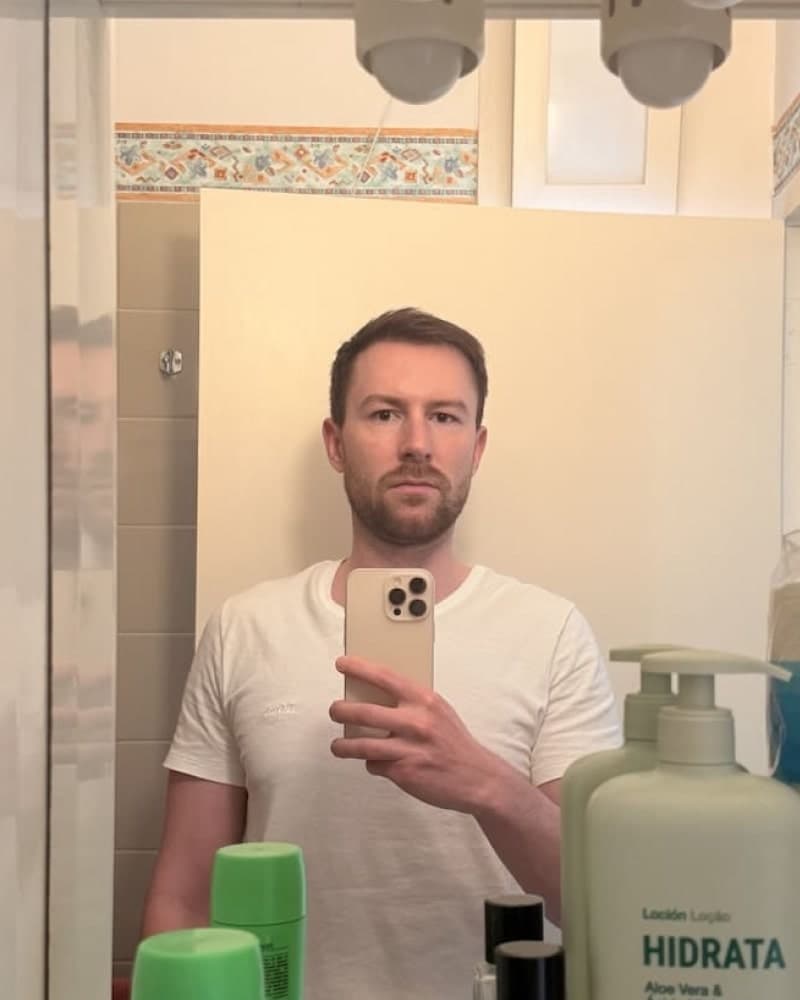
A great dating photo looks authentic, confident, and approachable. It should feel like it was taken by a friend on a good day, capturing a genuine moment. It should not look like a sterile corporate headshot or a low-effort bathroom selfie.
The Unfair Advantage: Using AI to Create Your Ultimate Photo Portfolio
Getting great photos is a huge pain point. Hiring a photographer is expensive and can feel awkward. Trying to take good photos yourself is frustrating and often yields poor results. So what's the solution?
This is where TinderProfile.ai gives you an incredible edge.
"Hiring a photographer is expensive and awkward. Trying to take good photos yourself is frustrating. And other AI tools? They make you look fake, plastic, or like you're applying for a job on LinkedIn."
We solve this problem directly. We are the dating specialist, not a generalist tool for corporate headshots.
Our AI is built exclusively for dating. It understands what works on Hinge, Tinder, and Bumble. It creates images that are authentic, confident, and approachable.
It's dead simple. No complicated prompts or tech skills needed. Upload 2 to 5 existing photos and choose a package with 20, 60 or 100 generated dating app photos, ready in 5 to 10 minutes after payment.
It looks authentic. We prioritise realism. Our goal is to create realistic AI dating photos that look like you at your absolute best, not a fake-looking avatar. It's the ultimate way to craft a profile that truly stands out.
Get Your AI Dating Photos Now and Make Your New Profile Unforgettable
It's Probably Your Photos.

Photos designed to get you more likes, better matches and better dates. TinderProfile.ai is trusted by 60,000+ users.
Optimising Your New Hinge Profile for Success
Once you have your killer photos, you need to round out your profile. Don't neglect the details! Here are a few quick Hinge profile tips.
- Choose Engaging Prompts: Don't just state facts. Pick prompts that invite a response and show your personality. Check out our list of the best Hinge prompts for ideas that get conversations started.
- Write a Great Bio: Keep it concise, positive, and add a touch of humour or a question to spark curiosity. You can even use a Dating Profile Bio Generator to get started.
- Use Voice Memos: A voice memo is a fantastic way to stand out. It adds a human element that photos and text can't capture. Hearing your voice can build connection instantly.
Final Thoughts on Your Hinge Reset Strategy
A Hinge reset closes the old profile, but it's only half the battle. It gives you a chance to improve your profile, but it doesn't guarantee you'll get more matches.
The real key to transforming your dating life is pairing that reset with a top-tier profile built on amazing photos. That's the combination that can improve your chances of turning heads and getting matches.
Don't waste your fresh start. Give your new profile the high-performance photos it deserves. Try TinderProfile.ai today and see the difference for yourself.
FAQs about resetting your Hinge account
Can I reset Hinge without deleting my account?
You can pause your account or change profile details, but those actions do not delete and recreate it. This guide cannot verify whether Fresh Start is currently available to every account or what it changes. Check Hinge's current in-app explanation or Help materials before relying on it.
Does deleting and recreating Hinge reset the algorithm?
Deleting and recreating your Hinge account does not guarantee an algorithm reset or a new-user boost. This guide cannot verify whether Fresh Start is currently available to every account or what it changes, so check Hinge's in-app explanation or Help before relying on it. Deleting your account also means losing your existing matches and conversations.
Can Hinge ban you for resetting your profile?
Deleting and recreating your Hinge account does not guarantee that the new account will avoid restrictions. If Hinge restricts your account, appeal through its support bot or contact Hinge Support. This guide does not verify a reset method that can remove a restriction or guarantee that Hinge will lift one.
Will I see the same people after I reset Hinge?
You may see some of the same people in your area again after resetting Hinge. A reset does not guarantee which profiles you will see later or how your profile will be shown to people you have already seen. If you are deciding whether to reset, assume the same profiles may appear again.
Does resetting Hinge really get you more matches?
A reset may change your account state, but Hinge publishes no method that guarantees a new-user boost or more matches. Better photos and prompts can improve your profile, but they cannot guarantee results either. Deleting and recreating your account carries the same uncertainty, plus you lose existing matches and conversations.