


Dating app photos can't guarantee a match, but a useful set makes you easy to recognise, shows a few real parts of your life and follows each app's current rules. Choose clear images that reflect how you look now, with a mix of settings or activities that give a fuller picture of you.
If you want a ready-made structure, compare your current set with dating app photos for Tinder, Bumble, and Hinge.
This guide covers lighting, composition, photo selection and platform-specific guidance for UK daters.
Dating App Photos: Key Takeaways
- Make your face easy to see in the opening photo, with good light and an uncluttered frame.
- Use a mix of clear portraits and photos showing activities or settings you genuinely enjoy.
- Check each app's current photo rules. Its requirements and features can differ.
- Keep photos current and representative, and add group photos only when everyone agrees and it's clear which person you are.
What Makes Dating App Photos Useful?
A useful photo set lets someone recognise you, see a few different sides of your life and get a fair sense of how you look now. Make each image clear and relevant. You don't need to follow a formula or promise a particular result.
What People Notice in a Profile
An eye-tracking study found that photos tended to draw initial attention, but participants also looked at profile text regardless of the picture. Both shaped impressions. The study did not measure app swipes or match rates. Read the eye-tracking study of online dating profiles.
When you review a set, check that each image is easy to understand: can someone see your face, tell what you enjoy, and identify you in a group photo?
Look your best on every dating app. In 10 minutes our AI creates realistic dating photos designed to get you more likes, better matches and better dates.
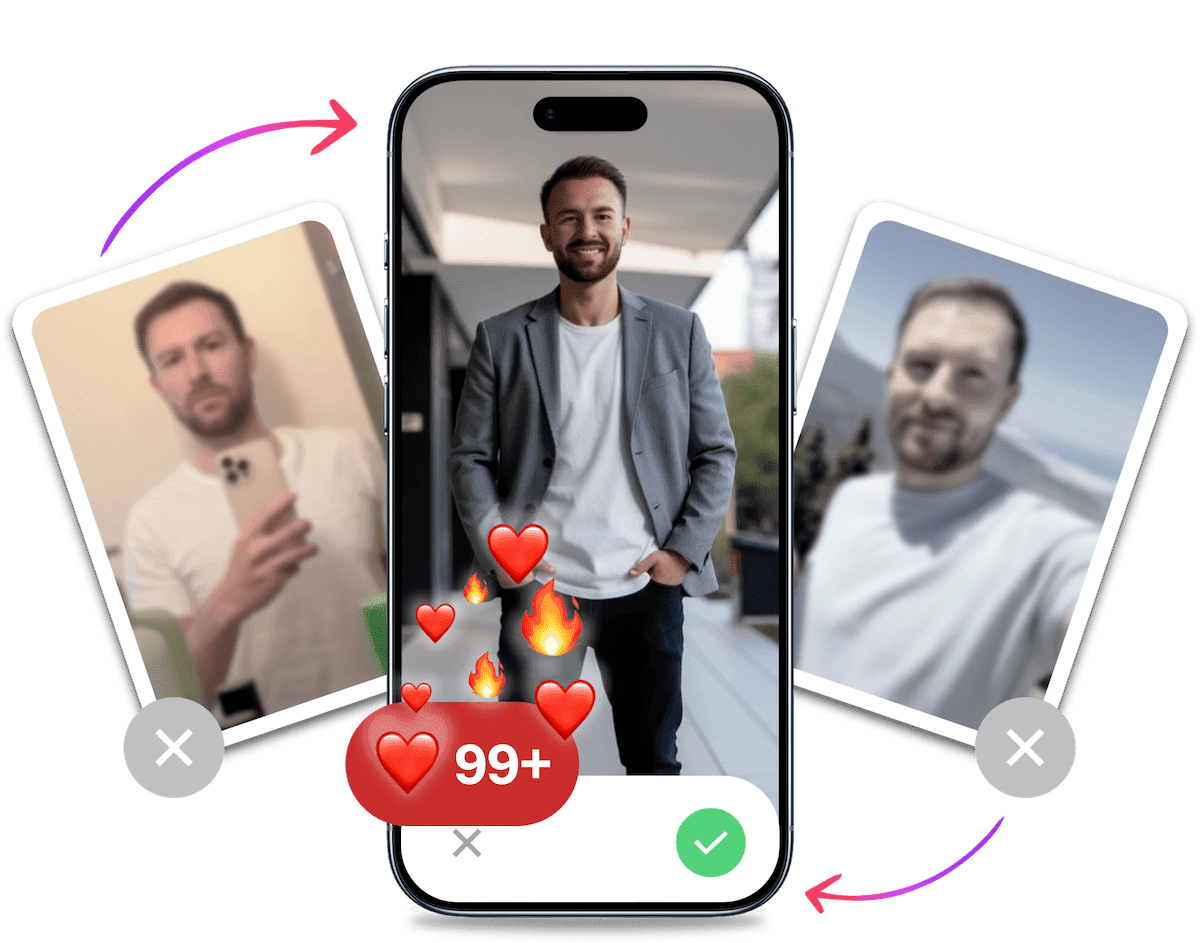
- Get a profile you're proud of
- Proven to increase matches on dating apps
- Turn great matches into more dates
How Dating App Recommendations Work
Dating apps use different recommendation systems. The information available here does not support a universal "desirability score" or the claim that photo quality alone increases profile visibility. A change to your photos may affect how people respond, but it does not guarantee a change in recommendations or matches.
Photo Roles and Common Mistakes
| Photo role | What it helps show | Common mistake |
|---|---|---|
| Clear portrait | What your face looks like now | Sunglasses, filters or shadows obscure your features |
| Full-body photo | Your current appearance and clothing | A tight crop hides useful context |
| Activity photo | An interest you genuinely have | Choosing a scene only because it looks impressive |
| Group photo (secondary) | A social setting | Making it hard to tell which person you are or including people who haven't agreed |
| Different setting or occasion | Another part of your life | Using an image that no longer reflects how you look |
Choose images that are clear, varied and true to you. No photo type guarantees a particular outcome.
How to Select the Best Dating App Pictures: Expert-Approved Strategies
Creating an effective photo portfolio for dating apps requires strategy and intention.
These tips can help you choose clear, useful photos for your profile.
Primary Profile Photo Rules: Lighting, Angles, and Authentic Representation
Your main profile photo serves as your digital first impression and deserves special attention:
Optimal Lighting Techniques:
- Natural, diffused daylight is your best friend
- Aim for the "golden hour" shortly after sunrise or before sunset
- Avoid harsh overhead lighting that creates unflattering shadows
- Never use flash directly on your face, as it creates a deer-in-headlights effect
Angle and Composition Guidelines:
- Position the camera slightly above eye level for the most flattering angle
- Face the light source to illuminate your features evenly
- Keep your chin slightly extended to define your jawline
- Maintain eye contact with the camera to establish connection
- Show your face clearly without sunglasses, hats, or other obstructions
Authenticity Markers:
Your primary photo should clearly show your face with a natural expression that represents the real you. eHarmony's photo guidance says: "Make sure you're front and center in dating profile pictures. Make sure people know what you look like right from the get-go."
Avoid using:
- Heavy filters that alter your appearance
- Outdated photos that don't reflect your current look
- Group shots that make it difficult to identify you
- Overly posed or unnatural expressions
A London dating photographer shares advice on using images to show personality, lifestyle and context.
Creating a Diverse Dating App Photos Portfolio That Tells Your Story
A compelling dating profile requires variety to showcase different aspects of your personality and lifestyle. Understanding the types of dating photos for men is a good starting point for building a portfolio that covers all the bases:
Photo types to consider:
- Clear facial portrait (primary photo)
- Full-body shot showing your current appearance
- Activity or hobby photo that reflects a real interest
- Secondary group photo where it's clear which person you are and everyone agrees to appear
- Travel or adventure photo that reflects your life
- Dressed-up photo showing how you look on a different occasion
These are options, not a required number or formula. Choose images that feel like you.
Lifestyle Demonstration:
Your dating app pictures should subtly communicate:
- Your values and interests
- Social aspects of your life
- Your energy level and personality type
- How you spend your free time
Show the full you. This doesn't mean you have to get your swimsuit out. But rather that you should have some shots that show your full body so people can get a better idea of your general appearance beyond your face.
This advice is about giving people a fair idea of your general appearance. If a photo no longer looks like you, replace it.
Dating App Picture Red Flags: What to Check
Just as important as knowing what to include is understanding what to avoid in your dating app photos:
Technical Red Flags:
- Blurry, pixelated, or poor-quality images
- Photos that are too dark or overexposed
- Extreme close-ups that distort facial features
- Screenshots or images with filters that hide your features
Content Red Flags:
- Multiple selfies from the same angle
- All group photos where you're hard to identify
- Only having one photo on your profile
- Mirror selfies in messy bathrooms
- Pictures with exes (even if cropped)
- Too many photos with alcohol or party settings
- Photos from years ago that don't reflect your current appearance
Poor light, blur or pixelation can make it harder to see you clearly. Christopher Todd Studios offers similar image-quality advice. A group photo can add context when it's a secondary image and it's clear which person you are. Ask everyone shown for consent, and check the current photo rules for each app.
6 Common Mistakes to Avoid With Your Dating App Photos in 2026
Use these examples as a checklist for clarity and variety, not as a ranking of what gets matches.
Overused Dating App Picture Clichés to Consider
Some familiar formats need a bit more context to show who you are or what you enjoy:
- Fish picture - Include one if fishing is a real interest you want to show.
- Car selfie - Check for clear light and a background that doesn't distract.
- Gym mirror photo - Add one only if it shows something that isn't clear from your other pictures.
- Group holiday shot - Make it clear which person you are, and get consent from everyone shown.
- A supercar or other status item - Use it only if it genuinely belongs in your life, and don't imply something that's not yours.
- Pet-only photo - Include an image of yourself elsewhere in the set too.
Choose photos that show your real interests rather than trying to follow a formula. A hike in the Peak District is a useful example if you enjoy walking outdoors.
Technical Issues: Poor Resolution and Photo Cropping Problems
Technical problems can undermine even the most photogenic profile:
Resolution Issues:
- Low-resolution images appear unprofessional and dated
- Screenshots of photos lose significant quality
- Photos from old devices may not display well on modern screens
Cropping Problems:
- Dating apps automatically crop photos to fit their interface
- Badly cropped images can cut off faces or important context
- Landscape photos often lose critical details when forced into square formats
To avoid these issues:
- Use the highest resolution images available
- Test how your photos appear after uploading
- Leave space around the main subject (you) to accommodate automatic cropping
- Choose portrait orientation over landscape when possible
Remember that different dating apps have different image specifications. A photo that displays perfectly on Tinder might be awkwardly cropped on Bumble or Hinge. Preview your profile across platforms if you use multiple apps.
Why Excessive Filters and Over-Editing Harm Your Dating App Profile
In the age of Instagram filters and photo editing apps, it's tempting to perfect every image. However, this approach often backfires on dating apps:
Keep edits modest:
- Heavy filters can make a photo less representative of how you look
- Face or body reshaping can create a difference between the image and real life
- Minor changes to brightness or colour leave your recognisable features intact
For example, Bumble's community guidelines require a solo photo with your full face visible and prohibit images distorted enough to make your identity unclear.
The Right Balance:
- Minor adjustments to lighting and colour are acceptable
- Basic blemish removal is generally fine
- Structural changes to face or body shape should be avoided
- If you wouldn't look like your photo on a first date, the editing has gone too far
Choose edits that leave your face and body recognisable.
Minor enhancements can help your photos look their best, but remember that the goal is to attract someone who will be interested in the real you, not a heavily edited version.
When in doubt, ask a trusted friend whether your photos represent how you look in real life. Current, accurate photos help set a fair expectation before meeting.
DIY Dating App Photography: How to Get Professional-Quality Shots Yourself
You don't need to hire a professional photographer to take clear, usable dating app photos. With a bit of planning and your smartphone, you can build a varied set yourself.
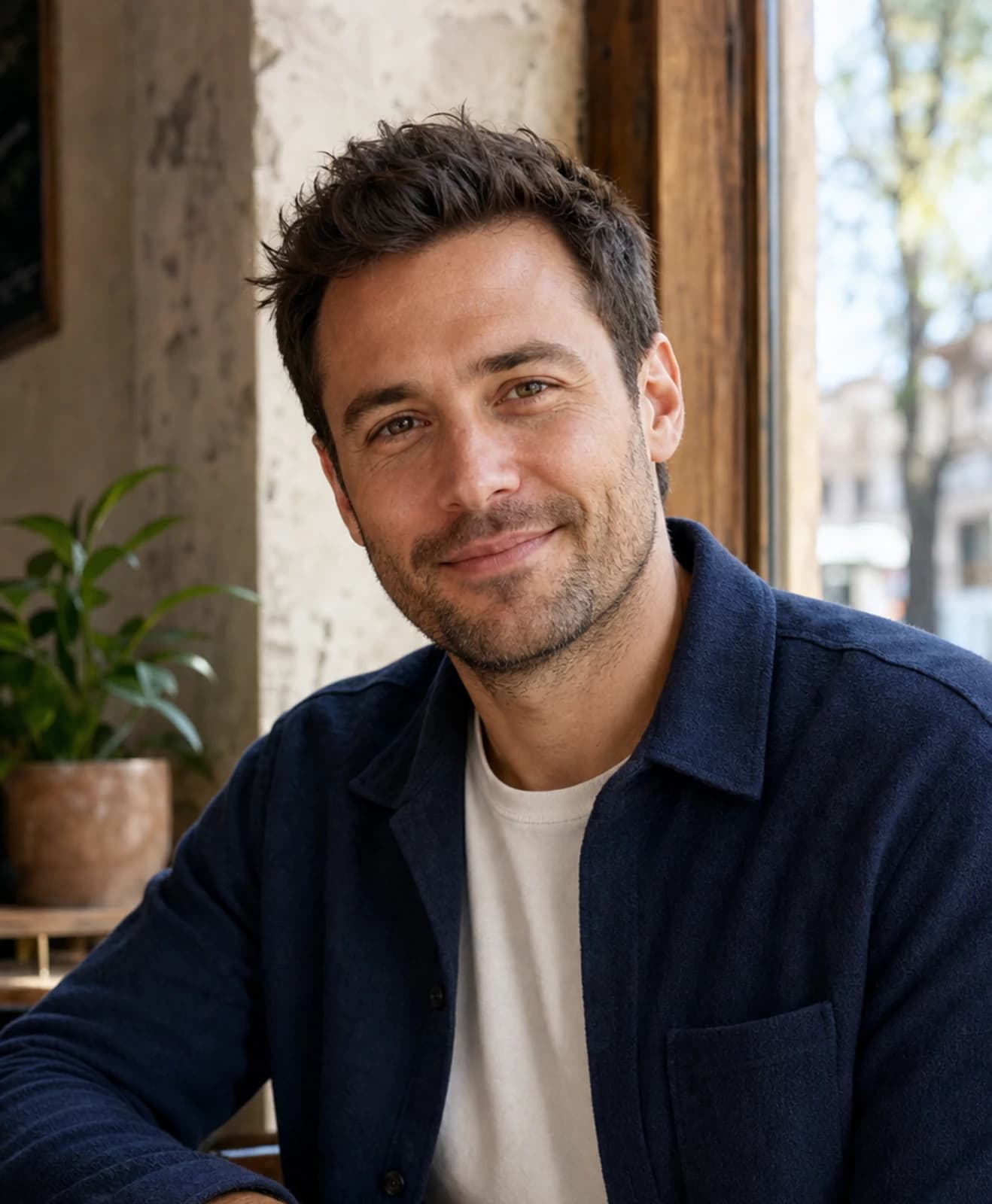
Master Your Lighting
Lighting is the single most important factor in photography.
- The Golden Hour Trick: The best light is free. Take photos in the hour after sunrise or the hour before sunset. The light is soft, warm, and incredibly flattering.
- Face the Light: When indoors, stand facing a window. This provides natural, even light that eliminates harsh shadows. Avoid standing with a window behind you.
- Avoid Harsh Sun: Direct midday sun creates strong shadows under your eyes and nose. If you have to shoot in the middle of the day, find a patch of open shade, like under a large tree or next to a building.
Find Your Best Angles & Composition
How you frame your shot makes a huge difference.
- Camera Above Eye Level: Holding your camera slightly above your eye line is almost universally flattering. It helps define your jawline and makes your eyes look bigger.
- Use Portrait Mode: Most modern smartphones have a 'Portrait Mode' that blurs the background. This mimics the look of a professional camera and makes you the clear focus of the image.
- The Rule of Thirds: Imagine your screen is divided into a 3x3 grid. Instead of placing yourself dead centre, position yourself along one of the vertical lines for a more dynamic and interesting photo.
Use Your Smartphone Like a Pro
Your phone is a powerful tool if you know how to use it.
- Use the Back Camera: Your phone's rear camera is almost always higher quality than the front-facing selfie camera.
- Get a Tripod and Timer: A small, cheap smartphone tripod is a game-changer. It allows you to use the high-quality back camera and the self-timer function to take natural-looking, non-selfie shots.
- Take Candid Shots: Set your phone to record a video, then act naturally. Walk around, interact with something, or have a laugh. Afterwards, you can go through the video and screenshot the best, most natural-looking moments.
App-Specific Photo Strategies for UK Daters
Tinder, Hinge and Bumble publish different guidance and offer different profile features. Check the current requirements in the UK version of the app you use.
Tinder: Make an Instant Impact
Keep your first image clear enough for someone to recognise you. A simple portrait is a useful starting point. Tinder's published explanation says recommendations use activity, proximity, profile information, anonymised cues from similar photos, and Likes and Nopes. Tinder says it no longer uses Elo. This does not mean photo quality alone increases visibility. Read Tinder's explanation of how recommendations work. It's an English/US reference, so check current UK requirements in the app.
Hinge: Spark a Conversation
Hinge's published English-language profile guidance calls for four to six photos, depending on local requirements, and three prompt answers. Choose photos and prompts that reflect real interests or settings you can talk about. Check Hinge's current UK requirements in the app and read Hinge's profile photo guidance for the app's published guidance.
Bumble: Build Trust and Confidence
Bumble allows up to six photos and videos combined, recommends four to six photos, and describes an optional Best Photo feature that compares your first three profile photos and can place the most popular one first. These are Bumble's published English/US guidance. Confirm the current UK requirements in your app. See Bumble's photo and video guidance.
It's Probably Your Photos.
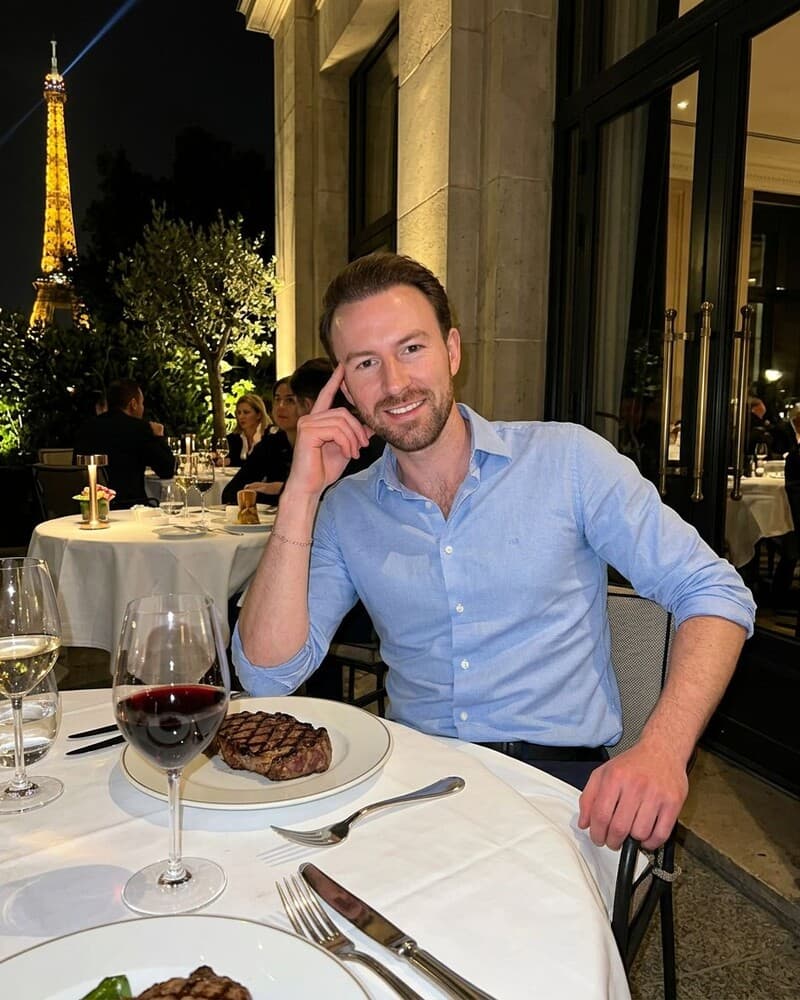
Photos designed to get you more likes, better matches and better dates. TinderProfile.ai is trusted by 60,000+ users.
Pro-Level Strategy: Testing and Optimising Your Photo Lineup
You can compare two versions over time, but treat the result as directional: activity, timing and audience also affect what you see.
Compare Two Options for Your Primary Photo
Choose two clear photos you would be happy to use and try them as your first image at different times. Keep the rest of your profile as steady as you can, then note what happens. Match counts also depend on activity, timing and who sees your profile, so a one-week swap does not prove that a photo caused a change. For more on comparing profiles, see our guide on A/B testing your dating profile.
Get Unbiased Feedback
You may find it hard to judge your own photos because you see them often.
- Ask a few trusted friends: Have them rank your top 5-10 photos and say what each one suggests about you. Treat their first impressions as one input.
- Use Photo Rating Tools: While not perfect, online tools can give you anonymous feedback on attractiveness, trustworthiness, and other metrics. This can highlight blind spots you might have about your own pictures.
Know When to Refresh Your Lineup
The goal is to keep your pictures representative, not to refresh them on a calendar. Reconsider a photo if your haircut, facial hair, clothing style or appearance has changed enough that it no longer looks like you. If you're unsure, compare your profile with your current appearance and update any image that could give the wrong impression.
AI-Generated Dating App Photos: What They Can and Can't Do
AI image tools can create additional dating-app photos in scenes you may not have captured yourself. They're one option for expanding a set. The images still need to look like you, and each app sets its own rules.

How TinderProfile.ai Generates Additional Photos
TinderProfile.ai's paid generator starts with 2-5 of your photos and creates new images in different scenes. The available product information does not establish that generated images improve match rates, and app rules differ. Review each image for recognisability and check the app's rules before uploading.
The Match package costs £23 and includes 60 photos. Check the current product details before choosing a package.
Check App Rules and Keep Your Photos Recognisable
AI photo generation is different from a dating app's own photo-selection feature. Rules vary by service. LOVOO prohibits AI-created or AI-altered images. Its main profile photo must show only you, with an unobstructed, unedited full face. Group photos may appear in its gallery under conditions that include consent. Those are LOVOO's rules, not a general rule for other apps. Read LOVOO's community guidelines for profile photos and check the current guidance for any app you use.
Whichever tool you use, choose photos that still look like you and reflect your current appearance. For more detail, see our guide to AI photos dating.
Advanced Dating App Photo Strategies for Different Demographics
There is no reliable basis here for assigning photo styles by age or culture. Choose pictures around your real interests, how you look now and the people you hope to meet.
Choose Photos That Reflect Your Current Life
Use images that show interests and settings you genuinely enjoy. A clear, current photo matters at any age. The examples should reflect your life rather than a demographic formula.
For specific recommendations tailored to mature daters, see our complete guide on Dating Apps Over 40. For a broader look at photo strategy by demographic, see our dating profile photo tips for guys.
Dating Across Cultures
For UK daters who meet people from different cultures, avoid assuming that someone will prefer a particular pose, expression or style because of where they're from. Use photos that feel true to you and ask someone familiar with the audience if you need context on a specific image.
Keep Your Photos Consistent With Real Life
Photos can help someone recognise you and understand a little about your interests. They can't promise a match or a good date. Keep them clear and representative of how you look now.
Creating Visual Consistency Between Your Dating App Photos and Real-Life Appearance
Your profile should give a fair sense of what someone will see when you meet.
Authenticity Markers:
- Use photos that reflect your current appearance
- Include expressions you naturally make
- Show your usual style and grooming choices
- Represent your body honestly
- Include activities you genuinely enjoy
Bridging Online and Offline Personas:
- If you mention an activity in a photo, you can bring it up when planning a first date
- If your profile shows you enjoying coffee shops, suggesting one is an option
- Choose clothes for a date that feel like your usual style
- Keep your profile consistent with how you describe yourself
People may feel misled if your pictures no longer resemble you. Current, recognisable photos give them a fair idea of who they'll meet.
Use photos that represent you now and show something you genuinely enjoy.
For specific advice on making great first impressions in person, check out our guide to First Tinder Date success strategies.
Using Your Dating App Pictures to Generate Engaging Conversation Starters
A photo can give someone a detail to ask about, but it cannot guarantee a reply or a more interesting conversation.
Conversation-Friendly Photo Elements:
- A location you can talk about
- An activity or hobby you enjoy
- A pet or animal that is part of your life
- A book, destination or other detail you want to discuss
For example, a photo of you at a cooking class in Vietnam might prompt a question about the trip or the class. Use it if you'd enjoy talking about it. A simple beach photo can work just as well.
Building Trust Through Authentic Dating App Photos
Photos can show your face, your current style and some of your interests. They can't prove someone's character, so keep your pictures accurate and avoid implying a hobby or setting that isn't yours.
A Clear Photo Set:
- A visible face in good light
- Settings that reflect your real life
- Expressions that look natural to you
- Images where it's clear which person you are
- Details that agree with your bio and messages
Keep your photos, bio and messages consistent with one another. For advice on what to say after matching, explore our guide on how to start a conversation with a woman.
More Resources for Creating the Perfect UK Dating Profile
For more detail on specific apps and photography setups, see these guides.
Essential Articles
- Best Pictures For Tinder: A guide to choosing clear photos for your Tinder profile, with examples.
- How to Take Dating Pictures by Yourself: Master the art of capturing great photos without a photographer, using simple equipment and techniques.
- AI Photos Dating: Learn how AI-generated dating photos work and why app rules matter.
- Dating Profile Pictures: Tips for creating photos that represent your personality and everyday life.
Platform-Specific Guides
- Bumble Photo Guidelines: Practical advice for choosing clear photos for your Bumble profile.
- Hinge Pictures: Photo tips for Hinge, including its comment-on-photo feature.
- Professional Tinder Photos: Learn when professional photography might fit your dating profile.
- Good Tinder Pictures: Photo examples and profile presentation tips for Tinder.
UK Dating App Photo FAQs: Your Top Questions Answered
How many photos should I have on my dating app profile?
There's no single count for every app. Bumble's published English-language guidance allows up to six photos and videos together and recommends four to six photos. Hinge says four to six photos depending on local requirements, plus three prompt answers. Check the current UK in-app requirements before uploading. A clear face photo and a few distinct, current images matter more than filling every slot.
How recent should my dating app photos be?
Use photos that still look like you now. There isn't a universal month limit in the guidance cited here. Change an image when your appearance, hair, facial hair or usual style has changed enough that it could give someone the wrong idea. Keep your lead photo especially current, and check your full set before meeting anyone.
Are professionally taken photos better for dating apps?
A professional photographer can help with lighting, framing and relaxed expressions, but professional images aren't proven to get more matches. Pick photos that look like you and include ordinary settings alongside any polished portraits. The same principle applies to AI-generated images: the supplied evidence doesn't establish match gains, and app rules vary.
How can I take good dating app photos if I don't have anyone to help?
A small tripod and timer let you use your phone's rear camera. Face a window for soft light and take several frames so you can choose one that feels natural. The paid generator at TinderProfile.ai starts with 2-5 of your photos and creates images in new scenes. Its Like package is £11. Check each app's rules before using generated images. For step-by-step instructions, see our guide on taking dating pictures by yourself.
Should I use filters on my dating app photos?
Avoid filters or edits that change your face or body enough to make the picture unlike you. Small brightness or colour changes can make an image easier to see, but keep your recognisable features as they are. The key check is simple: would someone recognise you from this photo in person?
What's the biggest dating app photo mistake people make?
A photo that no longer shows how you look now can mislead someone. Review the set after a noticeable change to your appearance and remove any image you wouldn't want someone to use as a reference when you meet. There isn't a universal age limit for a photo. Choose current pictures that represent you accurately.