


AI dating photos are images created or changed with artificial intelligence for a dating profile. They can add a new setting or alter the look of a picture, but they should still represent how you look now. Tinder, Hinge and Bumble set out different expectations, so check each app's guidance before uploading one.
Key takeaways
- Tinder requires an authentic identity and prohibits fake personas, fake accounts and misleading information.
- Hinge's March 2026 guide recommends skipping AI-generated profile photos and using recent images that represent you.
- Bumble prohibits generated or enhanced photos when they are used to deceive, and requires accurate self-representation.
- Choose clear, recent pictures that match your appearance and the details in your written profile.
What AI Dating Photos Can Change
An AI dating photo is a profile image made or materially changed with image-generation or editing tools. Depending on the tool, it may adjust the lighting, clothing or setting, or create a new scene from source photographs. The label covers a wide range of work, so look at what the finished image shows before deciding whether it belongs on your profile.
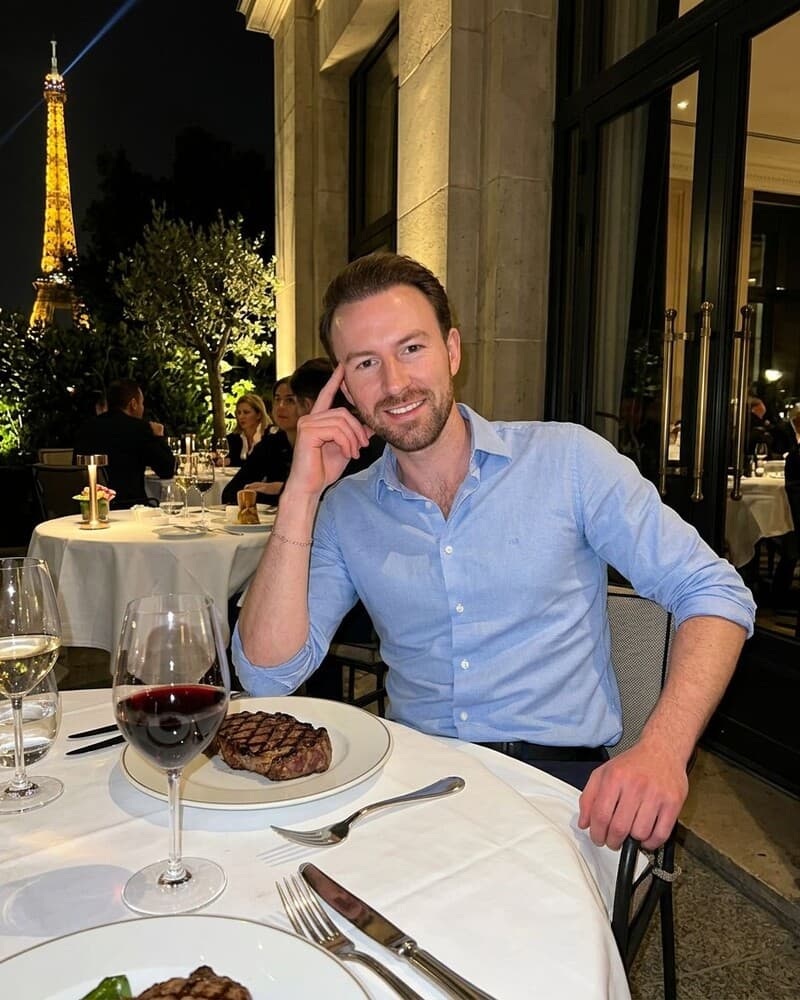
A new scene can imply something about your life. If an image places you at a restaurant, on a mountain walk or at a party you never attended, someone viewing your profile may read it as a real moment. Think about that impression before using it. A polished image can still mislead if it suggests a lifestyle, event or activity that is not yours.
Check That the Person Still Looks Like You
Start with the face. Compare the image with recent pictures and look at details people would recognise: your hair, glasses, facial hair, build and any distinctive features. If the generated version changes those details, it may create a gap between your profile and the person someone meets. Choose an image that reflects your current appearance.
Then inspect the whole frame at full size. Check the hands, clothing, background and shadows for odd details. Ask yourself whether the scene feels plausible for you and whether the image gives an accurate impression of what you enjoy. These are practical checks, not proof that an image will meet every app's rules.
What Tinder, Hinge, and Bumble Say
The three platforms describe authenticity in different ways. Tinder's general rules focus on identity and misleading profiles. Bumble's guidance names artificially generated or enhanced photos when they are used to deceive.
Hinge has both Community Guidelines about authentic profile photos and a separate editorial guide that recommends avoiding AI-generated profile photos. The editorial advice is not the same as a formal account ban.
| App | What the supplied guidance says | What you should not infer |
|---|---|---|
| Tinder | Its Community Guidelines require an authentic identity and prohibit fake personas, fake accounts and misleading information. | The guidelines do not expressly grant blanket permission for AI-generated photos. |
| Hinge | Its Community Guidelines require a clearly visible face photo and reject misleading or outdated photos. A separate March 2026 guide recommends skipping AI-generated profile photos and choosing recent images that represent you. | The guide is editorial advice, not a statement that every AI photo leads to an account ban. |
| Bumble | Its guidelines prohibit artificially generated or enhanced photos when used to deceive and require accurate self-representation. | The deception rule should not be stretched into blanket approval or a blanket ban. |
Official Sources
- Tinder Community Guidelines: Tinder requires authentic identity and prohibits fake personas, fake accounts and misleading information.
- Hinge Community Guidelines: Hinge requires a clearly visible face photo and rejects misleading or outdated photos under its authenticity rules.
- Hinge's Guide to Using AI in Dating (5 March 2026): Hinge recommends skipping AI-generated profile photos and using recent photos that truly represent you. Its March 2026 guide reports that 88% of Hinge daters surveyed are uncomfortable with AI-generated profile photos.
- Bumble Community Guidelines: Inauthentic Profiles: Bumble prohibits using artificially generated or enhanced photos to deceive others and requires accurate self-representation.
Look your best on every dating app. In 10 minutes our AI generates realistic and high-performing dating photos designed to get more likes and dates.
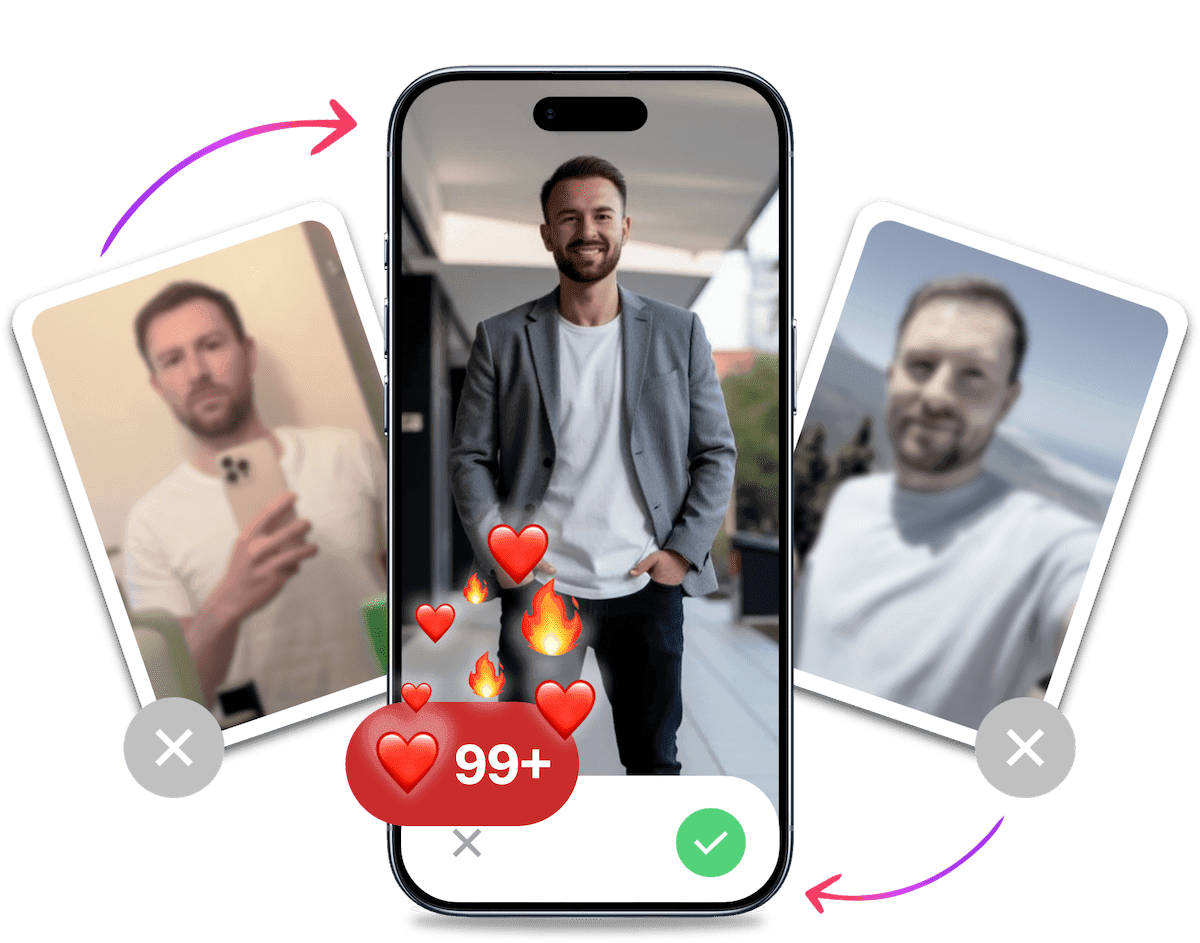
- Get a profile you're proud of
- Drastically increase your matches
- Turn great matches into more dates
Choose Photos That Represent You
A useful dating profile picture is easy to understand at a glance and consistent with how you look now. The cafe photo below is one example of an everyday setting. The point is not to copy the scene. Choose a place and outfit that fit your own life.
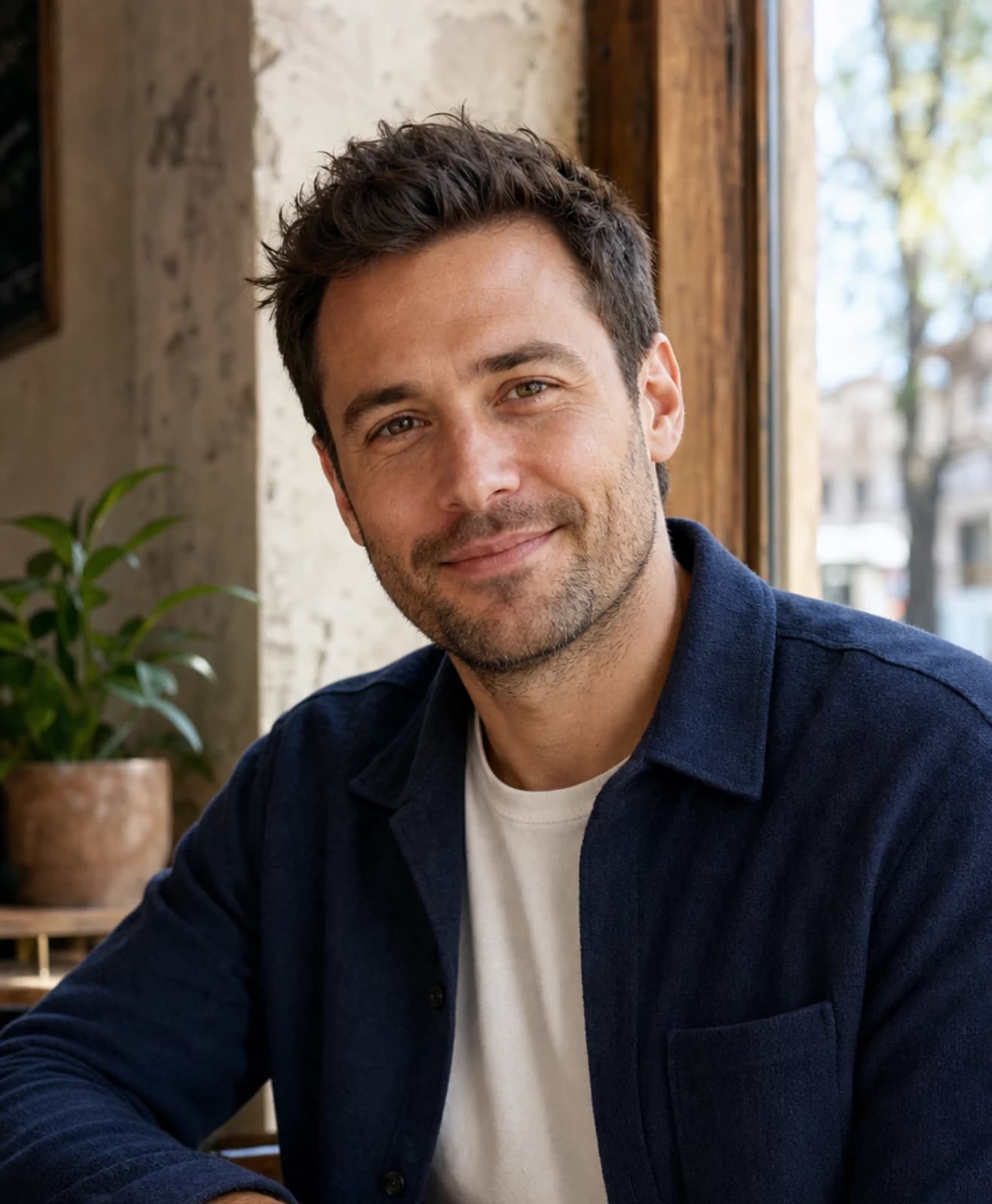
Begin with a clear face photo where your expression and features are easy to see. A current image matters because your profile is an introduction to the person someone will meet. Hinge's Community Guidelines specifically require a clearly visible face photo and reject misleading or outdated photos. That is useful advice for any profile, whether you use an AI-generated image or a photo taken on your phone.
Consider the impression each setting creates. A casual cafe picture, a walk outdoors or a photo connected to a genuine hobby can add context. Use settings you would be comfortable talking about. If the scene makes it look as though you regularly travel, play a sport or attend events that are not part of your life, choose a more accurate option.
Variety can come from ordinary differences: indoors and outdoors, a closer portrait and a wider frame, or a relaxed expression alongside a more formal one. Avoid filling a profile with near-identical images. When several pictures share the same outfit, pose and background, they add little new information. A different setting should show a real side of you rather than a made-up character.
Compare the images as a group as well as one at a time. A picture can look convincing on its own and still feel out of place beside the others. Check that the clothes suit the setting and that the overall impression fits what you would wear or do in real life.
You do not need a dramatic backdrop in every photo. A familiar location can feel more natural and gives you an easy, honest detail to mention in conversation.
Before uploading, ask a friend who knows you to compare the picture with your current appearance. Ask what they would expect from meeting the person in the image. If their answer surprises you, review the photo again. You can also use an AI dating photo analyzer to review whether a set of pictures appears clear and consistent.
Treat its feedback as a second opinion, not an app-policy decision.
If you prefer to improve photos you have already taken, a fast fix for men with no good dating-app photos offers another route. Whichever approach you choose, keep the result recognisable and grounded in your real appearance.
A Short Review Before You Upload
- Can someone recognise you from the picture?
- Does it reflect how you look now?
- Does the scene suggest an interest or experience you actually have?
- Is the face clear, and does the image look natural at full size?
- Do the photos and your written profile describe the same person?
Common Mistakes with AI Dating Photos
Changing Your Identity Through Edits
A different jawline, hairline, skin tone or body shape can make a photo feel less like you. The same goes for removing a feature that is part of your everyday appearance. A flattering result is useful only if it still gives a fair impression. Compare each candidate with an unedited, recent photo and set aside any image that changes recognisable details.
Using a Scene as a Substitute for Real Interests
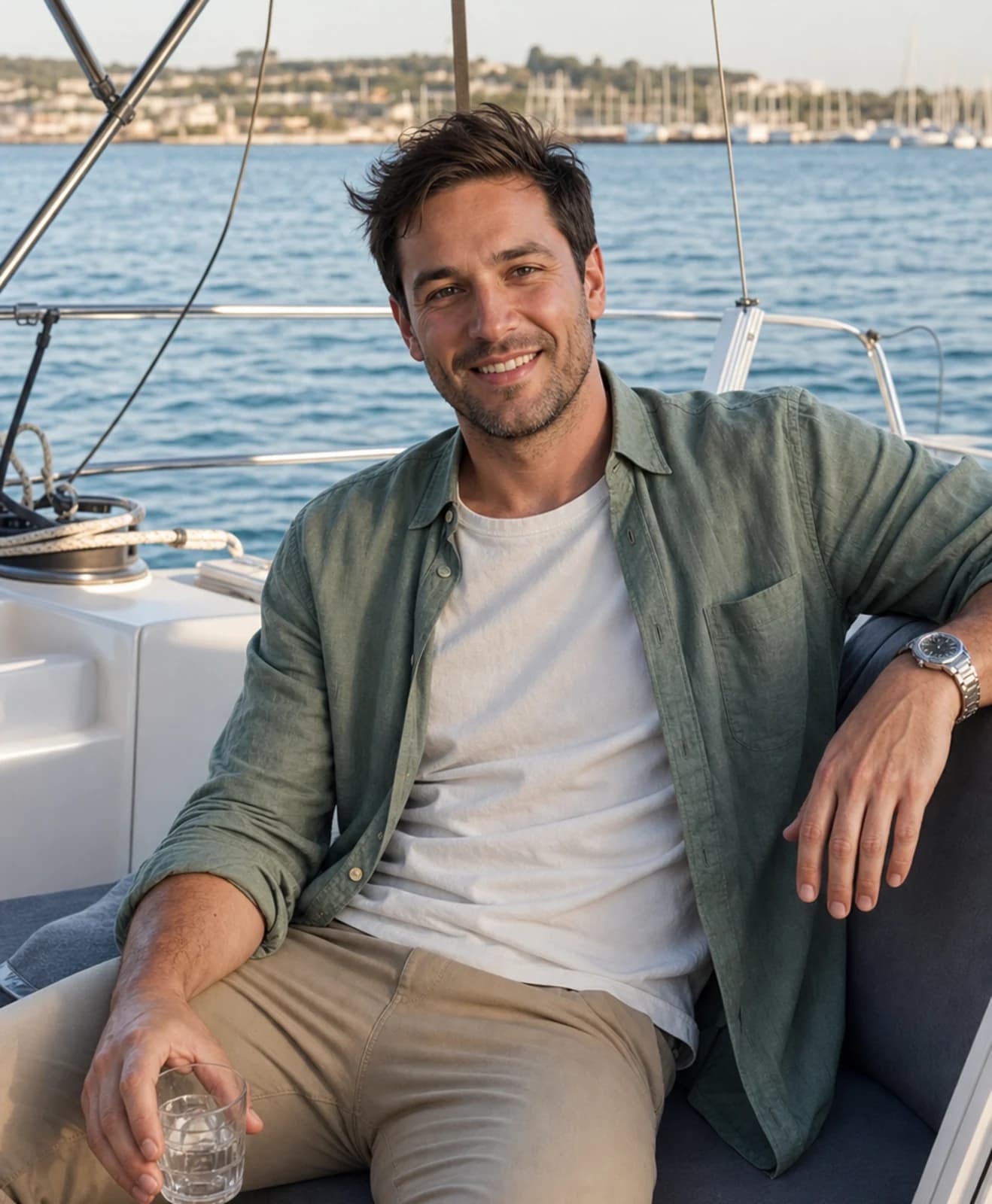
An impressive background may draw the eye, but it can also become the main thing people notice. A yacht, a luxury hotel or a remote mountain can imply a lifestyle that is not yours. Use a generated setting only when it fits how you live or what you enjoy. If you would have trouble answering a simple question about the scene, choose a more familiar one.
Keeping Only the Most Polished Versions
When you compare a set of images, it is easy to favour the sharpest clothes or the most dramatic lighting. Look for a picture that feels plausible as well as polished. Check whether the lighting, hair and clothing match the setting. If several outputs look like the same staged portrait, select the one that gives the clearest and most accurate impression.
Treating an App Rule as a Loophole
A rule that does not mention AI by name is not a promise that every generated image is acceptable. Read what the platform actually says about identity, accuracy and deception, then make a cautious choice. Hinge's March 2026 guide goes further than its general authenticity rules by recommending that users skip AI-generated profile photos. Keep that distinction in mind when deciding whether to use one on Hinge.
It's Probably Your Photos.
Photos designed to get you more likes, better matches and better dates. TinderProfile.ai is trusted by 60,000+ users.
Keep Your Photos and Profile in Sync
Your images and written profile work together to introduce you. If a photo shows you on a long hike, make sure hiking is something you enjoy. If your bio describes quiet weekends, a row of nightlife scenes may give a different impression.
You do not need to make every picture and sentence tell the same story. They should still feel like parts of one person's life.
Read the profile as someone unfamiliar with you might. Look at the pictures first, then the bio and prompts.
Do the interests in the words fit the activities in the images? If an image raises a question, be ready to explain it honestly. A generated picture should not make you claim an experience you have not had.
For example, if you like cooking but rarely eat out, a relaxed kitchen photo may fit better than a formal restaurant scene. If you enjoy weekend walks, choose a familiar outdoor setting and mention what you like about it. Specific details help your profile sound like you. You can use the same approach when choosing profile text, rather than writing a generic line to match a glamorous image.
How TinderProfile.ai Works
TinderProfile.ai trains a personalised AI model using photos you already have, then generates images for dating profiles. The setup accepts 2 to 5 existing photos. Choose clear source images that show your current appearance, then review the generated results before deciding which ones belong in a profile.
The source pictures are the material used to train your personalised model, so choose ones that show you clearly and reflect how you look now. The stated range is 2 to 5 existing photos. You can make that selection before starting by checking the face, lighting and recency in each image. This is a practical way to keep the source set consistent with the person you want to represent.
The service says generated photos are ready in 10 minutes. That is a product timing claim, not a promise about what any dating app will accept or how people will respond. The images are intended for dating profiles. Keep the same accuracy checks in mind: a result should resemble you, and its setting should not imply a false story.
After generation, review the images individually. Check your face and other recognisable details first, then look at the clothes, pose and background. Set aside an image if it changes your appearance or suggests a place or activity that would give someone the wrong idea.
The package table lists the number of dating photos and the current UK display price, which helps you compare the available options. The number of images is a package detail. It does not tell you which images suit your profile or meet an app's guidance.
In practical terms, the documented flow is simple: choose 2 to 5 existing photos, let TinderProfile.ai train the personalised model, then assess the generated dating images yourself. The ready-in-10-minutes claim describes the service's stated timing. It does not include the time you may want to spend selecting source photos or reviewing the results. Use the package table to compare the listed photo counts and display prices, then choose only images that fit your profile and the app's published rules.
The current UK display packages are:
| Package | Dating photos | Price |
|---|---|---|
| Like | 20 | £11 |
| Match | 60 | £23 |
| Super Like | 100 | £30 |
If you want to try the service, get your AI dating photos with TinderProfile.ai. Review the available images carefully and use only those that reflect your current appearance and follow the guidance for the app where you plan to use them.
Final Thoughts on AI Dating Photos in the UK
AI can create another option when you need dating profile pictures, but the image still has to represent you. Check the app's own guidance, especially when it addresses AI directly, and use recent pictures that show your face clearly. Choose scenes that fit your interests, inspect the details and keep your written profile consistent with what the images suggest.
Hinge's advice is especially clear: its guide recommends skipping AI-generated profile photos. For any app, make the decision based on the guidance it publishes and the impression the image creates.
If you want to explore the service, TinderProfile.ai explains its current UK packages.
Frequently asked questions about AI dating photos
Are AI-generated photos allowed on Tinder, Hinge or Bumble?
There is no single rule that covers all three apps. Tinder's Community Guidelines require authentic identity and prohibit fake personas, fake accounts and misleading information. Bumble prohibits generated or enhanced photos when used to deceive. Hinge's March 2026 guide recommends skipping AI-generated profile photos. Read the linked platform guidance above. Silence on a specific editing method is not blanket permission.
What does Hinge recommend about AI photos?
Hinge's March 2026 guide recommends skipping AI-generated profile photos and choosing recent images that truly represent you. It also reports that 88% of Hinge daters surveyed are uncomfortable with AI-generated profile photos. That is a finding about the Hinge daters in its survey, not all people who use dating apps. Hinge's separate Community Guidelines address clearly visible, current and non-misleading photos.
How can I choose dating photos that represent me?
Start with a recent image where your face is easy to see. Compare any generated picture with how you look now, including recognisable details such as your hair, glasses and build. Choose settings that fit your real interests, and check that the written profile supports the impression the image creates. If an image changes your identity or suggests an experience you have not had, leave it out.
How does TinderProfile.ai make dating photos?
TinderProfile.ai trains a personalised AI model on your existing photos and uses it to generate dating-profile images. The setup accepts 2 to 5 source photos, and the service says results are ready in 10 minutes. The finished set can include different scenes, so review each image for recognisable features and an accurate impression before choosing whether to use it.
Can people tell whether a dating photo was made with AI?
The sources in this guide do not measure whether people can identify AI-generated photos, so a definite yes or no would be unsupported. Inspect each image for details that look wrong and consider whether its scene could mislead someone. No image can be promised to avoid detection or to look authentic to everyone. Follow the platform's guidance and use pictures that represent you fairly.
Further Reading on AI Dating Photos
The same app-policy caveat applies: a tool's ability to make an image does not establish that a dating platform permits every use of it.
For a neutral look at another image-generation workflow, read how to use Midjourney for Tinder photos.