


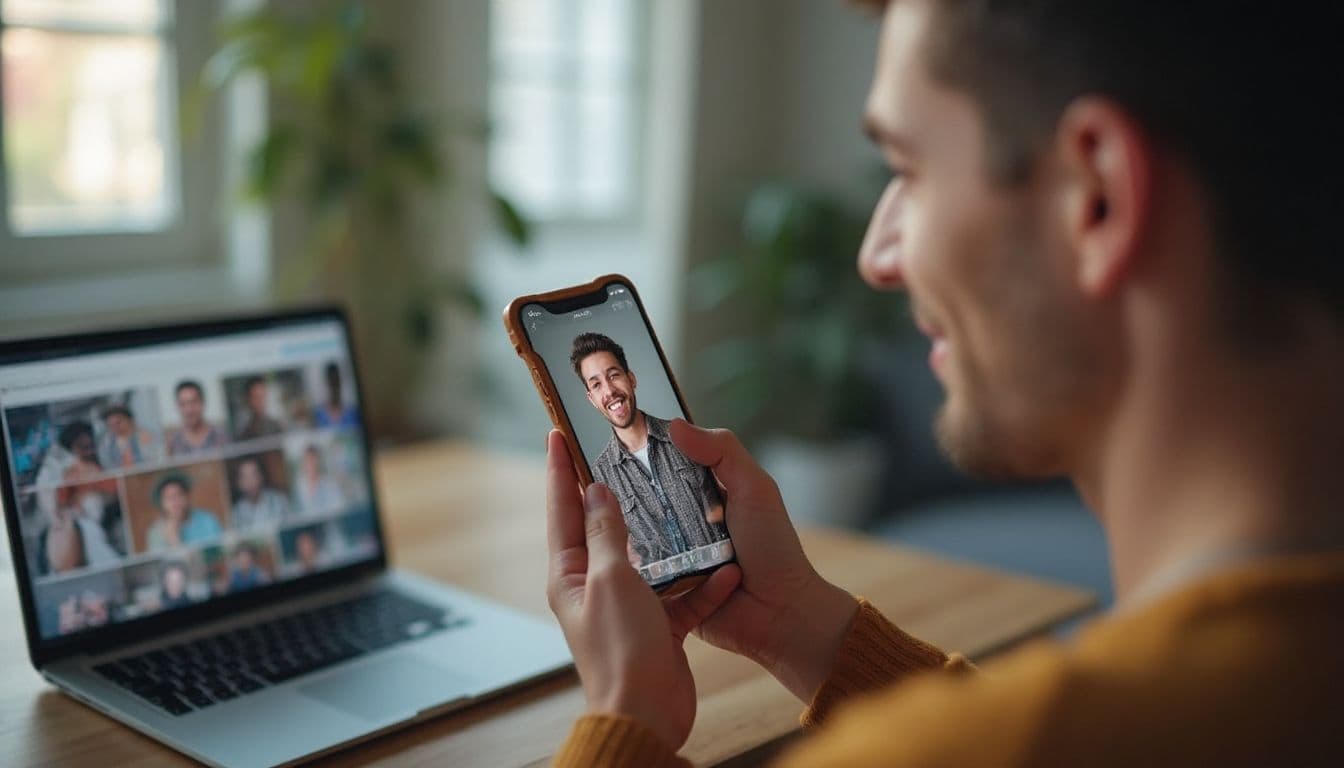
Midjourney for Tinder photos works best as a manual workflow: add a clear reference image, describe a realistic scene, iterate on the strongest result, and check the crop before you upload it. For UK profiles, you can build settings from a Cotswolds pub to a Manchester coffee shop, but Midjourney still needs prompt work and a careful identity check because facial details can drift.
This guide walks you through the setup, V6 Character Reference parameters, aspect ratios, and four-step process before giving you 27 UK prompts to copy and adapt. It also compares that hands-on route with a dating-specific alternative if you want natural-looking profile photos without learning Midjourney.
Key Takeaways: Midjourney for Tinder Photos
- A Midjourney Tinder photo starts with a clear reference image, a specific scene prompt, several iterations, and a crop check before upload.
- Midjourney is available through Discord or its web Create interface, but the menus and access rules can change, so verify the current entry point.
- Keep your face recognisable and centred, then reject results with identity drift or a crop that cuts off your head or chin.
- This guide includes 27 copy-and-adapt prompts built around UK pubs, cities, parks, and outdoor locations.
- A dating-specific alternative can create natural-looking profile photos in about 10 minutes without prompt engineering.
The Allure of AI: Why Midjourney is a Tempting Choice for Your Dating Profile
Let's be honest, the promise of Midjourney is incredibly tempting, especially in the UK. When a decent dating photo shoot in a major city can set you back £400-£800, the idea of paying a small subscription for infinite photos feels like a no-brainer. It seems like a superpower for your dating life.
The perceived benefits are huge, and they're probably what brought you here. You're thinking about:
- Cost-Effectiveness: A monthly Midjourney fee versus a one-off, expensive photoshoot. The maths seems simple.
- Endless Variety: One minute you're in a stylish Shoreditch cafe, the next you're hiking in the Peak District. You can generate any scenario you can dream up to create perfect AI dating profile pictures UK style.
- Complete Control: You can dictate the lighting, the mood, your expression, and even the camera lens used. It's ultimate creative freedom.
This desire to create amazing AI Tinder photos is completely valid. A great photo can change your entire dating experience. This guide will give you the tools, but it's important to understand that executing this idea with a general-purpose tool like Midjourney requires skill.
Look your best on every dating app. In 10 minutes our AI generates realistic and high-performing dating photos designed to get more likes and dates.
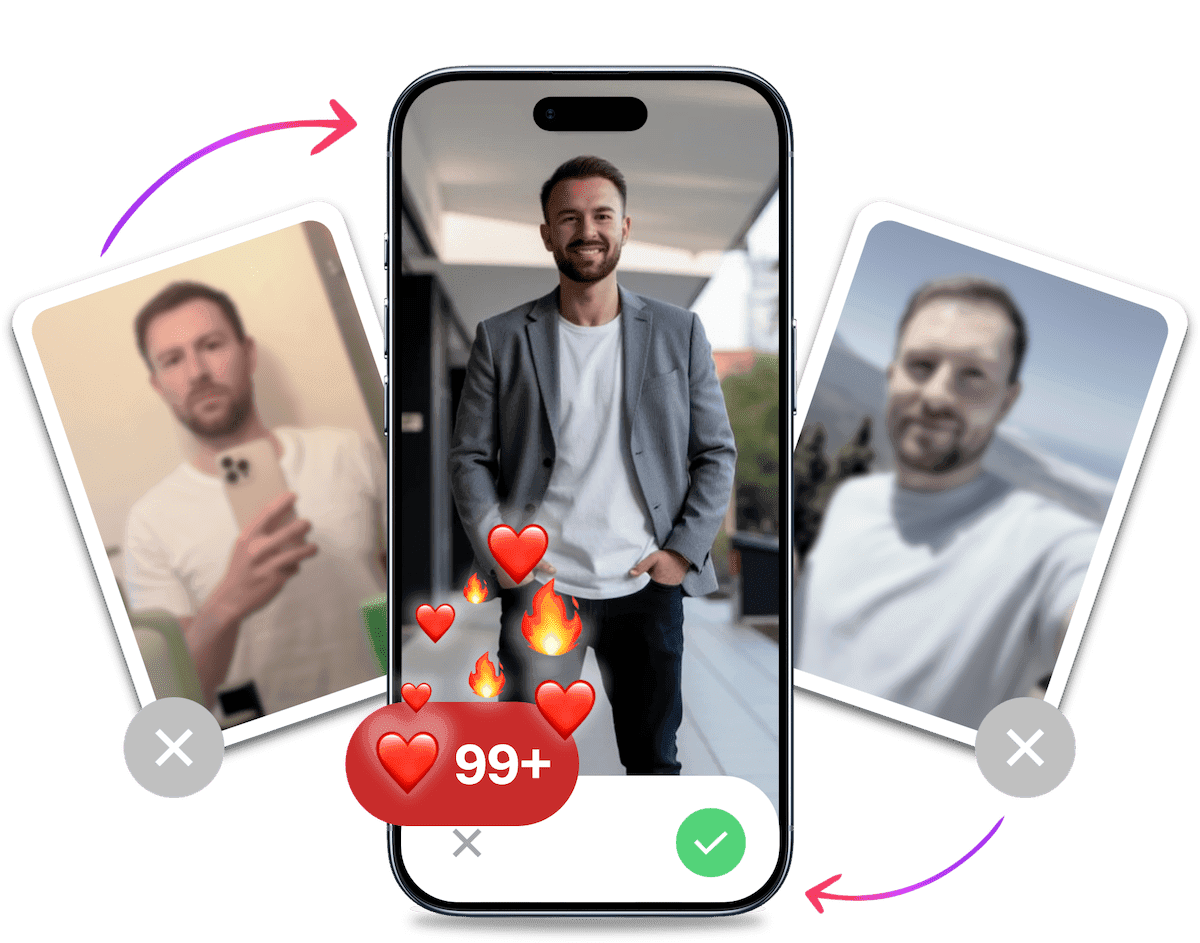
- Get a profile you're proud of
- Drastically increase your matches
- Turn great matches into more dates
The Hacker's Way: Your Expert Guide to Creating a Face in Midjourney
Ready to try what we call "The Hacker's Way"? This is the manual, expert process for creating your own AI dating profile pictures with Midjourney. It works incredibly well if you have patience and a willingness to get technical.
Step 1: Setting Up Your Midjourney Environment
Midjourney now works through Discord and its browser-based Create page at midjourney.com. A recent comparison of Midjourney's web Create interface describes an Imagine Bar with visual controls that replaces Discord command syntax. The route, menus, and access rules can change, so check the current Create page before you start.
On Discord, join the official Midjourney server and use the bot in a channel. On the website, open Create and use the prompt field. Either route lets you upload a reference image, describe your scene, and iterate on results, so choose the interface you are more comfortable with.
Step 2: Training the AI on Your Face
This is the most critical hurdle. Midjourney doesn't know what you look like. You have to teach it. This workflow selects V6 and uses Midjourney's "Character Reference" feature.
Start with one clear, well-lit headshot of just you, with no one else in the frame. Add a few extra angles only if you want to compare results. Choose every source image carefully.
Step 3: Engineering the Perfect Prompt for Realism
Now for the creative part. You'll use the /imagine command followed by a detailed text description. This is where you create the scene, the style, and the vibe. Crafting good Midjourney prompts for Tinder is an art form that blends creativity with technical precision. You can't just write "a photo of me." You need to be specific.
A great prompt includes the subject, the setting, the lighting, the style, and even technical camera details for more realism.
Mastering V6 Character Reference (--cref) for Facial Consistency
After selecting V6, upload a clear headshot, copy its image URL, and add --cref [URL] to your prompt. The --cw character weight runs from 0 to 100: lower values keep the reference focused on your face, while higher values carry more of the reference's face, hair, clothing, and pose. Add --v 6 at the end of the prompt. The official Midjourney Character Reference guidance documents this V6 workflow.
Choosing the Right Aspect Ratios (--ar) for Dating Apps
Portrait output is a useful starting point, so --ar 2:3 can give you a tall source image. Tinder's upload flow and swipe card can crop that image towards a centred vertical frame, though, so do not treat 2:3 as a guarantee that the whole photo will show. Keep your face centred with headroom and space below your chin, and preview the square crop before publishing. Tinder's centre-crop behaviour is worth checking when you frame each shot.
Using Style (--style raw) and Lighting Parameters for a Natural Look
To avoid the "AI look," you need to tell Midjourney to aim for realism. Use --style raw to reduce the default artistic flair. You should also be very specific about lighting. Use terms like "soft morning light," "golden hour," or "natural window light" to guide the AI away from overly dramatic or fake-looking lighting.
Here's a solid example prompt you can adapt:
/imagine prompt: [URL of your reference image] photo of a man in his late 20s, candid shot, smiling naturally, sitting in a bright, modern cafe, soft morning light, shot on a Sony A7III with a 50mm f1.8 lens --ar 2:3 --style raw --cref [URL of your reference image] --cw 100 --v 6
Step 4: Iterating, Upscaling, and Refining
Midjourney doesn't give you one perfect image. It gives you a grid of four options based on your prompt. None of them might be exactly right.
From here, you have to:
- Re-roll: If you don't like any of the four, you can run the same prompt again for a new set.
- Make Variations (V1-V4): If one image is close but not perfect, you can ask for variations of it.
- Upscale (U1-U4): Once you find a winner, you upscale it to get a high-resolution, usable version.
This process of re-rolling and making variations can take hours just to get one single great photo.
25+ Proven Midjourney Prompts for British Dating Profiles
Here is a library of copy-and-paste prompts designed for the UK dating scene. Replace [URL] with the link to your own reference image. These prompts cover some of The 7 Photo Archetypes that perform best on dating apps.
The Casual Day Out (Pubs, Cafes & Parks)
photograph of a man in his late 20s, smiling, sitting in a cosy pub in the Cotswolds, warm ambient lighting, holding a pint, candid shot, natural expression --ar 2:3 --style raw --cref [URL] --cw 100 --v 6photo of a man laughing with a friend (out of frame) in a bright, airy Manchester coffee shop, morning light from a window, relaxed posture --ar 2:3 --style raw --cref [URL] --cw 100 --v 6candid shot of a man walking his dog in a London park on an autumn day, golden hour light, wearing a casual jacket, genuine smile --ar 2:3 --style raw --cref [URL] --cw 100 --v 6a man reading a book on a bench in Regent's Park, soft focus background, dappled sunlight through trees, peaceful expression --ar 2:3 --style raw --cref [URL] --cw 100 --v 6photo of a man at an outdoor food market in Bristol, looking thoughtfully at produce, natural daylight, vibrant colours, shot on a Fujifilm X-T4 --ar 2:3 --style raw --cref [URL] --cw 100 --v 6candid photograph of a man enjoying a coffee at an outdoor table in a Brighton lane, slight smile, relaxed atmosphere, shallow depth of field --ar 2:3 --style raw --cref [URL] --cw 100 --v 6a man leaning against a classic red brick wall in Liverpool, looking off-camera with a confident smile, overcast but bright day --ar 2:3 --style raw --cref [URL] --cw 100 --v 6photo of a man at a Sunday roast in a country pub, natural lighting, looking happy and social, depth of field making the background soft --ar 2:3 --style raw --cref [URL] --cw 100 --v 6man walking along the South Bank in London, Tower Bridge blurred in the background, confident stride, late afternoon light --ar 2:3 --style raw --cref [URL] --cw 100 --v 6
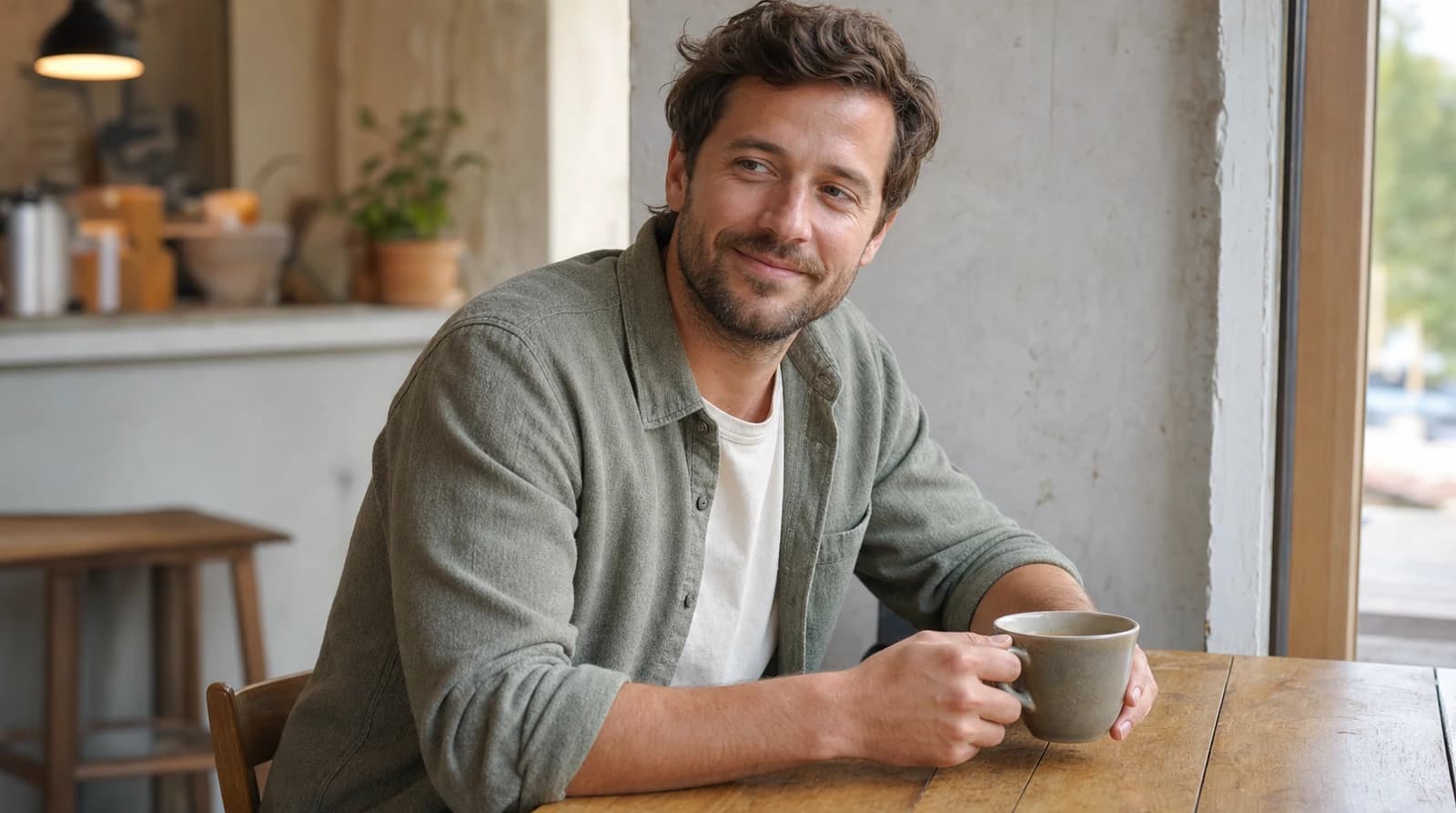
Smart & Professional (City Life)
photograph of a man in a smart-casual blazer, standing on a rooftop bar in Birmingham with the city skyline at dusk, looking confident --ar 2:3 --style raw --cref [URL] --cw 100 --v 6a man in a well-fitted shirt, working on a laptop in a modern co-working space in Leeds, focused but approachable expression, clean lighting --ar 2:3 --style raw --cref [URL] --cw 100 --v 6portrait of a man in a stylish coat waiting for a tube in a well-lit London Underground station, looking thoughtfully off-camera, cinematic style --ar 2:3 --style raw --cref [URL] --cw 100 --v 6a man attending an art gallery opening in Shoreditch, looking engaged with the art, wearing a stylish jacket, ambient gallery lighting --ar 2:3 --style raw --cref [URL] --cw 100 --v 6photo of a man in a smart jumper, leaning against a railing overlooking the River Clyde in Glasgow, soft evening light, confident posture --ar 2:3 --style raw --cref [URL] --cw 100 --v 6a man in a crisp shirt walking through the financial district of Canary Wharf, looking purposeful and driven, modern architecture background --ar 2:3 --style raw --cref [URL] --cw 100 --v 6portrait of a man at a classical music concert in a grand hall, looking appreciative, low warm light, sophisticated atmosphere --ar 2:3 --style raw --cref [URL] --cw 100 --v 6man hailing a black cab on a rainy London street at night, neon lights reflecting on wet pavement, cinematic and cool vibe --ar 2:3 --style raw --cref [URL] --cw 100 --v 6a man sitting in a leather armchair in a distinguished member's club, holding a drink, looking directly at the camera with a slight smile, dimly lit --ar 2:3 --style raw --cref [URL] --cw 100 --v 6
The Active & Adventurous Shot
photo of a man hiking in the Peak District, smiling at the camera, wearing outdoor gear, epic landscape background, bright daylight --ar 2:3 --style raw --cref [URL] --cw 100 --v 6a man on a road bike cycling through the Cotswolds countryside on a sunny day, captured in motion, looking happy and energetic --ar 2:3 --style raw --cref [URL] --cw 100 --v 6candid shot of a man setting up a tent while camping in the Lake District, focused on his task, beautiful natural surroundings, late afternoon sun --ar 2:3 --style raw --cref [URL] --cw 100 --v 6action shot of a man playing football with mates in a local park, laughing, dynamic and full of energy, sunny day --ar 2:3 --style raw --cref [URL] --cw 100 --v 6photo of a man kayaking on a Scottish loch, looking serene and enjoying the nature, misty morning atmosphere --ar 2:3 --style raw --cref [URL] --cw 100 --v 6a man at the top of Arthur's Seat in Edinburgh, looking out over the city with a sense of accomplishment, wind in his hair --ar 2:3 --style raw --cref [URL] --cw 100 --v 6portrait of a man after a run along the Brighton seafront, looking healthily tired and happy, sea in the background --ar 2:3 --style raw --cref [URL] --cw 100 --v 6a man learning to surf on a beach in Cornwall, action shot on the board, fun and adventurous vibe --ar 2:3 --style raw --cref [URL] --cw 100 --v 6photograph of a man doing outdoor yoga in a park, focused and calm, beautiful green background, morning light --ar 2:3 --style raw --cref [URL] --cw 100 --v 6
The Hidden Pitfalls: Why Midjourney Often Fails for Dating Photos
You can see how complex the process is. But the issues go deeper than just time and effort. Before you start, compare your planned set with this checklist for good Tinder pictures. There are fundamental reasons why Midjourney, as powerful as it is, often isn't the right tool for creating your dating profile pictures.
The Uncanny Valley & The "Plastic" Look
Midjourney is a generalist AI trained on millions of images, with a heavy emphasis on art and illustration. It's not specifically optimised for photorealism of real people.
The result? The images often fall into the "uncanny valley." They look slightly off, too smooth, or like a character from a high-end video game. This is the opposite of the authenticity you need to build trust on a dating app.
You want to look like you on your best day, not like a fake avatar.
Facial Inconsistency
Even with the character reference feature, getting the AI to generate your face perfectly every single time is a constant battle. In one image, your eyes might be slightly different. In another, your smile looks forced or strange.
This inconsistency means you spend even more time re-rolling and tweaking, hoping for that one-in-a-hundred shot where the AI gets your face just right. It's a frustrating game of chance.
The Time Sink of Prompt Engineering
Let's be blunt. Do you want to become a part-time AI prompt engineer or do you want to go on more dates?
Getting one great photo can take hours of learning prompt structures, testing parameters, and iterating endlessly. That's time you could be spending swiping, matching, and meeting people. The learning curve is steep, and the return on your time investment is often low.
The Generalist vs. The Specialist Problem
This is the core issue. Midjourney is trained to make cool pictures. It is not trained on what actually performs well on dating apps.
It doesn't know that a genuine, warm smile in a natural setting gets more matches than a dramatic, artistic shot. It's a powerful tool, but it's the wrong tool for this specific job. It's like using a sledgehammer to crack a nut.
It's Probably Your Photos.
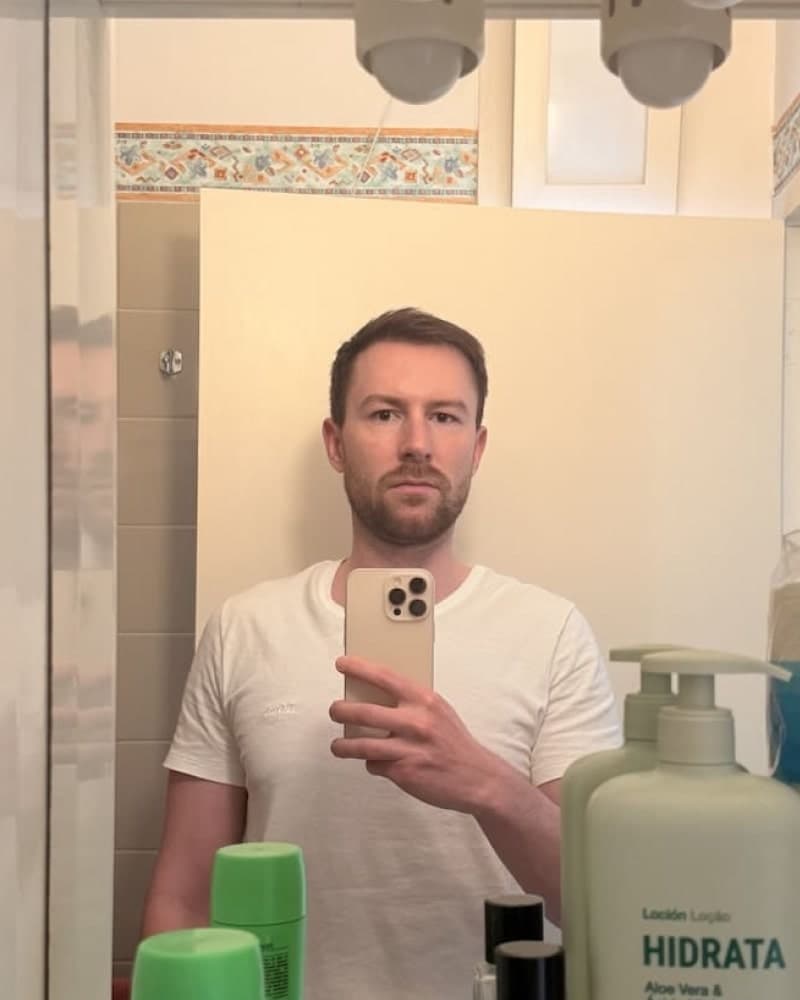
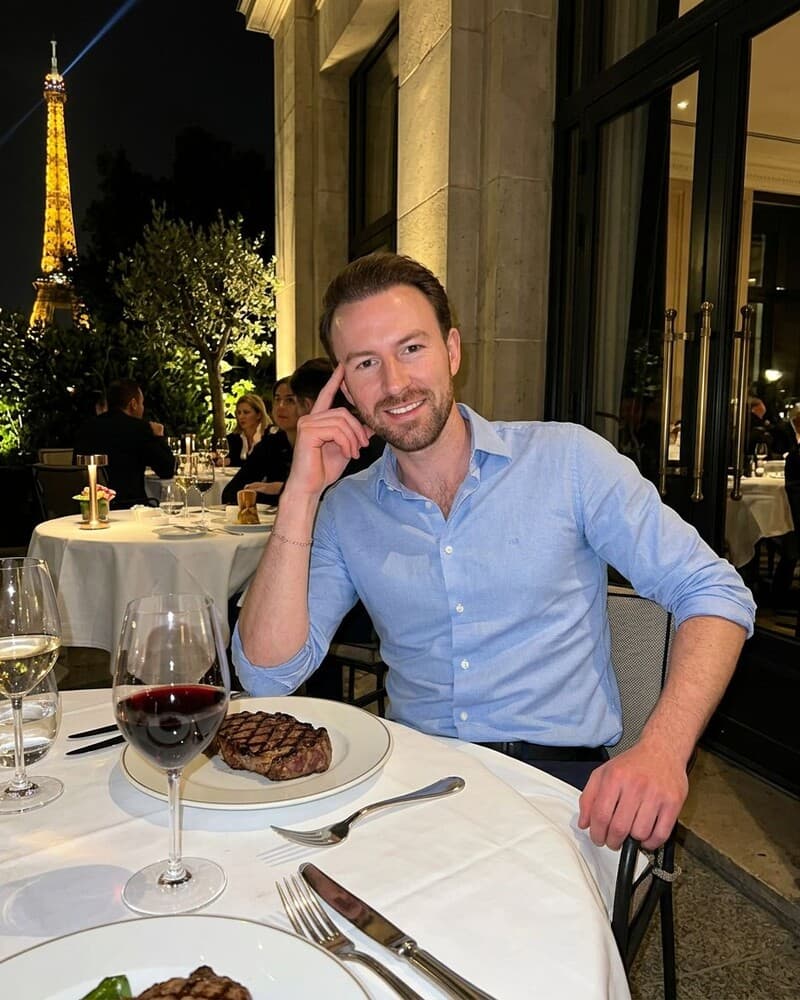
Photos designed to get you more likes, better matches and better dates. TinderProfile.ai is trusted by 60,000+ users.
The Smarter Alternative: 20-100 Dating Photos in About 10 Minutes
After seeing the complexity and pitfalls of Midjourney, you might be thinking there has to be a better way. There is.
Instead of a general-purpose AI, you need a specialist built for dating apps. If you are comparing options with professional Tinder photos, a specialist workflow avoids booking a shoot and usually costs less. That is the role of TinderProfile.ai: it trains a personalised model on your own photos and creates natural-looking profile images.
Forget Prompts. Just Upload Your Selfies.
You can skip the Discord servers, command lines, and prompt engineering.
Upload 2-5 of your existing photos and let the model handle the rest. In about 10 minutes, you get 20-100 photos to review, depending on the package. Keep the images that look like you and fit the way you actually want to present yourself.
An AI Trained Exclusively for Dating
Our AI isn't a generalist. TinderProfile.ai trains a personalised model on your own photos and is built for dating apps, so the scenes, poses, and expressions stay relevant to a profile rather than a business headshot. Packages include a money-back guarantee.
Realism is Our Priority
We obsessed over creating realistic AI Tinder photos. The goal is a result that looks like you on your best day, as if a talented friend took a candid shot.
These images are built from your photos, not a generic avatar. Check each one for recognisable features, natural skin texture, and an honest setting before adding it to your profile. Browse realistic AI dating photos and keep only the images that still look like you.
Conclusion: The Right Tool for Your UK Dating Profile
Midjourney is an incredible, groundbreaking tool for artists and designers. But when it comes to getting more matches on Tinder, it's the wrong tool for the job.
It's too complex, too time-consuming, and isn't specialised enough to deliver the authentic, effective results you need for your dating profile.
Why spend hours becoming a prompt engineer just to get a few maybe-usable photos? You can get 20-100 candidate photos ready in about 10 minutes, then keep the ones that genuinely look like you.
Stop letting bad photos hold you back. Let TinderProfile.ai give you the magnetic first impression you deserve. It's time to start matching with the people you actually want to meet.
Frequently asked questions about Midjourney Tinder photos
Will I get banned from Tinder for using AI photos?
Tinder's rules do not single out AI by name, but you are responsible for making sure uploaded images accurately represent your identity, age, and appearance. Tinder's authenticity rules still apply, and heavily altered or synthetic faces can fail verification or trigger enforcement. Read more about whether AI photos are detectable on Tinder, and keep a genuine verification photo available.
Is it unethical to use AI photos on a dating profile?
Using AI photos is generally a question of accuracy, not a blanket ethical yes or no. Adjusting lighting or choosing a flattering angle is normal, but a generated image should still look like you and avoid implying a lifestyle you do not have. Be ready to tell a match if they ask, and keep a genuine Tinder verification photo available. Remove any image that feels misleading.
Are AI-generated photos actually effective?
AI-generated photos can be effective when they improve lighting, variety, and context without changing your identity. Use one clear face photo, then add lifestyle and social images that resemble how you actually spend time. More options do not guarantee more matches, but a coherent set gives you better material to test. See how to maximise Tinder matches for profile-level improvements.
How can I keep my face consistent across Midjourney images?
In V6, use a clear, solo headshot as the --cref image and test --cw values from 0 to 100. Lower settings focus mainly on facial identity, while higher settings carry more of the reference's hair, clothes, and pose. Reject any result with changed eyes, jawline, or smile, even if the scene looks perfect. Consistency matters more than a dramatic location.
What aspect ratio should I use for Tinder photos?
Start with --ar 2:3 for portrait output, then check the square upload and centre crop Tinder uses in the app. Keep your face centred, leave headroom and room below your chin, and avoid placing key details at the edges. Preview the first photo in the swipe card before publishing, because a beautiful full frame can still crop badly.