


To delete your Hinge account, open the app, tap Profile, then Settings, choose Delete Account, and confirm the deletion. Uninstalling Hinge only removes the app, not your profile or data. An App Store or Google Play subscription must be cancelled separately.
If you are unsure whether Hinge is the real problem, check the common reason men fail on dating apps first.
Hinge account deletion: key points
- Uninstalling the Hinge app does not delete your account or profile.
- To delete your account, open Hinge, tap Profile, then Settings, choose Delete Account, and confirm.
- Cancel any Hinge subscription separately through the Apple App Store or Google Play Store.
- Pausing your Hinge account is reversible, while deleting it is permanent.
The Critical Difference: Deleting the App vs. Deleting Your Account
Let's get one crucial thing straight right away. This is important.
WARNING: Simply deleting the Hinge app from your phone does NOT delete your profile. Your profile will remain active, visible, and you could still be charged if you have a subscription.
When you just remove the app icon from your homescreen, you're only removing the software from your device. Your data, your profile, your photos, and your billing information are all still sitting on Hinge's servers.
This means your profile could still be shown to other users, and if you have Hinge+ or HingeX, the monthly charges will keep coming. To truly erase your presence, you must follow the steps to permanently delete hinge from within the app itself.
How to Permanently Delete Your Hinge Account: Step-by-Step Instructions
Ready to do it? Here are the exact instructions for both iPhone and Android devices. They remove your account from Hinge. Hinge's retention policy, including its three-month safety window, is explained below.
Look your best on every dating app. In 10 minutes our AI generates realistic and high-performing dating photos designed to get more likes and dates.
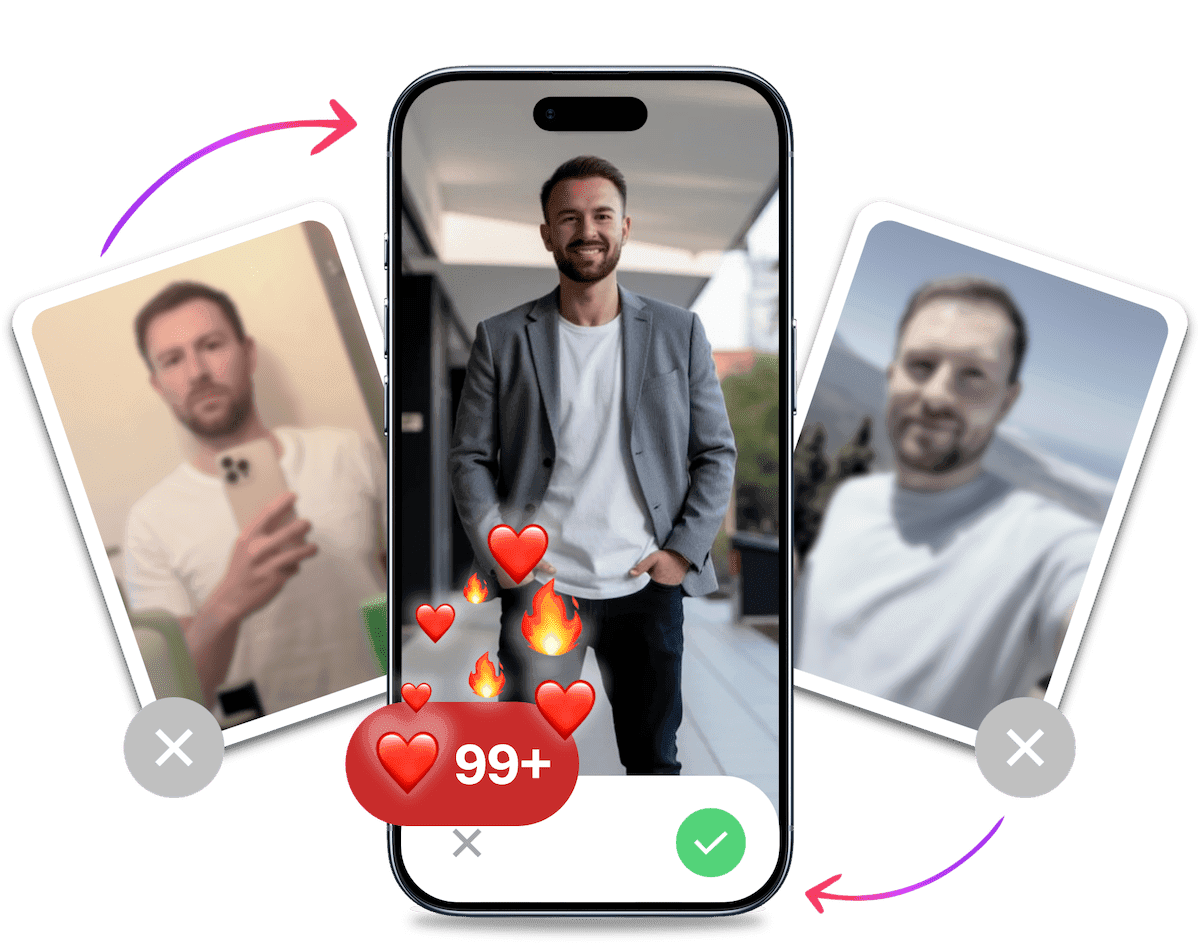
- Get a profile you're proud of
- Drastically increase your matches
- Turn great matches into more dates
Deleting Your Hinge Account on an iPhone
If you're using an Apple device, the process is straightforward. Just follow these ordered steps carefully.
- Open the Hinge app on your iPhone.
- Tap on your Profile icon located in the bottom-right corner of the screen.
- Next, tap the Settings icon (it looks like a gear) in the upper-right corner.
- Scroll down to the bottom of the Settings menu and tap on Delete Account.
- Hinge will ask you to confirm your decision. You may need to select a reason for leaving.
- Tap Confirm Delete. Your profile will be removed and your data will enter Hinge's retention process. Hinge keeps data for a three-month safety window after account closure, then deletes it except for limited information retained longer for legal, safety and security, or legitimate-interest purposes.
That's it. Your profile is now officially deleted from Hinge's system.
Deleting Your Hinge Account on an Android Device
The process to delete hinge account on an Android phone is nearly identical to the iPhone version. The interface looks slightly different, but the steps are the same.
- Launch the Hinge app from your app drawer.
- Select your Profile tab by tapping the icon on the far right of the navigation bar at the bottom.
- Tap the Settings gear icon.
- Scroll all the way down and tap the Delete Account option.
- The app will show a confirmation prompt. You must confirm that you want to permanently delete your account.
- Tap Confirm Delete to finalize the action. The app will confirm your account has been successfully removed. Your data then follows Hinge's retention policy, including a three-month safety window and limited longer retention for legal, safety and security, or legitimate-interest purposes.
Once you complete these steps, your Hinge journey is officially over. Your profile is gone.
Don't Forget Your Subscription: How to Cancel Hinge+ or HingeX
This is the part that trips a lot of people up and costs them money.
Deleting your Hinge account does NOT automatically cancel a subscription billed through the Apple App Store or Google Play Store. You must cancel the subscription manually at the source to stop future payments.
How to Cancel Your Hinge Subscription on an iPhone
Apple handles all subscriptions through your main Apple ID settings. Here's how to find it:
- Open the Settings app on your iPhone.
- Tap your name and Apple ID at the very top.
- Tap on Subscriptions.
- Find Hinge in your list of active subscriptions and tap on it.
- Tap Cancel Subscription and confirm your choice.
Your subscription will now be cancelled and will not renew at the end of the current billing cycle.
How to Cancel Your Hinge Subscription on an Android
For Android users, your subscription is managed through the Google Play Store.
- Open the Google Play Store app.
- Tap your profile icon in the top-right corner.
- Tap on Payments & subscriptions, and then select Subscriptions.
- Locate Hinge in the list of your subscriptions.
- Tap Cancel subscription and follow the on-screen prompts to confirm.
Doing this ensures you won't be charged again after you've already deleted your account.
Hinge Paused vs. Deleted: What's the Difference?
Maybe total deletion feels a bit extreme. Hinge offers a "Pause" feature, which is like putting your account in hibernation. It's a key difference from deletion.
Here's a quick breakdown of how these two options compare:
| Feature | Account Paused | Account Deleted |
|---|---|---|
| Profile Visibility | Hidden from new people | Permanently removed |
| Existing Matches | You can still chat with them | All matches and chats are lost forever |
| Your Data | Saved and can be reactivated | Deleted after a three-month safety window, with limited longer retention for legal, safety and security, or legitimate-interest purposes |
| Subscription | Still active and billing | Must be cancelled separately |
Pausing is great if you just need a short break from dating or met someone you want to focus on for a bit. Deleting is a hard reset. If you are considering a fresh start instead of quitting, you might want to learn how to reset Hinge profile, which starts with deletion but has a different goal in mind.
It's Probably Your Photos.
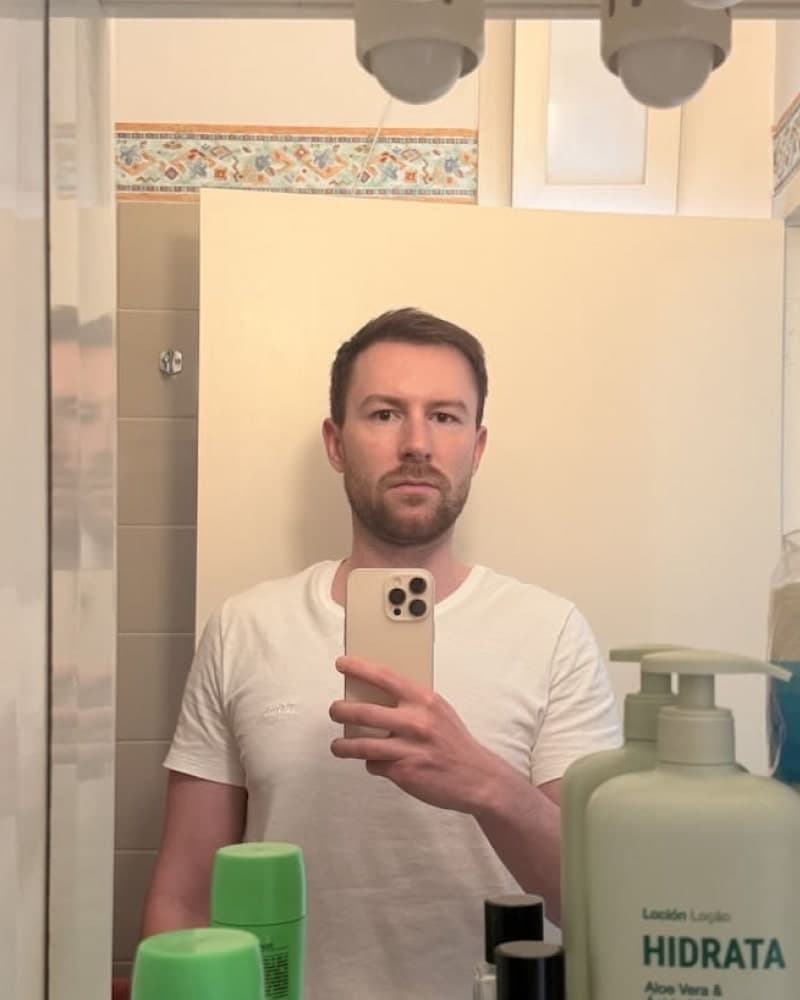

Photos designed to get you more likes, better matches and better dates. TinderProfile.ai is trusted by 60,000+ users.
Before You Go: Was Hinge Really the Problem?
You have the instructions. You are seconds away from deleting everything.
But ask yourself one honest question: If you download Bumble or Tinder tomorrow, what's going to be different?
You'll face the same swiping, the same prompts, and the same people. The platform isn't the variable that changes. You are. More specifically, how you present yourself is.
You're a successful, interesting guy, but your photos undersell you. They might be blurry, outdated, taken from a bad angle, or all group shots. Those problems can hurt your results on any dating app and contribute to a frustrating experience of no matches on Hinge.
Better pictures are a practical place to start if you want stronger dating results.
The Photo Problem: Why Your Selfies Are Costing You Matches
Let's be real. Your current photo lineup is probably not doing you any favours. Most guys' profiles are filled with easily avoidable mistakes that send the wrong signals.
Does any of this sound familiar?
- The Blurry Group Photo: She has to play "Where's Wally?" just to figure out which one is you. It screams low effort.
- The Awkward Car Selfie: The lighting is terrible, the seatbelt is cutting across your chest, and the angle is unflattering.
- The Five-Year-Old Photo: It looks nothing like you do today. This isn't just misleading. It shows you don't have any recent, high-quality pictures.
- The "No Photos of Just Me" Problem: Every picture features ten of your buddies. Who is she supposed to be matching with?
The psychology here is simple. These types of photos communicate low confidence and low social awareness. They make it seem like you don't care enough to put in the effort, so why should she?
Good dating profile pictures, on the other hand, signal confidence, competence, and that you have an interesting life.
The 10-Minute Fix: Get a Professional Photo Shoot Without Leaving Your Couch
So, how do you fix this? You could hire a professional photographer, but that's often awkward, expensive ($500+), and can look overly staged. Or you could try to learn complex AI tools like Midjourney, but that's a time-consuming nightmare of prompts and technical know-how.
There's a better way.
Introducing TinderProfile.ai, the dead-simple solution to getting a full portfolio of high-quality, authentic, and attractive dating photos in minutes.
We're different from all the other tools out there. Here's why.
- We're Built for Dating: Other AI tools are trained on corporate headshots for LinkedIn. Our AI is trained specifically for dating apps. It knows what creates attraction, confidence, and approachability, not a sterile CV photo. You get amazing AI dating photos, not boring headshots.
- It's Dead Simple: No prompts, no learning curve. Just upload 2-5 of your existing casual photos. Our AI does all the heavy lifting for you.
- Authentic Results: We hate the plastic, uncanny valley look as much as you do. Our AI creates photos that look like a talented friend took them on your best day. It's you, just optimised.
Imagine swapping that grainy selfie for a dozen high-quality, varied shots of you looking confident and natural. That's the power to change your entire dating life, not just on Hinge, but on any app you choose to use.
Don't Delete Your Profile, Upgrade It
You have two paths forward right now. You can follow the steps above, delete hinge account, and hope for better luck on the next app. But you'll likely face the same frustrating results.
Or, you can fix the one thing that's actually holding you back.
Invest in a set of powerful, authentic, and attractive photos that will make your profile stand out on any dating app you choose. Stop leaving your dating life to chance and a collection of bad selfies. Fix the real problem.
Frequently asked questions about deleting your Hinge account
What happens to my matches and conversations when I delete my Hinge account?
They are permanently removed when you delete your Hinge account. Your profile, matches, and conversations will no longer be available, so save anything you want to keep before confirming. This is different from pausing your account, which hides your profile but keeps existing connections available.
Can I recover my Hinge account after deleting it?
No. Hinge account deletion is permanent, so you cannot reactivate the old profile or recover its matches and chats. If you return to Hinge later, you will need to create a new account and rebuild your profile from scratch, including your prompts and photos.
Does uninstalling the Hinge app delete my account?
No. Uninstalling the Hinge app only removes it from your phone. Your account, profile, and data remain active, and an existing subscription can continue billing. To delete the account, use Profile > Settings > Delete Account inside Hinge, then confirm. Hinge account deletion guidance also distinguishes in-app deletion from simply removing the app.
Does Hinge keep my data after I delete my account?
Hinge's privacy policy says it keeps data for a three-month safety retention period after account closure. After that, Hinge deletes the data apart from limited information it may retain longer to meet legal obligations, protect safety and security, or pursue legitimate interests. There is no single deletion date for every type of data.
Does deleting my Hinge account cancel my subscription automatically?
No. Deleting your Hinge account does not automatically cancel Hinge+ or HingeX. If you paid through Apple, cancel it in your Apple ID's Subscriptions settings. If you paid through Google, cancel it in Google Play's Payments & subscriptions area. Confirm the cancellation before deleting the account so future renewals stop.