


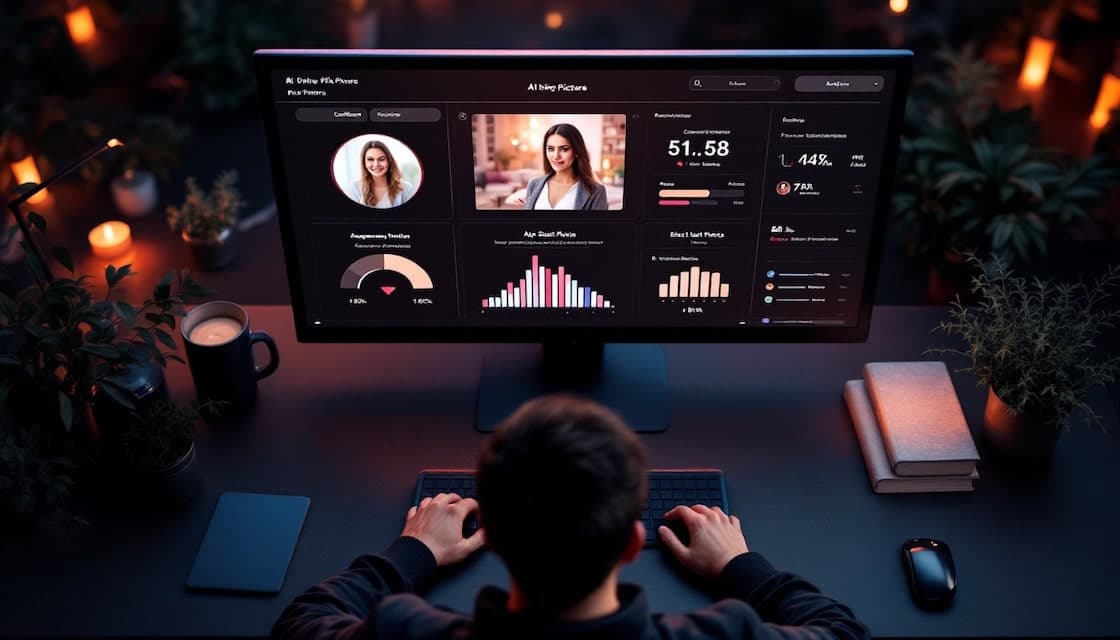
Bumble's Best Photo checks your profile photos and puts the most popular one first. You can switch it on or off below your photos, as Bumble's Best Photo help page explains. Bumble's current Help page does not explain how it calculates popularity.
How Bumble's Best Photo Works: Key Facts
- Best Photo puts the most popular photo first, and you can switch it on or off below your profile photos.
- Bumble's current Help page does not explain how it calculates popularity or state a minimum number of photos.
- Bumble allows up to six profile photos or videos and lets you rearrange them manually.
- Photo Feedback is a separate, optional feature under test, so its availability and experience can vary.
Understanding Bumble's Best Photo Feature
When it comes to online dating, your profile photos are your digital first impression. Bumble understands this, which is why they've developed a sophisticated system to help you put your best face forward.
How Bumble's Best Photo Feature Works
Bumble says Best Photo checks your profile photos and puts the most popular one first. You can switch the feature on or off below your photos, but Bumble doesn't explain how popularity is calculated.
If you want to choose the order yourself, switch Best Photo off and rearrange your photos manually.
What Bumble Documents About Best Photo

| What Bumble documents | What Bumble's current Help does not specify |
|---|---|
| Best Photo puts the most popular photo first and can be switched on or off below your photos (current Help page). | What "popular" means or how Bumble calculates it. |
| Profiles can contain up to six photos or videos, and you can rearrange photos manually. | Whether fewer than three photos limits or affects Best Photo. |
| An earlier Bumble explainer described the first three photos and right swipes or likes. | Whether that earlier description matches the current feature, or whether it rotates photos or runs an A/B test. |
| The Help page describes photo selection, not a match outcome. | Impression counts or rates, dwell time, face scoring, visibility effects, test size or timing, weighting, or guaranteed matches. |
The earlier explainer gives a possible explanation for the feature, but the current Help page does not confirm that it still describes today's version. Best Photo puts the photo Bumble considers most popular first. Bumble does not explain how it chose that photo. You cannot use the result to identify whether lighting, expression or another detail caused the choice.
Use "most popular" as Bumble's description of the photo it puts first, not as a promise of more visibility or matches.
Look your best on every dating app. In 10 minutes our AI creates realistic dating photos designed to get you more likes, better matches and better dates.
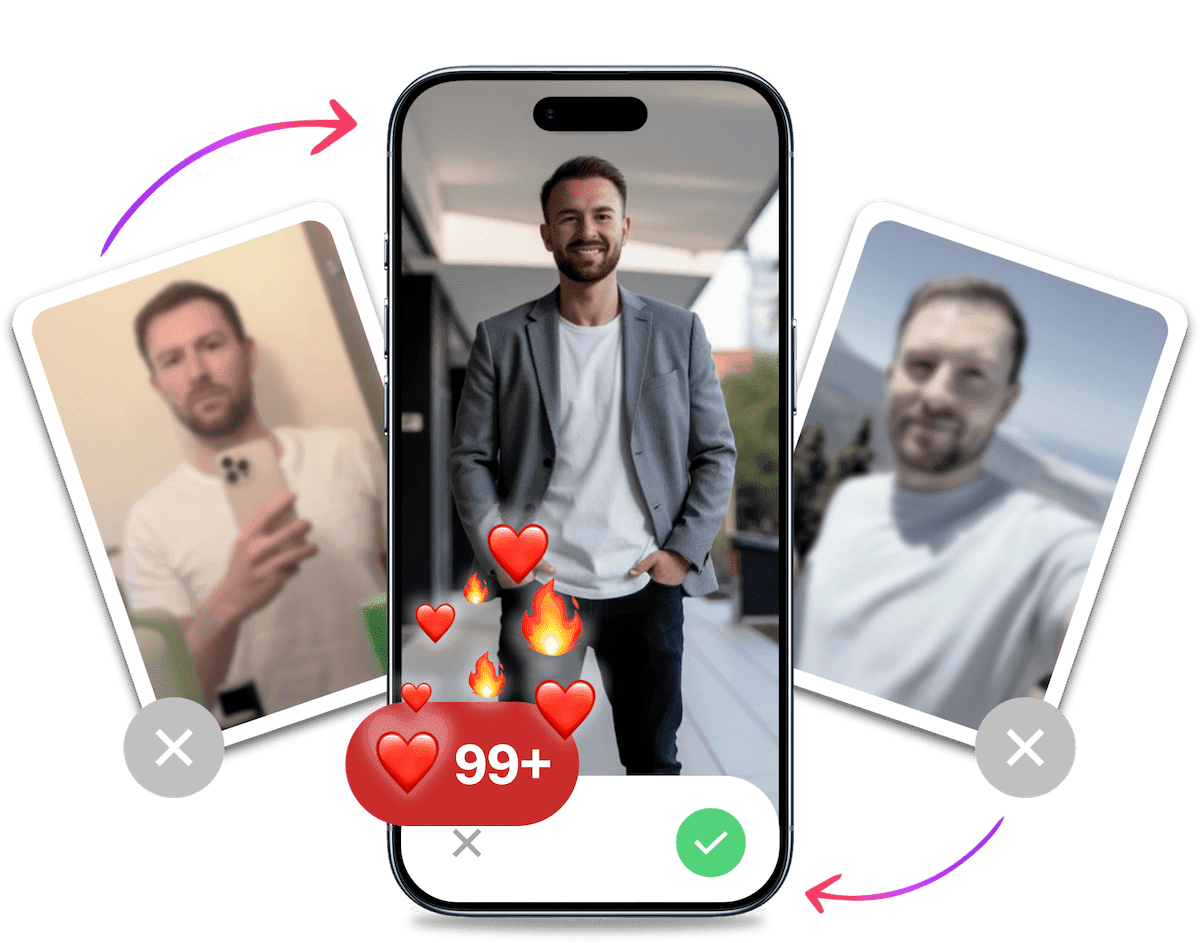
- Get a profile you're proud of
- Proven to increase matches on dating apps
- Turn great matches into more dates
Bumble's Photo Feedback Feature
Bumble's Photo Feedback is a separate, optional feature under test. Bumble says availability and experience can vary, so you may see a different version from another member or no option at all.
If it is available, tap "Get feedback" to request comments. After changing a photo, you can ask again for feedback on the updated image.
The AI looks at broad, non-sensitive details, such as whether the photo appears to show a group activity, a selfie or an outdoor setting. Bumble describes guidance on the image, not an attractiveness score. Its photo feedback guide says the feature is private.
How Photo Feedback Differs from Best Photo
Photo Feedback gives guidance about a photo's general characteristics. Best Photo puts the photo Bumble considers most popular first. The current Help page doesn't explain that formula, so feedback can't tell you why Best Photo prefers a picture.
It also isn't a promise of more likes, a visibility boost or a particular match. If you use the feedback, consider it alongside your own view of the photos you want people to see. Before uploading, check Bumble's photo guidelines.
Expert Tips for Optimising Your Bumble Photos
Whether you're using Bumble's Best Photo feature or selecting your own primary image, following these expert tips can significantly improve your profile's performance and attract more quality matches.
Photo Qualities That Attract More Right Swipes on Bumble
- Clear face visibility: Primary photos where your face is clearly visible without sunglasses, shadows, or filters perform better than artistic or obscured images.
- Good lighting: Natural, flattering light dramatically improves photo quality and attractiveness ratings.
- Solo shots for primary photos: While group photos can work well in secondary positions, your main photo should feature just you to avoid confusion.
- Eye contact: Images where you're looking at the camera create a sense of connection and perform better as primary photos.
- High contrast: Photos where you stand out clearly from the background receive more positive attention.
- Recent and accurate representation: Using current photos that honestly represent how you look today builds trust when you meet matches in person.
Photo Ideas for Your Bumble Profile
If they fit your life, try a photo in a pub garden with mates, a candid shot at a festival, or a picture that captures your sense of humour. Great dating app photos tell a story about your actual life.
Build a Varied Bumble Photo Lineup
Use a mix of current photos that show different sides of your life. This is general profile advice, not a way to control Bumble's ranking.
- Mix photo types: Include a clear portrait, a full-body photo and an activity shot across your lineup.
- Keep photos current: Replace images that no longer represent how you look or what you do.
- Use Best Photo as one input: Note which photo Best Photo puts first, then decide whether it belongs first in your lineup.
- Choose useful secondary photos: Add images that show different parts of your personality and lifestyle.
- Arrange a coherent lineup: Put the photos in an order that gives people a fair picture of your life.
Leveraging AI Tools to Enhance Your Bumble Photos
Some people use AI tools to create more profile photos in different settings without arranging a full photoshoot.
It's Probably Your Photos.
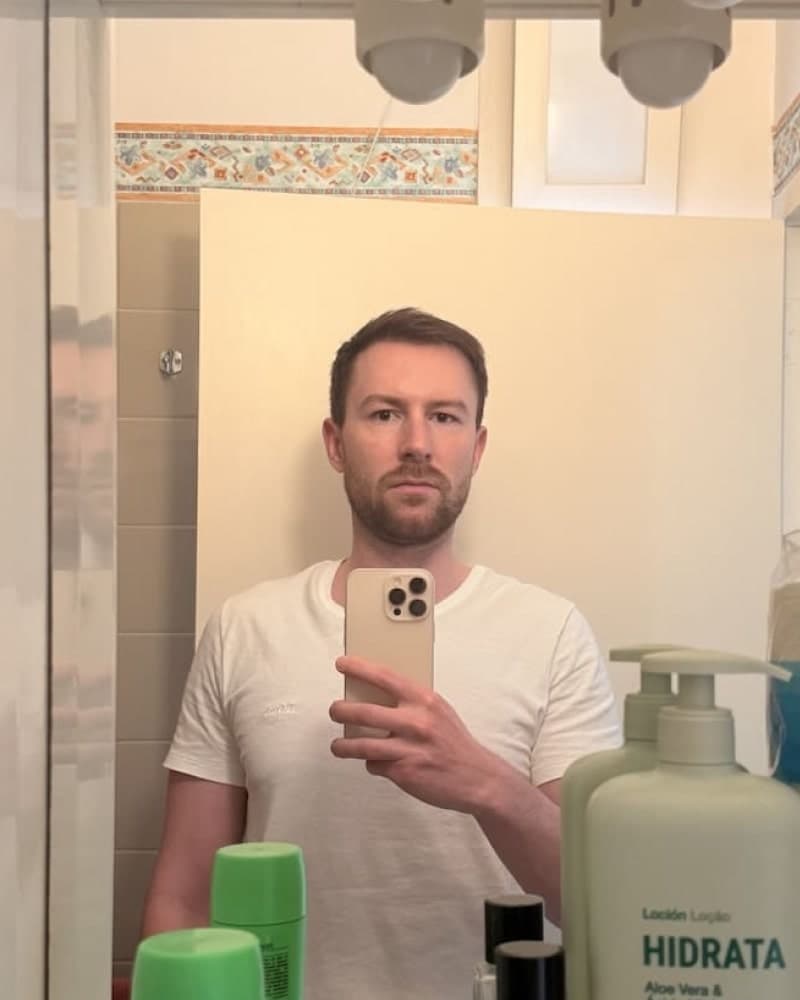

Photos designed to get you more likes, better matches and better dates. TinderProfile.ai is trusted by 60,000+ users.
Using AI to Create More Dating Profile Photos
AI photo generation offers several advantages for dating profile optimisation:
- Professional quality without the cost: AI can create images that look like they were taken by a professional photographer, giving your profile a polished appearance.
- Variety of scenarios: Generate photos of yourself in different settings and contexts without actually visiting those locations or staging elaborate photoshoots.
- Choose what fits: Review the generated options and keep only the images that fit how you want to present yourself.
- Consistent quality: Ensure all your photos maintain the same high standard, rather than having a mix of good and mediocre images.
- Personalised to your appearance: Advanced AI preserves your authentic features while presenting them in the most flattering light.
For a deeper dive into this technology, check out our comprehensive guide on AI photos for dating.
Using TinderProfile.ai to Create Dating Profile Photos
While its name references Tinder, TinderProfile.ai lets you create photos for Bumble and other dating profiles. You can upload a set of options and see which one Best Photo puts first.
- Upload your selfies: The AI analyses your facial features, style, and characteristics.
- Generate diverse options: The system creates up to 100 professional-quality photos in various settings and styles.
- Choose photos that suit your profile: Pick images that fit the way you want to present yourself and add variety to the lineup.
- Use Best Photo if you want: Add your preferred options to Bumble and see which one it puts first.
One-time packages start at £11 and include up to 100 photos, depending on the package. Results take 10 minutes. You can review the options and decide which, if any, belong on your profile.
AI-generated photos give you more options to review. Keep only the ones that still look like you and fit how you want to present yourself.
Conclusion: Crafting the Perfect Bumble Photo Strategy for More Matches
Use Bumble's Best Photo as one input when deciding which image to put first. The feature identifies the photo Bumble calls most popular, but its Help page does not explain why it chose that image or promise more visibility or matches.
Bumble's Best Photo puts the photo it considers most popular first. That can help you choose what to show first, but it doesn't promise more visibility or a better match.
Remember these key takeaways:
- Turn on Bumble's Best Photo if you want it to put the most popular photo first. You can switch it off and arrange your photos yourself.
- Upload high-quality, authentic photos that showcase your face clearly and present you in a positive, engaging light.
- Consider using AI tools like TinderProfile.ai to create more photo options, then choose the ones that represent you.
- Create a diverse photo lineup that tells a compelling story about who you are and what makes you unique.
- Replace photos when they no longer represent how you look or what you do.
For a complete breakdown beyond photos, see our guide to building a perfect Bumble profile for men.
Use the photo Best Photo puts first as one clue when choosing your photo order. Bumble's Help page does not explain how the photo is chosen or promise a change in matches.
Frequently Asked Questions About Bumble's Best Photo Algorithm
How does Bumble's Best Photo differ from Tinder's Smart Photos?
Bumble's current Help page says Best Photo puts the most popular profile photo first, but it does not explain how it selects that image. There is too little detail here for a reliable comparison with Tinder's Smart Photos. Any specific claim about how the two selection methods differ would be guesswork unless both companies document their methods.
Can poor photos later in the lineup hurt my match rate?
They can affect someone's impression of your profile when they view the full lineup. Bumble's current Help says Best Photo puts the most popular photo first, but it doesn't say that later photos are skipped or explain how their quality affects the choice. Keep the whole lineup clear and representative.
What makes a good photo for Bumble?
For general profile advice, use a recent photo with your face clearly visible, good lighting and an expression that feels natural. These are practical photo tips, not traits Bumble says Best Photo scores. Its current Help page only says the feature puts the most popular photo first.
How effective are AI-generated photos compared to professional shoots?
Bumble's current Help page does not compare AI-generated photos with professional shoots or say which performs better. TinderProfile.ai is one option for creating more photos to review, with packages starting at £11 and up to 100 photos depending on the package. Check that each image still looks like you and that you are comfortable using it on your profile.
Does Bumble penalise profiles with fewer than 3 photos?
Bumble's current Help allows up to six profile photos or videos, but it does not state a three-photo minimum or say that using fewer photos affects Best Photo. It also says you can rearrange your photos manually. The Help page alone cannot tell you whether the feature works differently when you have fewer than three images.
Resources for Optimising Your Dating Profile
Looking to take your dating profile to the next level? These resources will help you create a standout presence on Bumble and other dating apps:
Dating App Optimisation Guides
- Bumble Algorithm Explained - Understand how Bumble's matching system works beyond just photo selection
- Bumble Hacks - Advanced strategies to maximise your success on Bumble
- AI Photos Dating - How to use AI technology to create professional-quality dating photos
- How to Take Dating Pictures by Yourself - DIY techniques for creating great profile photos
- Bumble's Official Best Photo Feature Guide - Bumble's explanation of how their Best Photo feature works