


A Hinge shadowban is an unofficial term for suspected hidden visibility suppression, not a status Hinge publicly documents or confirms. Zero likes alone cannot prove one because account settings, location, profile quality, and normal demand can produce the same result. First rule out settings and performance problems, then check for an official enforcement message, and contact Hinge support or appeal if needed.
Hinge Shadowban: What to Know
- Hinge does not publicly document or confirm a "shadowban" status, so no third-party test can prove one.
- A sudden drop to zero likes is a signal to investigate, not proof of hidden enforcement.
- First verify Discover visibility, preferences, location, and profile quality, then check for any official ban notice.
- Use Hinge support or the official appeal route for enforcement problems, not resets, new identities, VPNs, or device workarounds.
Understanding the Hinge Shadowban
Imagine being at a party, but suddenly no one can see or hear you. You're there, but invisible. That's how people often describe a suspected Hinge shadowban, but the feeling is not proof that Hinge has imposed a hidden restriction.
Unlike an official ban notice, the term "shadowban" usually describes an account that still appears active while receiving little or no engagement. Hinge does not publish evidence that such accounts are secretly pushed down the stack, so check settings, profile performance, and official notices before drawing that conclusion.
A suspected Hinge shadowban can feel like being at a singles mixer where nobody notices you, but that feeling does not identify the cause.
What Can Trigger Hinge Enforcement or Lower Engagement
Low engagement does not prove a shadowban. It can come from profile performance, settings, location, demand, or a technical problem. Separately, Hinge may take official action when an account breaks its published rules. The checks below help you spot behaviour or content worth correcting without assuming a hidden penalty.
Violating Community Guidelines
Hinge takes its community guidelines seriously. Some common violations include:
- Inappropriate Content: Posting photos that are sexually explicit, overly suggestive, or violent. This also includes using hateful or offensive language in your prompts or bio.
- Harassment: Sending aggressive, unwanted, or abusive messages to other users can prompt reports or official moderation.
- Fake Profiles & Deception: Using photos that aren't you (catfishing), significantly misrepresenting your age, or creating multiple accounts to spam the platform.
- Commercial Activity: Using your profile to promote a business, an Instagram account, or trying to sell products is a direct violation.
Suspicious Account Activity
Patterns that resemble automation or manipulation can attract moderation attention. Hinge's documented categories include spam-like automation, deceptive accounts, harassment, prohibited commercial activity, and attempts to manipulate the platform.
Avoid bulk liking, repeated copy-paste messages, misleading account details, and behaviour designed to game distribution. Hinge does not publish a swipe ratio, reset schedule, or message-count threshold that proves or triggers a shadowban.
Look your best on every dating app. In 10 minutes our AI generates realistic and high-performing dating photos designed to get more likes and dates.
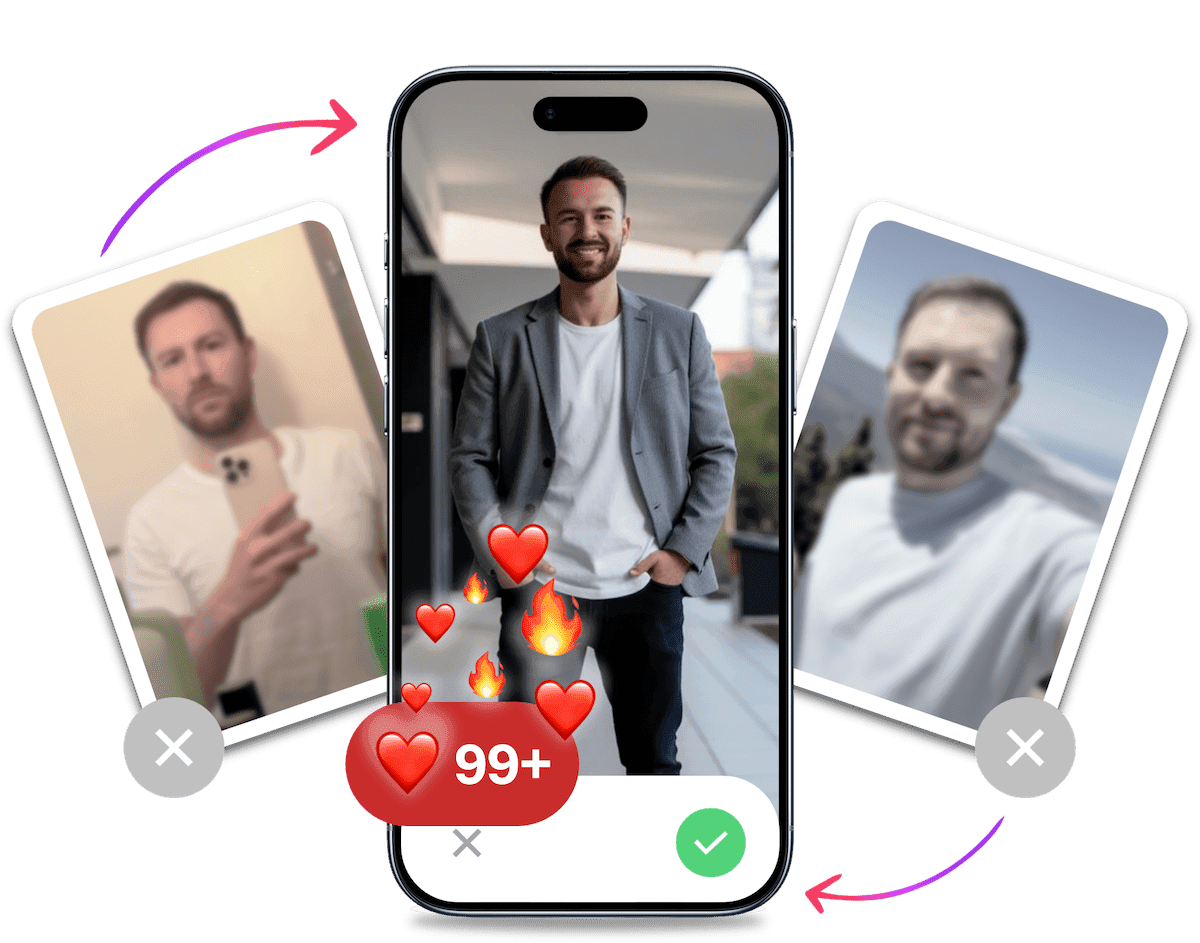
- Get a profile you're proud of
- Drastically increase your matches
- Turn great matches into more dates
Frequent Reporting by Other Users
User reports can prompt Hinge to review an account for possible guideline violations. Hinge does not publish a report threshold, an internal score, or evidence that reports lead to a shadowban. Sending unwanted messages, being rude in chats, or posting offensive profile content can still increase the chance that other users report you.
How to Check Whether Hinge Is Actually Limiting Your Account
There is no definitive Hinge shadowban test. Hinge does not publish a hidden-status checker, and independent guidance on suspected Hinge shadowbans treats zero likes and weak Boost results as circumstantial signals. A friend failing to see you in Discover or a Boost performing badly is also inconclusive because preferences, location, demand, and profile quality affect distribution.
| What you observe | What it may mean | What to check next |
|---|---|---|
| Hinge shows an in-app ban notice | Official enforcement has occurred | Read the notice and use the stated appeal route |
| Discover is disabled or your account is paused | Your profile is not being shown normally | Re-enable Discover and confirm the pause setting |
| Preferences are very narrow or your local pool is small | Few eligible people can see your profile | Widen dealbreakers and verify your location |
| Activity suddenly falls to zero after steady engagement | A technical, settings, demand, profile, or enforcement issue | Compare several normal sessions and check for notices |
| Activity stays low on an otherwise active account | The profile may be underperforming | Audit photos, prompts, preferences, and messaging |
Use this five-step check before assuming hidden enforcement:
- Verify settings and connection: Confirm Discover is enabled, the account is not paused, your location is correct, and your preferences leave a realistic pool. Check your connection, install any available app update, and reopen Hinge.
- Compare the trend: Look across several normal usage sessions. A sudden drop is more useful evidence than one quiet evening, but there is no published number of likes, matches, or sessions that passes or fails a shadowban check.
- Audit the profile: Review your dating profile pictures, prompts, and messages. If engagement has always been weak rather than suddenly disappearing, start with these reasons you may be getting no matches on Hinge.
- Review the rules: Read Hinge's prohibited content and behaviour policy. It covers prohibited content, behaviour, spam-like automation, deception, and attempts to manipulate the platform, but it does not describe a shadowban test or fixed hidden-ban duration.
- Contact support: Report what changed, when it changed, which settings you checked, and whether Hinge displayed an enforcement message. Support is the only practical route for an account-specific answer.
What to Do If You Suspect a Hinge Restriction
Treat the problem as a diagnosis, not a reason to rebuild your identity. Work through these four steps in order so you can separate a settings or profile issue from official enforcement. A quiet spell can be annoying, but changing several variables at once makes the cause harder to identify. Make one check at a time and keep a short record.
1. Capture the Symptoms and Check Your Account
Write down when likes, matches, or replies changed and whether the drop was sudden or gradual. Take screenshots of any error or ban notice. Then confirm Discover, pause status, location, preferences, app version, and connection. This gives support something concrete to assess and may reveal a simple cause before you change the profile. Do not delete the account while gathering this information because that can remove useful context from the support request.
2. Review and Correct Prohibited Content or Behaviour
Read Hinge's prohibited content and behaviour policy, then remove content that clearly conflicts with it. Check photos, prompts, profile details, and recent conversations. Stop bulk actions and generic copy-paste openers. Personalise messages around something in the other person's profile. If something is unclear, remove only content that genuinely risks violating the rules rather than stripping harmless personality from the profile. Do not assume that changing a photo or waiting a set number of days automatically lifts enforcement.
3. Contact Hinge Support
Explain the symptoms plainly, include the date they began, and list the settings and profile checks you already completed. Ask whether there is an account problem or action you need to take. Keep the message factual. A vague "I am shadowbanned" claim gives support less to work with than a clear timeline, screenshots, and the exact behaviour you observed. Keep the existing account details in the ticket so support can identify the correct account. Avoid sending repeated tickets because that can make the history harder to follow.
4. Use the Official Appeal Route for a Ban Notice
If Hinge shows a ban notice, follow the appeal route provided in the notice or Help Centre. Explain why you believe the decision should be reviewed and acknowledge any rule you may have misunderstood. Confirm that you have read the guidelines and will follow them. Submit one clear appeal with the notice details and any evidence that addresses the stated reason. Appeals are reviewed case by case, so avoid promises about timing or reinstatement.
Should You Delete and Recreate Your Hinge Account?
Deleting and recreating your account is not a verified shadowban fix. Creating a new identity, phone number, payment method, device, or IP address to get around enforcement may conflict with platform rules. Match Group's safety statement describes removing and blocking accounts that violate rules, not a documented visibility penalty you can defeat with technical workarounds.
If you want to leave or restart for ordinary account maintenance, use the normal process. Read how to delete your Hinge account or how to reset your Hinge profile safely before making the change. Neither route should be treated as a way to bypass a ban.
It's Probably Your Photos.
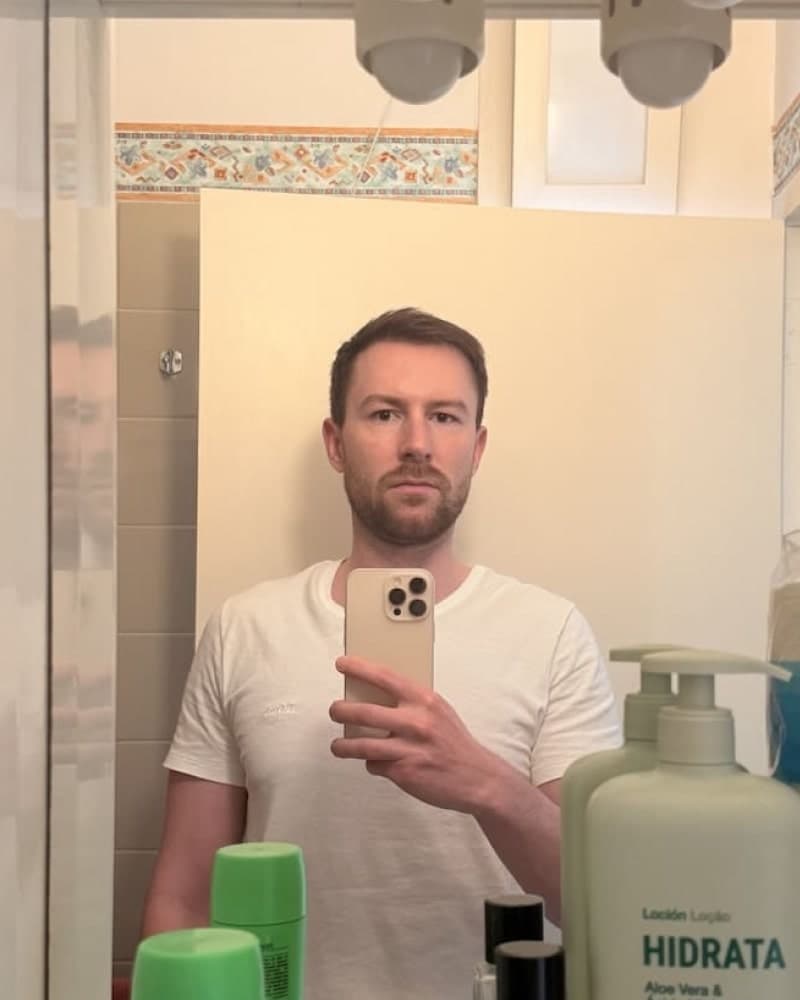

Average users see 8x more right swipes with our AI photos. Stop wasting time on dating apps and join 60,000+ singles who have already found better dates with TinderProfile.ai.
How Long Does a Hinge Shadowban Last?
Hinge publishes no fixed timetable for an undocumented shadowban. Its prohibited content and behaviour policy does not define short-term or long-term hidden restrictions, while Match Group's safety statement describes removing and blocking rule-breaking accounts. Confirmed bans and appeals are handled case by case. Independent guidance on Hinge ban timelines also reports no public fixed duration and points users to the official appeal process. Rely on notices and support, not claims that waiting a certain number of days will restore visibility.
Impact of the Shadowban on Your Hinge Experience
When engagement falls without an obvious explanation, using Hinge can feel like being at a party where nobody notices you. The practical impact is frustration and wasted time, whether the cause is settings, location, demand, profile quality, a technical problem, or official enforcement.
The Invisible Man (or Woman) Syndrome
People who suspect a shadowban often describe an active-looking profile with a dramatic drop in likes, matches, or replies. That pattern can feel like invisibility, but it does not show whether Hinge has limited the account.
Whatever the cause, low engagement can bruise your confidence and reduce your opportunities to start meaningful conversations.
The Quality Crash
You might also notice fewer suitable matches or conversations that fizzle out. Those outcomes do not prove an algorithmic penalty because preferences, location, demand, and profile quality can all affect who you meet.
This can lead to:
- Overall fewer matches
- Matches that don't align with your preferences
- Conversations that quickly fizzle out
It's like going to a gourmet restaurant and being served fast food. Sure, it's still food, but it's not what you came for.
The Time Waster
An unexplained drop in engagement can waste time because you keep liking and messaging without knowing what to change. Work through the diagnostic checks before spending more time or money.
Tip: If you suspect you're shadowbanned, it might be worth taking a break from Hinge and exploring other options. Check out our guide on how to get more matches on Tinder for some alternative strategies.
Preventing Future Shadowbans
Because Hinge does not document a shadowban status, nobody can guarantee that they can prevent one. You can still reduce the risk of ordinary moderation problems by following the platform rules and using the app authentically.
Best Practices for Using Hinge: The Do's and Don'ts
Think of the Hinge algorithm as a bouncer at an exclusive club. Your goal is to stay on its good side.
DO:
- Add a thoughtful comment when you send a like. It gives the other person something specific to answer.
- Be selective. Send a like when you're genuinely interested instead of liking profiles in bulk.
- Engage in real conversations. Ask questions based on their profile and avoid generic openers like "hey".
- Keep your profile accurate. Replace a photo or prompt when it no longer represents you.
DON'T:
- Mass swipe right. Bulk actions can resemble spam-like automation.
- Send the same opener repeatedly. This is spammy behaviour and can lead to Hinge restrictions.
- Be inactive for long periods. If you're not using the app, consider pausing your account instead of letting it go dormant.
- Ghost your matches. Unmatching is better than leaving someone hanging. It keeps the platform healthier.
Note: If you're unsure whether something might be considered inappropriate, ask yourself: "Would I say this to someone I just met at a café?" If the answer is no, don't say it on Hinge.
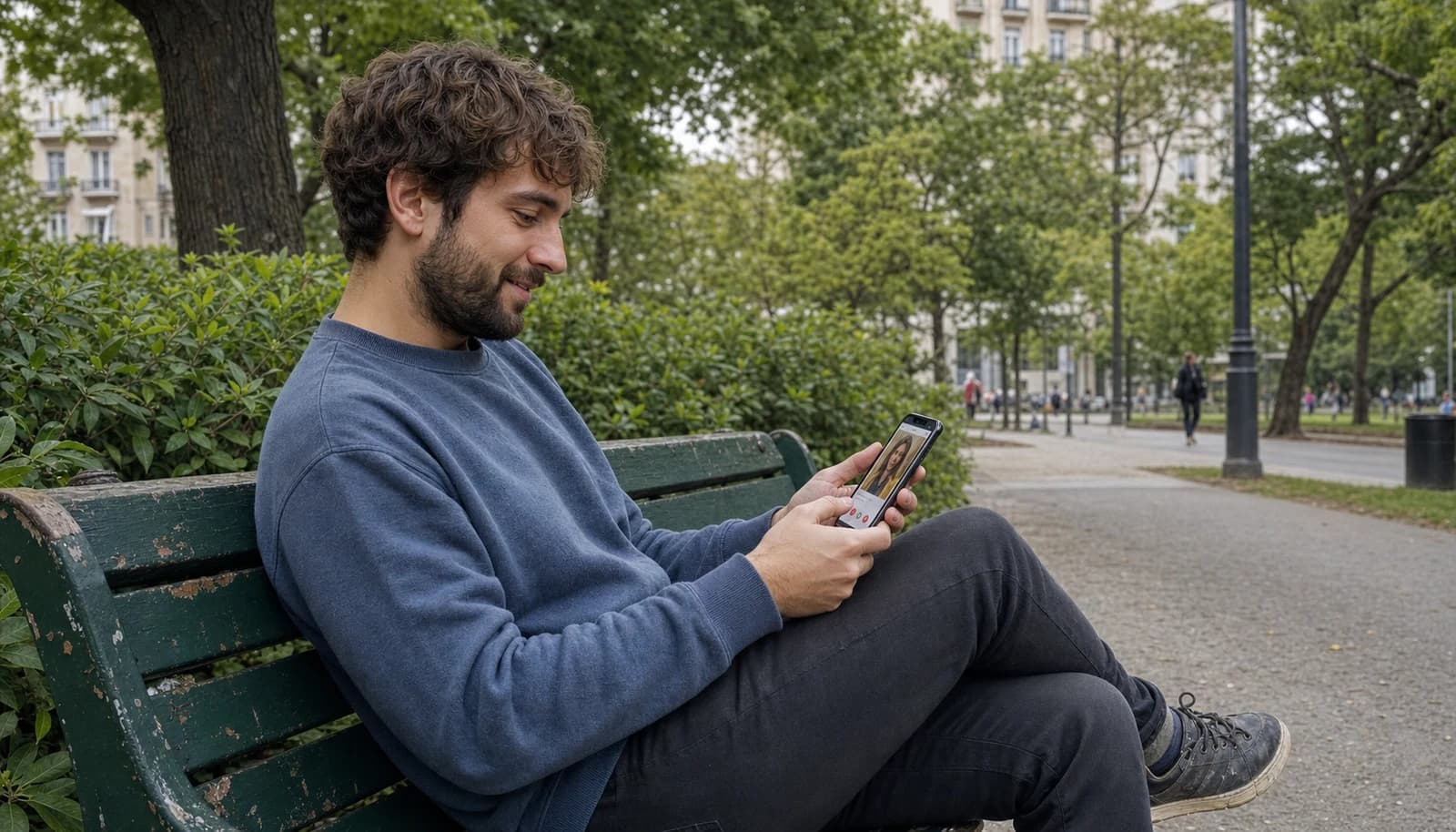
Regular Account Maintenance: Keep Your Profile Fresh
Think of your Hinge profile as a garden. It needs regular care to thrive. Here's how to keep it blooming:
- Update Your Photos When Needed: Replace a photo when it is outdated or no longer looks like you.
- Refresh Your Prompts: Changed your mind about your favourite travel story? Update it! This gives your matches new material to start conversations.
- Check Your Preferences: As you grow and change, your dating preferences might too. Make sure your settings still match what you're looking for.
- Take Breaks: It's okay to step away from the app for a while. In fact, it's healthy! Use the "pause" feature when you need a break.
Remember, maintaining a healthy Hinge profile is like maintaining a healthy relationship. It requires attention, honesty, and a bit of effort. But trust us, it's worth it!
TinderProfile.ai: Boost Your Dating Profile
If the checks above point to weak or stale photos rather than account enforcement, TinderProfile.ai gives you a practical way to refresh them. Upload 2-5 existing photos and receive natural-looking dating photos in about 10 minutes, with UK packages starting at £11. It will not remove a Hinge restriction, but it can help when the real issue is how your profile presents you. You can get fresh dating profile photos without arranging a photoshoot.
Final Thoughts on Overcoming a Hinge Shadowban
Phew! We've been on quite a journey, haven't we? From the depths of shadowban despair to the heights of profile perfection. Let's take a moment to recap our adventure through the treacherous waters of Hinge's algorithm.
Remember when we started? You probably felt like a ghost in the Hinge machine, invisible and frustrated. But now? You're armed with knowledge, strategies, and the secret weapon of AI-generated photos. You're no longer just a player in the Hinge game - you're on your way to becoming the MVP.
Here's the thing about dating apps: they're a tool, not a magic wand. Even the best profile in the world won't guarantee you'll find your soulmate overnight. But a clearer, stronger profile gives people a better reason to start a conversation. And isn't that what we're all here for?
Let's break it down one last time:
- Investigate the Symptoms: Check settings, profile performance, and official notices instead of treating low engagement as proof of a shadowban.
- Fix the Problem: Contact support, correct settings, and update your profile based on what the checks reveal.
- Prevent Future Issues: Play by the rules, engage authentically, and keep your profile fresh.
- Improve What You Can Control: If there is no enforcement issue, tools like TinderProfile.ai can help you refresh stale profile photos.
Remember, the goal isn't just to use Hinge - it's to create connections, spark conversations, and maybe, just maybe, find someone special.
Using dating apps is like gardening. You need to tend to your profile, weed out bad habits, and sometimes start fresh with new soil. But with care and patience, something beautiful can grow.
So, what's next? Well, that's up to you. Maybe you'll give your profile a makeover with some AI-generated photos. Maybe you'll craft the perfect Tinder bio (because let's be honest, a great bio works on any dating app). Or maybe you'll just approach Hinge with a fresh perspective, armed with your newfound knowledge.
Whatever you choose, remember: you've got this. Low engagement is a problem to diagnose, not proof of an undocumented shadowban. Keep chatting, follow the platform rules, and most importantly, keep being yourself. After all, that's what your future match is looking for.
Now go out there and approach online dating with a clearer plan. With these checks and tips, you're better equipped to decide what to do next. Happy Hinging!
Frequently Asked Questions About the Hinge Shadowban
Does Hinge shadowban accounts?
Hinge does not publicly document or confirm a status called a "shadowban". Its published policy describes prohibited content, behaviour, account removal, and blocking, but not a hidden visibility penalty with a consumer test. People use the term when an active-looking account appears to stop receiving exposure. Treat that pattern as a reason to check settings and support, not as proof.
How do I know if I am shadowbanned on Hinge?
You cannot confirm a Hinge shadowban with a third-party test. Check that Discover is enabled, your account is not paused, your location and preferences are correct, and the app is working normally. Compare activity across several ordinary sessions, audit the profile, and look for an official notice. If the drop remains unexplained, contact Hinge support with a clear timeline.
Can no likes on Hinge mean a shadowban?
No likes can be a signal worth investigating, but it does not prove hidden enforcement. A small local pool, narrow dealbreakers, stale photos, weak prompts, or ordinary changes in demand can produce the same result. A sudden drop after steady engagement is more informative than consistently low activity, yet neither pattern is definitive without an official account notice or response from support.
How long does a Hinge shadowban last?
There is no published fixed duration for a Hinge shadowban. Hinge does not define short-term, long-term, or automatic expiry periods for hidden restrictions. Independent guidance on Hinge ban timelines also reports no public timetable. If you receive a ban notice, follow the official appeal route and expect the review to be handled case by case.
Can Hinge Premium or a Boost fix a shadowban?
No. Premium features and Boosts affect paid distribution, but they cannot diagnose or reverse account enforcement. A weak Boost result is also inconclusive because location, preferences, demand, and profile quality still matter. Resolve any notice through support or appeal first. If there is no enforcement issue and you are considering paid features, read whether Hinge Plus is worth it.