


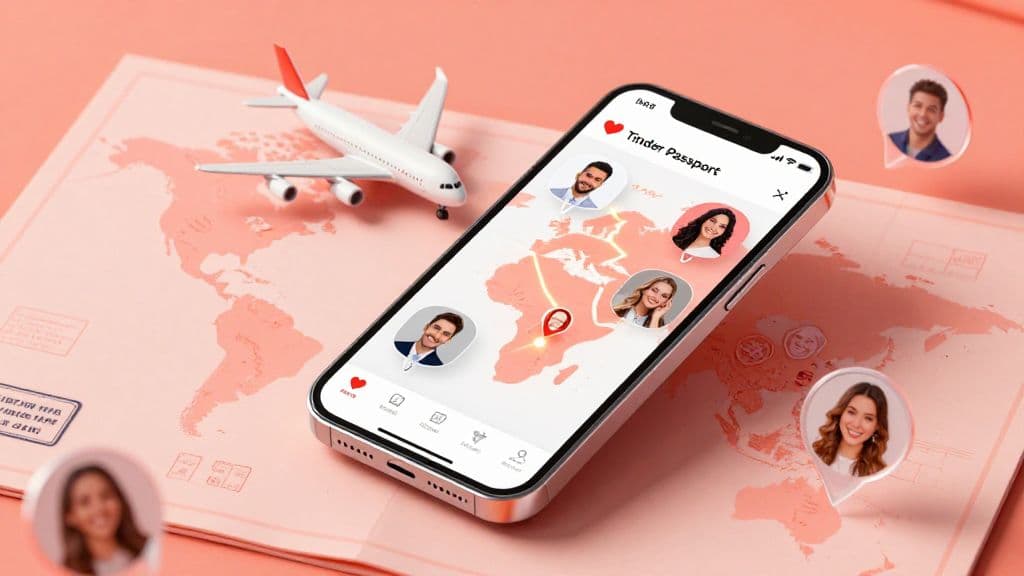
Tinder Passport lets you choose a city and browse or match with people there while you're somewhere else. You can set a destination before a trip or explore another city from home. It's a way to start conversations in a place you don't currently live. It doesn't guarantee matches or dates.
Tinder Passport at a glance
- Tinder Passport lets you choose a city and browse or match with people there.
- You can use it as a standalone feature or get it with Tinder Plus, Gold or Platinum.
- One virtual city can be active at a time, and Tinder says you can change locations without a stated limit.
- People you liked while using Passport may see your profile for up to 24 hours after you switch. This window does not limit established matches.
What Is Tinder Passport? (The Basics)
Is Tinder Passport Free?
Tinder offers Passport as a standalone feature and includes it with Plus, Gold and Platinum. The official help page doesn't give a universal price or establish free access for every market, so check the options shown in your app.
If you're weighing one of those plans, read our guide to whether Tinder Platinum is worth it.
How It Works Technically
Passport lets you set one virtual city at a time, and Tinder says you can change locations without a stated limit. People you liked while using Passport may still see your profile for up to 24 hours after you switch locations. That window does not limit established matches. See Tinder's Passport Mode help page for the feature details.
Look your best on every dating app. In 10 minutes our AI generates realistic and high-performing dating photos designed to get more likes and dates.
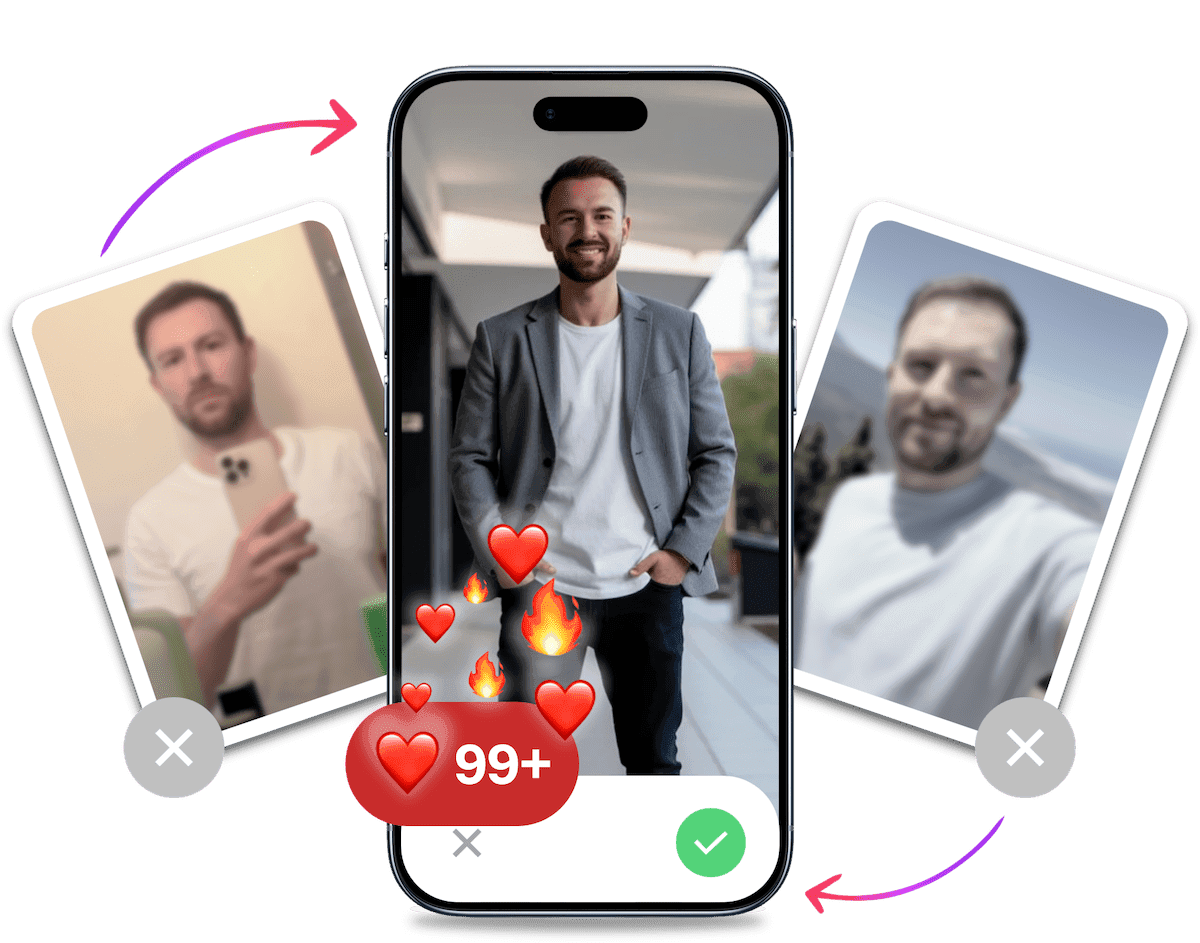
- Get a profile you're proud of
- Drastically increase your matches
- Turn great matches into more dates
How to Change Your Location on Tinder (Step-by-Step)
Tinder's current route is Profile > Settings > Location > add a location. Follow the steps in Tinder's Passport Mode help page:
- Open your Profile.
- Tap Settings.
- Choose Location.
- Select Add a location.
- Search for a city and select it.
Apple's Passport location guide also describes choosing Get Passport in Tinder settings and searching for a city. Use Tinder Help for the current menu path.
What Happens After You Switch Passport Locations?
People you liked while using Passport may see your profile for up to 24 hours after you switch locations. This window applies to visibility after a change. Established matches are not subject to it. Tinder's Passport Mode help page confirms this detail.
Why You Aren't Getting Matches with Passport
So, you paid for Gold. You dropped your pin in Los Angeles or London. You waited.
And... crickets.
Why is this happening? You usually get matches at home, so why not abroad? This is a common phenomenon that frustrates many travellers.
1. You Are Competing in the Major Leagues
When you use Tinder Passport to swipe in major metropolitan hubs, the competition skyrockets. In your hometown, you might be a top 10% profile. In a fashion capital like Milan or New York, the standard for photos is incredibly high.
You are competing against models, influencers and high-net-worth individuals who have professional photographers on speed dial.
2. The "Local" Vibe is Missing
Your photos might work in a small town, but they often fail to translate across cultures.
A blurry bathroom selfie or a photo of you holding a fish might be acceptable in rural areas. In a cosmopolitan city, it signals "low effort."
If you look like a tourist who is lost, you won't attract the locals. You want to look like you belong there. Women on Tinder want to date someone who fits into their lifestyle, even if it's just for a week.
3. Your Photos Are Outdated
If you are no matches on tinder while travelling, your photos are likely the culprit. The international dating market is ruthless. You have mere seconds to make an impression.
This is where most blokes fail. They rely on selfies or photos taken by friends that have bad lighting and awkward angles.
Here is the fix: You don't need to hire a photographer in Paris to look like you belong in Paris. You can use technology to level the playing field.
With TinderProfile.ai, you can upload your existing photos and let our AI generate professional, high-value images that work globally. Imagine having a crisp, confident portrait that looks like it was taken at a high-end cafe or a rooftop bar.
Our AI understands what makes a photo attractive on dating apps. It removes the "uncanny valley" effect often seen in other tools and delivers results that look authentic, just a better version of you. This is the easiest way to get best pictures for tinder without spending hundreds on a photo shoot.
It's Probably Your Photos.
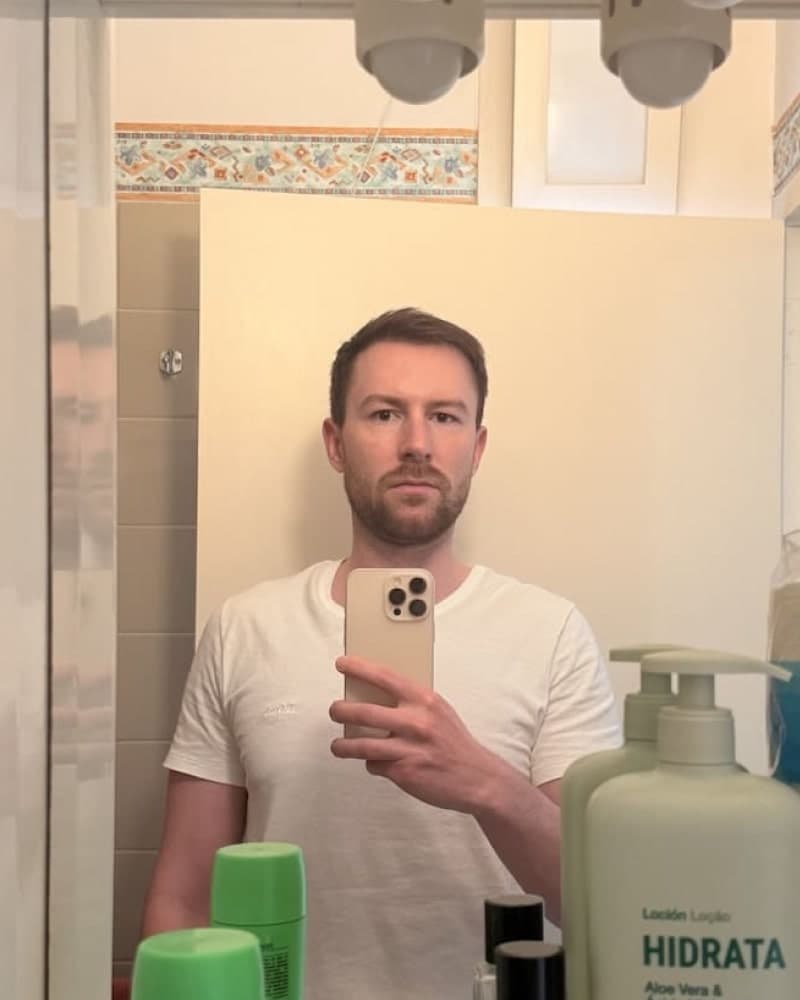

Photos designed to get you more likes, better matches and better dates. TinderProfile.ai is trusted by 60,000+ users.
Strategic Tips for "Passporting" Like a Pro
1. Plan Ahead for Your Trip
If you want to start conversations before a trip, you can choose your destination a week or two before you arrive. That gives you time to browse and make plans at your own pace. It doesn't guarantee matches, so treat it as a scheduling option rather than a way to change your profile's ranking.
2. Keep Your Bio Easy to Translate
Humour can be hard to translate. If you use Passport, a simple bio is an easy starting point: use our best Tinder bio for blokes as a guide, avoid obscure references and mention interests you can talk about. Treat this as a writing choice, not a proven way to change who sees your profile.
Final Thoughts on Using Tinder Passport
Tinder Passport is arguably the most powerful tool for the travelling bachelor. It allows you to maximise your time abroad by setting up your social life before you even pack your bags.
But remember: location is only half the battle. "Teleporting" to a new city won't fix a broken profile. If you have bad photos at home, you will have bad photos in Rome, Tokyo or Sydney.
To truly capitalise on this feature, you need to look your absolute best. You need photos that compete with the stylish locals.
Don't let a weak profile ruin your trip.
Before you drop your pin in a new city, update your portfolio. Some TinderProfile.ai customers report getting more matches after updating their photos. Upload your photos to TinderProfile.ai and try a new gallery for your profile.
Frequently asked questions about Tinder Passport
Do I need a Tinder subscription to use Passport?
You don't need a Tinder subscription to use Passport. Tinder lists it as a standalone feature and includes it with Plus, Gold and Platinum. For the current access options on your account, check Tinder's Passport Mode help page or the options shown in your app.
How do I set a city with Tinder Passport?
Open your Profile, choose Settings, tap Location, then select Add a location and search for a city. That's the path in Tinder's official help. Apple's Passport location guide also describes choosing Get Passport in Settings and searching for a city. Use Tinder Help for the current menu path.
How many Passport locations can be active, and how often can I change them?
Only one virtual city can be active at a time. Tinder says you can change locations without a stated limit, so you can select another city whenever you want. The official Passport guide covers both controls. Switching cities does not guarantee a particular number of matches.
Can people I've already liked still see my profile after I switch locations?
Yes. People you liked while using Passport may see your profile for up to 24 hours after you switch locations. Tinder's guidance makes clear this window does not limit established matches. It's a short visibility detail to bear in mind when you move your virtual city.
Do I need Face Check to use Tinder Passport?
Face Check is required to use Passport in regions where Tinder requires that check. If you use Passport in one of those regions, you can opt out after you finish using Passport there. Check Tinder's Passport Mode help page for the current requirement in your Passport destination.