



Tinder hacks are practical choices you can make about your profile and how you use the app: choose clear, varied photos, write a specific bio and send personal openers. Tinder says its recommendations use activity, location, interests and Likes or Nopes. It has not published a swipe formula or visibility boost from resetting your account.
Evidence-Based Tinder Hacks
- Tinder says recommendations use activity, location, interests and Likes or Nopes.
- There is no official swipe quota or account-reset boost to follow.
- Use clear photos and a bio with details someone can ask you about.
- Paid features add app controls. They do not guarantee matches.
How Tinder Recommends Profiles
Tinder no longer relies on Elo. Its official explanation names activity, location, interests and Likes or Nopes as recommendation factors. It does not establish an ideal right-swipe ratio, a preferred session length or a reset boost. Read Tinder's explanation of how its matching works for the platform's own account of these factors.
The Factors Tinder Names
- Your activity on Tinder
- Your location
- Your interests
- Whether you Like or Nope profiles
Profile Optimisation Hacks: Your First Impression
Your profile gives people a quick sense of who you are and something to respond to. Use photos and bio details that feel recognisably yours.
Tip: Use a mix of photo types, such as a clear close-up, a full-body shot and a picture of you doing something you enjoy.
British Dating Etiquette: The Fine Line Between Banter and Arrogance
There is no single British dating style to copy. If a local reference feels natural to you, it can give someone an easy way to reply.
- Try a little banter: A light, self-deprecating joke can show your sense of humour without turning the bio into a performance.
- Skip the CV: Rather than listing achievements, add a small detail about your day, such as: "Spend half my time running a business, the other half wondering if I left the oven on."
- Use local references if they fit: A Sunday roast debate or a strong opinion on tea can work as an optional conversation starter.
Tinder Hacks for Crafting an Irresistible Profile Bio
Make your bio easy to answer. Pick one or two details that tell someone what you enjoy, then leave them something specific to ask about.
- Use your own voice: Write the way you would speak in person.
- Add a concrete detail: Mention a hobby, a place you like or a small ritual.
- Try humour if it suits you: A short joke is better than a line that feels borrowed.
- Keep it concise: Leave room for the other person to start a conversation.

Examples of successful Tinder bios can be found on our blog about Tinder Profile Examples, which can provide you with real-life inspiration.
Tinder Hacks for Selecting the Right Photos
Choose photos that make it easy to see what you look like and what you enjoy. Start with a clear, well-lit solo picture, then add a full-body shot and one showing an activity or setting that feels like you. These are practical profile choices, not a promise of matches.
- Use a clear first photo: Make sure your face is easy to recognise.
- Show some variety: Include a mix of close-up, full-body and activity photos.
- Look comfortable: A natural smile can make a photo feel more approachable.
Our article on Best Pictures For Tinder has more practical advice on choosing photos.

Look your best on every dating app. In 10 minutes our AI generates realistic and high-performing dating photos designed to get more likes and dates.
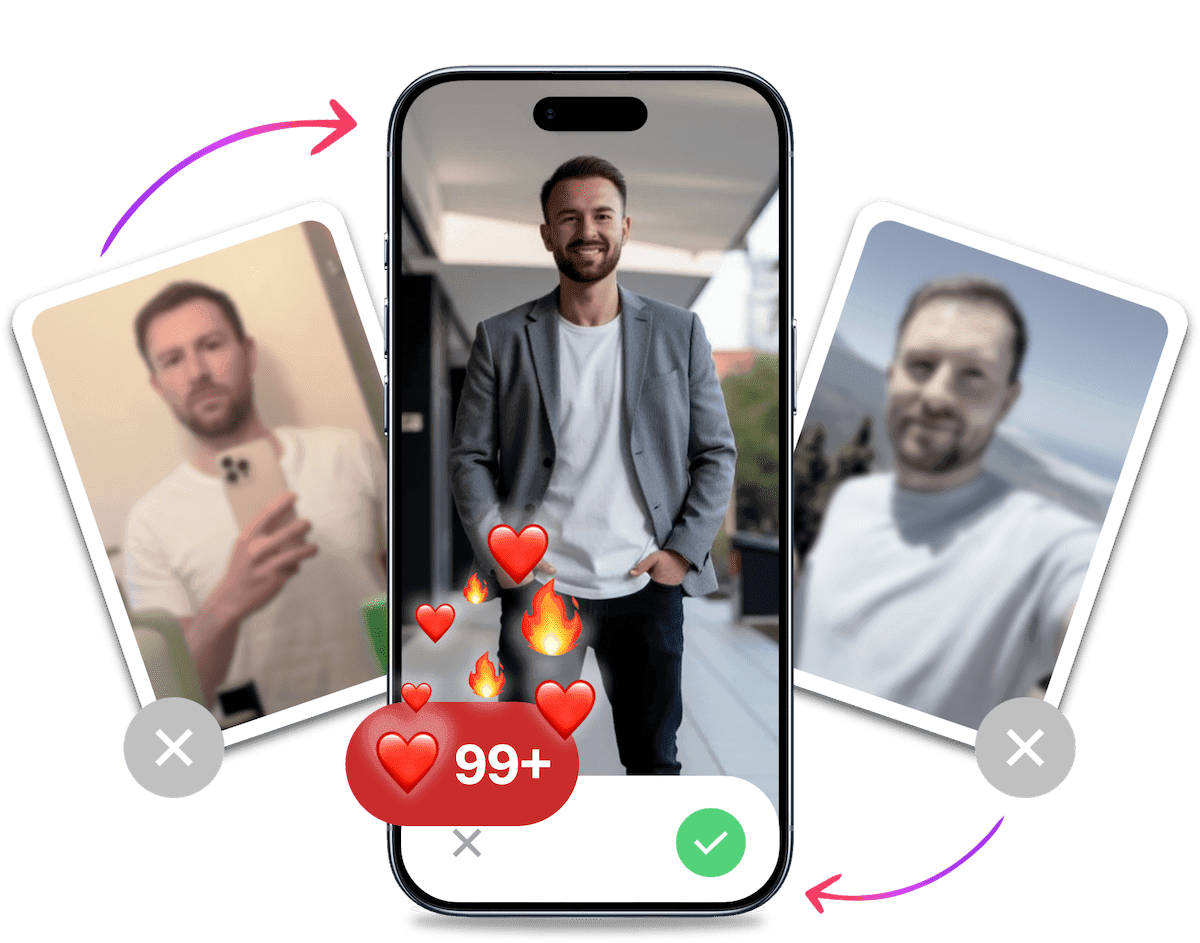
- Get a profile you're proud of
- Drastically increase your matches
- Turn great matches into more dates
What You Can Control When Using Tinder
Use Tinder deliberately: choose people you genuinely want to meet, set a location that reflects where you are looking, and make your profile clear with good photos and a specific bio. Tinder names activity, location, interests and Likes or Nopes as recommendation signals, but publishes no ideal swipe ratio or session length. Profile advice is useful on its own. It is not a ranking guarantee.
Swipe Choices and Activity
You do not need to hit a quota. Tinder's public explanation does not set a target share of right swipes or session length, or say that daily logins and messaging automatically lift your ranking. Swipe in a way that reflects your interest and treat activity as one named input, not a hack. See Tinder's explanation of how its matching works.
Does Resetting Your Account Create a Visibility Boost?
Tinder's official explanation does not establish a new-account boost or an optimal reset process. It does not support a waiting period to clear ranking data or changing credentials and devices to get seen. If you have an account-status concern, use Tinder's official support options. The supplied source does not provide a reliable self-test or reset recipe. Tinder's explanation of how its matching works covers the recommendation factors it has described.
Leveraging Location for Pre-Arrival Matches
Passport is a subscription feature that lets you set your location to another city before a trip. You can browse profiles there ahead of time, but it does not guarantee matches or dates before you arrive. See Tinder's current subscription features and check the terms in your app.
Can You See Who Likes You without Tinder Gold?
Tinder lists Likes You as a Gold feature. Its official information does not support browser inspection or distance settings as reliable ways to reveal those likes for free, so do not count on either workaround. If seeing the Likes You list matters to you, compare the current plan details in Tinder's app before paying.
Timing and Activity Hacks: When to Be Online
There is no verified UK time window that guarantees more matches. Use Tinder when it fits your day, and do not treat a particular hour or season as a ranking trick. Tinder names activity as one recommendation factor, but it does not publish a daily login requirement or a best time to swipe.
For more practical profile ideas, read our guide on how to get more matches on Tinder.
Mastering the Art of the First Message
A first message is easier to answer when it gives the other person something specific to respond to. Read their profile and pick one detail you are genuinely curious about.
- Mention something from their profile: A place, hobby or photo can give you a natural opening.
- Ask a question with room to answer: Invite more than a yes or no without turning the chat into an interview.
- Keep it light: Write like you are starting a conversation, not delivering a pitch.
For more examples, see our guide to the best Tinder openers.
It's Probably Your Photos.

Photos designed to get you more likes, better matches and better dates. TinderProfile.ai is trusted by 60,000+ users.
Troubleshooting: Shadowbans and Low Match Rates
A quiet spell or a low match count does not prove that Tinder has hidden your profile. The sources supplied for this guide do not establish a reliable self-test for a shadowban or a link between a specific match pattern and an account restriction.
How to Check an Account Concern
Zero matches, unread messages or a problem deleting an account do not, by themselves, confirm a hidden restriction. If Tinder has notified you about an account issue, use its official support options rather than trying to work around enforcement.
Conducting a Tinder Profile Audit
A profile audit is still useful for ordinary troubleshooting. Check that your photos are current and clear, your bio says something specific about you, and your discovery settings match what you are looking for. These checks can improve the profile someone sees. They cannot diagnose a hidden penalty. See our Tinder profile audit for more review ideas.

Using TinderProfile.ai for Dating Photos
If you want fresh profile photos without arranging a shoot, TinderProfile.ai creates dating photos from pictures you provide.
How the Photo Service Works
Upload your photos and the service generates new dating profile images. Results are ready in 10 minutes. That is a delivery-time claim, not a promise about matches. Learn more at TinderProfile.ai.
When to Use It
Use it when you want another set of photos to choose from. You can still decide which pictures feel like you and belong on your profile.
What Tinder Subscriptions Include
Tinder's paid plans include different app features, with availability and exceptions that can vary by plan or test. Check Tinder's current subscription features and the terms shown in your app before subscribing.
| Option | Features Tinder lists | What to keep in mind |
|---|---|---|
| Tinder Plus | Unlimited Likes, Rewinds, Passport and incognito mode | Check the features shown for your plan in the app. |
| Tinder Gold | Likes You, weekly Super Likes and a monthly Boost | Monthly Boost availability has weekly-subscription and Gold-testing exceptions. |
| Tinder Platinum | Prioritised Likes | Compare current plan terms before subscribing. |
| Boost | A 30-minute session with up to 10x profile views | Views are not matches, and a specific result is not guaranteed. See how Tinder Boost works. |
For a closer plan comparison, see Tinder Gold vs Platinum.
Final Thoughts on Using Tinder
Start with the parts of your profile you can choose: clear photos, a bio with a specific detail and messages that refer to the other person's profile. Those changes give someone more to respond to, but they cannot control who sees you or guarantee a match.
Use paid features when the listed app controls are useful to you. Tinder does not promise that a subscription, a swipe schedule or a profile edit will produce a particular number of matches.
FAQs About Tinder Hacks
Does Tinder still use an Elo score?
Tinder no longer relies on an Elo score, according to its explanation of matching. It says activity, location, interests and Likes or Nopes inform recommendations. The company has not published an optimal swipe quota, so advice to hit a particular right-swipe percentage is not an official ranking rule. Tinder's explanation of how its matching works describes the factors it names.
Does resetting a Tinder account create a visibility boost?
No. Tinder's explanation does not establish an account-reset boost or a best reset process. It does not confirm that waiting a set number of months or changing contact details improves visibility. If you have an account-status problem, use Tinder's official support options instead of relying on a reset as a ranking tactic. Tinder's explanation covers the recommendation factors it has described.
Can you see who likes you without Tinder Gold?
Tinder lists Likes You as a Gold feature, and its official plan information does not describe a supported browser or distance trick to reveal those likes for free. You can still use Tinder without Gold, but seeing the Likes You list means checking the plans Tinder currently offers in your app. Tinder's current subscription features explain the listed plan features.
What does Tinder Boost do?
Tinder says a Boost lasts 30 minutes and can show your profile to up to 10 times more people. Profile views are not matches, so Boost cannot promise a particular result. Check the current app terms before buying. A Gold or Platinum monthly Boost can have exceptions for weekly subscriptions and Gold testing. See Tinder's Boost details.
Is Tinder Gold or Platinum worth paying for?
Gold adds Likes You, weekly Super Likes and a monthly Boost to Tinder's listed features. Platinum adds prioritised Likes. Weekly subscriptions and Gold testing can affect Boost availability. Compare the current terms in your app and decide whether those controls are useful to you. For a plan comparison, read Tinder Gold vs Platinum and Tinder's subscription details.
Can profile changes guarantee more Tinder matches?
No. Clear photos, a specific bio and messages that refer to someone's profile can give people useful details to respond to, but they cannot control who sees you or what another person chooses. Tinder has not published a formula that turns profile edits into a guaranteed number of matches.
More Tinder Resources
Here are some helpful resources to further optimise your Tinder profile and dating experience:
Articles
- Best Pictures For Tinder - Learn how to choose the perfect photos using Tinder hacks to attract matches.
- Tinder Profile Examples - Explore examples of engaging Tinder profiles crafted with the best Tinder hacks to inspire your own.
- How to Get More Matches on Tinder - Advanced tips to boost your Tinder success.
- Professional Tinder Photos - Discover how professional photos can transform your profile.
- Tinder Algorithm - Read which recommendation factors Tinder names and what it has not published.
- Good Tinder Pictures - What makes a great Tinder photo?
- Tinder Bio Generator - Generate unique and appealing bios.
- Optimise Tinder Profile - Step-by-step guide to optimising your Tinder profile.
Tools
- AI Dating Profile Bio Generator - Craft the perfect bio effortlessly using AI.
- TinderProfile.ai - Enhance your Tinder profile with AI-optimised photos and insights.
Videos
- How to Use Tinder in 2024 - 7 Tips - By Most 'Right-Swiped' Male - Tips from a top Tinder user to refine your strategy.