


"Selfie Under Review" on Tinder usually means a narrow photo verification check. "Account Under Review" is broader and can limit your access while Tinder checks safety, identity, or guideline issues. If a selfie review is still stuck after 72 hours, review your photos, do not open a new account, and contact support.
Tinder account under review: the short version
- A selfie review usually means Tinder is checking one verification photo against your current profile pictures.
- An account review is broader and can affect access, visibility, or messaging while Tinder checks safety or identity issues.
- If your selfie review is still stuck after 72 hours, re-check the photo quality and then contact support.
- Do not create a new Tinder account while a review or appeal is still active.
- Recent profile photos that still look like you are easier to verify than old or inconsistent ones.
Tinder account under review vs selfie under review
If Tinder says "Selfie Under Review", it is usually checking one photo verification submission against your current profile pictures. "Account Under Review" is broader and can affect access, visibility, or messaging while Tinder checks for identity, safety, login, or guideline issues.
| Status | What it usually means | What access you may still have | What to do next |
|---|---|---|---|
| Selfie Under Review | Tinder is comparing your verification selfie with your profile photos. | You can often still swipe or message, but the verified badge will not appear until it clears. | Wait a bit first, then retake the selfie or contact support if it is still stuck after 72 hours. |
| Account Under Review | Tinder is checking a wider security, identity, or rules issue. | Access can be limited, features can disappear, or the account may stay restricted until the check ends. | Check your email and in-app alerts, complete any requested verification, and avoid opening a second account. |
If your profile feels quiet but you never saw a review notice, that can be a visibility problem rather than a formal restriction. This guide explains why your Tinder visibility can drop without a ban.
What Does "Selfie Under Review" Mean on Tinder?
When Tinder states your "Selfie Under Review," it means the platform is actively checking the photo you submitted for the Photo Verification process.
This verification helps Tinder ensure users are genuine and look like their profile pictures, adding a layer of trust and security. Your submitted selfie is being compared to your profile photos to confirm identity and likeness.
Implications for Your Account Status
While your selfie is under review, your account isn't necessarily suspended or banned.
You might still be able to use some features, like swiping or messaging, depending on the specific situation and whether you've completed verification before. However, you won't receive the blue verification tick until the review is successful. The key here is understanding the verification system and how to navigate it efficiently.
Strategy: Ensure the selfie you submit follows Tinder's guidelines precisely to speed up the review and verification process.
Why Is My Tinder Selfie Under Review (or Taking So Long)?
There are several specific reasons why your Tinder selfie might be under review or experiencing delays. It's not always a general account issue. Often, it's specific to the photo you provided.
Photo Doesn't Match Profile Pictures
The primary purpose of selfie verification is to match your submitted photo with your existing profile photos. If the automated system (or a human reviewer) detects significant discrepancies, your selfie will require closer inspection, leading to a longer review time.
Unclear or Poor Quality Photo
A blurry, poorly lit, filtered, or obscured photo makes it difficult for Tinder's system to process and verify your identity. Ensure your selfie is clear, well-lit, and shows your face without obstructions (like hats, sunglasses, or excessive filters).
Technical Glitches
Sometimes, the delay isn't your fault. Technical issues within the Tinder app or server problems can cause reviews to get stuck or take longer than usual.
Tinder uses a combination of AI and human review for photo verification, aiming for accuracy and speed across millions of users.
How long does Tinder selfie review take?
Most Tinder selfie reviews clear in minutes or within a few hours when the photo is clear and recent. If the review stretches past 24 to 72 hours, it usually means your selfie needs manual checking, your profile photos do not match well enough, or the account has picked up an extra flag.
| Review type | Typical timeframe | Common trigger | What to do |
|---|---|---|---|
| Automated selfie review | 5 to 30 minutes | Clear selfie, strong match, no obvious issue | Wait and avoid resubmitting too quickly. |
| Manual selfie review | 24 to 72 hours | Poor lighting, outdated profile photos, small appearance changes | Keep the account unchanged and prepare a cleaner selfie if the first one fails. |
| Extended selfie review | Up to 1 week | Backlog, repeated mismatch, or an extra flag on the account | Check email, gather screenshots, and contact support if nothing moves after 72 hours. |
| Broader account review or appeal | Several days, sometimes longer | Security flags, reports, or potential guideline issues | Follow the official steps and do not create a replacement account while the case is open. |
If Tinder starts asking for more than a simple pose selfie, or your access drops at the same time, it is starting to look less like routine verification and more like a broader account review.
When Tinder is reviewing your account, not just your selfie
A full account review usually means Tinder is checking more than one verification photo. It can be triggered by suspicious logins, repeated device or VPN changes, identity concerns, or behaviour that looks like spam or a rules issue. This breakdown of common Tinder review timelines and next steps lines up with what users usually see in the first few days.
- Broader reviews can change how the app behaves. You might lose access to some features, stop seeing normal profile activity, or be asked for more proof that the account is really yours. If your issue is behaviour-related rather than photo-related, these are the kinds of Tinder mistakes that get profiles flagged.
- UK users may see stronger age or identity checks in 2026. Mashable reported on UK age checks on Tinder and Hinge, which helps explain why a routine-looking review prompt can turn into a stricter identity check in this market.
- Do not create a fresh account while a review or appeal is active. If support does not restore access, use the official Tinder Appeal Center process first. If the case is fully closed and you still need a clean restart, then read how to reset Tinder after a review or restriction.
- Low matches do not automatically mean your account is under review. Before you assume Tinder has shadow-limited you, compare what you are seeing with the signs in this guide on why your Tinder visibility can drop without a ban.
Look your best on every dating app. In 10 minutes our AI generates realistic and high-performing dating photos designed to get more likes and dates.
- Get a profile you're proud of
- Drastically increase your matches
- Turn great matches into more dates
Prevention Guide: How to Avoid Selfie Review Issues Altogether
The best strategy is to get it right the first time and avoid the review limbo completely. This speaks to the optimizer mindset: prevent the problem instead of just fixing it.
1. Optimise Your Core Profile Photos First
The AI compares your selfie to your existing photos. If they're inconsistent or low-quality, you're setting yourself up for failure.
- Use Recent Photos: Ensure your profile pictures are from the last 12-18 months. Drastic changes in hairstyle, facial hair, or weight can confuse the system.
- Show Your Face Clearly: At least 2-3 of your main photos should be clear headshots or upper-body shots without sunglasses or hats. Our guide on the best pictures for Tinder offers excellent advice on this.
- High Quality is Non-Negotiable: Grainy, blurry, or heavily filtered photos make a poor baseline for comparison.
If your current photos are old or no longer look like you, rebuilding the set before you verify can save you a lot of friction. TinderProfile.ai has generated over 8.1 million photos for 60,000+ customers, so it can be a practical option if you need recent, consistent pictures and want to check whether AI photos are detectable on Tinder before you update your profile.
2. Execute the Verification Selfie Perfectly
Treat this like a passport photo, not a new profile picture.
- Find Good Lighting: Face a window for clean, natural light. Avoid harsh overhead lighting that creates shadows.
- Use a Simple Background: Stand against a plain wall. A busy background can distract the AI.
- Follow the Pose Exactly: Pay close attention to the requested pose (e.g., holding up two fingers). Mimic it precisely.
- No Filters, Hats, or Sunglasses: This is a technical check, not a beauty contest. The AI needs an unobstructed, raw image of your face.
By following these simple photo verification criteria, you dramatically increase your chances of passing the automated review in minutes and getting that coveted blue tick on Tinder.
Steps to Troubleshoot a Stuck or Failed Selfie Review
If your Tinder selfie has been under review for a suspiciously long time, or if the verification failed, don't just wait. Here's a proactive approach to troubleshoot the issue.
1. Re-evaluate Your Submitted Photo
Before contacting support, critically look at the photo you submitted. Does it meet these criteria?
- Clear & Well-Lit: Can your face be seen clearly? Is the lighting good?
- No Obstructions: Are you wearing sunglasses, hats, or masks? Is anything else covering your face?
- Matches Profile: Does it clearly show it's you from your profile pictures?
- Just You: Is it a solo photo? (Group photos won't work).
- Appropriate Content: Is it just a headshot for verification?
If your photo doesn't meet these standards, this is likely the reason for delay or failure.
2. Try Resubmitting the Selfie
If the app allows, try the selfie verification process again, this time ensuring you submit a perfect photo based on the criteria above. Sometimes a fresh attempt with a better photo resolves the issue quickly.
3. Contact Tinder Support (If Review is Excessively Long)
If you've waited several days (more than 72 hours) or if verification failed and you're unsure why, it's time to contact Tinder Support.
- Navigate to Help: Go to Settings > Help & Support in the Tinder app or visit the Tinder Help Centre online.
- Submit a Request: Select the appropriate category (e.g., Account, Photo Verification).
- Explain Clearly: State that your selfie verification is under review and the duration, or that it failed. Provide your account details (email, phone number). Attach screenshots if you have relevant ones (like the "Under Review" screen).
- Be Polite: Maintain a respectful tone in your message.
If the problem clearly goes beyond photo verification, stick to Tinder's help or appeal path and do not open a replacement profile while the case is still active.
Strategy: Provide as much specific detail as possible in your support request to help them investigate faster.
4. Enhance Your Profile (While Waiting)
While waiting for verification, you can still optimize the rest of your profile. High-quality photos and a compelling bio increase your chances once you're verified. Our guides on the best Tinder bio for guys can help you build a killer profile.
Hint: A strong profile is your key to success after verification is sorted. Use the waiting time productively.
The Tinder Selfie Verification Process Explained
Understanding how the verification works can help you ensure your selfie passes review the first time. It's designed as a quick process to confirm identity.
Step 1: Taking the Pose Selfie
When you start Photo Verification, Tinder shows you a pose (like holding up a certain number of fingers). You need to take a selfie mimicking this pose within the app. This helps prevent users from submitting pre-existing photos.
Step 2: Automated Biometric Comparison
Tinder's technology then extracts biometric data from your submitted pose selfie and compares it to the photos already on your profile. This automated step is usually very fast. It checks for facial features and structure to see if it's the same person.
Step 3: Potential Manual Review
If the automated system cannot confidently verify you (e.g., due to photo quality, significant change in appearance, or potential manipulation), the selfie is sent for manual review by a member of Tinder's team. This is where delays can occur.
Step 4: Outcome - Verified or Failed
Based on the automated and/or manual review, your selfie verification will result in one of two outcomes:
- Verified: If successful, you get the blue tick on your profile, indicating you are photo verified.
- Failed: If it fails, you will typically be notified that verification was unsuccessful and often given the option to try again.
Fact: The purpose of this multi-step process is to improve user safety and trust by confirming identity against profile visuals.
It's Probably Your Photos.
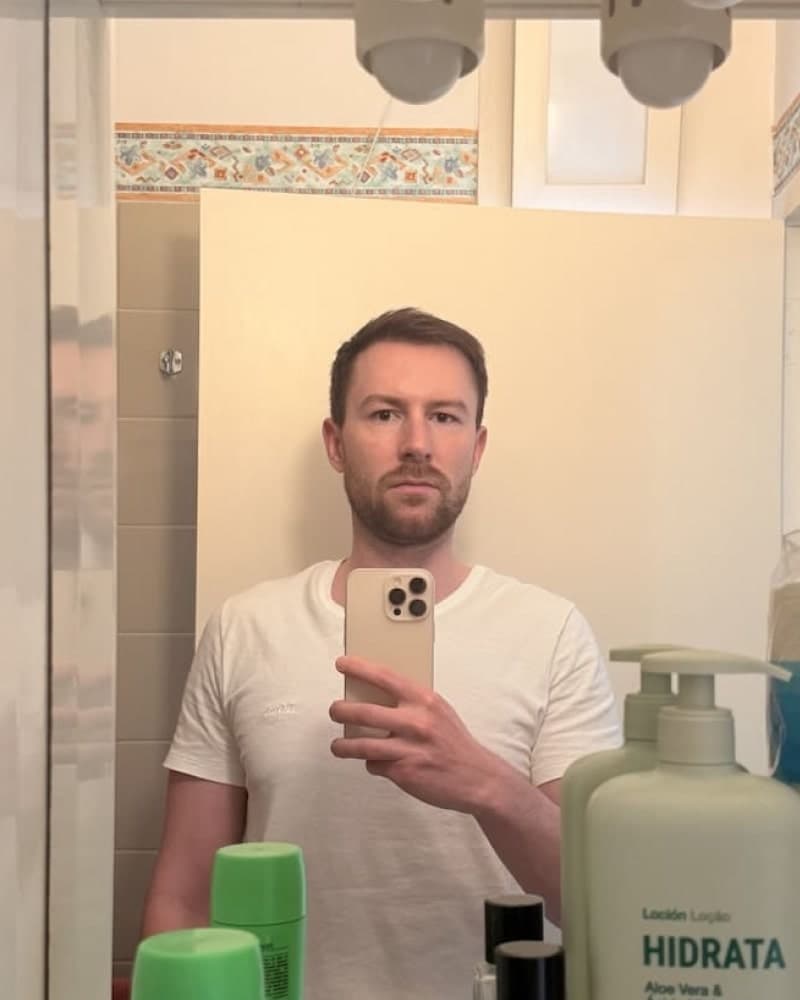

Photos designed to get you more likes, better matches and better dates. TinderProfile.ai is trusted by 60,000+ users.
Final Thoughts on Fixing Your Tinder Selfie Verification
Seeing "Tinder Selfie Under Review" can pause your dating app momentum, but it's usually a temporary step in the verification process. By understanding the difference between a selfie check and a full account review, knowing the typical timelines, and submitting a high-quality selfie from the start, you can navigate this hurdle effectively.
If your selfie review is taking longer than expected, or if it fails, take proactive steps like re-evaluating your photo, trying again, or contacting Tinder Support with clear information. Getting photo verified adds credibility to your profile and signals to potential matches that you're a genuine user.
While you wait or after you're verified, focus on optimising the rest of your profile. Tools and resources like those at TinderProfile.ai can help you craft a compelling bio and select your best photos to maximize your matching potential once you're fully operational on Tinder.
FAQs about Tinder selfie and account reviews
What does "your selfie is under review" mean on Tinder?
It usually means Tinder is checking one photo verification selfie against the pictures already on your profile. In most cases that is narrower than a full account review, so the best next step is to wait a bit, then re-check whether your profile photos still look like you if the status does not clear.
How long does Tinder selfie review take?
Most selfie reviews clear within minutes or a few hours when the photo is clear and recent. Once the status drifts into the 24 to 72 hour range, assume the selfie needs manual review and get ready to contact support if nothing changes after that window.
Why is my Tinder selfie still under review after 24 to 72 hours?
That usually points to a photo mismatch, poor lighting, an outdated profile picture set, or a wider account flag that needs extra checking. Review your main photos first, then look for any email or in-app prompt that suggests Tinder is checking more than the selfie itself.
Can you still use Tinder while your selfie is under review?
Often yes, but not always in the same way. Many users can still swipe or message while the selfie check is pending, but the verified badge will not appear, and broader account reviews can limit features or make the account feel half-frozen until Tinder finishes the check.
What should you do if Tinder is reviewing your whole account?
Follow the official help or appeal route, complete any requested verification, and keep the account unchanged while the case is open. Do not create a second account during the review, because that can make a restriction or appeal harder to resolve cleanly.