


To use Facebook Dating in the UK, open the Facebook app on your mobile, choose Menu > Dating > Get Started, then complete your preferences and add photos. Browse suggested profiles and comment on a profile to make first contact. Continue chatting after you match. If Dating is missing or stuck, check your eligibility, update Facebook, and restart the app.
Let's get your profile set up and working for you. With Facebook's integration of social networking and dating, you're just a few clicks away from potentially meeting your match.
Facebook Dating UK: Key Takeaways
- Set up Facebook Dating in the UK through the mobile Facebook app, then use the Dating menu to complete activation.
- Add accurate preferences and clear photos so your profile gives matches enough context to decide.
- Connect Instagram and start conversations from mutual matches, rather than treating Dating as a social feed.
- If Dating does not appear or load, check your age and location eligibility, update Facebook, and restart your phone.
Getting Started with Facebook Dating
Facebook Dating is a feature within the Facebook app that allows users to create a separate dating profile and connect with potential matches.
The setup is simple, and the app offers unique tools to make your dating journey fun and efficient. Let's start with the basics.
Activating Facebook Dating on Your Mobile Device
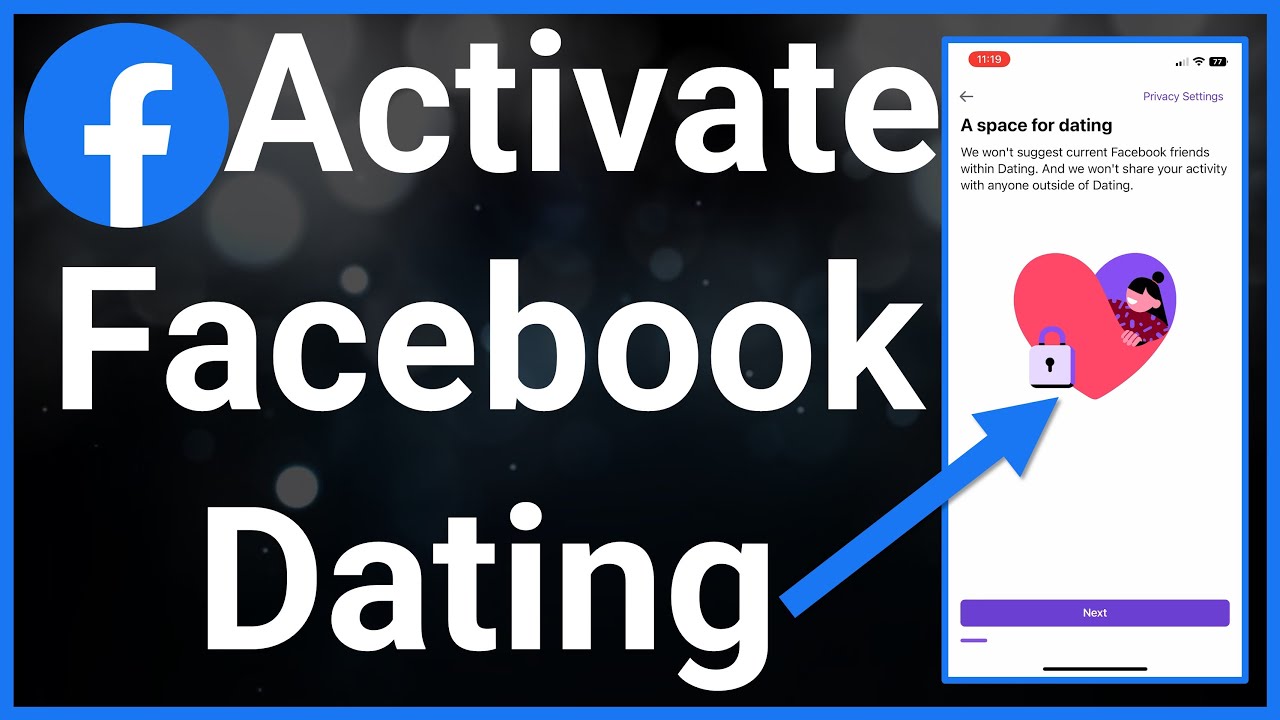
Activating Facebook Dating is quick and easy, but keep in mind it's only available on the mobile app for Android and iOS.
Unfortunately, you can't access Facebook Dating through a desktop browser directly.
Here's how to get started:
- Open the Facebook app on your smartphone.
- Tap on the Menu button (three horizontal lines in the bottom-right corner for iOS or top-right corner for Android).
- Scroll down and select Dating. If you don't see it, use the search bar to find "Dating."
- Tap Get Started and follow the on-screen prompts.
For a detailed visual walkthrough, check out this helpful video:
Setting Up Your Facebook Dating Profile
Once you've activated Facebook Dating, the next step is creating your profile.
The platform makes this process simple by allowing you to import information from your existing Facebook profile.
Here's how to set up your profile:
- Import Key Details: Facebook lets you pull basic information like your name, age, and profile photo from your main account. Review the imported details before you publish your Dating profile.
- Add Custom Details: Enhance your profile by including:
- Location: Enable location services to find matches near you.
- Hobbies and Interests: Share what you're passionate about to attract like-minded individuals.
- Match Preferences: Specify criteria such as age range, distance, and relationship goals.
- Upload Photos: Choose high-quality images that reflect your personality.
Hint: Use several clear photos that show your face and everyday life, rather than repeating similar selfies.
Once your profile is set up, you're ready to start exploring matches. But before diving in, let's take a closer look at the features that make Facebook Dating unique.
Look your best on every dating app. In 10 minutes our AI generates realistic and high-performing dating photos designed to get more likes and dates.
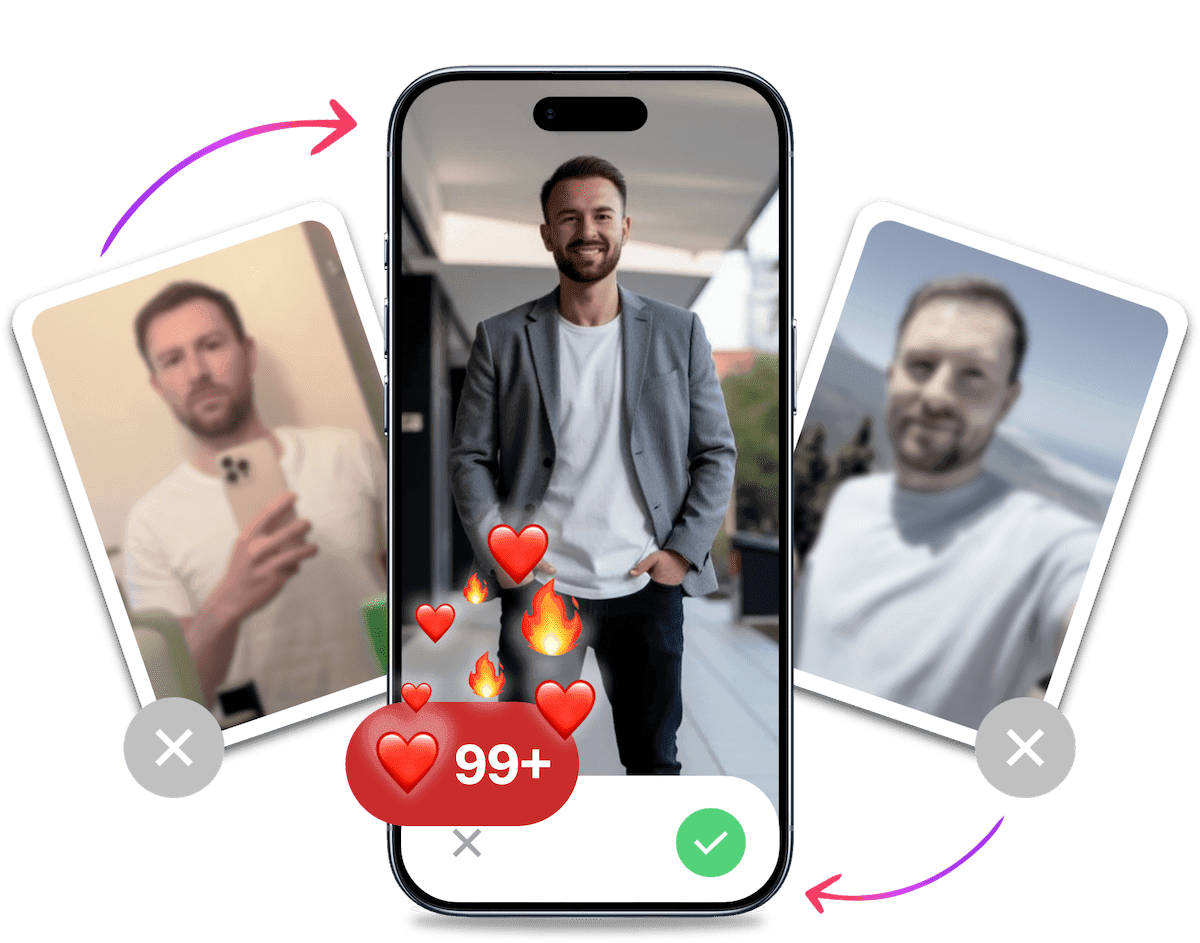
- Get a profile you're proud of
- Drastically increase your matches
- Turn great matches into more dates
Key Features of Facebook Dating
Facebook Dating sets itself apart with unique features designed to create meaningful connections.
Understanding these features can significantly improve your dating experience and increase your chances of finding compatible matches.
Free Likes Without a Subscription
Facebook Dating does not require a paid subscription for its core matching features, but activity limits can still apply. Pace your likes and follow any in-app notice if you are temporarily unable to send more.
Why is this a game-changer?
- Core matching features do not require a subscription.
- Freedom to explore and connect with multiple matches.
- A level playing field for all users, regardless of budget.
Did You Know? Facebook Dating keeps its core matching features free to use. Activity limits can still apply if you swipe too quickly.
Advanced Match Preferences and Filters
Facebook Dating goes beyond the basics by offering detailed filters to refine your match pool. These include:
- Height: Specify your preferred height range.
- Parental Status: Indicate whether you're open to dating someone with kids.
- Interests: Match with people who share your hobbies and passions.
Tip: The more specific you are with your preferences, the better your match suggestions will be. However, keeping an open mind can lead to unexpected connections.
Second Look and Revisiting Profiles
Ever swiped past someone only to regret it later? Facebook Dating's "Second Look" feature allows you to revisit profiles you've previously dismissed.
Here's how it works:
- Navigate to the Second Look section in the app.
- Browse through profiles you've skipped.
- Like or message anyone who catches your eye.
Secret Crush Feature
The "Secret Crush" feature lets you add Facebook friends or Instagram followers to a private list. If they add you too, Facebook Dating can notify you both about a match.
How to use it:
- Go to the Secret Crush section in the app.
- Select friends or followers you're interested in.
- Wait for mutual interest to spark a match.
Why It's Unique: This optional feature uses your existing social network as a source of potential matches without posting your interest publicly.
Expert Strategies to Maximise Your Matches in the UK
Having a basic profile isn't enough to compete. To really succeed, you need a strategy that's optimised for the UK dating scene. Here's how to get more likes on Facebook Dating by thinking like an expert.

Profile Optimisation for British Dating Culture
In the UK, subtlety and humour go a long way. Avoid the over-the-top bragging that might be common elsewhere. Your profile should be an invitation to a conversation, not a CV.
For a deeper checklist, see our Facebook Dating profile tips for men.
- Show, Don't Tell: Instead of saying you're funny, tell a short, witty anecdote in a prompt. Instead of saying you're adventurous, show a picture of you hiking in the Peak District.
- Use Understated Humour: Self-deprecating or observational humour lands well. A prompt answer like, "A hill I will die on is that a Jaffa Cake is a biscuit, not a cake," is a great, low-stakes conversation starter.
- Be Specific with Interests: "I like travel" is boring. "I'm trying to find the best Sunday roast in London" is specific, relatable, and gives someone an easy way to reply.
Choosing Your Best Profile Photos and Prompts
Your photos are your first impression, and your prompts are your personality preview. Get them right.
- Photo Selection: Lead with a clear, smiling headshot. No sunglasses, no group shots as your first picture. Include a full-body shot and pictures that show your hobbies. Natural, well-lit photos always outperform blurry or heavily-filtered ones. For more guidance, check out our tips on good dating profile pictures.
- Best Profile Prompts: Use prompts to spark curiosity. Avoid one-word answers.
- Instead of: "I'm looking for... someone nice."
- Try: "I'm looking for... someone who won't judge me for putting the milk in first when I make tea."
- Great UK-centric prompts: "The key to my heart is...", "Don't hate me if I...", "My most controversial opinion is..."
Messaging Strategies That Work
Your opening line determines whether you get a reply or get ignored. Here are some Facebook dating conversation starters that work in the UK.
- Reference Their Profile: The best opener is always one that shows you have actually read their profile. "I see you're a fan of The Office. Do you prefer the UK or US version? This is a critical question."
- Once the conversation starts, use our guide to keep a dating-app conversation going without forcing the chat.
- Ask an Engaging Question: Skip the "Hey, how are you?". Try something more playful like, "Right, important question: what's your go-to takeaway on a Friday night?"
- Inject Some Banter: A light, teasing tone can be effective. "Your dog is majestic. Does he have any single friends?"
The goal is to make it easy and fun for them to reply. A good opener invites a response, it doesn't demand one.
Integrating Instagram with Facebook Dating
The seamless integration between Instagram and Facebook Dating creates a richer, more dynamic dating profile that can significantly increase your chances of making meaningful connections.

Linking Your Instagram Account
Connecting your Instagram account to Facebook Dating is a straightforward process. Here's how you can do it. For a broader look at how to use Instagram for dating, start with the account habits that make your profile easy to trust.
- Open the Facebook Dating section within the Facebook app.
- Navigate to your profile settings by tapping the gear icon.
- Select Instagram Integration and log in to your Instagram account.
- Grant permission for Facebook Dating to access your Instagram posts.
Pro Tip: Make sure your Instagram account reflects your authentic self. Avoid overly curated or misleading content, as authenticity is key to building trust with potential matches.
Why Link Instagram?
- It allows you to share additional photos directly from your Instagram feed.
- You can highlight your interests, hobbies, and daily life in a more visual way.
- It gives potential matches a deeper insight into your personality and lifestyle.
Using Instagram Posts to Enhance Your Profile
Once your Instagram account is linked, you can select specific posts to display on your Facebook Dating profile. This is an excellent opportunity to showcase your unique qualities and interests.
Tips for Choosing Instagram Posts:
- Highlight Your Hobbies: Whether it's hiking, painting, or cooking, share photos that reflect your passions.
- Showcase Your Adventures: Travel photos or snapshots from fun outings can make your profile more appealing.
- Keep It Positive: Choose images that convey happiness and confidence.
By integrating Instagram, you can create a richer, more engaging profile that stands out in a sea of dating profiles.
Common Facebook Dating Problems (And How to Fix Them)
Even the best apps have their glitches. If you're running into issues, you're not alone. Here's how to troubleshoot the most common problems so you can get back to matching.

Why Can't I Find Facebook Dating?
One of the most frequent complaints is that the Dating feature is missing entirely. If you can't find Facebook Dating, here are the likely reasons and how to fix them:
- You're Under 18: Facebook Dating is strictly for users aged 18 and over.
- It's Not Available in Your Country: While available in the UK, US, and many other countries, it's not worldwide yet. Check if your location is supported.
- Your App is Outdated: An old version of the Facebook app might not show the feature. Go to the App Store or Google Play Store and update it.
- You Have a New Account: Very new Facebook accounts may not have access immediately. Use Facebook normally for a while to build up your account's history.
To activate dating on Facebook, ensure you meet these criteria and then look for the "Dating" option in the main menu.
Facebook Dating Not Working or Loading? Here's the Fix
Is the app stuck on a loading screen or crashing? This is a classic "turn it off and on again" scenario.
- Check Your Internet Connection: Make sure you have a stable Wi-Fi or mobile data connection.
- Restart the Facebook App: Force-close the app completely and reopen it.
- Clear the Cache: On Android, go to
Settings > Apps > Facebook > Storage & Cacheand tapClear Cache. On iOS, the easiest way is to offload and reinstall the app. - Restart Your Phone: A simple reboot can solve a surprising number of app-related issues.
If Facebook Dating is not working after these steps, there may be a temporary outage with Facebook's servers.
Can't See Likes or Messages?
Frustrated because you can't see likes on Facebook Dating? This is by design. Unlike some apps, you can only see who liked you if you also like them back, creating a mutual match.
If you're not getting notifications for matches or messages:
- Check Your Notification Settings: Go into your phone's settings and ensure you have allowed notifications for the Facebook app.
- You Haven't Matched: Remember, you won't get a "like" notification unless it's a mutual match. Keep swiping!
It's Probably Your Photos.
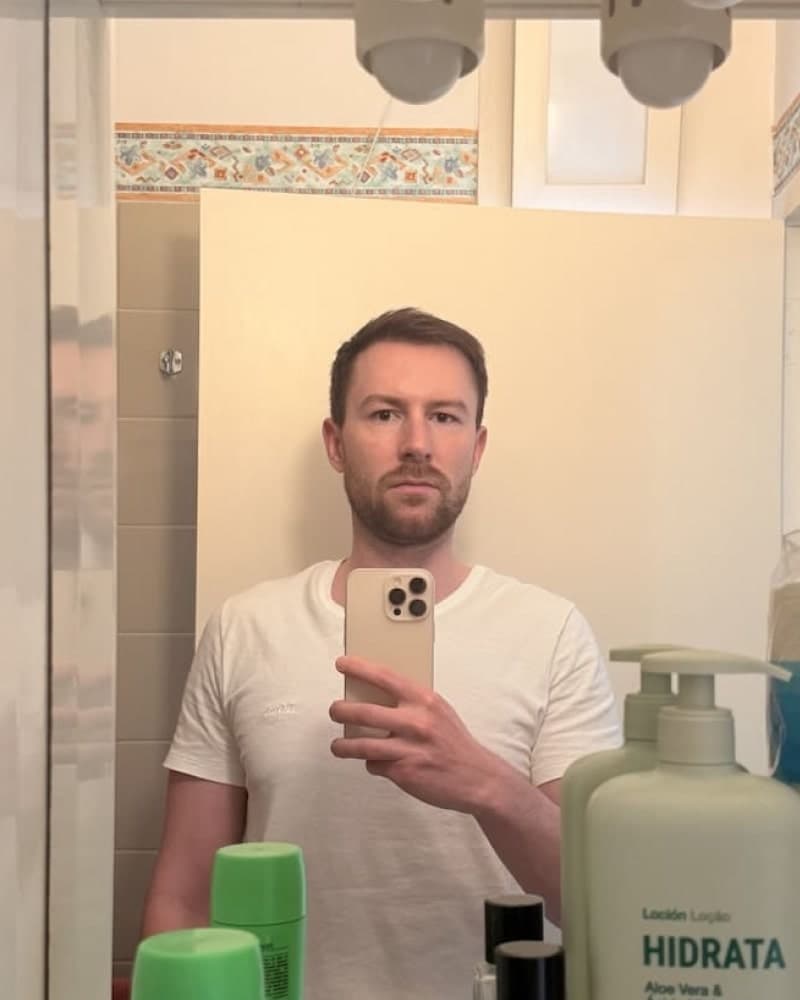

Photos designed to get you more likes, better matches and better dates. TinderProfile.ai is trusted by 60,000+ users.
Understanding the Facebook Dating Daily Limit (And How to Work With It)
Facebook Dating does not publish a fixed daily allowance, and activity limits can still apply to rapid or high-volume swiping. Hitting a limit can be frustrating, but understanding how it works helps you pace your activity.
What is the Daily Limit and Why Does it Exist?
Facebook hasn't published an exact number for how many likes you get per day. The limit is behavioural. Rapidly swiping through hundreds of profiles may trigger a temporary pause on sending new likes.
This system exists to:
- Improve Match Quality: It forces you to be more selective, leading to more meaningful interactions.
- Prevent Spam: It stops bots from overwhelming the platform and ruining the experience for genuine users.
What to Do When You Hit the Limit
When you reach a swipe limit, you'll see a message notifying you that you can't send any more likes. The pause should be temporary, but Facebook does not publish a fixed reset time.
Follow the in-app notice and try again later rather than relying on an exact countdown.
Strategy: Make Your Likes Count
Instead of mindlessly swiping, treat your likes as a valuable resource.
- Be Selective: Take a moment to read bios and look through all the photos before liking.
- Engage Actively: Check in when you have time to read profiles, update your profile, and respond to messages. This keeps your activity focused on real conversations.
- Pace Yourself: Spread your activity throughout the day rather than doing it all in one short burst.
By working with the limit instead of against it, you can avoid frustration and keep your swiping more deliberate.
How to Use Facebook Dating on PC: 2 Unofficial Workarounds
Facebook Dating has no official desktop version. These unofficial workarounds may not make Dating function, but they can help if you prefer a keyboard or a larger screen. The mobile app remains the primary route.

Method 1: Use an Android Emulator (Unofficial Workaround)
An Android emulator creates a virtual Android phone on your PC or Mac. It may let you run Facebook's Android app on a desktop, but compatibility and Dating access can vary.
- Download and Install BlueStacks: BlueStacks is a popular free Android emulator. Download it from the official website and review its permissions before installing.
- Sign in to Google Play: Once installed, open BlueStacks and sign in with your Google account, just like on a new Android phone.
- Install the Facebook App: Use the search bar in the Play Store within BlueStacks to find and install the official Facebook app.
- Log in and Access Dating: Open the Facebook app, log in to your account, and navigate to the Dating section via the menu. Dating may not work exactly as it does on your mobile.
Method 2: Screen Mirroring
Screen mirroring software displays your phone's screen on your computer monitor. You still control everything from your phone, but you see it on a big screen. This only mirrors the mobile app, so it does not create official desktop access.
- Choose a Screen Mirroring App: Windows has a built-in "Your Phone" app for many Android devices. Alternatively, apps like AirDroid or Vysor work for both Android and iOS.
- Connect Your Phone: Follow the app's instructions to connect your phone to your PC, usually via Wi-Fi or a USB cable.
- Start Mirroring: Once connected, your phone's screen will appear in a window on your desktop. Open Facebook Dating on your phone and use it while viewing it on your monitor.
| Feature | Android Emulator (BlueStacks) | Screen Mirroring |
|---|---|---|
| Control | Full control with mouse/keyboard | Control remains on phone |
| Performance | Can be resource-intensive | Depends on phone & connection |
| Setup | Initial setup required | Quick and easy |
| Best For | A desktop-like setup | Casual big-screen viewing |
Using AI Tools to Elevate Your Profile
Creating a compelling dating profile can be challenging, especially if you're unsure about what to include or how to present yourself.
This is where AI tools come into play, helping you optimise your profile for maximum impact.
Automating Your Bio with Meta's Generative AI
Writing a bio that captures your personality while being concise and engaging is no easy task. Meta's generative AI tools can simplify the first draft.
How It Works:
- Input basic information about yourself, such as your hobbies, interests, and what you're looking for in a match.
- The AI generates a polished, well-written bio tailored to your personality.
- Review and tweak the bio to ensure it feels authentic and aligns with your voice.
If you're looking for more advanced bio generation tools, check out our AI Dating Profile Bio Generator for additional resources.
How AI Tools Can Elevate Your Facebook Dating Profile
In addition to crafting a standout bio, AI tools like those from TinderProfile.ai can help you optimise your profile photos. Here's how:
- Professional-Quality Images: AI can turn your selfies into clear, well-lit photos that fit the rest of your profile.
- Diverse Scenarios: Generate images that show different parts of your life, from casual outings to formal settings.
- A Clearer Profile: A varied set of photos makes it easier for matches to understand your interests and personality.
Hint: Use professional-looking photos that still resemble you. Clear, natural images make it easier for matches to understand your profile.
Used carefully, AI tools can help you present a clearer version of your interests and personality without replacing your own voice.
Final Thoughts: Why Facebook Dating is a Top Contender
Facebook Dating combines the familiarity of a social network with the excitement of online dating, offering unique features like "Secret Crush" and Instagram integration.
Its cost-free model and advanced match filters make it accessible and effective for users of all backgrounds. Whether you're new to online dating or a seasoned pro, Facebook Dating provides the tools you need to connect with meaningful matches.
For those looking to take their profile to the next level, consider using AI tools like TinderProfile.ai to enhance your photos and bio.
A polished profile can significantly boost your chances of finding the right match, making your dating journey even more rewarding.
Facebook Dating UK: Your Questions Answered
Can my Facebook friends see I'm using Facebook Dating?
Facebook Dating is designed to keep your dating activity separate from your main Facebook profile, but do not treat that as a promise of complete invisibility. Your friends are not normally shown your Dating profile or notified through their feed. You can also avoid adding someone as a Secret Crush unless you are comfortable with the possibility of a mutual match.
How do I delete my Facebook Dating profile permanently?
Deleting your Facebook Dating profile removes your Dating matches, conversations, and likes from the service, so treat the action as permanent. In the Dating section, open settings, choose General, then select Delete Profile. Check the confirmation screen before proceeding, because Facebook may not offer a way to restore the deleted profile or its data.
Who can see my dating profile on Facebook?
Your Dating profile is shown to people using Facebook Dating who fit your preferences, rather than published to your main feed. Existing Facebook friends are not normally included in Dating suggestions, but you should review your profile settings and the people you add to Secret Crush. Visibility can depend on the feature's current rules and your location.
Why does Facebook Dating keep crashing?
Start with the basic app checks when Facebook Dating keeps crashing: update Facebook, check your connection, clear the Android cache or reinstall on iOS, and restart your phone. If Dating still fails after those steps, the problem may be a temporary service outage. Try again later before changing your profile or deleting anything.
Can I get my account back after deleting it?
Assume a deleted Facebook Dating profile cannot be recovered. Deleting it removes the profile and its Dating history, so you would need to set up a new profile if you return to the service. If you are unsure, pause your use or review the settings options first instead of confirming deletion.
Are my messages on Facebook Dating private?
Facebook Dating conversations are separate from Facebook Messenger, but avoid treating that separation as a guarantee that no one else can access your account. Only you and your match normally see the chat inside Dating. Protect your Facebook account, use a secure device, and check privacy settings before sharing sensitive information.