


Has your Tinder match count dropped? It can be frustrating, but a drop on its own doesn't show that Tinder has hidden your profile. "Shadowban" is an informal term, and a match count alone can't tell you whether an account restriction exists.
If Tinder has banned your account, check for an email from Tinder and a notice when you log in. Follow the appeal instructions in that notice. If you can still use Tinder, start with Discovery settings and Tinder's official troubleshooting steps.
Key Takeaways
- Fewer matches, unanswered messages, and an empty likes queue don't confirm a hidden restriction.
- Tinder says a confirmed ban comes with an email and a notice at login. Eligible violations can be appealed.
- Discovery controls whether new people can see your profile. Its preferences shape the profiles shown to you.
- If profiles won't load, check your connection, update or reinstall the app, then contact Support if the problem continues.
What People Mean by a Tinder Shadowban
People use "shadowban" to describe a profile they think is being shown to fewer people without a clear notice. The term doesn't confirm that an account restriction exists. Tinder's Help pages explain formal bans, appeals, and Discovery settings, but they don't provide a test that confirms a hidden restriction.
A confirmed ban is different. Tinder says it notifies you by email and when you log in. You can read its account-ban guidance and use the Appeal Center for an eligible violation.
Why a Drop in Tinder Activity Can't Diagnose a Restriction
Match and like counts can change, but they don't identify the cause. Claims about a hidden "Trust Score," a specific swipe-speed cutoff, or penalties for repeated messages aren't established facts. Treat those details as speculation.
An empty likes queue, unanswered messages, a profile search that comes up empty, or a broken share link also can't confirm a shadowban. Use notices, settings, and app troubleshooting to decide what to check next.
Read the Symptom, Then Choose a Next Step
These observations can point you to a useful check. None of them, by itself, diagnoses a hidden restriction.
| What you notice | What it establishes | Next step |
|---|---|---|
| An email or login notice says your account is banned | Tinder has notified you of a formal ban | Read the notice and check the Appeal Center for an eligible violation |
| Discovery is turned off | New people won't see your profile through Discovery | Turn Discovery on if you want new people to see your profile |
| No profiles appear in Discovery | Tinder isn't showing you profiles with your current settings | Expand your preferences and check the app connection |
| Profiles or other features won't load | You're seeing an app or connection problem | Check your connection, update or reinstall Tinder, then contact Support if it persists |
| Your matches or likes have dropped | Your activity is lower, but the cause isn't established | Check the notice, Discovery, and app steps above |
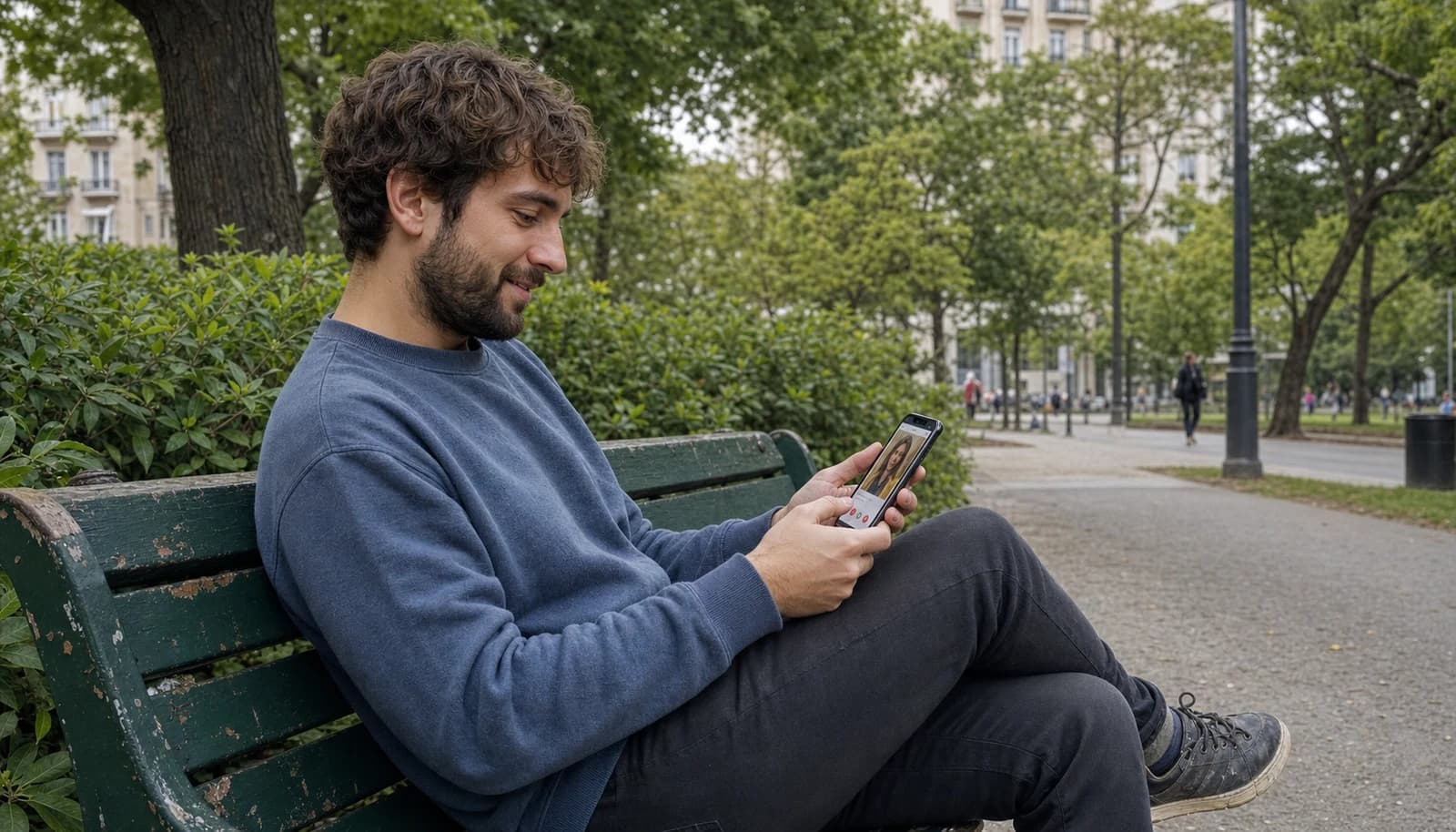
Look your best on every dating app. In 10 minutes our AI generates realistic and high-performing dating photos designed to get more likes and dates.
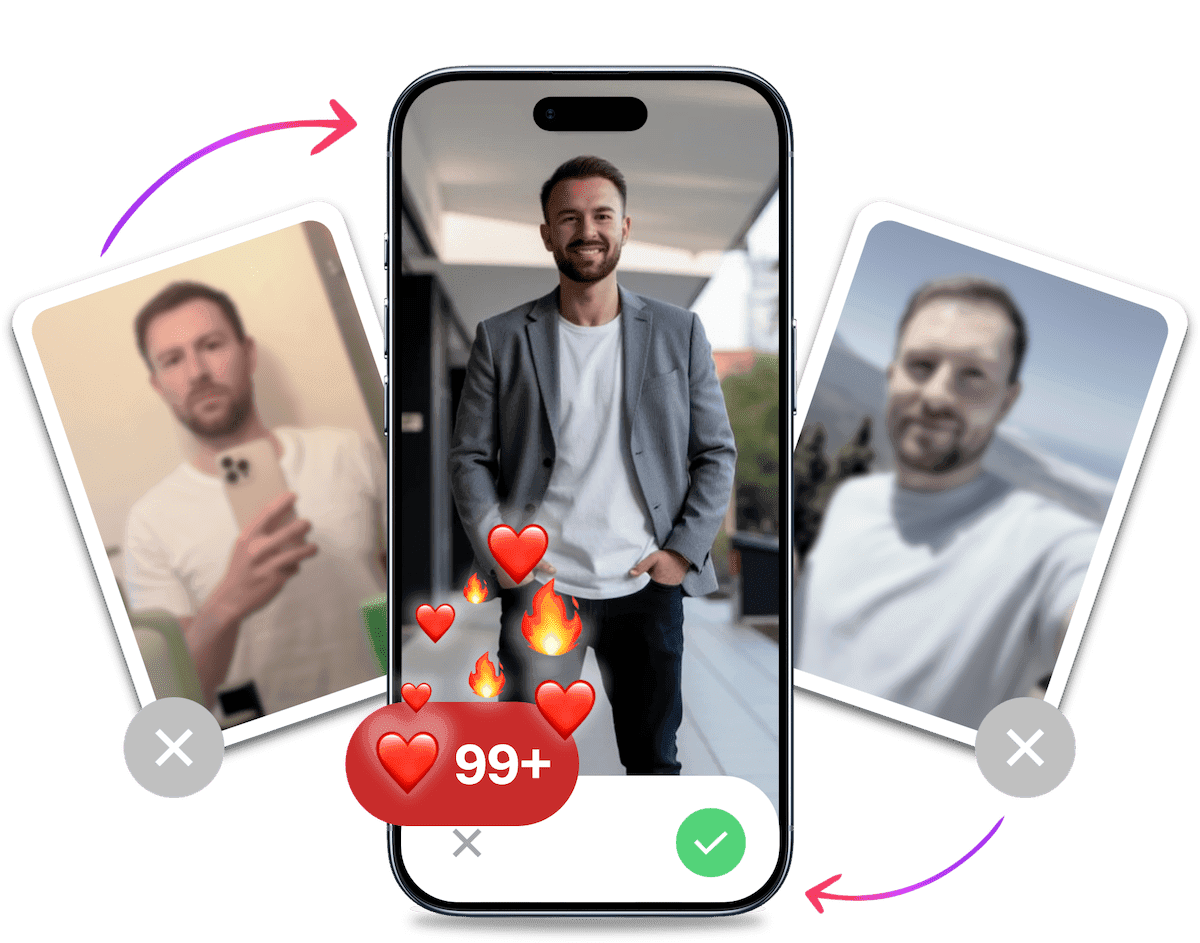
- Get a profile you're proud of
- Drastically increase your matches
- Turn great matches into more dates
If Tinder Says Your Account Is Banned
Check the email account connected to Tinder and the notice shown when you log in. Tinder says a banned user can't continue using the service or create another account. If the ban may be mistaken, use the appeal route rather than trying to work around it. See Tinder's official ban instructions.
How to Appeal an Eligible Violation
Sign in with the same login you use for Tinder and open the Appeal Center. Choose an eligible violation, select Begin appeal, submit your appeal, and check its status there. Tinder notes that some actions won't have an appeal option, including older actions or ones already appealed. The option to appeal doesn't guarantee a response time or reinstatement. Read Tinder's appeal instructions before submitting.
If There Is No Ban Notice
If you can log in and haven't received a ban notice, start with settings and app behavior. A quiet profile alone doesn't tell you whether Tinder is limiting visibility.
Check Discovery Settings
Tap your profile icon, open Settings, then select Discovery. Make sure Discovery is enabled if you want new people to see your profile. When it's off, Tinder hides your profile from new people, though people you've already liked may still see it and match. The Discovery settings page explains the controls.
Discovery preferences affect the profiles you see. If your recommendations have run out, broadening your age or distance preferences can show more profiles. It doesn't guarantee that more people will see or like your profile.
Troubleshoot Profiles That Won't Load
If Discovery shows no profiles, Tinder recommends expanding your preferences. For loading or connection problems, check your internet connection and update the app. If the issue remains, reinstall Tinder and sign in again. Tinder lists these steps in its guide to profiles not appearing in Discovery.
Reinstalling refreshes the app on your device. It doesn't delete your Tinder account, and it's not a proven way to remove an account restriction.
Contact Tinder Support About Persistent Technical Issues
If you still can't sign in or use a feature after those checks, send Tinder Support the exact steps you took and any error message you see. Use the Tinder Support request form. Describe the app behavior you observed rather than labeling it a shadowban. The request form doesn't promise a particular response time or outcome.
Is There a Known Duration for Suspected Low Visibility?
There isn't a verified timer for a suspected visibility drop. Tinder's Help pages describe notices and appeals for formal bans, but they don't promise that a quiet profile will return to normal after a set wait or account reset. If Tinder sent a ban notice, use its appeal route and the status shown there.
It's Probably Your Photos.
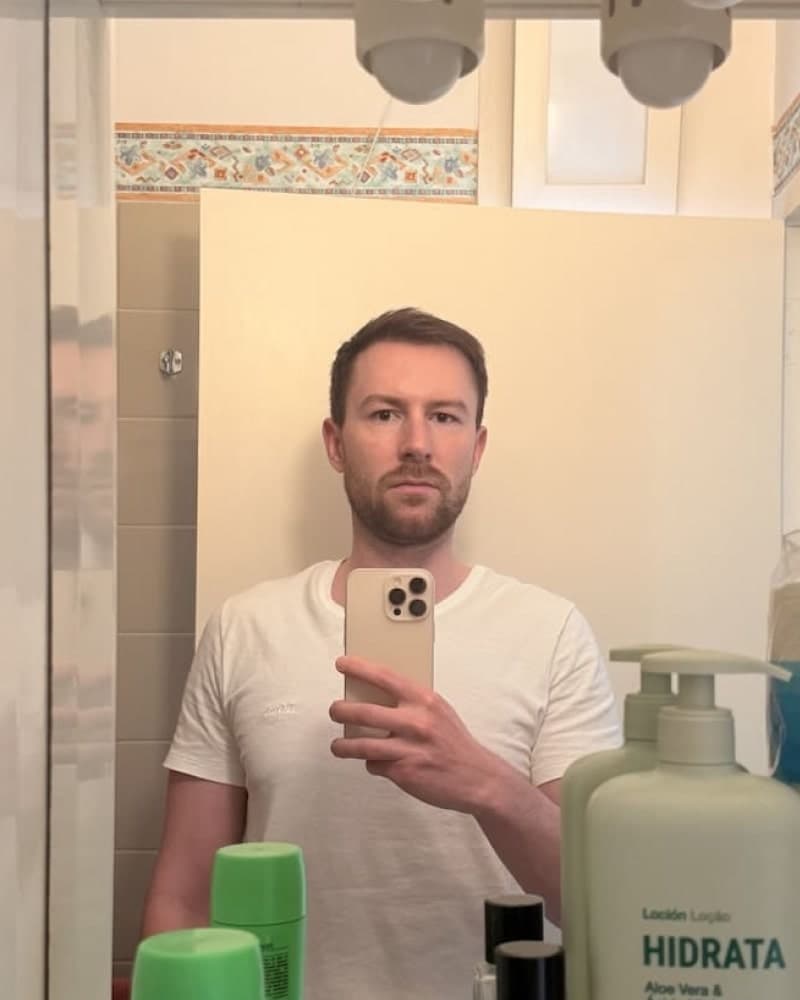

Photos designed to get you more likes, better matches and better dates. TinderProfile.ai is trusted by 60,000+ users.
Profile Presentation Is Separate From Account Status
If you can use Tinder and want to work on your profile, focus on what other people see. Clear, current photos help present who you are. For practical ideas, see Good Tinder Pictures.
If you want new profile images, TinderProfile.ai can generate dating photos from pictures you provide. That can help with profile presentation, but photo changes don't diagnose or remove an account restriction.
Final Thoughts on Suspected Tinder Shadowbans
A drop in matches can be annoying, but it doesn't confirm a shadowban. Check for a ban notice first. If there isn't one, review Discovery and troubleshoot any app problems. If Tinder confirms a ban, use the Appeal Center for an eligible violation. Those steps give you something concrete to check without relying on an unverified test.
Frequently asked questions about Tinder shadowbans
Can I tell from fewer matches whether Tinder shadowbanned me?
Fewer matches can't confirm a Tinder shadowban. The term describes a suspected visibility drop, but match counts, unanswered messages, an empty likes queue, or one failed profile search don't establish a restriction. Check for a ban notice, then review Discovery and app issues. Tinder's Help pages don't provide a definitive test for a hidden restriction.
How will I know if Tinder has banned my account?
Tinder says a confirmed ban is sent by email and shown when you log in. A banned user can't keep using Tinder or create another account. If you see that notice, follow its appeal instructions. If neither notice is present and you can use the app, don't treat a quiet profile alone as proof of a ban.
Can turning off Discovery make my profile invisible?
Yes. When Discovery is off, Tinder says new people won't see your profile, though people you've already liked may still see it and match. Find the setting from your profile icon, then Settings and Discovery. Your Discovery filters shape which profiles you see. Broader filters may show more recommendations, but they don't promise more likes or exposure.
What should I check if Tinder stops showing profiles or getting matches?
First check for an email or login notice. If there isn't one, make sure Discovery is on and review your preferences. If no profiles load, widen the preferences, check your internet connection, then update or reinstall Tinder. Reinstalling refreshes the app. It doesn't delete your account or prove that a restriction was removed.
How long does a suspected Tinder shadowban last, and should I reset my account?
There is no verified timer for a suspected visibility drop, and Tinder Help doesn't promise a reset or an automatic return of matches. Reinstalling the app is a technical step, not an account reset. If Tinder has banned you, use its notice and appeal route. Don't create a new account to get around a ban.
How do I appeal or contact Tinder Support?
Sign in with the same login and open the Appeal Center. Select an eligible violation, choose Begin appeal, submit it, then check its status. Some older or already appealed actions won't show an appeal option, and Tinder gives no guaranteed response time or outcome. For persistent technical symptoms, submit a Support request with the steps and error you see.
Related Reading
- How to Get Unbanned from Tinder for more on a confirmed ban.
- Tinder photo order for arranging your profile pictures.