



If Tinder matches disappeared, check the pattern. One match that stays gone may mean an unmatch or account deletion, and you cannot restore it. Several matches or chats missing together point to sync, connection, outage, app version, login, or session problems. A match or chat that reappears fits a display or sync issue, not proof of an unmatch.
Use the symptom table to choose the right check, then work through the recovery plan, because technical fixes can refresh a broken display but reinstalling cannot restore an unmatch or a deleted account. The same checks cover chats that vanish while you are still matched, including your connection, app version, account login, and Tinder's support channels.
Key Takeaways: Tinder Matches Disappeared
- A single match that never returns may reflect an unmatch or account deletion, and Tinder cannot restore that chat from your side.
- When several matches or chats disappear together, check your connection, Tinder's status, app version, account login, and session by following the recovery plan.
- If the match remains visible but the chat is missing, refresh the chat list and clear any active search filter before contacting Tinder Support.
- Reinstalling can refresh local app data, but it cannot bring back an unmatch or a deleted account.
Tinder Glitches & Server Problems: The Technical Side
Technology is not perfect, and Tinder can lose the connection between the app and its servers. When matches vanish, a display or sync issue is one possible explanation. Think of Tinder like a busy restaurant: orders can get mixed up, but checking the connection and asking support can help locate the problem.
Just like you might have bad reception, Tinder can experience connectivity issues that affect your matches. Here's what might be happening behind the scenes:
- Server maintenance periods causing temporary glitches
- Heavy traffic leading to synchronization problems
- Regional outages affecting specific areas
- Database updates shuffling match information
- Outdated app versions causing compatibility issues
- Corrupted app data or full cache on your phone
When these issues occur, your matches may be temporarily hidden rather than deleted. Tinder's Help Center describes match problems but does not promise a fixed timeline. Check your connection, Tinder's status, app version, account login, and support if the issue continues.
Start by closing and restarting the app. If that does not help, log out and back in to refresh the match list. During a suspected outage, basic checks and a later retry are more useful than promises about a fixed timeline.
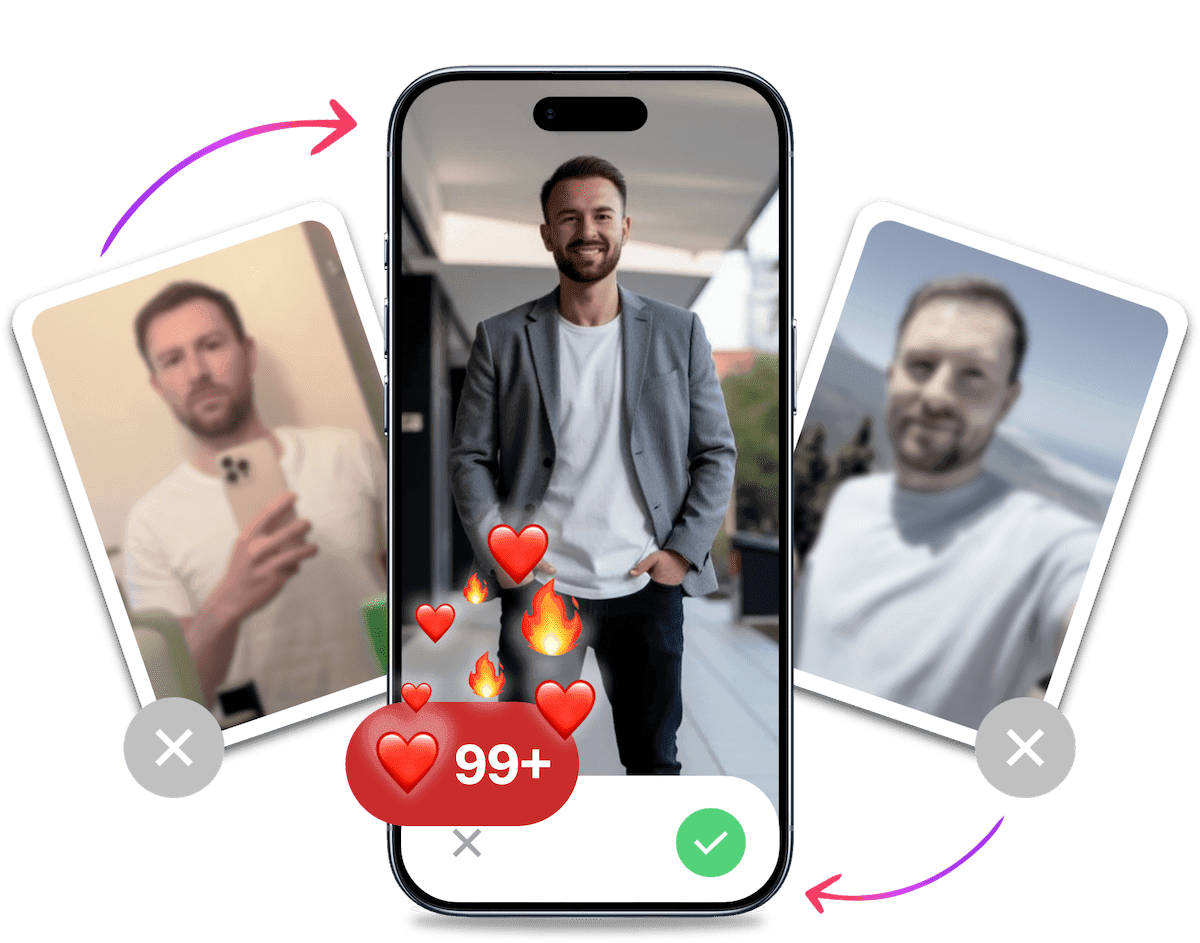
Look your best on every dating app. In 10 minutes our AI generates realistic and high-performing dating photos designed to get more likes and dates.
- Get a profile you're proud of
- Drastically increase your matches
- Turn great matches into more dates
The #1 Glitch: Why Tinder Matches Disappear Then Reappear
When a match disappears and returns, the pattern is consistent with a technical display or sync issue. The app may have failed to load the latest match data, then corrected itself on a later refresh. Here are two mechanisms to check first.
Server Synchronization Lag
Think of your app as a copy of what's on Tinder's main servers. Sometimes, the connection between them is slow or gets interrupted. Your phone might temporarily fail to load your full match list, making it seem like people have disappeared. When the app successfully syncs again, they may reappear. This pattern is consistent with a synchronization delay.
Corrupted App Cache
Your phone stores temporary data (a "cache") to help Tinder load faster. If this data gets corrupted, it can cause display bugs, including hiding matches and conversations. When the app is restarted or the cache is cleared, it downloads fresh data from the servers, which may bring missing matches back into view.
How to Tell: Is It a Glitch or an Unmatch?
The symptom gives you a direction, not proof. One match that stays gone can be a human action, while a match that disappears and returns fits a display or sync delay. When several matches or chats vanish together, check the app and account. If your match remains but the chat is missing, treat it as a message-display problem.
| What you see | Likely explanation | What to do | Can Tinder restore it? |
|---|---|---|---|
| One match gone and never returned | An unmatch or account deletion may be permanent. SwipeStats' explanation of a single missing Tinder match cites Tinder's guidance on these causes. | Check whether other matches are missing, then contact support if the pattern suggests an account issue. | No, not from your side, if it was an unmatch or deleted account. |
| One match or chat disappears and reappears | Consistent with a display or sync delay. | Refresh, re-authenticate, and check again later. | Technical checks may make it visible again, but there is no guarantee. |
| Several or all matches/chats disappear together | Connectivity, outage, app version, wrong login, or session issue. | Run the recovery checklist and check Tinder's status and outage checks. | Support or a resolved outage may restore the display, while an account action can still be permanent. |
| Match visible but chat missing | Message-sync or display issue, with an active search filter possibly hiding chats. | Refresh the chat list, clear any search filter, and contact support if it persists. | It may return after a sync, and support can investigate. |
An unmatch or account deletion is irreversible, while technical checks apply to the other rows.
Tinder Conversation Disappeared But Still Matched? Here's Why
Seeing a match while its chat is missing is consistent with a display or message-sync error. It does not prove an unmatch, but it also does not guarantee that the messages are recoverable.
Here are the main culprits:
- Message Sync Error: Similar to matches disappearing, your app can fail to load a specific conversation's data. "All my chats disappeared on Tinder" can describe this kind of sync problem.
- An Active Search Filter: If you used the search bar at the top of your messages screen, an active filter can hide other chats without being obvious.
The Fix: Pull down on your messages screen to reveal the search bar. If there is text in it, clear it and refresh the list. If a filter caused the display issue, your conversations may return.
If a Tinder chat disappeared and reappeared, that pattern is consistent with the sync issues above. It does not by itself tell you whether the message data was deleted.
Human Actions: Why You Might Be Getting Unmatched
Technical issues are only one possibility. If a single match stays gone, an unmatch or account deletion is more consistent with Tinder's documented explanation than a temporary display problem.
The Unmatch Mystery
When someone unmatches you, it happens without a notification, and their profile and chat history can disappear permanently. If you want to improve the profile and conversation factors you control, see our guide on how to get more matches on Tinder.
Common reasons for unmatching include:
- Conversations that fizzled out due to boring small talk
- A profile that seemed interesting at first but lacked depth
- Low-quality or misleading photos
- A bio that was either empty or unappealing
Tip: A clear profile and engaging conversation can help people understand what to expect. If your photos need work, TinderProfile.ai can generate natural-looking dating images from your existing pictures.

Profile Changes and Their Impact
Changing your age range, location, or distance settings can change what you see in discovery. It does not establish that Tinder deleted an existing match, so check the technical causes in the recovery plan before assuming a profile change caused the disappearance.
For ideas on good Tinder pictures, see our guide to building a clear, current profile.
Preventive Measures to Maintain Your Matches
Want to stop your matches from pulling a Houdini act? Let's talk about ways to keep your connections strong and lasting. Think of your Tinder matches like plants - they need attention and care to flourish.
Stay Active and Engaged
Regular activity on Tinder signals to both the app and your matches that you're genuinely interested in making connections.
Here's what you can do:
- Check your messages daily
- Respond promptly when possible
- Keep conversations flowing naturally
- Update your profile periodically with fresh content
Looking for creative ways to keep conversations alive? Our guide on how to start a conversation with a girl offers proven strategies that work.

Profile Optimization is Key
Profile quality matters for future match interest, but it does not explain a technical disappearance. Use this section to improve how your profile performs after the account issue is sorted.
Consider using TinderProfile.ai's Bio Generator to create an engaging bio that keeps matches interested.
Key elements to maintain:
- High-quality, recent photos
- An engaging, authentic bio
- Clear intentions about what you're seeking
- Regular updates to show you're active
An optimized profile can support better conversations, but it cannot restore an unmatch or deleted account.
Your Step-by-Step Recovery Plan: Getting Matches Back
When your matches disappear, work through this troubleshooting plan in order. Start with the first step and continue only if the display problem remains. The checklist is for sync, connection, account, and app issues, not for reversing an unmatch. Tinder's Help Center guidance covers the same checks.
- Log Out and Log Back In: This forces the app to establish a fresh connection with Tinder's servers and re-download your match and message list. Verify that you use the same Tinder account, especially if you sign in with Facebook or Apple.
- Force Close and Restart the App: A restart can clear temporary bugs or memory issues that affect the display. Reopen Tinder and check whether the list loads correctly.
- Check Your Internet Connection: A weak or unstable Wi-Fi or cellular connection can prevent the app from loading data. Switch between Wi-Fi and data, then review Tinder's status and outage checks if several matches disappeared together.
- Clear the App Cache: A cluttered or corrupted cache can interfere with loading. On Android, clear it in your phone's settings. On iOS, offload and reinstall the app to refresh local data.
- Update the Tinder App: Make sure you are running the latest version of Tinder. An outdated app can contain bugs fixed in a newer release, so check the App Store or Google Play Store.
- Reinstall the App (Last Resort): If nothing else works, uninstalling and reinstalling can provide a clean local start. It cannot restore an unmatch or deleted account, and it should be the final technical check.
This helpful video explains more about why matches might suddenly disappear and what you can do about it:

When All Else Fails
If technical checks fail, do not assume a shadowban. Tinder does not present it as an official account status, so check your login and support options first. A reset cannot recover a missing match and permanently deletes your current matches and chats, so consider our Tinder profile reset guide only after those checks. If Tinder tells you the account is restricted, follow our how to get unbanned from Tinder guide for the appeal steps.
Losing matches isn't always the end of the world. Sometimes it's an opportunity to refresh your profile and start fresh.
It's Probably Your Photos.


Photos designed to get you more likes, better matches and better dates. TinderProfile.ai is trusted by 60,000+ users.
Enhancing Your Profile to Secure More Matches
Lost matches are a reason to review the parts of your profile you control. Better photos and a clear bio can help people understand who you are, but they will not restore a missing match.
The Power of Perfect Pictures
Your photos shape the first impression, so make the main image easy to read at a glance. For guidance, see our article on professional Tinder photos.
Here's what makes a profile photo stand out:
- Clear, high-quality images
- A mix of close-ups and full-body shots
- Natural lighting and authentic settings
- Photos that tell a story about your lifestyle
Need help creating a photo lineup? Our guide on how to take dating pictures by yourself covers simple setups.
Leveraging AI for Profile Excellence
To refresh your profile when current pictures are limited, TinderProfile.ai can generate natural-looking dating photos from your existing images, but it cannot recover a deleted match or chat.
Making Meaningful Connections
Getting matches is one thing - keeping them engaged is another. Let's talk about building connections that stick around.
Starting Strong
First messages matter more than you might think. Avoid generic "hey" messages that get lost in the shuffle.
Instead, try:
- Personalized opening lines based on their profile
- Thoughtful questions that spark conversation
- Light humor that breaks the ice
For inspiration, check out our collection of best Tinder openers that actually work.
Moving Beyond Small Talk
Keep the conversation flowing by:
- Asking open-ended questions
- Sharing interesting stories
- Making plans to meet in person when appropriate
- Being genuine and showing real interest
Looking for date ideas? Our guide on first date ideas has creative suggestions for taking your connection offline.
Final Verdict: Taking Control When Your Tinder Matches Vanish
Lost matches don't have to be the end of your Tinder journey. By understanding the difference between a technical glitch and an unmatch, you can stop guessing and take control. Profile improvements can help with future match interest, but they won't prevent technical glitches or reverse an unmatch.
Remember, sometimes a fresh start with optimized photos and an engaging bio is all you need to turn your Tinder experience around.
Ready to level up your dating game? Try TinderProfile.ai today and get AI-generated photos that capture your best self, paired with an engaging bio that keeps matches interested and active.
Frequently Asked Questions About Tinder Matches Disappearing
Why are my Tinder matches disappearing?
Your Tinder matches may be disappearing because of a temporary sync or connectivity issue, an outage, an outdated app, the wrong account login, an unmatch, or account deletion. If several disappear together, work through the recovery steps and check Tinder's status. If only one stays gone, treat an unmatch or deletion as possible and contact support if the pattern does not fit.
Why did my Tinder match disappear then reappear?
A Tinder match that disappears and reappears is consistent with a display or sync delay. The app may fail to load the latest data and then show it after a refresh or re-authentication. That pattern does not prove an unmatch. Close and reopen Tinder, log out and back in, and check the connection before escalating.
Why do my Tinder messages disappear but we are still matched?
If your Tinder messages disappear while you are still matched, the chat may have failed to sync even though the match list loaded. Refresh the chat list and clear any active search filter, then try another connection or device. If the conversation remains missing, contact Tinder Support because technical checks cannot confirm whether the message data is recoverable.
Why did all my Tinder matches and chats disappear at once?
When all your Tinder matches and chats disappear at once, check for a connection problem, outage, outdated app, wrong Facebook or Apple login, or an expired session. Follow the recovery plan in order and compare the result on another network or device. A technical issue may resolve display problems, while an account action can still be permanent.
How can I tell if someone unmatched me or if it is a glitch?
To tell an unmatch from a glitch, look at the pattern rather than one moment. A single match that stays gone may mean the other person unmatched you or deleted their account. SwipeStats' explanation of a single missing Tinder match cites Tinder's guidance that this loss is permanent and cannot be recovered from your side. A match that returns is consistent with a display issue.
Can you get a lost Tinder match back?
Reinstalling cannot restore a Tinder match that was removed by an unmatch or deleted account. Tinder removes that connection server-side, so clearing local data or installing the app again will not bring back the chat. If the match disappeared because of a sync, login, or outage issue, the recovery steps may make it visible again, but restoration is not guaranteed.
Does Tinder delete inactive matches?
Tinder does not state that it automatically deletes matches just because they are inactive. A person can unmatch, delete their account, or become unavailable for another account reason, and the match can then disappear. If only one connection is gone, treat an unmatch or deletion as possible. If many disappear together, check technical causes first.