


Staring at Error Code 40303? It’s a punch to the gut. One minute you’re swiping, and the next, Tinder’s aggressive AI has locked you out. You are likely searching for the best way regarding how to get around a Tinder ban without losing your mind. Don't worry, you’re not out of the game yet.
This guide cuts through the noise and gives you two proven methods to get back on Tinder. We'll cover the official appeal process (the long shot) and the more reliable bypass method (the fresh start).
Whether it was a misunderstanding or a mistake, we'll give you the actionable steps to either restore your account or create a new one that Tinder can't trace back to your old one.
First, Diagnose Your Ban: Is It a Ban or a Shadowban?
Before you can fix the problem, you need to know exactly what you're dealing with. Tinder has two main ways of restricting your account, and the solution for each is different.
The Hard Ban: Error Code 40303
A hard ban is the most obvious one. You'll try to log in and get a clear message telling you that your account has been banned for violating community guidelines. Often, you'll see the infamous Error Code 40303. This means your account is gone, and your profile, matches, and messages are wiped. There's no ambiguity here-you've been officially kicked off the platform.
The Sneaky Shadowban
A Tinder shadowban is more subtle and arguably more frustrating. Your account is still active, and you can swipe, but your profile is essentially invisible to other users.
You'll notice a sudden and dramatic drop in matches, messages, and likes. It feels like you're swiping into a void. Tinder does this to quietly remove users they deem low-quality or suspicious without an official ban. For more in-depth tips on this, visit our dedicated article on the Tinder Shadowban.
Look your best on every dating app. In 10 minutes our AI generates realistic and high-performing dating photos designed to get more likes and dates.
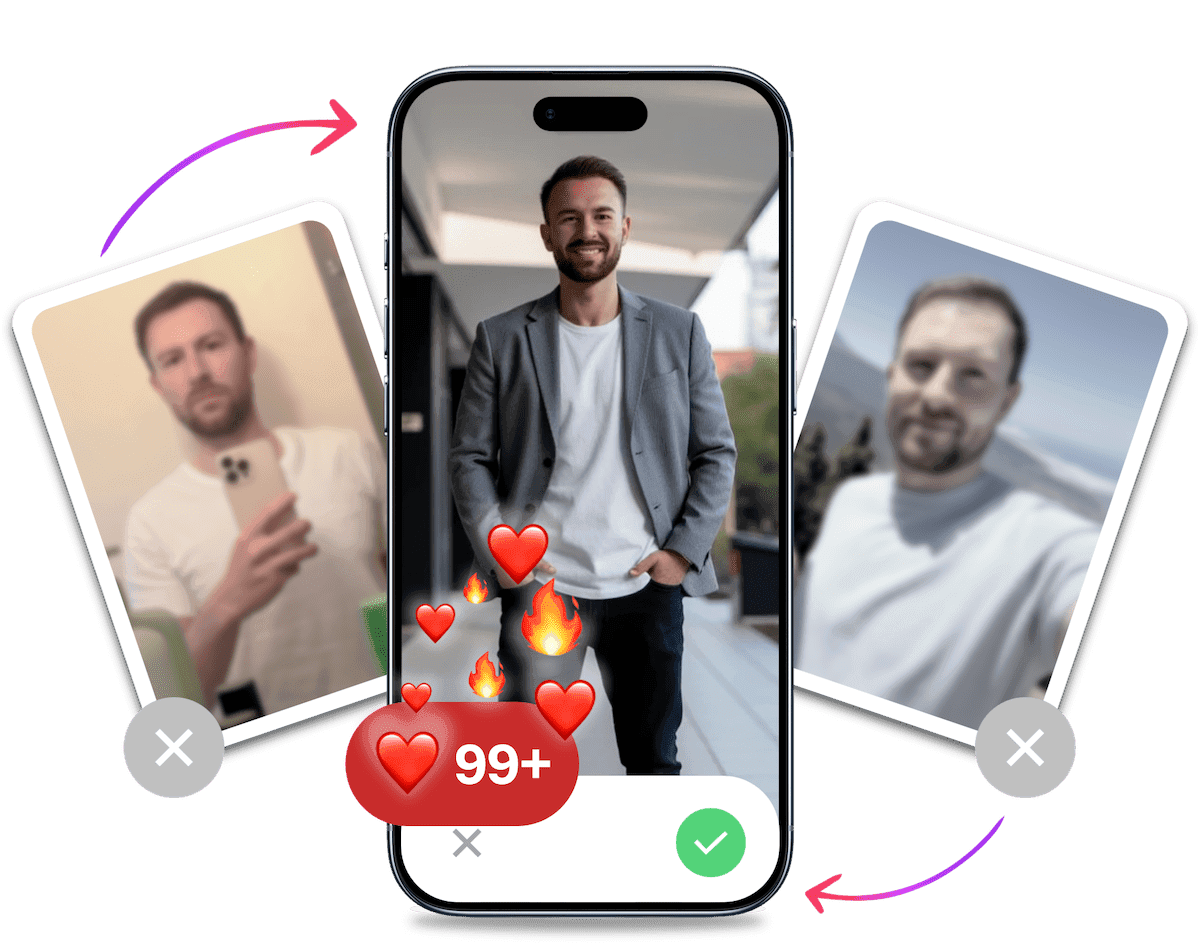
- Get a profile you're proud of
- Drastically increase your matches
- Turn great matches into more dates
The Reality Check: Success Rates & Wait Times
How long does Tinder take to unban? Typically, you are looking at a response window of 3 to 7 days for standard appeals. However, if you are wondering how long does Tinder support take to respond during peak times or for complex cases, it can drag on for weeks.
Before you invest emotional energy into recovering your account, it is crucial to understand the odds.
- Standard Appeal Wait Time: 3 to 7 Days
- Escalated Case Wait Time: 2 to 4 Weeks
- Average Success Rate: 15-25%
The harsh reality is that the tinder support reply time is slow, and most bans are upheld by automated systems. If you need to get back in the game quickly, skip ahead to Method 2. If you are willing to fight for your original account, proceed to the appeal process below.
Method 1: The Official Tinder Appeal Process (Success Rate: 15-25%)
This is the "by the book" approach. While its success rate isn't high, it's your only option if you want to recover your original account with all its matches and history. You should try this if you genuinely believe your ban was a mistake or an unfair ban.
Step-by-Step Guide to Appealing Your Ban
- Go to the Tinder Appeals Center: Your first and only official stop is the Tinder Support appeal page. Don't bother emailing them-they direct everyone to this form, often referred to as the tinder ban appeal center.
- Provide Your Account Information: You'll need to enter the email address and phone number associated with your banned account. Be precise.
- Write a Clear and Polite Explanation: In the description box, explain why you believe the ban was a mistake. Be concise, respectful, and factual. Angry rants will get your appeal deleted immediately.
- Acknowledge Potential Mistakes: If you have a hunch about what got you banned, it can help to address it. For example, "I realize a joke I made could have been misinterpreted. I've re-read the Community Guidelines and understand how to communicate more respectfully."
- Submit and Wait: After submitting, the waiting game begins.
Proven Appeal Scripts
If you are stuck on what to write, use these templates to learn how to appeal a Tinder ban effectively.
Template 1: The "Misunderstanding" Approach
"Subject: Appeal for Account Review Dear Tinder Support Team, I believe my account was banned in error. I have always strived to follow the Community Guidelines and treat matches with respect. I suspect a recent interaction may have been misinterpreted by the automated system. I am a real person looking for genuine connections. Please have a human review my chat logs to verify that I have not violated any rules."
Template 2: The "Hacked Account" Defense
"Subject: Unauthorized Access - Ban Appeal Dear Support, I noticed suspicious activity on my account recently and believe I was hacked. If any content was posted or messages sent that violated guidelines, it was not me. I have since secured my email and device. Please restore my access so I can continue using the platform safely."
The "Nuclear" Option: BBB and Data Requests
If the standard appeal fails and you are desperate, you can try escalation strategies.
- Better Business Bureau (BBB): Filing a complaint with the BBB can sometimes trigger a response from a higher-tier support agent.
- GDPR/CCPA Request: If you are in Europe or California, you can submit a formal request to access or delete your data. This forces a legal compliance team to review your file, which sometimes inadvertently leads to a manual review of your ban.

Under the Hood: How Tinder's Ban Algorithm Tracks You (2026)
To successfully bypass a ban, you must understand the system you are defeating. The Tinder algorithm doesn't just block your email address. It builds a comprehensive digital footprint of you to ensure you stay banned.
Here is the detection logic, or algorithmic detection, that Tinder uses in 2026:
- Hardware ID (Device Fingerprinting): Tinder records your phone's unique serial numbers (IMEI, advertising ID). If you try to create a new account on the same phone, you will be flagged instantly. This is a classic device ban.
- IP Address: Your internet connection has a unique address. If you sign up from the same Wi-Fi network used by the banned account, you are caught.
- Facial Recognition (Image Hashing): This is the most advanced trap. Tinder scans your photos and converts them into mathematical data (hashes). If you re-upload your old photos, their system recognizes you immediately, even if you crop them.
Understanding these tracking methods is vital. If you fail to address even one of these points, your new account will be banned within minutes.
Method 2: Creating a New Account - The Bypass Method (Success Rate: 60-80%)
If your appeal is denied, creating a completely new account is the most effective way to get back on Tinder. However, because of the detection logic above, you can't just delete the app and sign up again. You need a "hard reset" to create a new digital identity.
Step-by-Step Guide to Bypass the Tinder Ban
- Delete the Old App and Data: First, delete the Tinder app.
- Android Users: Go to Settings > Apps > Tinder > Storage. Clear Cache and Clear Data before uninstalling.
- iOS Users: Simply deleting the app is often not enough due to Keychain data. A factory reset or a new Apple ID is highly recommended.
- Get a New Phone Number and Email: This is non-negotiable. Tinder links your ban to your phone number and email. Use a new SIM card, a Google Voice number, or a friend's number (with their permission). Create a brand-new email address.
- Use a Different IP Address: Sign up for your new account from a different network than you usually use. You can do this by using a VPN, connecting to a friend's Wi-Fi, or even just going to a coffee shop. After you've signed up, you can generally go back to using your normal data/Wi-Fi.
- Create a New Apple ID or Google Play Account: Tinder can also track you through your payment information. To be completely safe, create a new app store account that isn't linked to any of your old payment methods.
- The Critical Step: Use "New" Photos: You cannot use your old photos. Tinder's image hashing will flag them. You have two options:
- Option A: Take brand new photos that have never been on the internet.
- Option B (Recommended): Use AI to generate undetectable variations.
Beating Facial Recognition with AI
Tinder's AI is smart enough to recognize your old photos, even if you resize them. To get around this without hiring a photographer, you can use AI dating photos.
Tools like TinderProfile.ai take your existing photos and generate professional, high-quality images. Crucially, these new images have completely different pixel data than your old ones. To Tinder's algorithm, they look like fresh, original content from a new user, effectively bypassing the image hash detection.
It's Probably Your Photos.


Average users see 8x more right swipes with our AI photos. Stop wasting time on dating apps and join 60,000+ singles who have already found better dates with TinderProfile.ai.
Preventing Future Tinder Bans
The key to avoiding a Tinder ban is to treat others with respect and follow the community guidelines.
To avoid future bans, it's essential to understand and follow Tinder's Community Guidelines, which can be summarized into four main points:
- Be respectful and kind: Treat others as you would like to be treated, and avoid any aggressive or disrespectful behavior.
- Keep it clean: Refrain from sharing explicit content, including nudity or pornography.
- Stay safe: Don't share personal information that could put you or others at risk, and report any suspicious activity.
- Don't be a fake: Be honest about your identity, and don't impersonate others or create fake profiles.
Ensuring Your Profile Pictures Follow the Rules
Your profile pictures play a crucial role in making a great first impression. To avoid getting banned, make sure your photos adhere to Tinder's guidelines:
- Avoid explicit content: Don't post pictures containing nudity, sexually suggestive content, or graphic violence.
- No group photos as the main picture: Your main profile picture should clearly show your face, without any confusion as to who you are.
- Use recent and accurate photos: Post pictures that are up-to-date and accurately represent your appearance. Regularly update your profile with new photos and interesting information to keep your profile fresh and engaging.
Tip: Be mindful of your language and avoid using offensive or derogatory terms in your bio or messages.
Reporting Bad Behavior
If you encounter inappropriate behavior or content on Tinder, don't hesitate to report it. By reporting bad behavior, you help keep the Tinder community safe and enjoyable for everyone.
When reporting bad behavior, provide as much detail as possible, including screenshots or specific examples, to help Tinder's support team investigate the issue.
For additional strategies on unbanning your Tinder account, this video offers valuable insights:

Improving Your Tinder Profile with TinderProfile.ai to avoid Bans
Now that you know how to avoid bans and create a rule-abiding Tinder profile, let's discuss how you can improve your profile with TinderProfile.ai
How TinderProfile.ai improves your Dating Profile
TinderProfile.ai is an AI-powered service that analyzes users' selfies and photos, generating a set of high-quality, professional-looking images to ensure a great first impression on dating profiles. The process involves:
- AI-powered photo analysis: The AI examines your photos and selects the most attractive ones based on various factors, such as lighting, composition, and facial expressions.
- Professional-looking images: The AI then enhances your selected photos, creating polished and appealing images that will help you stand out on Tinder.
Tip: Use a mix of close-up and full-body shots in your profile pictures to give potential matches a better idea of your appearance.
Benefits of Using TinderProfile.ai
By using TinderProfile.ai, you'll increase your chances of getting more matches and making a lasting first impression. The service offers:
- Increased chances of getting more matches: High-quality photos are more likely to attract attention and lead to more matches.
- A great first impression: A polished, professional-looking profile sends the message that you're serious about finding a connection and that you value your appearance.
How can you get started with TinderProfile.ai?
Getting started with TinderProfile.ai is simple. Just visit their website and follow the step-by-step instructions to upload your photos and receive your enhanced images.
Final Thoughts on Tinder Account Recovery
Getting unbanned from Tinder can be a challenge, but by following the steps outlined in this guide, you have a clear path forward. You can either attempt an official appeal if you believe the ban was a mistake or follow the more reliable bypass method for a fresh start. Always remember the importance of following Tinder's rules and guidelines to avoid future bans.
In addition to adhering to Tinder's guidelines, consider using TinderProfile.ai to improve your profile and increase your chances of getting more matches. With a polished, professional-looking profile, you'll make a great first impression and stand out from the competition.
So, take charge of your online dating journey and create a Tinder profile that showcases the best version of yourself. Happy swiping!
FAQs on Restoring a Banned Tinder Account
How long does it take for Tinder to respond to a ban appeal?
The time it takes for Tinder to respond to a ban appeal can vary, usually taking anywhere from 3 to 7 days. Be patient and wait for their response, but know that escalated cases can take weeks.
Can I use a VPN to get around a Tinder ban?
Yes, using a VPN is a key step in the bypass method. It helps you change your IP address, which is necessary to create a new account that Tinder cannot link to your previous ban.
How can I improve my chances of getting more matches on Tinder?
To improve your chances of getting more matches, use high-quality, professional-looking photos that accurately represent your appearance. You can also optimize your profile by using TinderProfile.ai to select and enhance your best photos.
What are some common reasons for getting banned from Tinder?
Some common reasons for getting banned from Tinder include violating community guidelines, spamming or scamming other users, creating fake profiles or using someone else's pictures, and inappropriate content or behavior.
Can I create a new Tinder account after being banned?
Yes, but you must be careful. If you're permanently banned, you cannot use the same credentials. You must use a new phone number, new email, new Apple/Google account, and modified photos to successfully create a new account that won't be immediately flagged and banned again.
Resources to Help You Get Unbanned
Here are some helpful links and videos to learn more about how to get unbanned from Tinder, avoid future bans, and improve your profile:
Official Tinder Help Pages
- My account is banned - Official Tinder resource explaining ban reasons and steps for banned users.
- Appealing a violation, ban, or content removal - Guides you on how to use the Appeal Center step by step.
Additional Guides
- How to Get Unbanned from Tinder in 3 Ways That Work - A useful rundown of common ban reasons and solutions.
- TinderProfile.ai - Improve your dating profile with AI-enhanced photo selection and more.
Explore More on TinderProfile.ai
- Tinder Shadowban - Understand hidden profile restrictions and how to address them.
- Optimize Tinder Profile - Learn best practices for standing out in the Tinder crowd.
- Tinder Bio Generator - Create engaging bios that comply with guidelines and catch attention.
- Tinder Profile Examples - See actual profiles that strike the right balance of humor and honesty.
- Best Pictures for Tinder - Discover which photos will boost interest and help you avoid potential bans.
YouTube Videos
- How to get your Tinder account unbanned - Tips and Tricks! - Explains how to contact Tinder support and what to include in your appeal.
- How to Unban Tinder Account - Shows you how to fill out Tinder's support form for the best unbanning chances.
- How to Get Unbanned from Tinder: The Ultimate Guide (2026) - Outlines the unban process, including official channels and best practices.