



The best dating app for a young professional depends on what you want from the process. Hinge has a contact-blocking tool with limits. Bumble gives both people a defined window to start a conversation. Coffee Meets Bagel offers a daily suggested batch in the US and Canada. The League, Luxy, eharmony, and Raya each use a different approach to access or matching, with tradeoffs worth checking before you sign up.
A demanding job does not automatically mean you need an exclusive app or a tiny daily match list. Start with the interaction style you can keep up with, then check local availability, privacy settings, subscription terms, and photo rules. This guide compares seven options without claiming that one has better members or guarantees better dates.
How to choose a dating app
- Pick an app whose matching and messaging flow fits the time you can give it.
- Treat privacy controls as limited tools, not a promise that coworkers will never see your profile.
- Check current rules and subscription terms in your area before paying or uploading photos.
- Your profile still matters. A better app cannot make unclear photos or a vague bio do the work for you.
What to Compare Before You Join
Think about how you want to meet people, rather than choosing an app because it sounds prestigious. Do you prefer to browse when you have time, receive a suggested batch, or fill out a compatibility questionnaire? Would you use a contact-blocking feature, and are you comfortable with the limits? Those answers narrow the list faster than a ranking based on job title.
Then look at the local pool. A waitlist, application process, or curated feed can sound appealing, but none guarantees that enough compatible people use the app where you live. If you are considering a paid tier, compare its actual features with the free version and decide whether paid dating apps are worth the cost for your own routine.
Finally, read the current terms before you upload photos or pay. App features change, and rules can differ by market or plan. Treat claims about privacy, member quality, and compatibility with care unless the app explains exactly what it does.
Look your best on every dating app. In 10 minutes our AI generates realistic and high-performing dating photos designed to get more likes and dates.
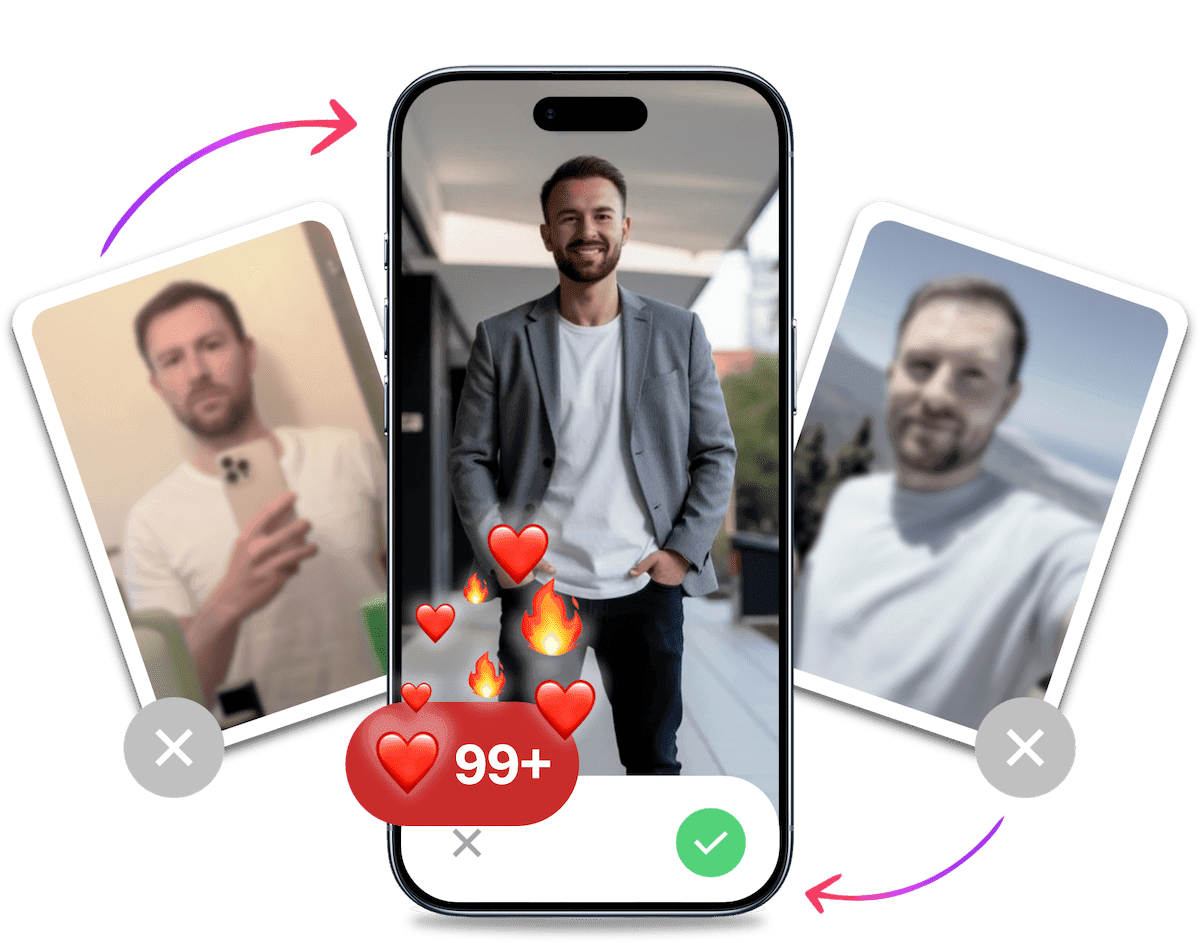
- Get a profile you're proud of
- Drastically increase your matches
- Turn great matches into more dates
Seven Dating Apps to Consider
These are seven different ways to approach app-based dating. The descriptions focus on documented features and practical tradeoffs, not on a universal ranking.
1. Hinge: Consider Its Contact-Blocking Tool, With Limits
Hinge may be worth a look if avoiding some people you know is part of your decision. Its Block List lets you sync phone or email contacts, or add them manually. That can help when someone registered with matching contact details. It does not hide you from every coworker, and it does not affect existing matches or messages. Treat it as one privacy setting, not an invisibility switch. Read how Hinge's Block List works before relying on it.
2. Bumble: A Clear Window to Start the Conversation
Bumble's current flow lets either person send an opening message. Each person has 72 hours from the match to open, and the other then has 72 hours to reply. That structure may suit you if a defined window helps you avoid leaving every match in limbo. It may feel like another deadline if your schedule is unpredictable. Check Bumble's current conversation timing before deciding whether the pace works for you.
Bumble Bizz is no longer available, so do not choose Bumble as a professional networking tool. Bumble's support page says Bizz profiles are no longer visible and Bizz Mode activation has been removed. See the current Bumble Bizz availability.
3. The League: Check Access and Local Activity First
The League may appeal if you want an app that asks members to verify professional or education details. Its FAQ says LinkedIn is the preferred verification method for free members, and the app can import education and profession details and hide coworkers. Access is not automatic: waitlist timing depends on profile completion, local demand, and community interest, while subscribers receive priority. Daily profiles at 5 p.m. local time also vary by subscription. None of that proves compatibility or means your city has an active pool. Review The League's current member and profile details and decide whether the access process is worth it for you.

4. Raya: An Application-Based Community
Raya's US App Store listing describes an application-only community for dating, networking, and friendship. Applications are reviewed continually, and accepted members can choose from subscription options. That tells you about the access model, not who you will meet. The listing does not establish that Raya has a high concentration of celebrities or professionals in your city, and an application process cannot guarantee privacy or compatibility. Check whether the app is available to you and whether its membership terms suit what you want.
5. Luxy: Know Its Verification and Photo Rules
Luxy may interest you if optional income verification is relevant to how you want to date. Its help page says the team reviews profiles, but income verification is optional, so do not assume every member has been verified or meets a particular income level. Luxy's photo guidance also says AI-generated profile photos violate its rules. If you use AI-created photos elsewhere, do not use them on Luxy. Read Luxy's verification and photo guidelines before joining.
6. eharmony: Matching Built Around a Compatibility Quiz
eharmony says its Compatibility Quiz feeds into personality profiles, compatibility scores, and Discover suggestions. That gives you a more questionnaire-led way to browse than simply choosing profiles at random. The quiz and scores describe how the service organizes suggestions. They are not independent proof that a match will work out, and a detailed questionnaire takes time. Consider eharmony if you are willing to answer questions before browsing, then judge the matches and conversations you actually get.
7. Coffee Meets Bagel: A Daily Suggested Batch in the US and Canada
Coffee Meets Bagel's US and Canada help center describes a Suggested batch each day at noon, with optional browsing in Discover. It says core likes and chats for Suggested are free, while subscriptions and beans are optional. The batch is not a promise of a fixed number of suitable people, and this documentation should not be treated as a guide to availability everywhere. If a daily set sounds easier to manage than open-ended browsing, check the app's current terms and local options.

A Quick Comparison
Use this table to narrow your shortlist. It compares each app's documented approach, not its member quality or your odds of meeting someone.
| App | What to consider | Main tradeoff |
|---|---|---|
| Hinge | Contact blocking based on matching phone or email details | It does not cover every person or existing conversation |
| Bumble | Either person can open a match, with 72-hour windows | You need to be comfortable with the timing |
| The League | Professional and education verification options, with coworker hiding | Waitlist and daily profiles depend on local demand and plan |
| Raya | Application-based membership for dating and other connections | An application does not promise compatibility or local activity |
| Luxy | Optional income verification and profile review | Verification is optional, and AI-generated photos are not allowed |
| eharmony | Quiz-based personality profiles, scores, and suggestions | You need to complete a questionnaire, and results are not guarantees |
| Coffee Meets Bagel | A daily Suggested batch plus optional Discover browsing in the US and Canada | The documented flow is regional, and the batch may not fit everyone |
Privacy for Professionals: Use Tools With Realistic Expectations
If keeping work and dating separate matters to you, read the privacy settings before creating a profile. Hinge's Block List relies on contact details, and it does not affect existing conversations. The League says it can hide coworkers when members use its professional details. Those tools can reduce certain awkward encounters, but they do not make a profile impossible to find.
Use a photo and bio you are comfortable having seen outside the app. Avoid adding workplace details or a routine that makes it easy to identify your home or schedule. Check who can see your profile, whether the setting depends on a subscription, and what happens to visibility when you pause or delete an account. Those details can change, so confirm them in the app's current help pages.
One more distinction: Bumble is a dating option here, not a networking recommendation. The company says Bumble Bizz has ended. For work connections, use a service that currently supports that purpose rather than assuming an old feature is still active.
It's Probably Your Photos.


Average users see 8x more right swipes with our AI photos. Stop wasting time on dating apps and join 60,000+ singles who have already found better dates with TinderProfile.ai.
Make App Time Work for Your Schedule
Keep the test small. Choose one app that fits your preferred interaction style and, if useful, one alternative with a different flow. Set a regular time to review likes and messages so checking the apps does not become another open task during the workday.
After you have used an app long enough to see how its flow feels, ask a few direct questions: Do you want to open it? Are the conversations reciprocal? Are you meeting people you want to meet? If not, change the app, your profile, or the way you use it. Paying for a plan will not fix a mismatch between the app's design and your preferences.
Your photos and bio also shape the experience. A profile with clear photos and a few specific details gives someone more to respond to than a set of generic work and travel claims. If your photos are the weak point, start with how to fix weak dating-app photos, then choose images that follow the app's current rules.
The goal is a set of photos that feels consistent with how you look in person. If a friend who knows you would not recognize a picture as you, leave it out.

Improve Your Photos Without Misrepresenting Yourself
A professional photoshoot is not the only way to get better profile pictures. TinderProfile.ai creates dating profile photos from your existing photos using a personalized AI model. You can see how TinderProfile.ai works if you want to compare that option with asking a friend to take new pictures or booking a photographer.
Review every result before using it. Keep images that still look like you, and skip anything that changes your appearance or suggests a lifestyle you do not have. Check the app's photo policy first: Luxy says AI-generated profile photos violate its guidelines, so do not use AI images there. An app's rules can change. TinderProfile.ai offers a money-back guarantee, but your choice of app and photos still needs to fit your own expectations.
Choose the App You Will Actually Use
A busy schedule is a reason to be selective, not to assume an exclusive label will do the work. Compare the apps by their current matching flow, local access, privacy limits, subscription terms, and photo rules. Try the option that fits your habits, then pay attention to whether the conversations lead somewhere you want to go. If it does not, switch your approach instead of treating the app's branding as a promise.
Frequently asked questions about dating apps for young professionals
Are dating apps worth it for busy professionals?
They can be, if the app's interaction style fits your schedule and you use it with some intention. A daily suggested batch may feel manageable to one person, while someone else prefers to browse when time allows. Start with a free option if available, check local activity, and only pay when a specific feature is useful to you.
Which dating app is best for young professionals?
No single app suits every young professional, and none can guarantee better dates. Choose based on the process you prefer: a compatibility questionnaire, a daily suggested batch, an application-based community, or a specific privacy tool. Then check whether the app has enough activity where you live and whether its current rules fit your expectations.
Can coworkers see my dating profile?
A blocking or coworker-hiding feature can reduce the chance of seeing some people you know, but it is not a guarantee. Hinge's Block List depends on matching contact details and does not affect existing matches or messages. The League also describes coworker hiding. Read each app's current privacy help and assume your profile could still be seen.