



If you're asking, "why do I get Tinder matches but no messages?", the match only confirms an initial swipe. A second look at your full profile, a generic bio or prompt, both people waiting for the other to start, app-specific behaviour, low-intent matches, and timing can all leave the chat silent. Check each factor before blaming your profile.
Matches but No Messages: Key Takeaways
- Audit your full photo set, not just the first picture.
- Make your bio or prompts specific enough to invite a reply.
- Send a personalised opener that refers to something in the profile.
- Check the app context and timing before treating every silent match as a profile failure.
The "Second Look" Phenomenon: Why Your Profile Gets Re-Judged After the Match
Here's a hard truth about modern dating apps. The initial swipe is often a quick, instinctive decision made in a split second. A single good photo or a funny bio line might be enough to get that right swipe.
But the match is just the first step.
After the match notification pops up, your new match takes a second, more critical look at your profile. This is the "second look." It's where they decide if you're actually worth their time and energy to start a conversation. This is where weak photos, a bad bio, or unappealing prompts cause them to reconsider and stay silent.
Reason #1: Your Primary Photo Got the Swipe, But Your Others Lost the Conversation
This can be one reason for silent matches. You might have one fantastic primary photo that grabs attention and earns the swipe. But if the rest of your profile can't back it up, the second look may be less convincing.
Your photo lineup tells a story. If that story is inconsistent or boring, it can make a conversation less likely to start. Here are the most common photo mistakes to avoid.
- The Bait-and-Switch: Your first photo is a high-quality shot from three years ago. The rest are blurry, old, or just plain unflattering. Your match may feel misled and lose interest.
- The "One-Trick Pony": Every single photo is a sterile headshot. There are no pictures of you with friends, enjoying hobbies, or travelling. You come across as one-dimensional and uninteresting.
- The Cringe Collection: This includes the usual suspects. Group photos where we can't tell who you are. Badly-lit gym selfies. Pictures with sunglasses hiding your eyes in every shot. These can weaken the overall impression.
The Easiest Fix: Flood Your Profile with High-Quality, Authentic Photos
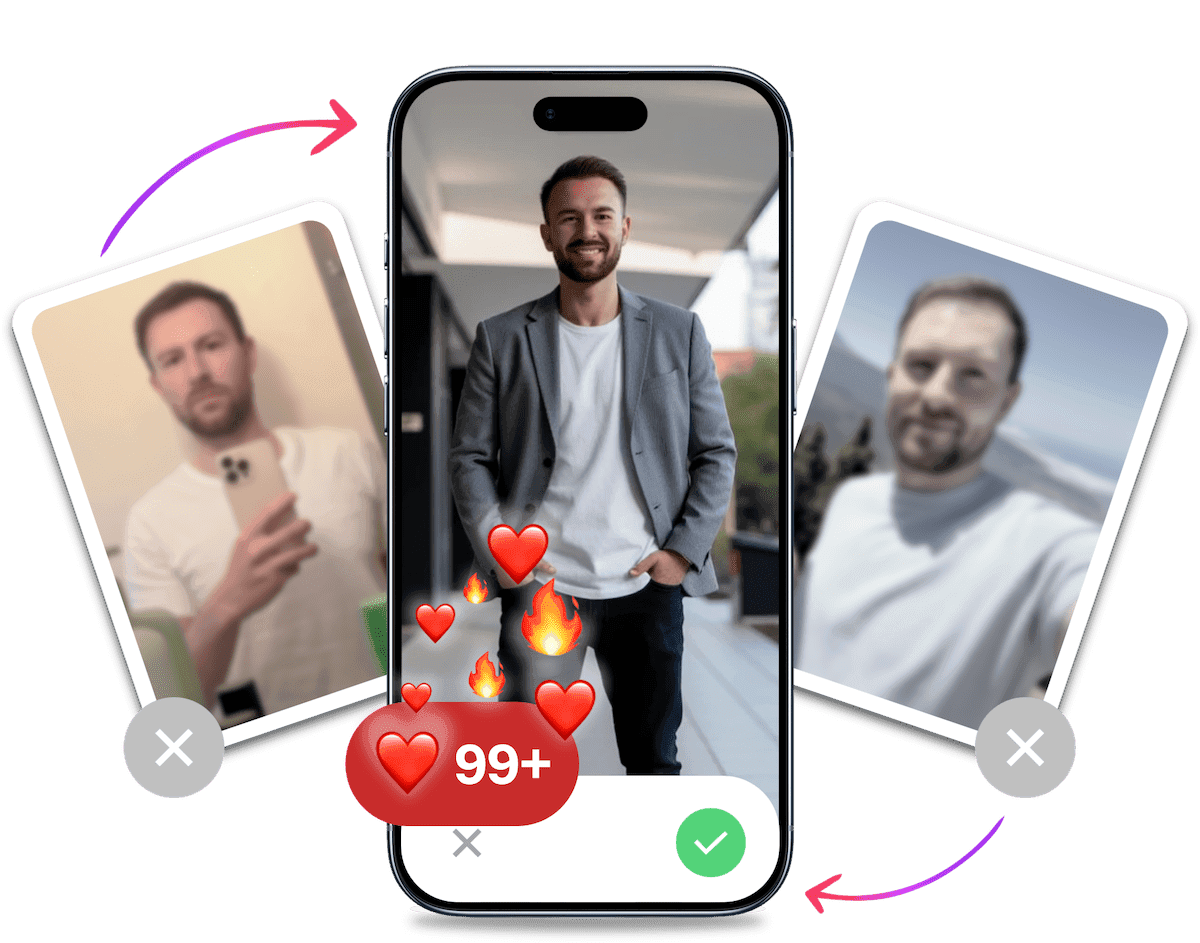
Instead of spending months trying to capture the perfect photos, you can generate up to 100 authentic, high-quality options in 10 minutes. This is where TinderProfile.ai can help.
Our AI is specifically trained for dating apps. It creates realistic photos that present you as confident, interesting, and recognisably yourself.
We're not a generic headshot tool for your LinkedIn profile. We are built exclusively for dating. Our AI understands what makes a photo attractive on a dating app.
We create realistic AI dating photos that look like you on your best day. It is a practical way to build a fuller set of profile-ready image options without the awkwardness or expense of a professional photo shoot.
Look your best on every dating app. In 10 minutes our AI generates realistic and high-performing dating photos designed to get more likes and dates.
- Get a profile you're proud of
- Drastically increase your matches
- Turn great matches into more dates
Reason #2: Your Bio or Prompts Are Raising Red Flags
After your photos pass the "second look," your bio is next. A generic, negative, or try-hard bio can be a massive turn-off. It's a huge red flag if your bio is empty, full of clichés, or just plain negative.
Think of your bio as the hook. Does it invite a question? Does it show personality? Let's compare.
| Bad Bio Examples | Good Bio Examples |
|---|---|
| "6'2". Just ask." | "Trying to find someone who can tolerate my love for pineapple on pizza. Amateur rock climber, professional dog petter. Let's grab a drink and debate the best 90s action movie." |
| "No drama. Not looking for games." | "Ambitious about my career, less ambitious about folding my laundry. Currently searching for the best tacos in the city. Recommendations welcome." |
On apps like Hinge and Bumble, lazy or generic prompt answers can create the same friction. A one-word answer may leave your match with no clear way to start. Check out some funny Hinge prompts to get some inspiration.
Reason #3: The "Who Messages First?" Dilemma (Especially on Tinder)
On many apps, especially Tinder, there is no reliable rule about who should initiate. A match can sit quietly even when both people are interested.
Sending a personalised opener can reduce friction and give your match something specific to answer. It does not guarantee a response, and they may still have other conversations competing for attention.
Reason #4: Your Opening Message (If You Sent One) Was Boring
So, you decided to message first. Great! But what did you send?
If your opener was "hey," "hi," or "how are you?", you may have made the conversation harder. These messages are generic and give your match no specific detail to answer.
A strong opener is personalised. It shows you actually looked at their profile.
- Reference a photo: "Your hiking pic in Peru looks incredible. Was that the Inca Trail?"
- Ask about a prompt: "You're a scuba diver? I'm officially jealous. What's the coolest thing you've seen underwater?"
- Comment on their bio: "Your bio says you're a connoisseur of bad puns. Hit me with your best shot."
Personalised openers show you're genuinely interested and not just spamming every match you get. For more ideas, check out our guide on the best Tinder openers.
Reason #5: App-Specific Algorithms & User Behaviour
Not all apps are created equal. The reason for the silence can sometimes be related to the platform itself. Understanding the Tinder algorithm and how other apps work gives you an edge.
| App | Why silence can happen | What to do next |
|---|---|---|
| Tinder | Conversations move quickly, so a match may go quiet before either person starts chatting. | If you message first, tie the opener to their profile. |
| Hinge | Matches reference a specific photo or prompt, giving you a clear opening. | Mention the photo or prompt they liked. |
| Bumble | Its first-message and expiry mechanics may change, so do not rely on an old rule. | Check the current in-app rule before reading silence as a profile verdict. |
Across all three apps, silence does not have one explanation. Use the app's current mechanics as context, then take the next clear action you control: start a relevant conversation or improve the profile that earns the next match.
It's Probably Your Photos.
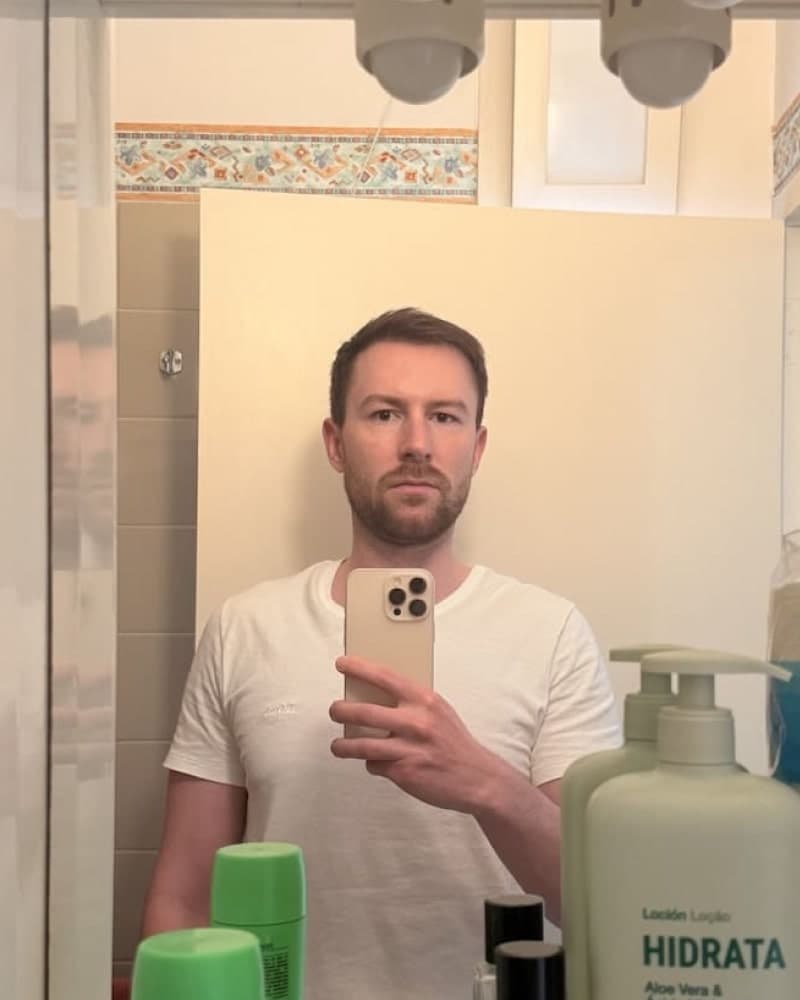
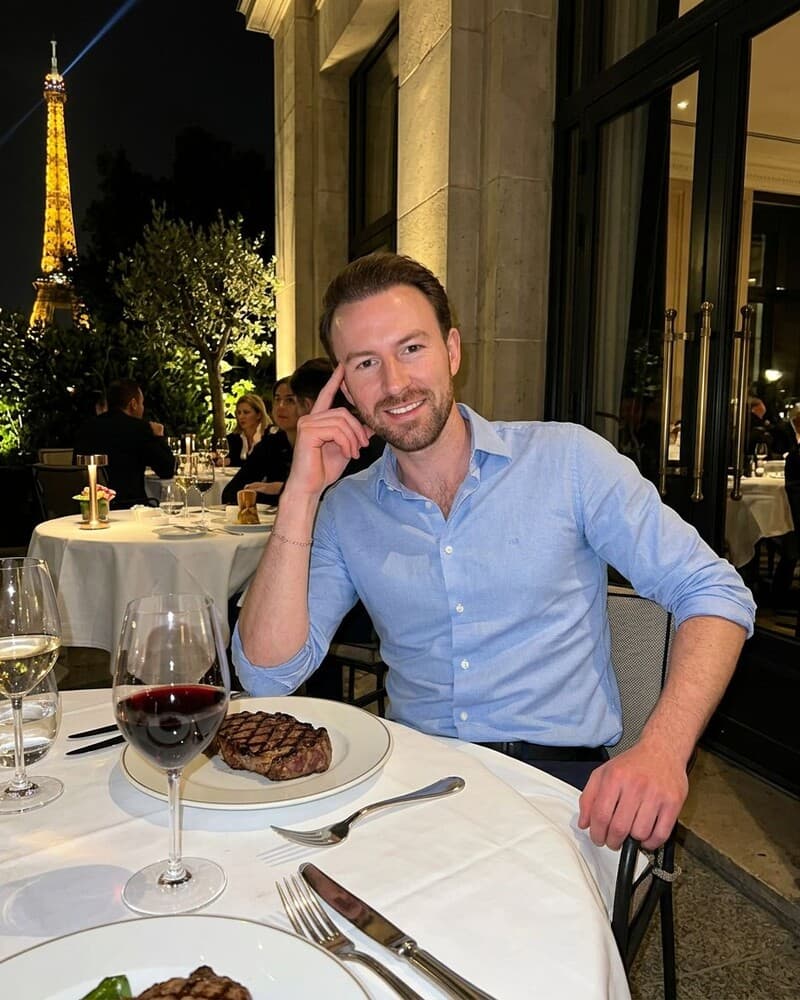
Photos designed to get you more likes, better matches and better dates. TinderProfile.ai is trusted by 60,000+ users.
Reason #6: They're a Casual Swiper or Bot
Sometimes, it's really not you. It's them. Not every match is a high-intent user eager to chat.
Many people use dating apps for validation or to cure boredom during downtime. They swipe, collect matches, and never intend to speak to anyone. There are also plenty of fake dating profiles and bots out there designed to collect matches.
Don't take every silent match personally. You can't control this factor. What you can control is your own profile, ensuring you attract the people who are genuinely looking to connect.
If a match vanishes from the list entirely, that is a different problem. See what to do if Tinder matches disappear before assuming the person simply chose not to reply.
Reason #7: Bad Timing - You Matched at the Wrong Moment
User activity on dating apps fluctuates wildly. A match you make at 2 a.m. on a Tuesday might be completely forgotten by the time your match wakes up and rushes to work.
They might have been swiping while queuing for coffee or during a boring meeting. The moment passed, and your match notification got buried under a dozen others.
While you cannot control timing, you can test whether being active at busier times leads to more responsive matches. Treat the best time to use Tinder as a starting point, not a guarantee.
Your Action Plan: How to Go From Silent Matches to Engaging Conversations
Feeling overwhelmed? Don't be. Here is a simple, actionable plan to fix this problem for good.
- Conduct a Ruthless Photo Audit: Go through your photos right now. Remove anything that is blurry, old, low-quality, or doesn't show you at your best. Be honest with yourself. For a broader reach check, see how to get more matches on Tinder.
- The Faster Photo Test: If your photos are the bottleneck, TinderProfile.ai can generate up to 100 high-quality profile photos in 10 minutes. Test the new set against the profile issue identified in Reason #1.
- Rewrite Your Bio & Prompts: Make them engaging, specific, and positive. Add a question or a call to action to make it easy for someone to message you.
- Master the Opener: When you choose to message first, tie the opener to their profile. A specific message can reduce friction without guaranteeing a reply.
- Be Patient but Proactive: Don't dwell on the silent matches. Focus on optimising your profile and making the next conversation a great one.
Frequently Asked Questions About Tinder Matches With No Messages
How long should I wait for a match to message me?
There is no useful universal countdown. If you choose to start the conversation, use a thoughtful opener tied to a photo, prompt, or bio detail. It can reduce friction, but it does not guarantee a reply, and silence after a short wait does not prove rejection.
Is it weird to message a match from a few days ago?
Messaging a match from a few days ago is fine if you keep it light. Mention the delay without overexplaining, then refer to something specific in their profile: "Hey, sorry for the delay, my week got crazy. Loved your answer about [their prompt]. How's your week going?" If they do not reply, leave it there and focus on active conversations.
Can AI photos really look natural enough for dating apps?
AI photos can look natural when they preserve your real features, expressions, and proportions instead of turning you into an avatar. TinderProfile.ai is designed for dating scenes, so the useful test is whether the image still looks like you on a good day. Choose believable photos and avoid anything that creates a fake persona.
What if I get matches but the conversation dies quickly?
When a conversation dies quickly, look at the exchange before blaming your photos. One-word replies, rapid-fire questions, or no follow-up can make a chat feel like work. Refer back to a detail they shared, add your own angle, and ask one easy question. If the pattern repeats, practise with how to keep a dating app conversation going.
Why are my Tinder notifications delayed?
Delayed Tinder notifications can make a normal match look silent. Open the match list directly, check notification permissions on your phone, and look for a current app-status issue before assuming the other person ignored you. If the match appears in the list but alerts are late, restart the app and update it before troubleshooting further.