


People use "shadowban" to describe suspected reduced visibility while an account still works. Tinder's Help Centre explains confirmed bans, Discovery settings and app troubleshooting, but it doesn't provide a test for a hidden restriction. Fewer likes or matches alone can't tell you which, if any, explains the change. Start with account notices, then check Discovery and the app. See Tinder's My account is banned and Discovery Settings guidance.
Key Takeaways
- Tinder says confirmed bans are communicated by email and at login.
- Turning Discovery off hides your profile from new people. Your preferences affect the profiles you see.
- Fewer likes or matches alone can't confirm a restriction. Check your settings and app first.
A Three-Step Tinder Visibility Checklist
These checks help you tell a notified ban from a Discovery setting or a technical problem. They can't diagnose a hidden restriction. If Tinder hasn't notified you and the app works, a change in activity still doesn't identify the cause. You can separately review your profile presentation with these tips for getting more Tinder matches.
1. Check for an Account Notice
Check the email linked to your account and look for a message when you log in. Tinder says confirmed bans are communicated in both places. If you find a notice, follow the instructions and check whether the Appeal Center lists an eligible violation. If you don't find one, you haven't found official confirmation of a ban. That alone can't confirm or rule out a hidden restriction. See My account is banned.
2. Check Discovery and Your Preferences
Tap your profile icon, open Settings, then choose Discovery. Make sure "Show me on Tinder" is enabled if you want new people to see your profile. Tinder says that when Discovery is off, people you've already liked may still see you and match with you. Your age and distance preferences affect which profiles you see. Widening them may add recommendations, but it doesn't guarantee more likes, matches or exposure. Check Tinder's Discovery Settings. Labels can vary by locale.
3. Troubleshoot the App
If profiles aren't loading, check your internet connection. If Tinder has run out of recommendations, try expanding your preferences. For technical Discovery problems, Tinder also recommends updating or reinstalling the app. Reinstalling can help with an app issue. It doesn't delete your account or prove that an account restriction has been removed. Follow Tinder's Discovery troubleshooting steps.
Look your best on every dating app. In 10 minutes our AI generates realistic and high-performing dating photos designed to get more likes and dates.
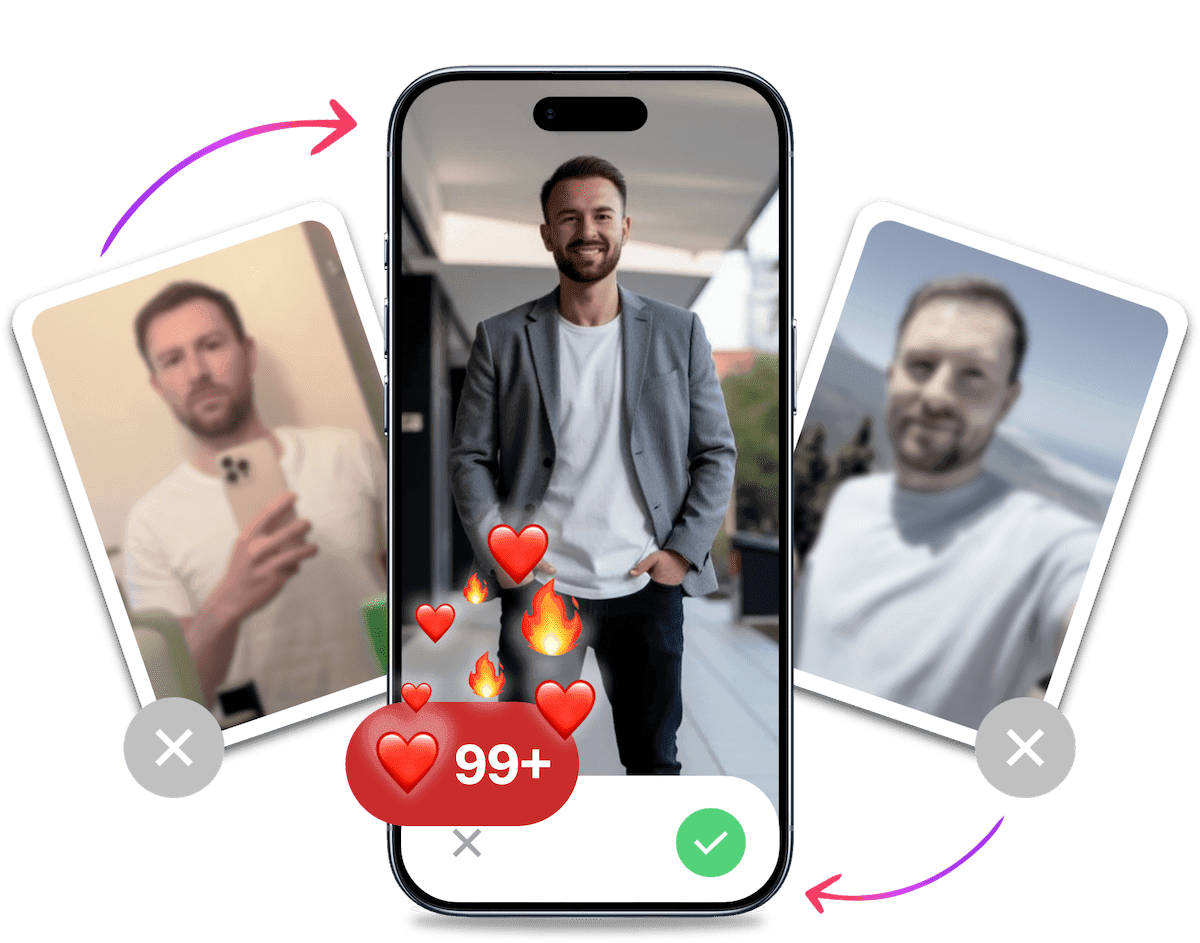
- Get a profile you're proud of
- Drastically increase your matches
- Turn great matches into more dates

| What you notice | What it tells you | What to do next |
|---|---|---|
| A ban notice by email or at login | Tinder has notified you of a ban | Read the notice and check the Appeal Center for an eligible violation |
| Discovery is off | New people won't see your profile, though earlier likes may still lead to a match | Turn Discovery on if you want to appear to new people |
| Few profiles appear in Discovery | Your preferences may be narrow or recommendations may have run out | Expand preferences. If profiles still won't load, check your connection and app |
| Fewer likes or matches | Activity has changed, but this alone doesn't identify why | Check notices and settings, then troubleshoot any app problem |
How Long Does a Tinder Shadowban Last, and Can You Reset It?
Tinder's Help Centre doesn't confirm a formal shadowban status, give it a duration or describe a reset process for one. A drop in activity can't tell you when visibility will change. Reinstalling the app is a troubleshooting step for app problems, not an account reset. If you receive a ban notice, use the Appeal Center rather than relying on a fixed timeline or reset claim.
What to Do If You Suspect a Tinder Visibility Problem
If Tinder Shows a Ban Notice
Sign in with the same account and open the Appeal Center. If Tinder lists an eligible violation, select it, choose Begin appeal and submit your appeal. You can check its status in the Appeal Center. Not every action has an appeal option, and older or previously appealed actions may not appear. Tinder doesn't promise a response time or reinstatement. Its Appealing a violation guide explains the steps. Tinder also says banned users can't continue using the service or create new accounts.
If Discovery Still Has a Technical Problem
If profiles still won't load after you check your preferences, connection and app version, send a request through Tinder Support. Describe what happens, including any message on screen and which checks you've tried. Include when it started and whether it happens on Wi-Fi, mobile data or both. Report the visible problem rather than labelling it a shadowban. The form doesn't establish a shadowban diagnosis.
It's Probably Your Photos.


Photos designed to get you more likes, better matches and better dates. TinderProfile.ai is trusted by 60,000+ users.
Can You Prevent a Tinder Shadowban?
Tinder's ban, Discovery and troubleshooting guidance gives you practical checks, but no method for identifying or preventing a hidden restriction. It doesn't offer a prevention routine or a shadowban reset. You can keep Discovery on if you want new people to see your profile, choose preferences that suit you, and use the app troubleshooting steps above when Discovery fails.
How TinderProfile.ai Can Help with Dating Photos
TinderProfile.ai turns photos you provide into AI-generated dating profile photos. That can refresh your profile presentation, but it can't check your account's visibility or diagnose, prevent or remove a restriction. For other profile updates, see our guide to the best Tinder bio for guys.
Next Steps for a Tinder Shadowban Concern
A drop in matches can't confirm a hidden restriction. Check your email and login screen, review Discovery, then troubleshoot the app if profiles won't load. If Tinder lists an appealable violation, submit an appeal. If a technical issue persists, contact Support and describe what you see. Neither route guarantees a particular result.
Is there an official Tinder shadowban test?
No official Tinder test can confirm a hidden restriction, and fewer likes or matches don't prove one. Check your email and login screen, review Discovery, and rule out app problems. These checks identify a notified ban, a setting or a technical issue, but can't diagnose a hidden limit. Read My account is banned.
How do I know if Tinder has banned my account?
Tinder says a confirmed ban is communicated by email and at login. Check your linked email and login screen. Its My account is banned page says banned users can't continue using Tinder or create another account. An official notice is different from a drop in matches.
Can Discovery settings affect who sees my Tinder profile?
With "Show me on Tinder" off, Tinder hides your profile from new people, though people you've already liked may still see and match with you. Open your profile icon, then Settings and Discovery. Preferences affect which profiles you see. Widening them may add recommendations, but doesn't promise more exposure or matches. See Discovery Settings.
What should I check if I get fewer matches or see no profiles?
Start with your email and login screen. Check Discovery and whether your preferences leave profiles to browse. If none load, check your connection, expand preferences when recommendations run out, then update or reinstall the app. If the problem persists, contact Tinder Support and describe what happens rather than calling it a shadowban.
How long does a Tinder shadowban last, and can I reset it?
Tinder's Help Centre gives no timeframe for a suspected shadowban and describes no reset process for one. A drop in likes or matches can't tell you how long an account issue will last. Reinstalling the app may help with technical trouble, but it doesn't delete your account or prove a restriction has been removed. Don't rely on a guaranteed reset or timeline.
How do I appeal a Tinder ban or contact Support?
Use the same login to open the Appeal Center, select an eligible violation, begin the appeal, submit it, then check its status. Not every action is appealable, and older or previously appealed actions may not appear. For technical issues, send a Tinder Support request with the symptoms. Tinder doesn't promise a reply time or reinstatement.