



Bumble Notes, formerly called Compliments, are messages of up to 150 characters sent before you match. The recipient sees your Note when your profile appears in their People tab. You still need to match before you can chat. Read Bumble's guide to sending Notes for the current flow.
How Bumble Notes Work: Key Facts
- Bumble now calls Compliments "Notes". You can send one before matching, up to 150 characters.
- A Note appears when your profile comes up in the recipient's People tab. A match is still required before you can chat.
- Bumble documents 2 Notes per week with Premium+. Unused Notes expire and replenish on the weekday the subscription was purchased.
- Notes can also be purchased separately from Premium+. Check the app for current availability and price.
- Mention something specific from the person's profile and keep your Note respectful. A Note does not guarantee a match.
Understanding How Bumble Notes Work
What Are Bumble Notes (Formerly Compliments)?
Bumble now calls its former Compliments feature Notes. You can send a Note before matching and respond to a profile photo, prompt answer, shared interest, or something you admire about the person.
Your Note appears when your profile comes up in the recipient's People feed. It does not open a chat or guarantee a match. You can exchange messages only after you match.
How to Send a Note on Bumble
Bumble's Notes flow may appear on a member's profile or beside a specific photo or prompt:
- Open a member's profile.
- Tap the heart inside a speech bubble, or choose "Send a Note" where it appears.
- Choose a photo or prompt to respond to, or write a short message.
- Review your Note to make sure it says what you mean.
- Send it.
Sending a Note does not create a match or open a chat. You need to match before you can exchange messages. See Bumble's guide to sending Notes for the current interface.
Keep your message specific and authentic. Mention one detail from the person's profile instead of sending a generic compliment like "Nice smile".
If you're struggling with what to say, you might find inspiration in our guide to Bumble opening lines which contains principles that work well for Notes too.
Look your best on every dating app. In 10 minutes our AI creates realistic dating photos designed to get you more likes, better matches and better dates.
- Get a profile you're proud of
- Proven to increase matches on dating apps
- Turn great matches into more dates
Bumble Notes: Limits and Access
Bumble Notes have a character limit, a few ways to send them, and different access options.
Bumble Note Character Limit
A Note can be up to 150 characters. You can respond to a profile photo or prompt, mention a shared interest, or write something you admire. Keep it brief and respectful. See Bumble's guide to sending Notes.
Bumble now calls the feature Notes. This video shows the older Compliments interface.

Sending Limits: How Many Notes Can You Send on Bumble?
Bumble documents different access options for Notes. The table below separates the Premium+ allowance from Notes purchased separately.
Bumble Notes Availability and Pricing
Bumble's published help pages do not document a universal free allowance, fixed UK prices, or bundle sizes. Check the app for current availability and prices.
| Access | What Bumble documents |
|---|---|
| Premium+ | 2 Notes per week. Unused Notes expire and replenish weekly on the weekday the subscription was purchased. Bumble's current paid-features guide |
| Separate purchase | Notes can be bought without Premium+. Check the app for availability and price. Bumble explains how to send Notes. |
| Free access | Bumble's published help pages do not document a universal weekly allowance. |
For the broader plan comparison, see our guide to whether Bumble Premium is worth it. Notes are listed as a Premium+ benefit here, not a standard Premium allowance.
How to See and Respond to Bumble Notes
A Note appears before you match. Once you match, Bumble uses separate opening-message and reply windows.

Where to Find Notes You Receive
| Where | What to expect |
|---|---|
| People | You'll see the Note when the sender's profile appears in your People tab. |
| Liked You | Bumble lists a Notes tab for people who've sent you one. Premium is required to see everyone who has liked you. See Bumble's Liked You guide. |
A Note does not start a chat. You still need a match before you can exchange messages.
How to Reply After Matching
Bumble now lets either person send an opening message, and Opening Moves are no longer part of the experience. Both people have 72 hours from the match to send an opener. If one person sends theirs first, the other has a separate 72 hours to reply. A Note counts as an opening message.
Read how Bumble conversations start.
A good reply acknowledges the other person's effort and gives them something to respond to:
- Thank them for the Note.
- Answer any question they included.
- Ask a question of your own, ideally about something in their profile.
Example after matching:
- Their Note: "Your hiking photo in the Brecon Beacons is incredible! That's on my bucket list. Was it as tough as it looks?"
- Your reply: "Thanks! It was a challenge but so worth it for the view. Have you done much hiking around Wales? Your profile mentions you're outdoorsy."
Examples of Thoughtful Bumble Notes
A specific, authentic message can show that you have read someone's profile and give you a natural question to ask.
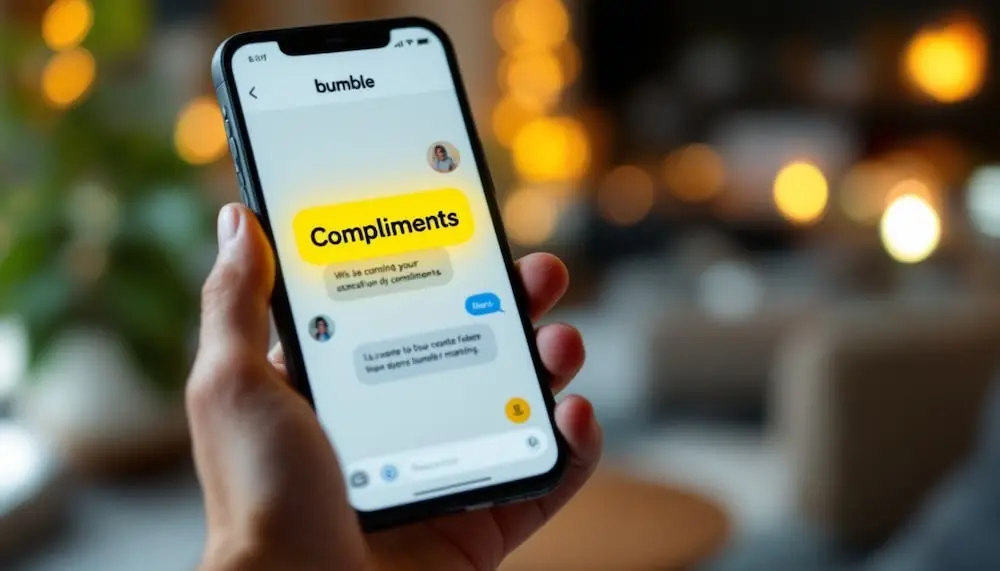
Profile-Based Compliments: Personalising Your Approach
If you send a Note, refer to a specific detail from someone's profile rather than sending a generic message to everyone.
When crafting profile-based compliments, focus on:
- Unique hobbies or interests they've mentioned
- Travel experiences they've shared
- Career achievements or passions they've highlighted
- Values or beliefs they've expressed
- Specific prompt responses that resonated with you
For example, instead of saying "You have a great profile," try something like: "Your hiking photo at Glacier National Park is stunning! That's been on my bucket list for years. Did you do the Hidden Lake trail?"
A Note about an interest, experience, or value keeps the focus on the person's profile rather than appearance alone.
Choose a detail from their profile that genuinely caught your attention and tell them why.
Interest-Specific Note Examples
If you share an interest with someone, mention it and ask a focused question. Here are a few ways to do that:
For music enthusiasts: "Radiohead and Lizzo on the same playlist? I'd follow it. Have you seen either of them live?"
For book lovers: "Fellow Murakami fan spotted! 'Kafka on the Shore' changed how I see the world. Which of his books hit you the hardest?"
For travellers: "Your photo in Kyoto's bamboo forest brought back memories! That place feels magical at sunrise. Did you explore the monkey park nearby?"
For foodies: "Your ramen-making skills look professional! I've been trying to perfect my broth for months. Any secret ingredients you're willing to share?"
For fitness enthusiasts: "Impressed by your marathon medal! I'm training for my first half this spring. Any training tips for a newbie?"
Each example should:
- Acknowledge a specific interest
- Share something about yourself related to that interest
- End with an open question that invites response
Examples for Men
Here are a few ways to make a Note witty, observant, or about a shared interest.
The Witty Opener (Based on their bio/prompt):
- Good: "Your prompt about pineapple on pizza is funny."
- Great: "I'm willing to overlook your controversial stance on pineapple on pizza if you can defend your position. I'm listening..." (127 chars)
The Shared Interest Connector (Based on photos/interests):
- Good: "Cool dog."
- Great: "Your golden retriever has the same mischievous look mine does. Is yours also a professional sock thief? We should compare notes." (143 chars)
The Thoughtful Observation (Shows you're paying attention):
- Good: "You seem to travel a lot."
- Great: "Your travel photos are incredible, especially the one from Morocco. The colour in that market is amazing! Was that your favourite stop?" (140 chars)
Writing a Note About a Photo
Comment on what is happening in the photo, such as the setting or activity, instead of focusing only on appearance. For example:
Instead of: "You're gorgeous!"
Try: "Your smile in that sunset photo is contagious! It looks like an amazing day. Where was that taken?"
Instead of: "Nice abs!"
Try: "Your rock climbing photo is impressive! That looks like a challenging route. How long have you been climbing?"
Instead of: "Cute dog!"
Try: "Your golden retriever has the same mischievous look mine does! Is yours also an expert at stealing socks?"
The key difference is that these compliments acknowledge something in the photo but then expand beyond mere appearance to express interest in the story, experience, or personality it reveals.
Photo Note Guidelines:
- Notice details beyond physical appearance
- Show curiosity about the context or story
- Demonstrate that you see them as a whole person
- Provide an easy opening for them to respond
Having clear photos helps people understand your profile. Our dating profile pictures guide has more ideas.
It's Probably Your Photos.
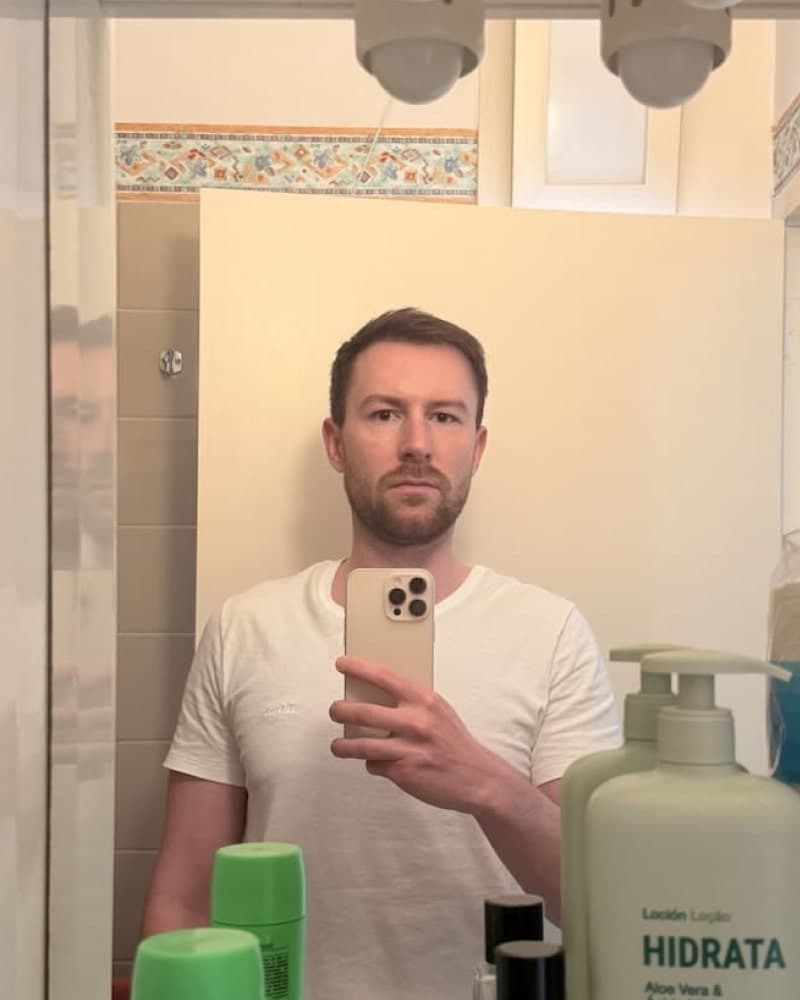

Photos designed to get you more likes, better matches and better dates. TinderProfile.ai is trusted by 60,000+ users.
Common Mistakes to Avoid When Using Bumble Compliments
Even with good intentions, a generic line can sound impersonal. These examples show how to keep a Note specific and respectful.
Generic Compliments to Avoid
Generic compliments can feel impersonal because they do not refer to anything on the other person's profile:
❌ "Hey beautiful"
❌ "Nice profile"
❌ "You seem cool"
❌ "Great pics"
❌ "You're not like other people on here"
These messages do not refer to anything specific in the person's profile. Try mentioning one detail that gives you a relevant point to bring up.
Instead, focus on specific, personalised observations:
✅ "Your photo playing violin at sunset is beautiful! Classical musician or just for fun?"
✅ "Your take on that controversial book in your profile is fascinating. I've never thought about it that way before"
✅ "The joy on your face while skydiving is contagious! Was that your first jump?"
Specific compliments refer to a detail that makes each message relevant to that person's profile.
When someone sends a generic "hey" to you, you might struggle with how to respond. The same principle applies to generic compliments. For tips on handling basic openers, check out our guide on how to respond to hey.
Keeping a Bumble Note Respectful
A Note is often someone's first impression of you, so keep it respectful and avoid language that could make the recipient uncomfortable. Bumble's guide advises members to keep Notes respectful. If you're unsure how a line will land, try a comment about a profile detail or shared interest instead.
Make Your Bumble Profile Easier to Respond to
Your Bumble profile gives people a sense of what you enjoy. These tips focus on making its details clear.
Profile Photo Tips
Clear photos can give people context about you and details to ask about. Consider these basics:
- Lead with a clear, high-quality headshot so viewers can see your face.
- Include a full-body photo that represents you honestly.
- Show an interest or activity you actually enjoy.
- Include a photo where your expression shows some personality.
- Avoid making a group shot your main photo. Make it easy to identify you.
- Choose a setting or activity that gives someone a concrete detail to ask about.
A cooking photo gives someone a detail to ask about. A hiking photo can show which trail you're on.
Avoid the common Bumble profile mistakes that can make it harder for people to understand your profile.
TinderProfile.ai Photo Packages
If you want AI-generated dating profile photos, TinderProfile.ai offers UK packages with 20 photos for £11 (Like), 60 for £23 (Match), or 100 for £30 (Super Like).
Writing Prompts That Give People Something to Ask About
Your written prompts can give someone a clear point to ask about. Use details that reflect your interests and leave room for a reply:
- Be specific about your interests: Instead of "I like music," try "Currently obsessed with 90s trip-hop and Japanese city pop"
- Share unique perspectives: Offer thoughtful takes on topics you care about
- Use humour strategically: Showcase your sense of humour in ways that invite others to engage
- Ask implicit questions: Statements like "Trying to find the best ramen in the city" naturally invite recommendations
- Show vulnerability: Sharing something slightly vulnerable demonstrates authenticity
- Highlight unique experiences: Mention unusual experiences that might spark curiosity
For example, instead of the generic prompt response "I love travelling," you might write "Ask me about the time I accidentally joined a wedding procession in Marrakech." This example uses a specific event to make the prompt more personal.
Similarly, a prompt response like "Currently debating whether pineapple belongs on pizza (it absolutely does)" states an opinion and names a specific topic.
These details give someone a specific starting point if they want to comment or ask a question.
If you're looking for more ways to make your profile stand out, our guide on an AI dating profile bio generator offers innovative approaches to creating a compelling bio.
Bumble Notes: A Short Recap
A Note lets you comment on something in a profile before matching, but it does not start a chat. Keep yours specific and respectful, and remember that you can exchange messages only after you match.
FAQs: Bumble Notes (Formerly Compliments)
How many compliments can I send per week on Bumble?
Bumble documents 2 Notes per week for Premium+. Unused Notes expire and replenish weekly on the weekday the subscription was purchased. Bumble's published paid-features page does not document a universal free weekly allowance for members without a paid subscription.
Can I buy additional Notes on Bumble?
Yes. Bumble says Notes can be purchased separately from Premium+. Availability and prices depend on the offers shown in your app.
Bumble's published help pages do not list fixed UK prices or bundle sizes. Check the app for current terms.
What happens when I send a compliment that goes unanswered?
Sending a Note does not guarantee a match or open a chat. If you match, both people have 72 hours from the match to send an opening message. Once one person sends theirs, the other has a separate 72 hours to reply.
If neither sends an opener in the first window, the match expires. Bumble counts a Note as an opening message, but these timers are part of the match flow, not a universal Note expiry. See how Bumble conversations start.
Are there specific rules for complimenting someone's appearance?
Bumble advises keeping Notes respectful. If you mention someone's appearance, focus on a detail such as their style or the setting in a photo rather than their body. For example, "Your style in the concert photo is fantastic" gives them something specific to respond to.
Does this guide compare Bumble Notes with other apps?
This guide focuses on Bumble Notes, the pre-match message Bumble previously called Compliments, and does not compare equivalent features across every dating app. For a wider comparison of Bumble and Hinge, see our Hinge vs Bumble comparison. Check each app's current help pages for its feature names and mechanics.
Helpful Resources for Mastering Dating App Features
Looking to elevate your online dating experience beyond Bumble compliments? These resources will help you optimise your entire dating strategy:
Related Articles
- Bumble Opening Lines: Perfect your first message after matching with proven conversation starters
- Best Bumble Bio for Men: Create a profile that naturally attracts compliments and matches
- Bumble Algorithm: Learn more about how Bumble's algorithm works
- Bumble vs Tinder: Compare features across platforms to choose the best app for your dating style
- How to Respond to Hey: Turn basic greetings into engaging conversations