



When a Hinge match disappears, check one thing first: Hinge automatically hides matches that haven't had any activity in 14 days, so the match may simply be in the Hidden section at the bottom of your Matches tab (Hinge Help Center, How Can I Hide a Chat Conversation?). If it isn't there, Hinge names three reasons: the person unmatched you, they deleted their Hinge account, or Hinge removed their profile for breaking its Terms of Use. We checked Hinge's help centre on 25 November 2026, and that's the full list it gives (Hinge Help Center, Unmatching). If all your matches vanished at once, it's more likely a sync problem in the app.
Here's how to tell which one happened, whether the match can come back, and what to do if it keeps happening.
Hinge match disappeared: the short answer
- One match gone and not in the Hidden section: they unmatched you, deleted their account, or Hinge removed their profile.
- All matches gone at once: usually a temporary sync problem. Log out and back in.
- Usually you can't see which of the three it was. Hinge's Past Matches list, a limited test, can confirm an unmatch.
- An unmatch is permanent. Hinge can't restore the match.
- Hinge describes no expiry for quiet matches, but it hides them automatically after 14 days without activity. Look in the Hidden section of your Matches tab.
- If matches keep disappearing after a few messages, look at your profile and your openers.
Why Did My Hinge Match Disappear?
These are the possible reasons. The first three end the match, the last two only take it out of view.
- They unmatched you. On purpose or by accident.
- They deleted their Hinge account. When either person deletes their profile, the chat is no longer available.
- Hinge removed their profile. That happens when a profile violates Hinge's Terms of Use.
- The chat was hidden. Either you hid it, or Hinge hid it automatically after 14 days without activity. Hidden chats move to the Hidden section at the bottom of your Matches tab, and the match stays.
- The app didn't sync. After an update, matches can take a moment to re-sync with Hinge's servers.
What Hinge Says Happens in Each Case: Checked 25 November 2026
| What happened | What you see | Can it come back? | Source |
|---|---|---|---|
| They unmatched you | The match and the conversation disappear from your list. You can't view or retrieve them. | No. Hinge says unmatching is permanent and it can't restore a match. | Unmatching, How do I remove an existing Match? |
| They deleted their account | The match is gone and the chat is no longer available | No. Hinge says conversations are permanently removed when an account is deleted, and matches aren't restored even if the person signs up again within 90 days. | We Deleted Hinge, Can We Get a Copy of Our Initial Chat?, Restore Your Profile |
| Hinge removed their profile | The match is gone | Not described | Unmatching |
| The chat was hidden, by you or automatically after 14 days without activity | The conversation is in the Hidden section at the bottom of your Matches tab, the match still exists | Yes. Tap Unhide, or it comes back to the top of your list when the person messages you. | How Can I Hide a Chat Conversation? |
| App sync problem | Matches missing, often all of them | Usually yes, after a refresh | Why did all of my Matches disappear? |
All sources are Hinge Help Center pages. Hinge can change how the app behaves, so treat this as the state on the date above.
How to Tell Which One Happened
Hinge usually doesn't show why a match disappeared, and its help centre doesn't say that you get a notice when someone unmatches you. In some cases the Past Matches list, a limited test, can confirm an unmatch. Otherwise you work it out from what you can see.
- Check the Hidden section first. It's at the bottom of your Matches tab. A chat you hid, or one Hinge hid after 14 quiet days, is still a match.
- Only one match is gone and it isn't hidden. That points to an unmatch, a deleted account or a removed profile. In your Matches list, the three look the same.
- All your matches are gone. That points to the app. Hinge says this is usually temporary, especially right after an update.
- The match came back by itself after a while. Either it was hidden and the person messaged you, which brings a hidden match back to the top of your list, or it was a sync problem. Hinge describes no way for a real unmatch to come back.
Usually you can't tell an unmatch from a deleted account. One exception: if your app has Hinge's Past Matches list, a limited test, anyone you unmatched, or who unmatched you, in the past 30 days shows up there with the unmatch date, as long as their account is still active and you exchanged at least one message (Hinge Help Center, How do I Report Someone After We've Unmatched?). If the person isn't there, that proves nothing. For what you do next it doesn't matter. In both cases the match is gone for good.
Can a Hinge Match Come Back?
Only if it wasn't really gone. Hinge says unmatching "is permanent" and that it is "unable to restore a Match" on its end (Hinge Help Center, Unmatching). A deleted account doesn't bring matches back either: Hinge restores some profile details when someone signs up again with the same phone number within 90 days, but not their likes, matches or messages (Hinge Help Center, Restore Your Profile).
When a match "disappears and comes back" by itself, it was hidden and the person wrote again, or it was a display or sync issue. That's why it's worth checking the Hidden section and refreshing the app before you assume the worst.
Do Hinge Matches Expire?
Not in the sense that they get deleted. Hinge's help centre describes no expiry, but matches that haven't had any activity in 14 days are hidden automatically. They move to the Hidden section at the bottom of your Matches tab, and you can unhide them at any time (Hinge Help Center, How Can I Hide a Chat Conversation?). Hinge also has Your Turn Limits: when too many people are waiting for your reply, you can't send or receive new likes until you answer someone or end the chat (Hinge Help Center, What is Your Turn Limits?). That limit blocks new likes. It doesn't remove existing matches.
Tinder has its own reasons for vanished matches. If that's where yours went, read why Tinder matches disappear.
Look your best on every dating app. In 10 minutes our AI creates realistic dating photos designed to get you more likes, better matches and better dates.
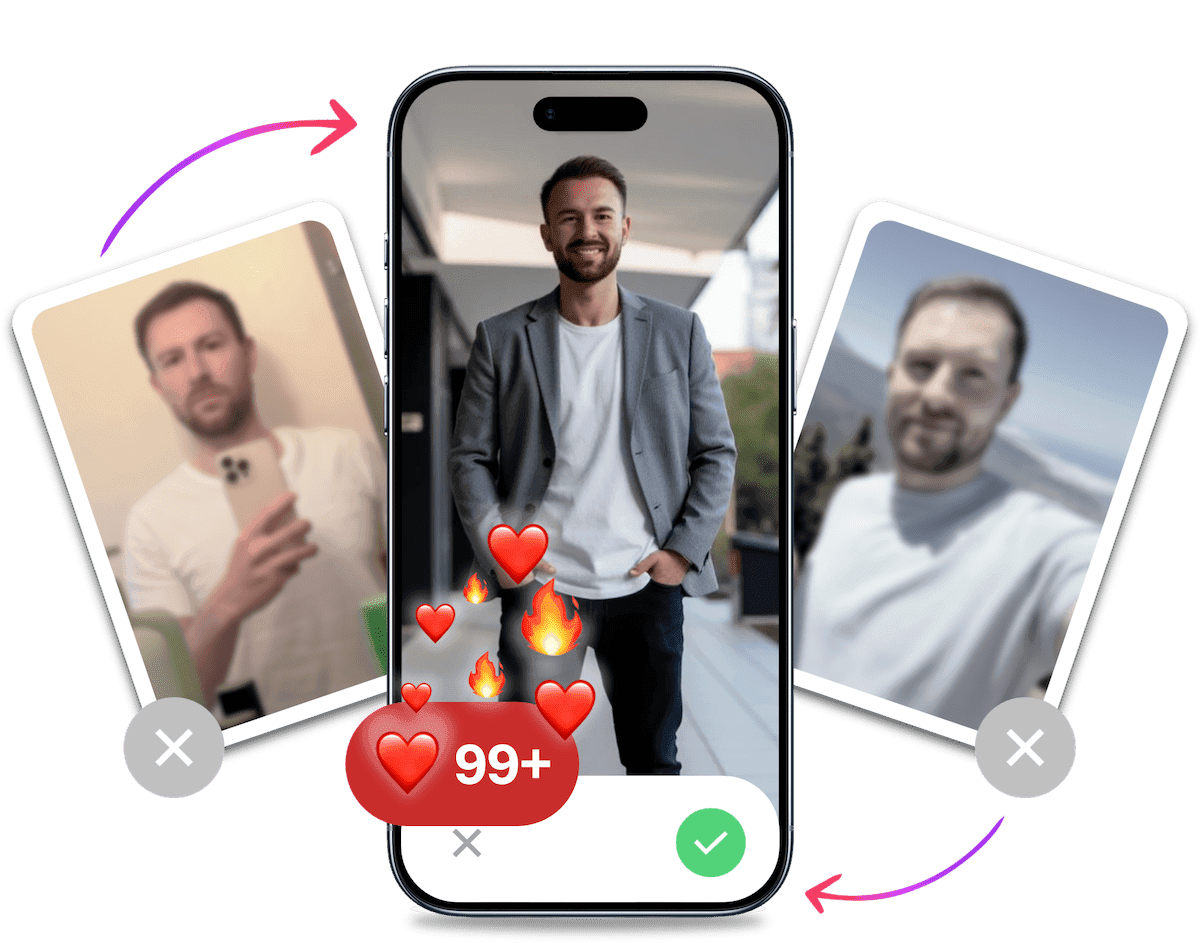
- Get a profile you're proud of
- Proven to increase matches on dating apps
- Turn great matches into more dates
Why Do My Hinge Matches Keep Disappearing?
One vanished match says little. People unmatch for reasons that have nothing to do with you: they met someone, they took a break, they deleted the app. A pattern is different. If matches often disappear after the first few messages, the cause is usually in what they see and read before they decide.
- Your photos set an expectation your profile doesn't keep. One strong photo followed by blurry group shots makes people second-guess the match.
- Your prompts give nothing to talk about. A list of hobbies leaves her to carry the conversation. Our Hinge profile tips show what a prompt with something to reply to looks like.
- The conversation stalls. Short replies and plain "hey" openers make it easy to unmatch and move on.
If you're not sure whether your profile is the problem, run the free dating profile review. And if you barely get matches in the first place, that's a different problem: start with no matches on Hinge.
What to Do Next
- Refresh the app first. Check your connection, log out and back in, and give it a moment. If that doesn't help, restart your phone or update the app. These are the steps Hinge itself recommends (Hinge Help Center, Why did all of my Matches disappear?).
- Respect the unmatch. Hinge's Community Guidelines put it plainly: if someone unmatches you, "the next step is to respect their choice", not to look for them on social media. Repeated outreach after an unmatch is against Hinge's rules (Hinge Help Center, Community Guidelines). If something in the chat felt unsafe, you can still report the person. In some regions Hinge is testing a Past Matches list for this: it shows people you unmatched with, or who unmatched you, in the past 30 days, as long as at least one message was exchanged. If the person isn't there, you can still send a report to Hinge's team (Hinge Help Center, How do I Report Someone After We've Unmatched?).
- Reinstall if you need to, but it won't undo an unmatch. If logging out doesn't help, Hinge's next step is to uninstall and reinstall the app. Your profile stays as long as you don't tap Delete Account (Hinge Help Center, Basic Troubleshooting). A match someone ended stays gone.
- Fix the pattern, not the one match. Check your first photo, your prompts and your openers. How Hinge decides who sees you is explained in the Hinge algorithm guide.
Hinge itself calls your first profile photo "crucial" to a good first impression (Hinge Help Center, What is Top Photo?). Our Hinge pictures guide covers order and variety. If your photos are the weak part, TinderProfile.ai creates dating profile photos from 2 to 5 selfies, with no prompting, and they're ready in 10 minutes. Better photos help you get more likes, better matches and better dates.

Free photo review
Find out what your dating photos are missing
- First Impression
- Photo Quality
- Variety & Story
- Trust Signals
Free results. No signup required.
Hinge match disappeared: FAQ
Did she unmatch me or delete Hinge?
Usually you can't tell for sure. Hinge lists both as reasons a match disappears, along with a profile removed for breaking its Terms of Use. One exception: if your app shows Hinge's Past Matches list and the person is on it, one of you unmatched the other and their account is still active. The list doesn't say who, so if it wasn't you, it was them. If they're not on it, that proves nothing.
Can a Hinge match come back?
Not after a real unmatch. Hinge says unmatching is permanent and it can't restore a match. Matches also aren't restored when someone deletes their account and signs up again. A match that comes back by itself was hidden or caught in a sync issue.
Why did my Hinge match disappear and come back?
If it was a single match, check whether it was hidden. Hinge hides matches automatically after 14 days without activity, and a hidden match moves back to the top of your list when the person messages you. If many matches vanished at once, it's more likely a sync problem: Hinge says that's usually temporary after an app update and suggests logging out and back in.
Do Hinge matches expire?
Hinge describes no expiry for inactive matches, but it hides them automatically after 14 days without activity. You'll find them in the Hidden section of your Matches tab and can unhide them at any time. Your Turn Limits stop new likes when too many people are waiting for your reply, but they don't remove existing matches.
Why do my matches keep disappearing on Hinge?
One disappearing match can have many reasons. If it happens often after a few messages, check whether your photos match your profile, whether your prompts give her something to reply to, and how you open the conversation.
Does Hinge notify you when someone unmatches you?
Hinge's help centre doesn't say you get a notice. The match and the conversation simply disappear from your Matches list.