


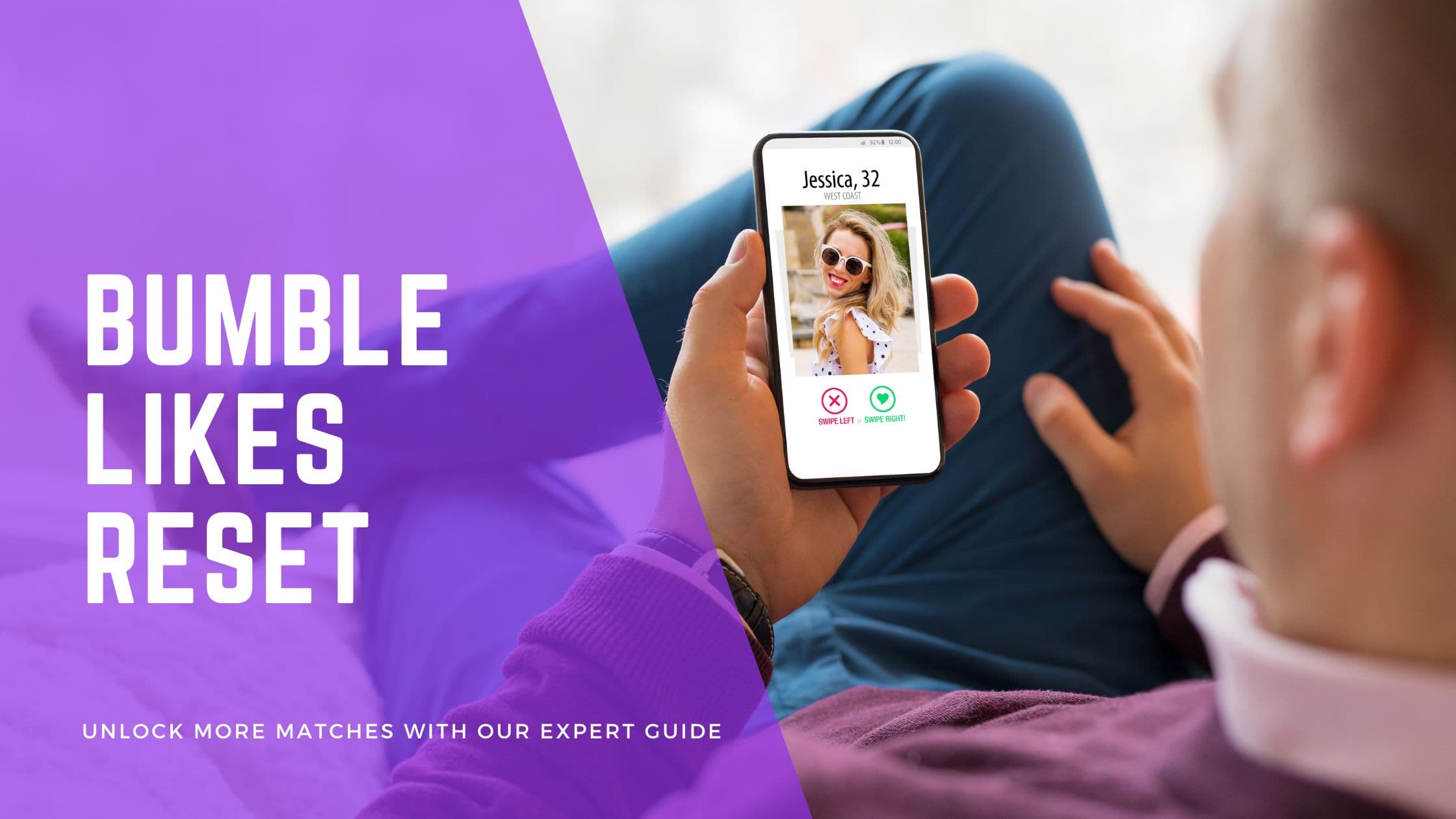
Bumble's official support guidance says free likes refresh after 24 hours, not at a universal midnight. Bumble does not publish a guaranteed number of free likes, so your allowance may differ by account, market or plan.
This UK guide explains what that 24-hour window means, how to check whether the app is simply late to refresh and when a paid plan might be relevant. You will also find practical ways to improve your profile while you wait, without relying on supposed reset tricks.
Bumble Likes Reset: Key Takeaways
- Free Bumble likes refresh after 24 hours rather than at a universal midnight reset.
- Bumble does not publish one guaranteed free-like allowance for every user.
- Restart the app, check your connection and install updates if your likes appear late.
- Check Bumble's current plan screen for paid features because entitlements can change.
Quick Answer: How Bumble Likes Reset Free Bumble likes refresh after 24 hours. Do not expect them to reset for everyone at midnight, and do not rely on a fixed daily allowance because Bumble does not publish one. Note when you hit the limit, then check again around the same time the next day.
The Rolling 24-Hour Reset System Explained
Free users receive a limited number of right swipes. Bumble's official support guidance describes a daily allowance that refreshes after 24 hours, but it does not publish one fixed free-like count for every account.
The most useful rule is simple: Bumble says free likes refresh after 24 hours. If you reach the limit at 8 pm, its support example says your swipes should be ready again at 8 pm the following day. The app may still show the change late, and Bumble does not document whether every individual swipe has its own timer or whether likes return as one batch.
That means the exact moment can vary. If you run out at about 8 pm, check again around 8 pm the following day instead of staying up until midnight or changing your phone's clock.
Bumble does not publish one guaranteed free-like count for every account. Treat any figure you see online as an estimate, not an account entitlement, and use the allowance shown in your own app as the practical source of truth.
Paid plans change how swiping limits work, but features can change by plan and market. Check the plan screen in your app before paying. Our dedicated guide can help you judge whether Bumble Premium is worth it.
The free limit can be useful feedback. If you regularly reach it without getting conversations, changing your selection or profile may do more than adding more swipes.
If you use more than one dating app, the timing is not necessarily the same. See our separate guide to when Tinder likes reset rather than applying Bumble's approximate timing everywhere.
If likes have not returned after about 24 hours, close and reopen Bumble, check your connection and update the app. If the counter still looks stale, use Bumble's in-app help flow for an account-specific problem.
Look your best on every dating app. In 10 minutes our AI generates realistic and high-performing dating photos designed to get more likes and dates.
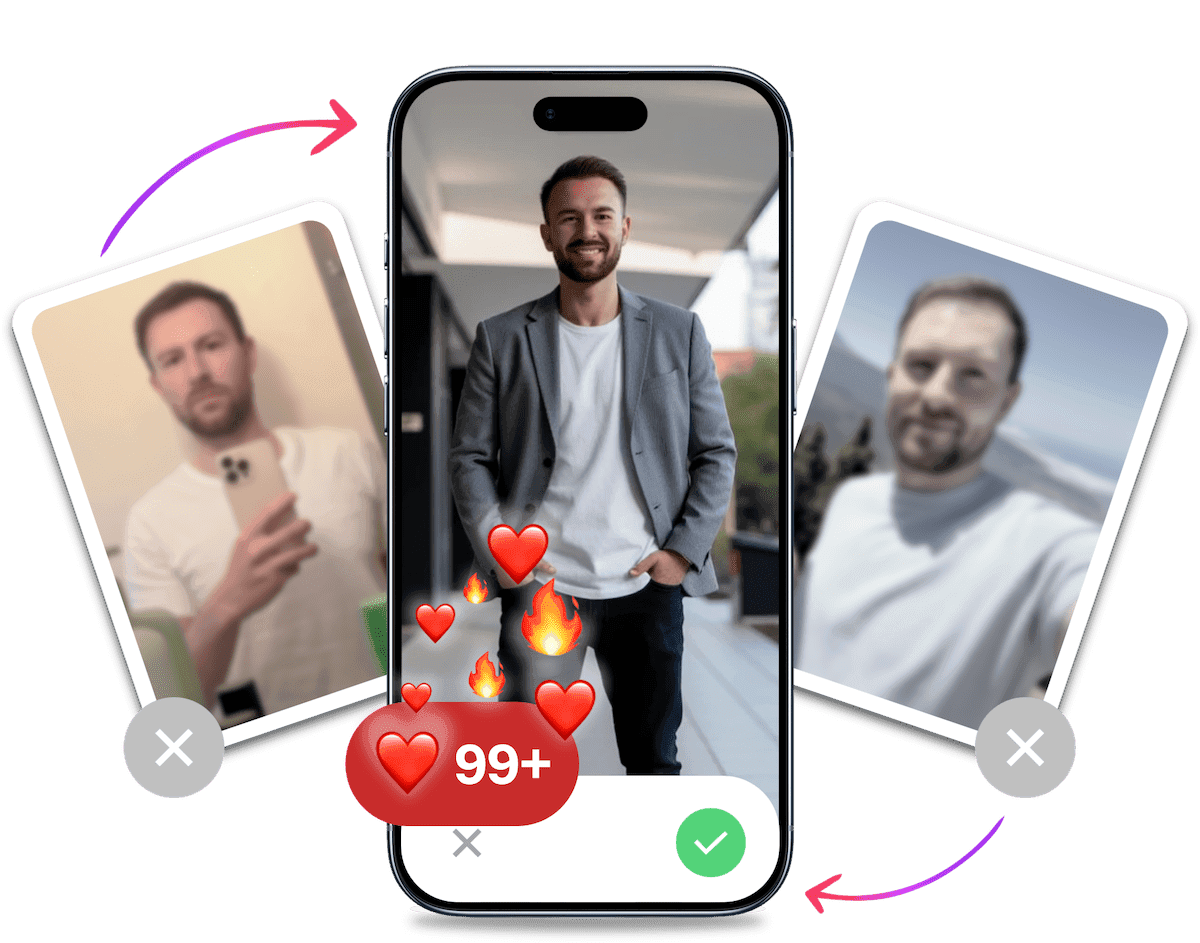
- Get a profile you're proud of
- Drastically increase your matches
- Turn great matches into more dates
What to Do While You Wait for Bumble Likes to Reset
The wait is useful if you spend it fixing the parts of your profile and routine that affect each swipe. Work through these five steps before your likes return. You do not need to complete a full profile rebuild each day. Pick the weakest point, make one deliberate change and see whether the next batch produces better conversations.
- Audit your profile. Remove a weak or outdated photo, tighten your bio and make each prompt easy to answer. Check the full set as a stranger would see it. If two photos show the same setting or expression, keep the stronger one and replace the other. For a fuller checklist, see how to build a stronger Bumble profile for men.
- Reply to current matches. Continue conversations that already have momentum. Ask about a detail from the other person's profile instead of sending another generic opener. If a chat has gone quiet, send one specific follow-up rather than several messages. The likes you already used matter only if you follow through when someone matches.
- Review your filters. Check whether your distance or age range is hiding suitable profiles. Change one filter at a time so you can tell whether it improves the options you see. Avoid widening every setting at once. That creates a larger stack, but not necessarily one filled with people you would actually date.
- Plan a selective next session. Read the profile before swiping and send likes to people you would genuinely meet. Decide what would make you start a conversation if you matched. That quick check is more useful than racing through the allowance. Our Bumble hacks guide has more ways to use the app deliberately.
- Record the approximate time. Note when Bumble showed the out-of-likes message. Check again about 24 hours later rather than repeatedly opening the app or trying reset workarounds. After a few limits, you will have a practical record of how your own account behaves without pretending the timing is exact.
Make Each Bumble Like Work Harder
Start with the photos. Use one clear portrait, one full-body image and a few pictures that show real parts of your life. They should be recent, well lit and different enough that each one adds information. If you need to shoot them yourself, follow this guide to taking dating photos by yourself.
Keep your bio short and specific. A line about the climbing wall you visit every Thursday gives someone more to work with than "I love adventures". Your prompts should do the same job: show a real preference, story or opinion that makes replying easy. Read each answer aloud and cut anything you would never say in person.
If your current photos are the weak point, TinderProfile.ai can turn your existing images into 20, 60 or 100 natural-looking dating photos, depending on the package, in about 10 minutes. Pick the results that still look recognisably like you and mix them with genuine candid shots. The goal is a credible profile with better options, not a set of images that all look polished in exactly the same way.
It's Probably Your Photos.
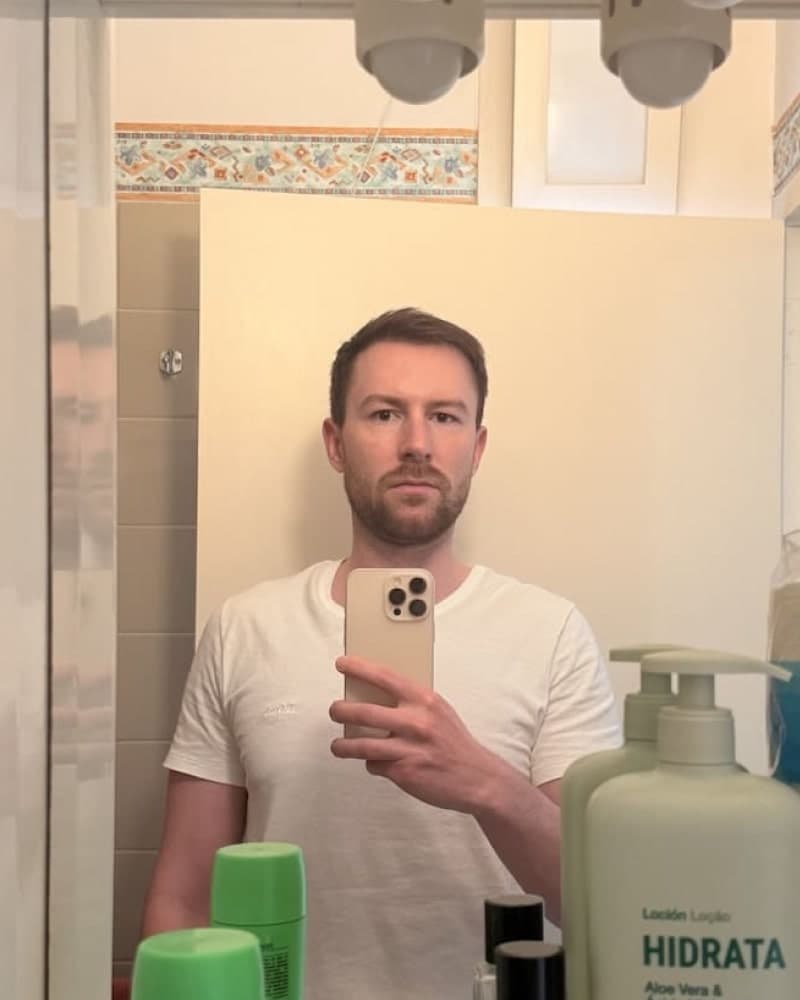

Photos designed to get you more likes, better matches and better dates. TinderProfile.ai is trusted by 60,000+ users.
Troubleshooting Bumble Like Issues
If your likes do not return after roughly 24 hours, start with the basic checks below. A delayed counter can be an app or connection issue, but only Bumble can diagnose a problem tied to your account.
What to Do If Your Likes Don't Reset on Time
Follow these steps in order:
- Close and reopen Bumble. This forces the app to request fresh account data.
- Check your internet connection. Switch between Wi-Fi and mobile data to rule out a weak connection.
- Update the app. Install the latest version from the App Store or Google Play Store.
- Sign out and back in. Do this only if the first three checks fail and you know your login details.
- Reinstall the app. Use this as a final local check before contacting Bumble through the in-app help flow.
These common Bumble reset troubleshooting steps cover the same restart, connectivity and update checks.
How to Contact Bumble Support for Like-Related Issues
If the checks do not solve the problem, open Bumble's settings and use the current in-app help or contact flow. Include the approximate time you reached the limit, when you expected the likes to return and screenshots of the message you see.
Common Errors and Their Solutions
- If the out-of-likes message appears earlier than expected, restart the app and check again after a stable connection is available.
- If the count still looks wrong after roughly 24 hours, update or reinstall Bumble before using the in-app help flow.
- If Bumble crashes while swiping, update the app first, then reinstall it if the crashes continue.
Final Thoughts on the Bumble Like Reset
Using a limited Bumble allowance well matters more than hoarding likes. Send them to people you would genuinely want to meet, then improve the profile behind each swipe.
Remember these core principles:
- Know your timer. Expect free likes to return after roughly 24 hours, but allow for account-specific variation.
- Swipe selectively. Read each profile and use your allowance on realistic matches rather than swiping right on everyone.
- Improve the profile. Clear, current photos and specific prompts make every like more useful.
- Check before paying. Review Bumble's current plan screen and decide from your own results whether an upgrade is worthwhile.
Note when you reach the limit, wait about 24 hours and run the basic app checks if nothing changes. There is no reliable manual shortcut, so focus on the profile and conversations you can improve while you wait.
Frequently Asked Questions About Bumble Likes Reset
How long do Bumble likes take to reset?
Bumble's support guidance says free likes refresh after 24 hours and gives the same-time-next-day example. Note when you reached the limit and check around that time the next day. If the app still shows the limit, a small delay may reflect account sync, connection or plan status rather than a different reset rule.
Does Bumble reset likes at midnight?
No, Bumble's support guidance describes a 24-hour refresh with a same-time-next-day example, not a universal midnight reset. If Bumble showed the out-of-likes message at 7 pm, check again around 7 pm the following day rather than waiting for midnight or changing your device clock.
How many free likes do you get on Bumble?
Bumble does not publish one guaranteed number of free likes for every user. Limits may vary by account, market or plan, so fixed figures shared online should be treated as estimates. Use the allowance shown in your account and avoid planning your swiping around an unofficial number.
What should you do if Bumble likes do not reset?
Close and reopen Bumble, check your internet connection and install any available app update. If your likes still have not returned after roughly 24 hours, sign out and back in or reinstall the app. Use Bumble's in-app help flow if the problem continues, because only Bumble can inspect your account.
Can you manually reset Bumble likes?
No official manual reset is available for free Bumble likes. Changing your device clock, reinstalling repeatedly or using account workarounds is not a reliable way to shorten the wait. Note when you reached the limit, wait about 24 hours and check Bumble's current plan screen if you are considering paid access.