


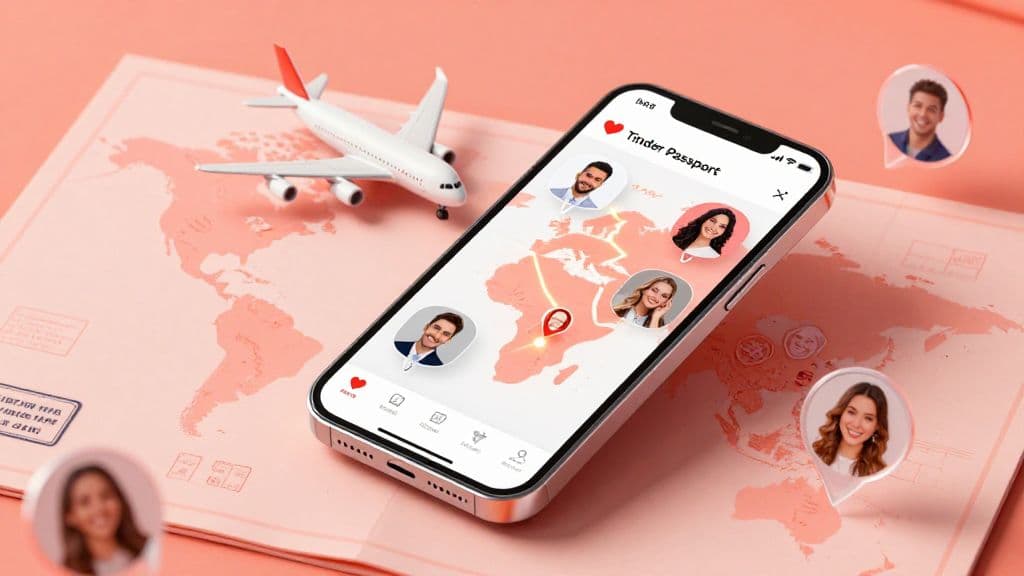
What Is Tinder Passport? (The Basics)
Tinder Passport lets you browse and match with people in one virtual city while you're physically somewhere else. Choose a destination in Tinder, then swipe and chat with people there before you arrive or while you travel. It gives you a way to get to know the local dating pool from wherever you are.
Planning a trip? Here's how to use Passport before you leave.
Is Tinder Passport Free?
Tinder Passport isn't available on the standard free plan. Tinder offers it as a standalone purchase and includes it with Plus, Gold, and Platinum, according to its official Passport Mode guide. If you're comparing the paid tiers, read our guide to whether Tinder Platinum is worth it.
- Tinder Plus
- Tinder Gold
- Tinder Platinum
How It Works Technically
Passport lets you have one virtual city active at a time, and you can change locations as often as you like. People you liked while using Passport may still see your profile in that Passport location for up to 24 hours after you change locations. That window applies to people you liked, not to established matches.
Look your best on every dating app. In 10 minutes our AI generates realistic and high-performing dating photos designed to get more likes and dates.
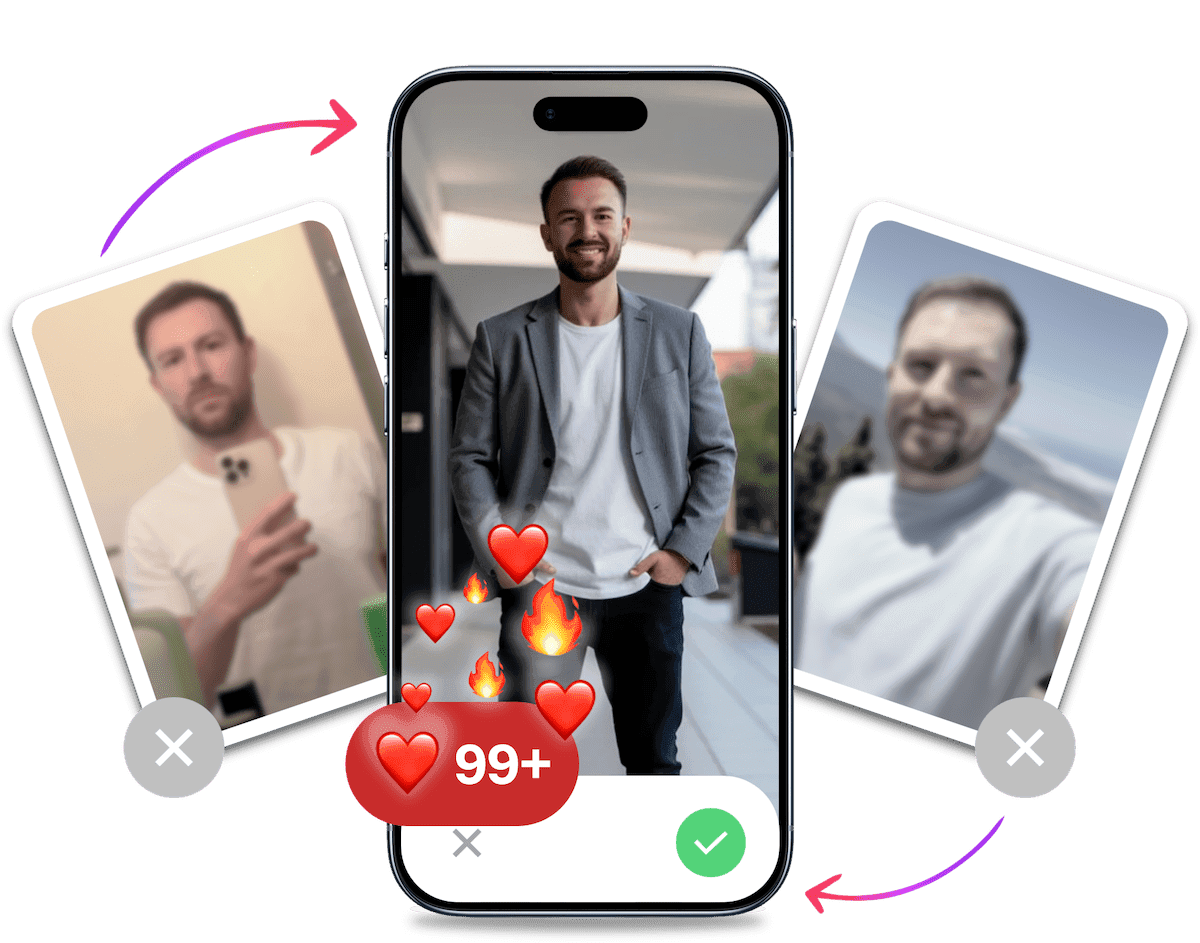
- Get a profile you're proud of
- Drastically increase your matches
- Turn great matches into more dates
How to Change Your Location on Tinder (Step-by-Step)
Ready to start swiping in a new time zone? Open Tinder's location controls from your profile, then follow these steps to change tinder location. In geographies where Tinder requires Face Check, you'll need to complete it to use Passport. Tinder says you can opt out after you finish using Passport there.
- Tap the Profile Icon.
- Open Settings.
- Tap Location.
- Select Add a new location.
- Type a city name in the search bar or drag the pin on the map.
- Choose the city or area you want to use.
Once you've done this, your card stack will refresh. The potential matches you see are now located in your new destination.
To switch back, simply go into settings and tap "My Current Location" again.
The Burning Question: Does Tinder Passport Show Distance?
This is one of the first questions people ask about Passport. Tinder's official guidance doesn't confirm exactly how distance appears to other users, so don't assume it will be hidden or displayed in a particular way. Check the current app if distance display matters to you.
Why This Matters
If a large distance appears to someone browsing your profile, they may wonder whether you are actually nearby. Some might assume you are:
- a bot or a scammer.
- a catfish using fake photos.
- someone wasting their time because you are not actually there.
That concern can hurt your match rate even if you have a great profile. If someone thinks you are a bot or a traveler who is not actually nearby, they may swipe left.
How to Overcome the Distance Objection
Because Tinder's guidance does not confirm how distance appears to others, be upfront about why you are browsing in that city.
Keep your bio clear about why you are browsing in her city.
"Visiting NYC from Oct 12th - Oct 20th. Let's grab a drink while I'm in town."
This simple addition clears up the confusion. It tells her you are real, you have a plan, and there is a deadline. Deadlines actually create urgency, which can help how to start a conversation on tinder with more momentum.
Tinder Passport vs. Bumble Travel Mode
If you are a globetrotter, you are probably juggling multiple apps. How does Tinder's feature stack up against the competition?
We have written extensively about Bumble Travel Mode, but here is the quick comparison to help you decide where to spend your money.
| Feature | Tinder Passport | Bumble Travel Mode |
|---|---|---|
| Distance Visibility | Not confirmed in Tinder's Passport guidance | Uses a virtual location. Exact distance display is not specified |
| Badge | Tinder's Passport guide does not mention a badge | Shows a "travel mode" banner on your profile |
| Cost | Standalone purchase or included in Plus/Gold/Platinum | Part of Bumble Premium |
| Stealth | Not confirmed in Tinder's Passport guidance | More obvious that you are traveling |
The Verdict: Bumble makes travel status explicit with a "travel mode" banner. Tinder's Passport guide does not confirm how your location appears to other users.
If you use Passport, explain in your bio when you will be in town. That gives potential matches a clear reason you are browsing their city.
Why You Aren't Getting Matches with Passport
So, you paid for Gold. You dropped your pin in Los Angeles or London. You waited.
And... crickets.
Why is this happening? You usually get matches at home, so why not abroad? This is a common phenomenon that frustrates many travelers.
1. You Are Competing in the Major Leagues
When you use Tinder global mode to swipe in major metropolitan hubs, the competition skyrockets. In your hometown, you might be a top 10% profile. In a fashion capital like Milan or New York, the standard for photos is incredibly high.
You are competing against models, influencers, and high-net-worth individuals who have professional photographers on speed dial.
2. The "Local" Vibe is Missing
Your photos might work in a small town, but they often fail to translate across cultures.
A blurry bathroom selfie or a photo of you holding a fish might be acceptable in rural areas. In a cosmopolitan city, it signals "low effort."
If you look like a tourist who is lost, you won't attract the locals. You want to look like you belong there. Women on Tinder want to date someone who fits into their lifestyle, even if it's just for a week.
3. Your Photos Are Outdated
If you are no matches on tinder while traveling, your photos are likely the culprit. The international dating market is ruthless. You have mere seconds to make an impression.
This is where most guys fail. They rely on selfies or photos taken by friends that have bad lighting and awkward angles.
Here is the fix: You don't need to hire a photographer in Paris to look like you belong in Paris. You can use technology to level the playing field.
With TinderProfile.ai, you can upload your existing photos and let our AI generate professional, high-value images that work globally. Imagine having a crisp, confident portrait that looks like it was taken at a high-end cafe or a rooftop bar.
Our AI understands what makes a photo attractive on dating apps. It removes the "uncanny valley" effect often seen in other tools and delivers results that look authentic, just a better version of you. This is the easiest way to get best pictures for tinder without spending hundreds on a photoshoot.
It's Probably Your Photos.
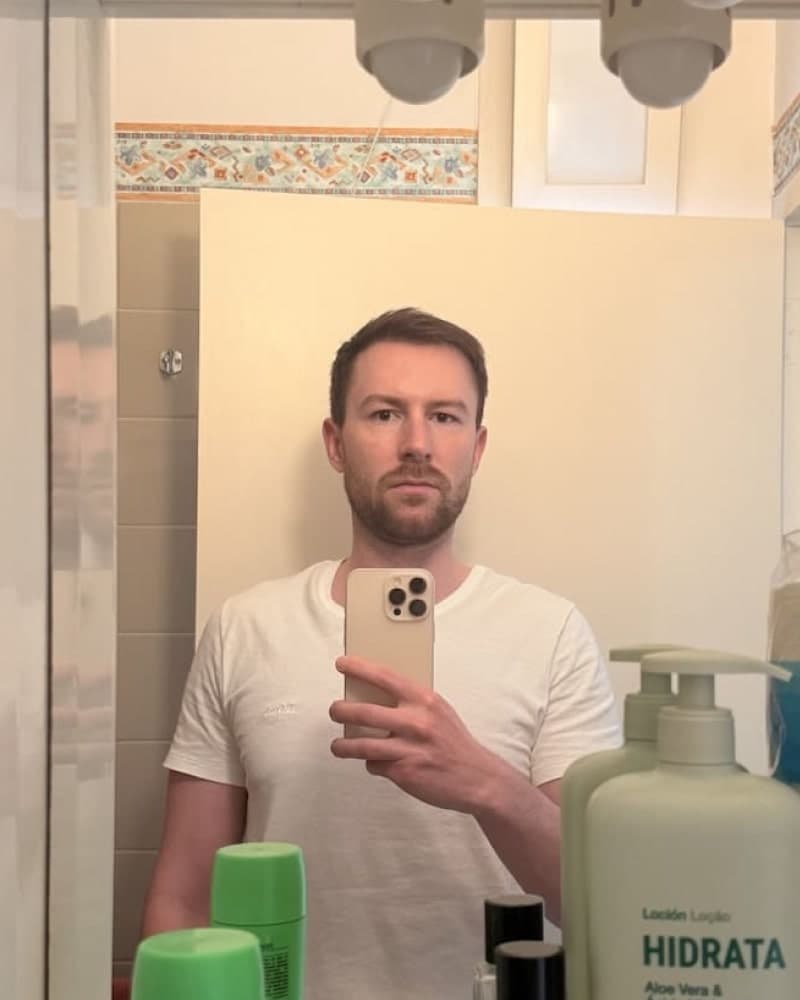

Photos designed to get you more likes, better matches and better dates. TinderProfile.ai is trusted by 60,000+ users.
Strategic Tips for "Passporting" Like a Pro
Using the feature is easy. Using it to actually get dates requires strategy. Here are the advanced tactics used by digital nomads and frequent travelers.
1. The "Two-Week" Rule
Don't wait until you land at the airport to change your location. By then, it's too late.
Ideally, you should change your location to your destination 1 to 2 weeks before arrival. This gives you time to:
- Build up a stack of matches.
- Filter out the flakes.
- Start conversations and build rapport.
- Schedule dates for your first few nights.
If you start swiping when you land, you'll spend your first three days staring at your phone instead of enjoying the city.
2. The Beta Test Strategy
You can use Passport for a small personal experiment, comparing the engagement your profile receives in different locations.
For example, are you receiving more likes or starting more conversations in London than in Miami? Treat those counts as observations from your own account, not a measure of your photos' appeal or your global "market value".
This experiment does not predict dating outcomes or tell you where you are most likely to find romance.
3. Adjust Your Bio for the Culture
Humor is subjective and often cultural. A joke that kills in the US might fall flat in Germany or Japan.
When using Passport, keep your best tinder bio for guys simple and universal. Avoid obscure pop culture references that won't translate. Focus on universal interests: food, travel, adventure, and good conversation.
Final Thoughts on Using Tinder Passport
Tinder Passport is arguably the most powerful tool for the traveling bachelor. It allows you to maximize your time abroad by setting up your social life before you even pack your bags.
But remember: location is only half the battle. "Teleporting" to a new city won't fix a broken profile. If you have bad photos at home, you will have bad photos in Rome, Tokyo, or Sydney.
To truly capitalize on this feature, you need to look your absolute best. You need photos that compete with the stylish locals.
Don't let a weak profile ruin your trip.
Before you drop your pin in a new city, upgrade your portfolio. Upload your photos to TinderProfile.ai and let our AI generate a gallery of stunning, high-converting images. Get the matches you deserve, no matter where in the world you land.
Frequently asked questions about Tinder Passport
Can I use Tinder Passport for free?
No. Passport isn't included with Tinder's standard free plan. Tinder offers it as a standalone purchase and includes it with Tinder Plus, Gold, and Platinum. You can use one virtual city at a time and change locations as often as you like.
Does Tinder notify users if I use Passport?
Tinder's official Passport guide doesn't say whether other users are notified when you use Passport, and it doesn't confirm how distance appears. To avoid confusion, say in your bio when you'll be in town.
How often can I change my location?
You can change your Passport location as often as you like, but only one virtual city can be active at a time. Choose another location in Profile > Settings > Location whenever you want to switch. Each change replaces the city currently selected.
Does my location reset when I stop using Passport?
To return to your current location, open Profile → Settings → Location and select My Current Location. People you liked while using Passport may still see your profile in the Passport location for up to 24 hours after you change locations. That is not a 24-hour limit on people you've already matched with.