


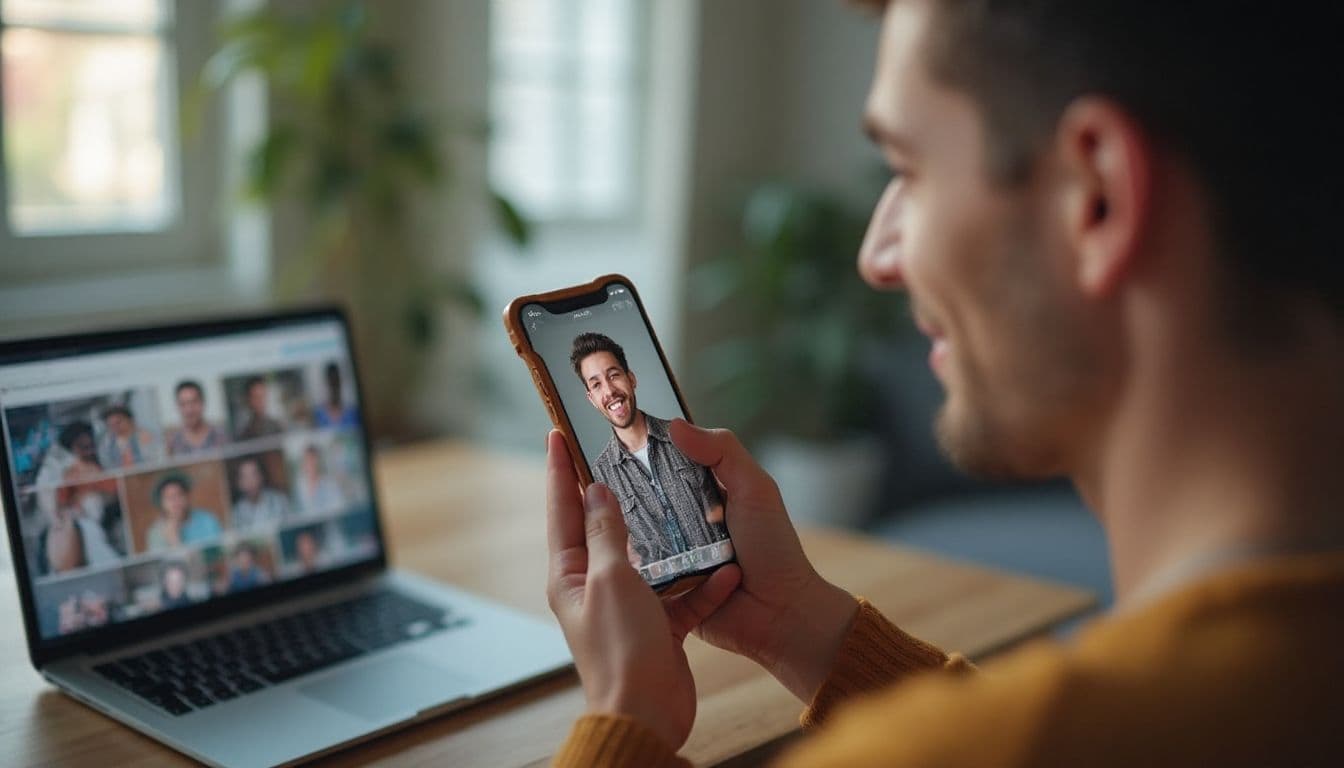
Midjourney for Tinder photos means generating dating-profile images from a real reference image plus a text prompt. You describe the setting, clothing, expression, and camera look, then use Midjourney to create variations that still resemble you. Here, "prompt" means an image-generation instruction, not Tinder's in-app profile-question feature.
This guide walks you through setup, 15 copy-paste templates, common failure modes, and a faster alternative. If your current photos are blurry, outdated, or don't show your personality, the goal is to build a varied set that feels believable on a dating app. Midjourney gives you creative control, but consistency and honest representation still need your attention.
Key Takeaways
- Midjourney for Tinder photos combines a real reference image with a text prompt to create dating-profile images.
- Use a clear reference image and choose natural scenes that match how you actually spend your time.
- Check every result for face consistency and honest representation before adding it to your profile.
- Frame your subject for Tinder's center crop, with room above the head and below the chin.
- Midjourney gives you creative control, but that control comes with prompt iteration and manual checking.
The Allure of AI: Why Midjourney is a Tempting Choice for Your Dating Profile
Let's be honest, the promise of Midjourney is incredibly tempting. The idea of creating a hyper-attractive, interesting photo of yourself from nothing but a line of text feels like a superpower for your dating life.
The perceived benefits are huge, and they're probably what brought you here in the first place. You're thinking about:
- Endless variety: One minute you're in a stylish Milan cafe, the next you're on a yacht in the Mediterranean. You can generate any scenario you can dream up.
- Complete control: You can dictate the lighting, the mood, your expression, and even the camera lens used. It's ultimate creative freedom.
- The "wow" factor: Midjourney can produce stunning, artistic shots that look far more impressive than a typical selfie.
This desire to create amazing AI tinder photos is completely valid. A great photo can change your entire dating experience. But executing this idea with a general-purpose tool like Midjourney has some serious catches.
The Reality: A Step-by-Step Guide to Creating Your Face in Midjourney
Ready to try what we call "The Hacker's Way"? This is the manual process for creating your own ai dating profile pictures with Midjourney. It works, but it requires patience and a willingness to get technical.
Step 1: Setting Up Your Midjourney Environment
Midjourney is available in Discord and on the browser-based Create page at midjourney.com. The Create page includes an Imagine Bar with visual controls, while Discord uses the familiar /imagine command. Midjourney's web Create page covers both access paths.
On the web, type your description into the Imagine Bar and adjust the visual controls. In Discord, enter the /imagine command in a Midjourney channel. The web path avoids Discord command syntax, so choose whichever workflow feels easier.
Step 2: Keeping Your Face Consistent
Midjourney does not train a personalized model from your photos in this workflow. Instead, select V6 and give it a clear reference image. Character Reference uses --cref followed by an image URL, while --cw sets how much of that reference to carry through. The official Midjourney Character Reference guide documents these controls for V6 and Niji 6.
Set --cw from 0 to 100. Lower values put more emphasis on the face, while higher values carry more of the reference through, including hair, clothing, and pose. One clear, well-lit photo of just you is a practical starting point, not a mandatory Midjourney quota. If a result changes your identity or looks inconsistent, reroll it before adding it to Tinder.
Look your best on every dating app. In 10 minutes our AI generates realistic and high-performing dating photos designed to get more likes and dates.
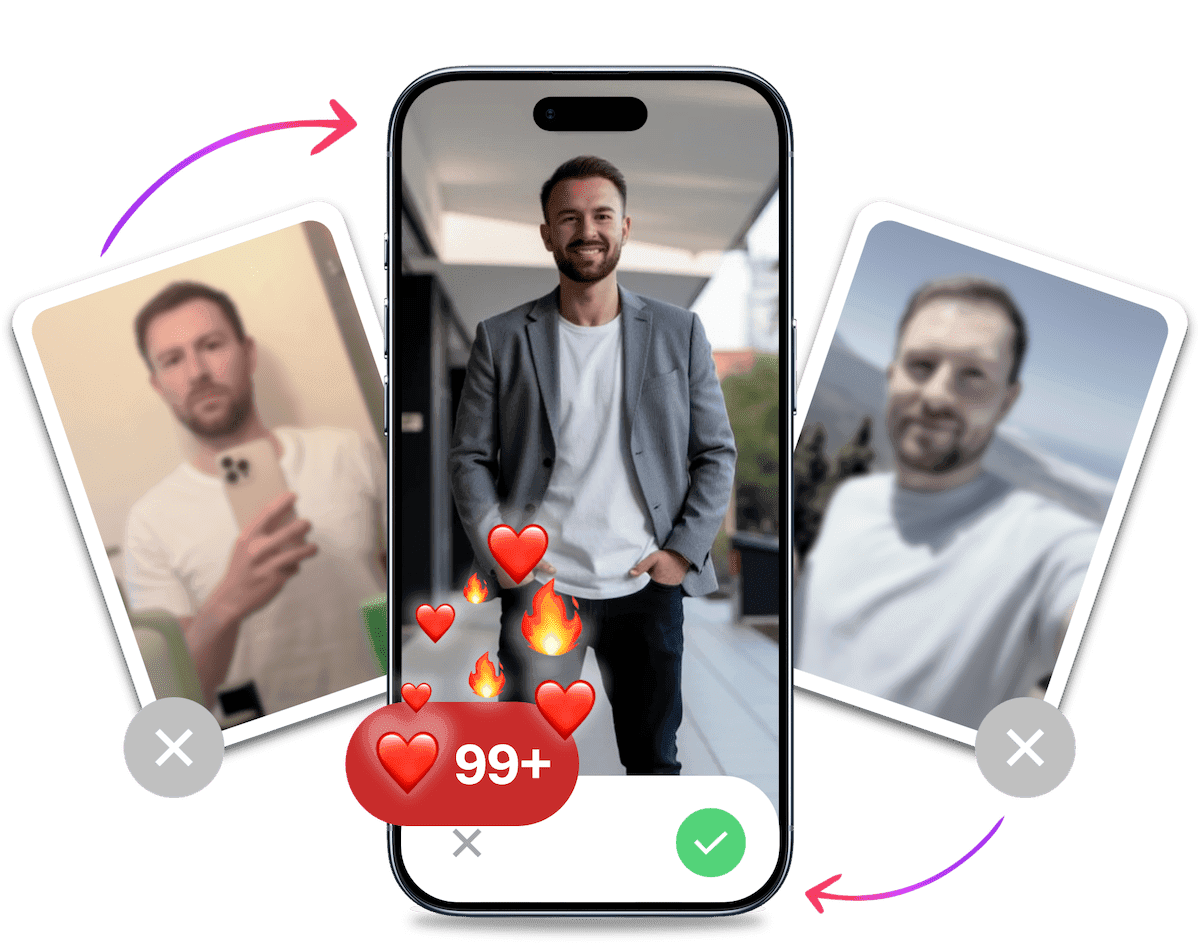
- Get a profile you're proud of
- Drastically increase your matches
- Turn great matches into more dates
15 Midjourney Prompts That Actually Work for a Male Dating Profile
Crafting good Midjourney prompts for Tinder is an art form. You can't just write "a photo of me." You need to be specific. A great prompt includes the subject, the setting, the lighting, the style, and even technical camera details for more realism.
Here are 15 copy-paste tinder photo prompt ideas organized by the type of shot you need for a well-rounded profile. Remember to replace [URL of your reference image] with the direct link to your uploaded headshot.
The Confident Headshot
This is your main profile picture. It needs to be clear, warm, and approachable.
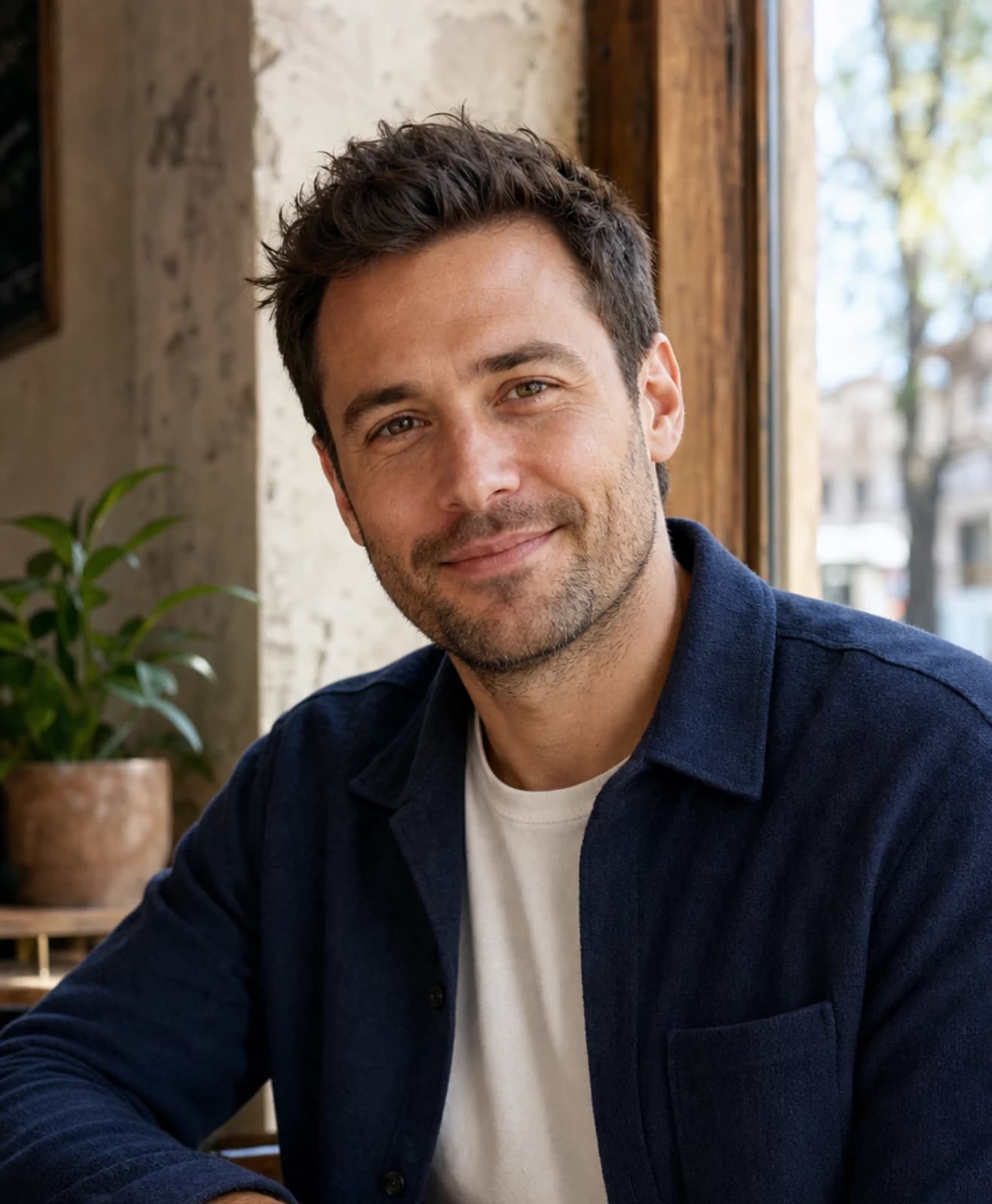
- The Cafe Shot:
photo of a handsome man in his late 20s, candid shot, smiling naturally, sitting in a bright, modern cafe with a blurred background, soft morning light, shot on a Sony A7III with a 50mm f1.8 lens --ar 2:3 --style raw --cref [URL of your reference image] --cw 100 --v 6(Why it works: "Soft morning light" creates a warm, inviting feel.) - The Golden Hour Portrait:
photorealistic portrait of a man with a slight smile, looking directly at the camera, outdoor golden hour lighting, city park in the background, sharp focus on face, shallow depth of field, taken with a Canon EOS R5, 85mm lens --ar 2:3 --style raw --cref [URL of your reference image] --cw 100 --v 6(Why it works: Golden hour is universally flattering.) - The Urban Explorer:
candid street style photo of a man leaning against a brick wall in a cool urban alley, natural laugh, wearing a leather jacket, overcast lighting, Fujifilm X-T4 film simulation look --ar 2:3 --style raw --cref [URL of your reference image] --cw 100 --v 6(Why it works: Shows a confident, city vibe.) - The Minimalist Headshot:
professional headshot of a man against a solid grey background, soft studio lighting from one side creating gentle shadows, looking confident, wearing a simple black t-shirt, high resolution, detailed skin texture --ar 2:3 --style raw --cref [URL of your reference image] --cw 100 --v 6(Why it works: Simple, strong, and focuses entirely on you.) - The Bookish Vibe:
photo of a man sitting in a cozy library, looking thoughtfully away from the camera, warm ambient light from a desk lamp, stacks of books blurred in the foreground, shot on a Leica M11 --ar 2:3 --style raw --cref [URL of your reference image] --cw 100 --v 6(Why it works: Suggests intelligence and a calmer personality.)
The Casual Social Shot
These photos show you're fun and have a social life, even if the photo is just of you.
- The Brewery Hangout:
candid photo of a man sitting at a rustic wooden table in a craft brewery, laughing with an unseen friend, warm indoor lighting, holding a glass of beer, shot with a Nikon Z6, 35mm f1.8 lens --ar 3:2 --style raw --cref [URL of your reference image] --cw 100 --v 6(Why it works: Relatable, casual, and social.) - The Rooftop Bar:
photo of a man at a rooftop bar at sunset, city skyline in the background, looking relaxed and happy, holding a cocktail, ambient city lights beginning to glow --ar 3:2 --style raw --cref [URL of your reference image] --cw 100 --v 6(Why it works: Sophisticated, great view, and shows you enjoy going out.) - The Summer BBQ:
man in his late 20s at a sunny backyard BBQ, smiling, blurred background of friends chatting, holding a plate of food, bright daylight, shot on an iPhone 14 Pro, portrait mode --ar 3:2 --style raw --cref [URL of your reference image] --cw 100 --v 6(Why it works: Friendly, relaxed, and suggests a warm social circle.) - The Coffee Walk:
street photo of a man walking down a bustling city street, holding a cup of coffee, looking off-camera with a slight smile, motion blur in the background, crisp morning light --ar 2:3 --style raw --cref [URL of your reference image] --cw 100 --v 6(Why it works: Dynamic, energetic, and a great "day in the life" shot.)
The Hobby & Interest Shot
This is where you show, not just tell, what you're passionate about.
- The Hiker:
action shot of a man hiking on a mountain trail, looking out at the view, wearing hiking gear, dramatic landscape, bright sunlight, wide-angle shot with a GoPro HERO11 --ar 3:2 --style raw --cref [URL of your reference image] --cw 100 --v 6(Why it works: Adventurous, active, and shows a passion for nature.) - The Musician:
moody photo of a man playing an acoustic guitar in a dimly lit room, focused on his hands and the guitar, soft window light, cinematic style, shot on a Blackmagic Pocket Cinema Camera --ar 3:2 --style raw --cref [URL of your reference image] --cw 100 --v 6(Why it works: Shows a creative, passionate side.) - The Chef:
candid photo of a man cooking in a modern kitchen, focused as he adds spices to a pan, steam rising, warm under-cabinet lighting, looks skillful and happy, shallow depth of field --ar 3:2 --style raw --cref [URL of your reference image] --cw 100 --v 6(Why it works: A highly attractive skill to showcase.) - The Traveler:
man standing in a vibrant, colorful European street market, looking curious and engaged with the surroundings, natural candid moment, travel photography style --ar 2:3 --style raw --cref [URL of your reference image] --cw 100 --v 6(Why it works: Shows you're worldly and open to new experiences.) - The Fitness Enthusiast:
photo of a man in athletic wear resting after a run in the park, sitting on a bench, looking tired but satisfied, early morning light, realistic sweat, shot on a Google Pixel 7 Pro --ar 2:3 --style raw --cref [URL of your reference image] --cw 100 --v 6(Why it works: Shows dedication to health without being an obnoxious gym selfie.) - The Yacht Life (Aspirational):
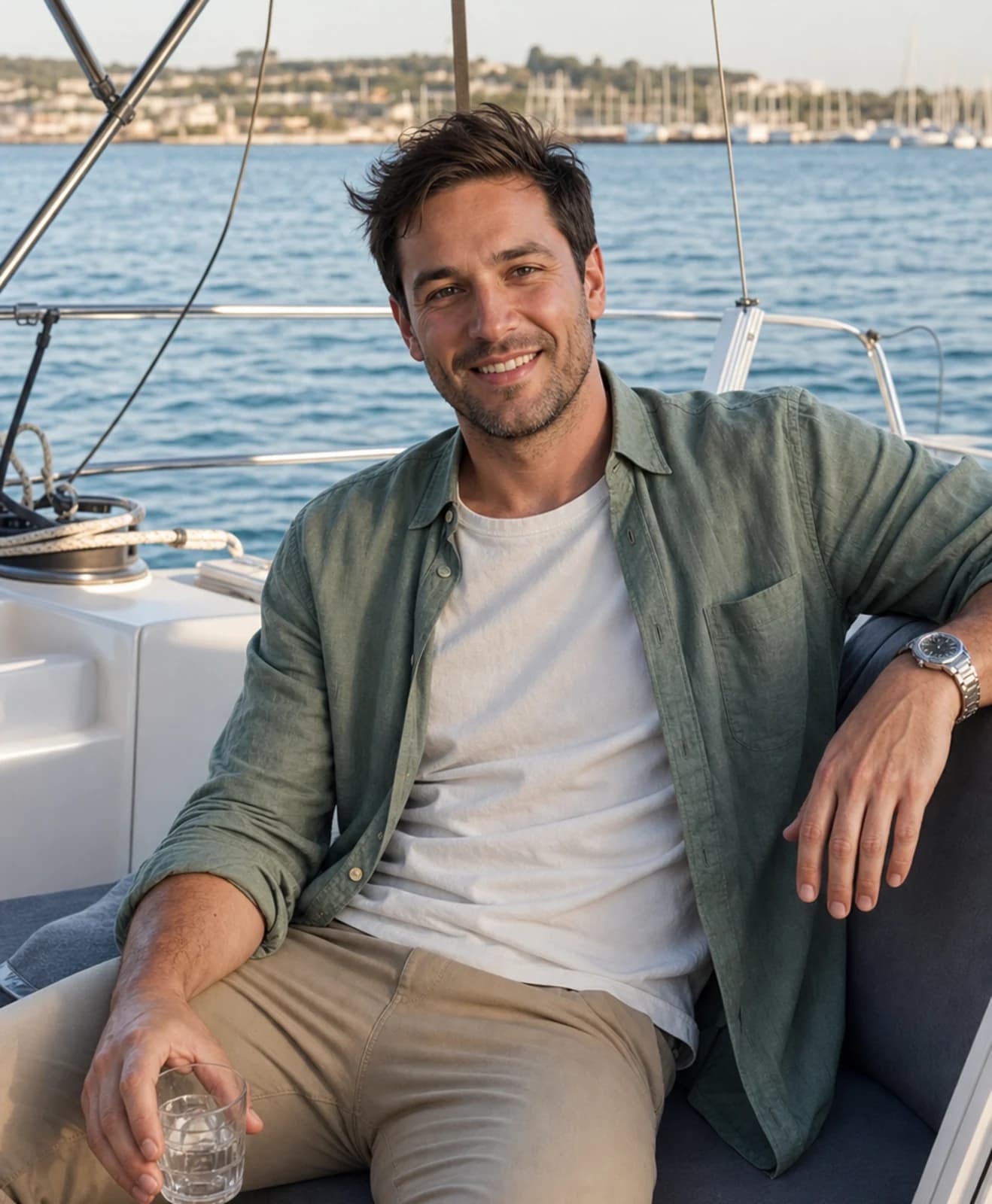
photo of a confident man on the deck of a sailboat, wearing sunglasses and a linen shirt, bright sun, blue ocean background, looks relaxed and successful, high-end travel magazine style --ar 3:2 --style raw --cref [URL of your reference image] --cw 100 --v 6(Why it works: Pure aspiration, projects a life of luxury and adventure.)
How to Frame Midjourney Images for Tinder
Generated images still need to fit Tinder's upload and swipe-card crop. Use this checklist before you upload:
- Keep your face centered, with enough headroom and chin room.
- Keep your face to roughly 70% or less of the frame so Tinder's center zoom does not cut you off.
- Preview every image in a square, mobile-sized crop before choosing it.
- Treat this as Tinder-safe framing, not a new image-generation method. Generate the scene you want, then reject crops that hide your face.
A June 2026 analysis of Tinder's center-crop behavior found that a square upload displays closer to a 0.7:1 centered vertical crop in the swipe card. Keeping the face centered and no more than about 70% of the frame helps preserve the full head and chin. For ideas on what to use for each Tinder photo slot, pair this crop check with a varied set.
The Hidden Pitfalls: Why Midjourney Often Fails for Dating Photos
You can see how complex the process is. But the issues go deeper than just time and effort. There are fundamental reasons why Midjourney, as powerful as it is, often isn't the right tool for creating your dating profile pictures.
Facial Inconsistency
Even with the character reference feature, getting the AI to generate your face perfectly every single time is a constant battle. In one image, your eyes might be slightly different. In another, your smile looks forced or strange.
This inconsistency means you spend even more time re-rolling and tweaking, hoping for that one-in-a-hundred shot where the AI gets your face just right. It's a frustrating game of chance.
The Time Sink of Prompt Engineering
Let's be blunt. Do you want to become a part-time AI prompt engineer or do you want to go on more dates?
Getting one great photo can take hours of learning prompt structures, testing parameters, and iterating endlessly. That's time you could be spending swiping, matching, and meeting people. The learning curve is steep, and the return on your time investment is often low.
The Generalist vs. The Specialist Problem
This is the core issue. Midjourney is trained to make cool pictures. It is not trained on what actually performs well on dating apps.
It doesn't know that a genuine, warm smile in a natural setting gets more matches than a dramatic, artistic shot. It's a powerful tool, but it's the wrong tool for this specific job. It's like using a sledgehammer to crack a nut.
The Authenticity Playbook: Using AI Photos Ethically and Effectively
User anxiety around authenticity is a major barrier to using AI photos. Queries like "is using AI photos on tinder cheating" are common because nobody wants to be seen as a catfish. The key is to reframe the goal from deception to enhancement.
Midjourney is a generalist AI trained on millions of images, with a heavy emphasis on art and illustration. It's not specifically optimized for photorealism of real people. The result? The images often fall into the "uncanny valley." They look slightly off, too smooth, or like a character from a high-end video game. This is the opposite of the authenticity you need to build trust on a dating app. You want to look like you on your best day, not like fake tinder profile pictures.
Here's a simple "Dos and Don'ts" framework for using AI photos the right way.
The Dos:
- Do use recent, clear photos of yourself as the source. The AI is only as good as the data you give it.
- Do aim for an enhanced version of your real self. The goal is to look like you on your best day.
- Do create a variety of scenarios (social, hobby, active) that reflect your actual personality and interests.
- Do mix AI photos with a few of your real, recent pictures to create a balanced and authentic profile.
The Don'ts:
- Don't use photos that are more than 2 years old as a base.
- Don't drastically change your core features like facial structure, hair color, or body type.
- Don't exclusively use AI photos. A profile with 100% flawless, studio-perfect shots can raise suspicion.
- Don't present a lifestyle you don't actually live or aspire to. Authenticity is key.
Think of it as enhancement, not deception. Is it unethical to use good lighting? To choose a flattering angle? To get a professional dating photoshoot? Of course not. All of these are ways to present the best version of yourself. AI is just the newest, most efficient tool to achieve that.
It's Probably Your Photos.
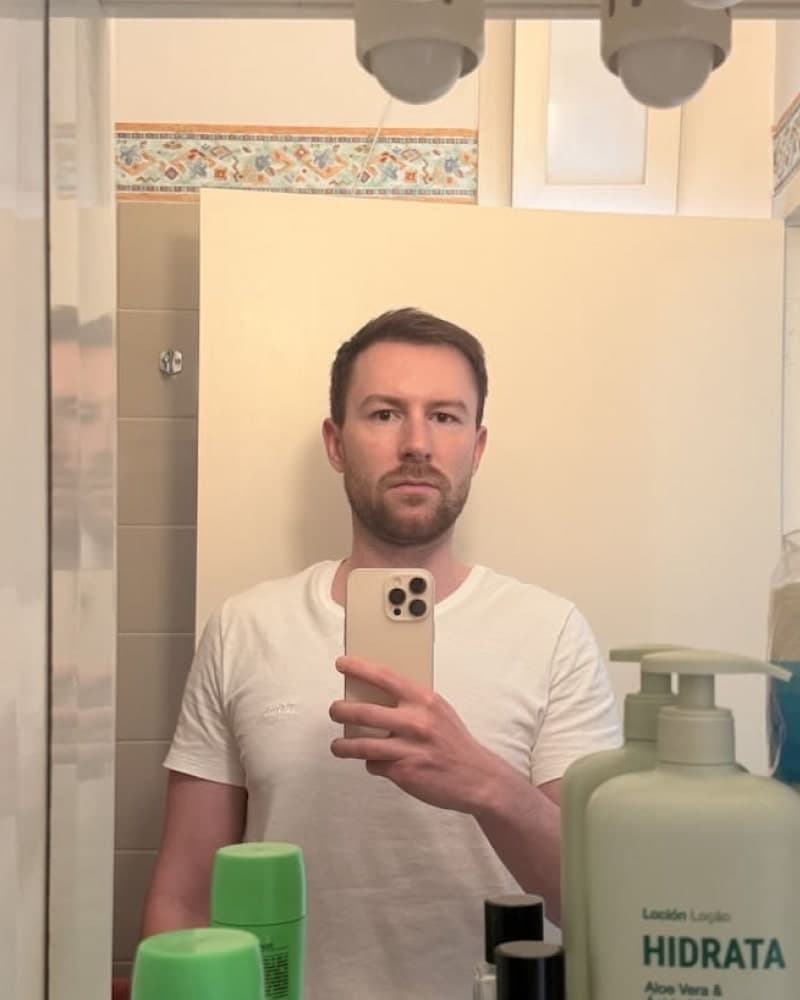
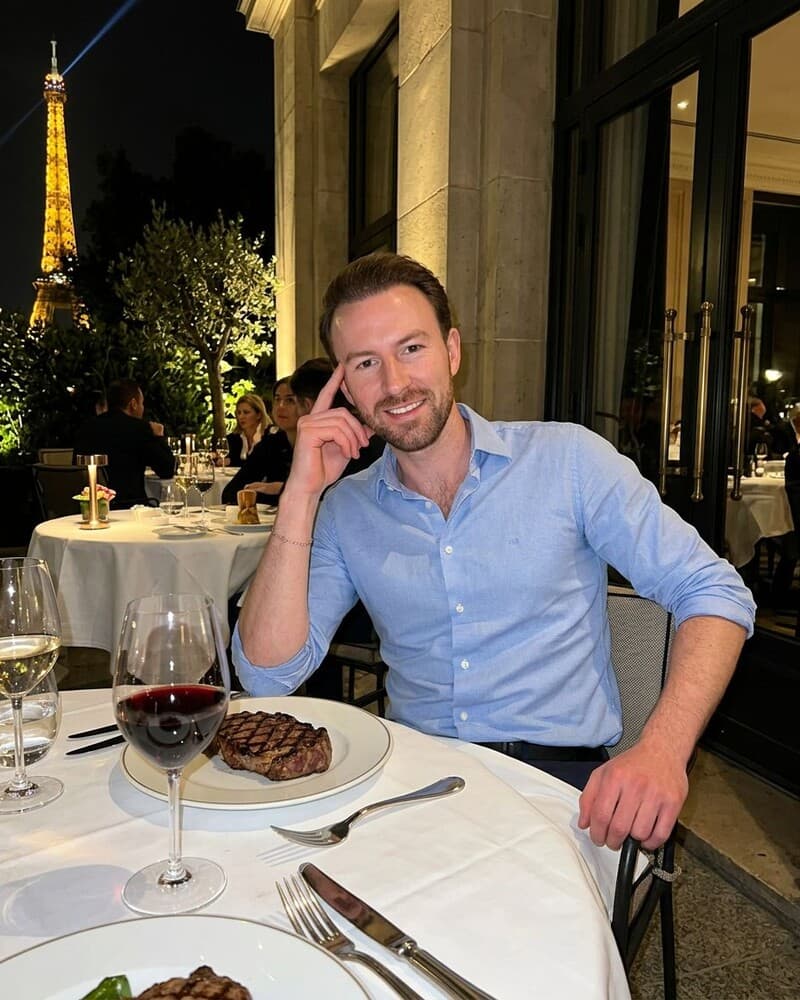
Photos designed to get you more likes, better matches and better dates. TinderProfile.ai is trusted by 60,000+ users.
Midjourney vs. Specialized Dating Photo AI: Which is Right for You?
The choice isn't just about using AI, but which AI tool to use. Users are actively looking for the best AI generators besides Midjourney for dating. Here's a breakdown to help you decide.
| Feature | Midjourney | TinderProfile.ai (Specialized Tool) |
|---|---|---|
| Time/Effort | High (Hours per photo) | Low (10 minutes for up to 100 photos) |
| Realism | Variable (Can look "plastic" or fall into the uncanny valley) | High (Optimized for photorealism to look like you on your best day) |
| Control | Absolute (Full control via text prompts, requires expertise) | Guided (You choose styles, AI handles the optimization for dating apps) |
| Cost | Midjourney's 2026 plan prices list Basic at $10, Standard at $30, Pro at $60, and Mega at $120 per month in an April 2026 snapshot, with no ongoing free tier. Plans can change. | One-time package purchase |
| Learning Curve | Steep (Requires learning Discord, prompt engineering, parameters) | None (Just upload your photos and click a button) |
| Best For | Tech-savvy users, artists, and hobbyists who want total creative control. | Men who want fast, realistic, and match-optimized dating photos without the hassle. |
This AI photo comparison for dating makes the choice clear. If you want to invest the time to become an expert prompt engineer and have ultimate creative freedom, Midjourney is a powerful option. If your goal is to get better matches as quickly and effectively as possible, a specialized service is the smarter path.
The Smarter Alternative: Get Up to 100 Dating Photos in Minutes
After seeing the complexity and pitfalls of Midjourney, you might be thinking there has to be a better way. There is.
Instead of a general-purpose AI, you need a specialist. A tool built for one job: creating realistic dating profile pictures that can help you get more matches. That's what we built for this use case.
Forget Prompts. Just Upload Your Selfies.
The learning curve is short. There are no Discord servers, command lines, or prompt engineering to learn.
The process is simple: upload 2-5 of your existing photos and let our AI handle the rest. In about 10 minutes, you get a gallery with up to 100 photos to choose from. That gives you dozens of options without a photoshoot or prompt engineering.
An AI Built Exclusively for Dating
The difference is focus. Our AI isn't a generalist. It's a dating specialist.
Our AI is built for dating photos rather than general-purpose image prompts. It focuses on scenes, poses, and framing that fit a dating profile.
It guides scene, pose, and expression choices toward a dating-profile context, so you can build a varied set without writing prompts.
Realism is Our Priority
We focus on creating realistic AI Tinder photos. The goal is to avoid the "plastic" AI look. The results are designed to look like you on your best day, as if a talented friend took a great, candid shot.
These are authentic results, not fake-looking avatars. The photos look real because they are built on an AI that prioritizes genuine human features, so you can choose options that fit your profile and represent you. You'll get realistic AI dating photos that truly represent you.
Final Verdict: Is Midjourney the Right Tool for Your Tinder Profile?
Midjourney is a capable tool for artists and designers. But when it comes to getting more matches on Tinder, it's the wrong tool for the job.
It's too complex, too time-consuming, and isn't specialized enough to deliver the authentic, effective results you need for your dating profile.
Why spend hours becoming a prompt engineer just to get a few maybe-usable photos? You can have up to 100 options ready in about 10 minutes.
Arrange the strongest images in the best Tinder photo order so your first swipe-card impression is clear. Pick the photos that still look like you when you see them side by side.
Use only the versions that stay recognizable when you compare them with your current profile.
Stop letting bad photos hold you back. Let TinderProfile.ai give you a stronger first impression. It's time to start matching with the people you actually want to meet.
Frequently asked questions about Midjourney Tinder photos
Will I get banned from Tinder for using AI photos?
Tinder does not explicitly ban AI imagery, but its rules still require your profile to represent you accurately. Tinder treats uploaded images, including AI-generated ones, as your content and holds you responsible for truthful representation. Recognizable, lightly enhanced photos are lower risk. Changes to your face, age, body, or identity can fail verification or trigger enforcement. Read Tinder's authenticity rules and learn whether Tinder can detect AI photos before uploading.
Can people tell if a photo is AI-generated?
Sometimes. Midjourney can produce smooth skin, odd details, or a face that shifts between images, and people may notice those clues. Check the eyes, teeth, hands, hairline, and background before you upload. Compare each image with a recent real photo of yourself. If the result looks like an avatar or changes your features, discard it rather than trying to explain it away.
Is it better to use Midjourney or a specialized AI photo service?
Midjourney is the better fit if you enjoy prompting and want fine control over each scene. A specialized dating-photo service is easier when you want a coherent set quickly without learning Discord syntax or tuning every parameter. Midjourney gives you more creative freedom, while a specialist handles consistency, dating-oriented scenarios, and the repetitive selection work. Choose based on time and control.
How many photos do I need for a good Tinder profile?
Five to seven varied photos give most profiles enough room to show your face, body, social life, and interests without repeating the same shot. Start with a clear headshot, add a full-body image, then include a social or hobby scene. Before uploading, review what to use for each Tinder photo slot and preview every image in Tinder's crop.
Are AI-generated photos actually effective for getting matches?
AI photos can help when they replace blurry selfies or outdated group shots with clear, varied images that still look like you. They cannot fix a misleading profile or guarantee matches, and quality matters more than filling every slot. Use the strongest few, mix in recent real photos, and keep your bio and prompts honest. If you want broader testing ideas, see how to maximize Tinder matches.