


To get more matches on Tinder, focus on four levers: use a clear solo photo first, build a varied four-to-six-photo lineup, write a short bio with one specific hook and a question, and use your settings and activity intentionally. Refresh a stalled profile, swipe thoughtfully, and reply to matches instead of relying on luck or constant resets.
How to Get More Matches on Tinder
- Use a clear solo lead photo so people can immediately see who you are.
- Build a varied four-to-six-photo sequence that shows your face, lifestyle, and interests.
- Write a short bio with one specific hook and a question that gives matches an easy opening.
- Review your age and distance settings so your pool reflects the people you can realistically meet.
- Swipe intentionally, reply to matches, and refresh a weak profile before you reset your account.
Understanding Tinder's Algorithm: Key to Maximizing Matches
To truly maximize your Tinder matches, you need to understand the engine that powers the platform. The old "Elo score" shorthand is too simple for today's Tinder experience. The app appears to weigh several signals, including profile quality, swiping behavior, and how you interact with matches. Think of it as a model that learns from your choices, not a single number that decides your fate.
How Tinder's Matching System Works
The system prioritizes quality engagement over quantity. It doesn't just count your right swipes. It measures who you interact with, the quality of your conversations, and how engaged you are with the matches you get. This means a handful of meaningful conversations can boost your profile more than hundreds of mindless swipes. The system aims to present users with potential matches they're likely to swipe right on, based on their previous swiping behavior and interactions.
How to Boost Your 'Desirability Score' (The New ELO Score)
While Tinder no longer uses the old "Elo score" label, there may still be a ranking process that reflects desirability. Think of it as a working hypothesis, not a public score you can calculate. Here's how to improve the signals you control:
- Swipe Selectivity: Swiping right on everyone can make your activity look less selective. Choose profiles you genuinely want to meet instead of chasing a percentage.
- Message Response Rate: Reply to matches and start conversations while the context is fresh. An active conversationalist gives the system more useful engagement signals.
- Profile Engagement: Your photos and bio should reward a closer look. Give people enough detail to keep them browsing instead of hiding the best information in one line.
- Account Activity: Regular use may help, but there is no public peak-hour formula. Log in when you can answer messages and swipe thoughtfully.
Factors Influencing Match Potential
Several key elements can impact your chances of getting more matches:
- Activity level: Regular, consistent use of the app signals to the algorithm that you're an engaged user, potentially boosting your profile's visibility.
- Swiping behavior: Choose profiles you genuinely want to meet instead of chasing a fixed right-swipe ratio. Tinder does not publish a percentage that improves visibility.
- Profile completeness: A fully filled-out profile with multiple photos and a bio tends to perform better.
- Interaction quality: Engaging conversations and mutual interest in matches can positively influence your ranking.
- Location and preferences: Your geographic location and set preferences play a significant role in determining potential matches.
The Importance of Profile Quality in the Algorithm
Your profile quality is a major player in the Tinder algorithm game. A high-quality profile not only attracts more right swipes but also signals to the algorithm that you're a desirable user.
Your Tinder profile is your personal billboard in the digital dating world. Make it count!
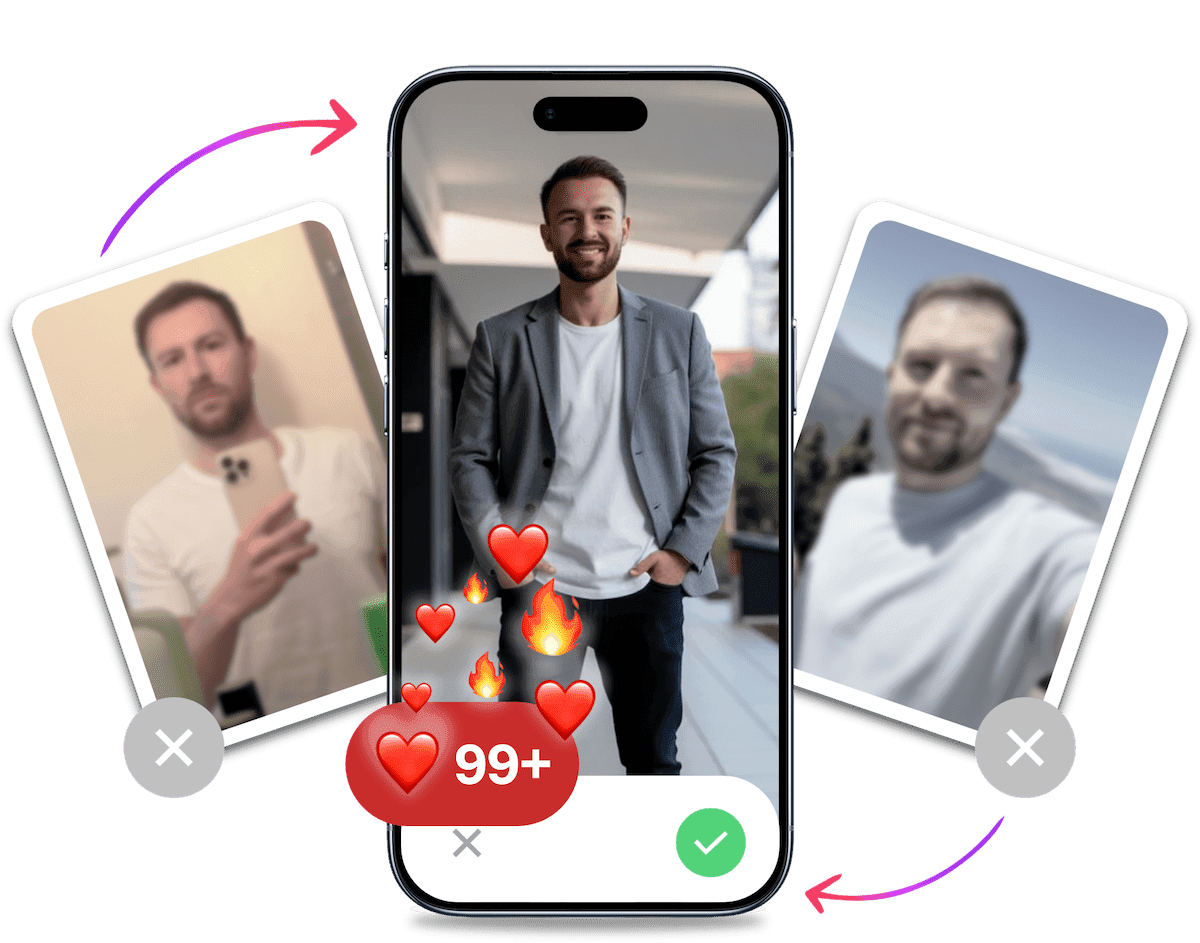
If your current photos are the bottleneck, TinderProfile.ai can create natural-looking dating photos from your existing images. They are ready in 10 minutes, and our customers report 3x to 8x more matches received on average.
Look your best on every dating app. In 10 minutes our AI generates realistic and high-performing dating photos designed to get more likes and dates.
- Get a profile you're proud of
- Drastically increase your matches
- Turn great matches into more dates
The Psychology of the Swipe: Hacking First Impressions
Understanding the algorithm is only half the battle. To win, you need to understand the human brain on the other side of the screen. Swiping decisions are fast and emotional, driven by deep-seated psychological triggers.
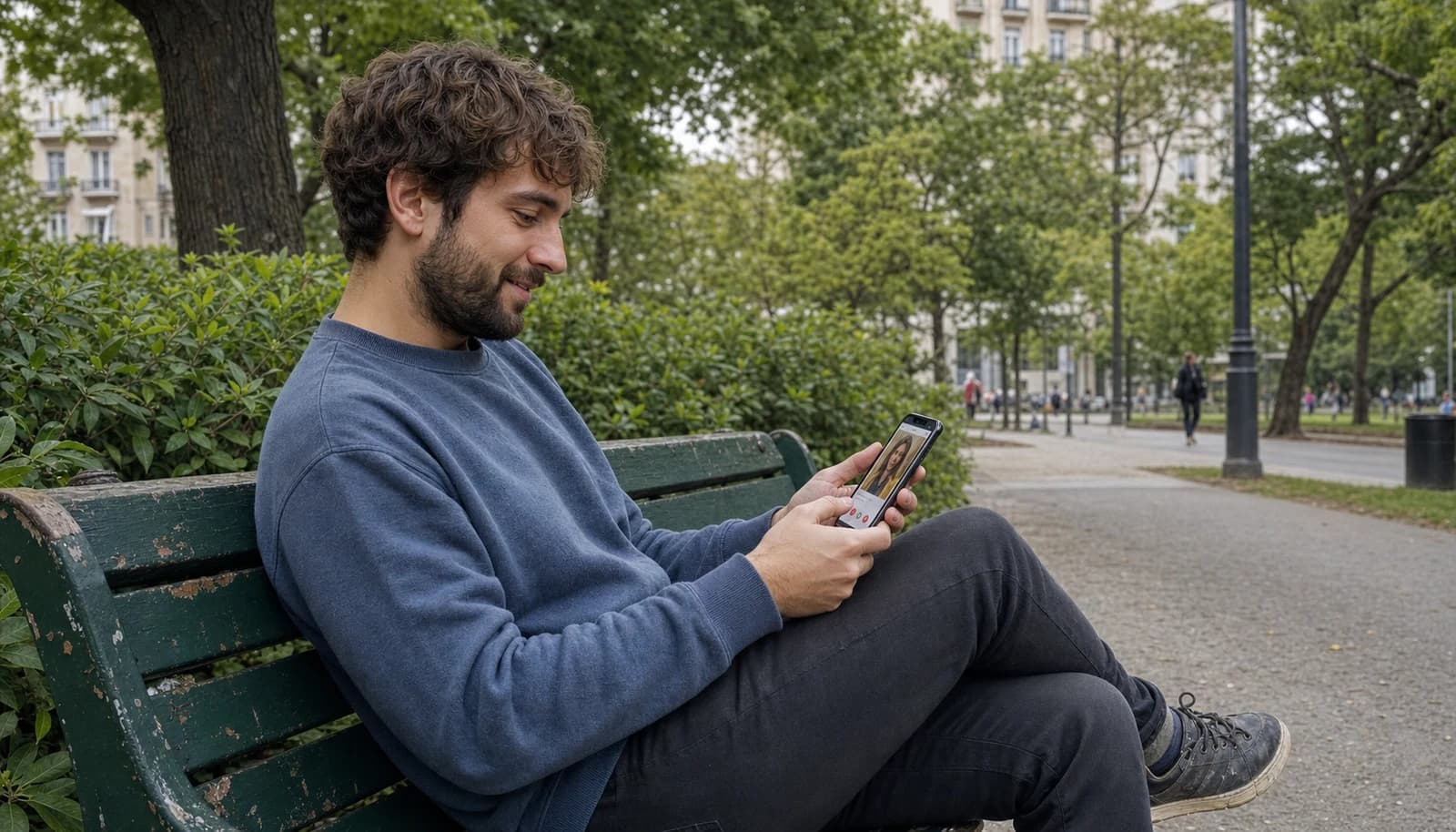
First Impression Psychology: The 0.5-Second Decision
Research shows that users form a first impression in less than a second. In that instant, they're not analyzing your bio. They are making a gut decision based on your primary photo. This decision is influenced by perceived confidence, kindness, and attractiveness. Your lead photo must instantly communicate these positive traits.
Social Proof & Status Signals
Humans are wired to value what others value. This is social proof. Your photos can signal this without saying a word.
- A photo with friends (where you're the clear focus) shows you're sociable and well-liked.
- A travel photo in an interesting location signals adventure and resources.
- A photo of you engaged in a skill or hobby demonstrates passion and competence.
These aren't about bragging. They're about providing visual cues that you lead a full and interesting life, which is a powerful attraction trigger. For a deeper dive into what makes a photo work, check out our guide on the psychology of dating photos.
Intrigue & Scarcity
Your profile shouldn't be an exhaustive resume. The goal is to create enough intrigue to make someone want to learn more. Don't give everything away in your bio. Use it to hint at your best qualities and create curiosity. A profile that leaves a little to the imagination is more compelling and encourages matches to start a conversation to fill in the blanks.
Crafting an Irresistible Tinder Profile to Boost Matches
Your Tinder profile is your first impression in the digital dating world, so it's crucial to make it count.
The 5-Photo Sequence Formula
Your photos do most of the first-impression work on Tinder. Instead of random pictures, use a sequence that shows how you look, spend your time, and connect with people. A varied, high-quality lineup gives people more context than a stack of similar selfies.
- Photo 1: The Clear Headshot. This is your 0.5-second first impression. A clear, smiling photo of you, and only you. No sunglasses, no hats. Make eye contact with the camera. This builds immediate trust.
- Photo 2: The Lifestyle/Full Body Shot. This photo gives a sense of your style and physique. It should be a natural shot that shows you in a setting you enjoy, whether it's a city street or a hiking trail.
- Photo 3: The Social Proof Shot. Here's where you include a group photo. Make sure you are clearly identifiable and look like the leader of the pack. It shows you have a social life and are fun to be around.
- Photo 4: The Hobby/Passion Shot. Show, don't tell. A photo of you playing guitar, hiking, painting, or playing a sport is far more powerful than just listing it in your bio. It makes you multi-dimensional.
- Photo 5: The Conversation Starter. This is your wildcard. A picture with a pet, a photo from a unique travel destination, or you doing something funny or unusual. Its sole purpose is to give your match an easy and interesting way to start a conversation.
For a broader profile strategy guide, compare your lineup against the same basics: a clear face photo, a full-body or activity shot, social proof, and a short bio with a specific hook.
For a strategic arrangement of the lineup, see our best Tinder photo order.
The 3-Part Bio Formula
Your bio is your chance to seal the deal. Forget long paragraphs. Use this simple, scannable formula to stand out.
- Part 1: Witty/Confident Opening Line. Start with something that grabs attention and shows personality. It could be a humorous observation or a confident statement. Example: "Currently accepting applications for a partner in crime. Must be fluent in sarcasm."
- Part 2: Two Specific Interests/Hobbies. Don't just say "I like travel and food." Be specific. "Trying to find the best tacos in the city" or "Training for my next marathon" gives concrete conversation hooks.
- Part 3: A Clear Call-to-Action (CTA). End by making it easy for them to message you. A question is perfect. Example: "So, what's your go-to karaoke song?" or "Tell me the best trip you've ever taken."
For more ideas on crafting the perfect bio, check out our best Tinder bios for guys.
If you want a male-focused checklist, these Tinder profile tips for men cover the same basics, including photos, a conversation hook, selective swiping, and verification.
How TinderProfile.ai's AI-powered Bio Generator Can Help
TinderProfile.ai has a solution for crafting the perfect bio. The AI-powered bio generator can create a customized, engaging bio that highlights your best qualities and interests.
The Power of High-Quality Photos in Maximizing Tinder Potential
Profiles with diverse, high-quality photos receive significantly more matches. Your photos are your visual story, so make it a good one.
Tip: Aim for a mix of close-up shots, full-body images, and photos that showcase your lifestyle and interests.
Here are some types of photos that can significantly boost your match rate:
- Action shots: Show yourself engaged in hobbies or sports
- Travel photos: Showcase your adventurous side
- Social images: Demonstrate that you have an active social life
- Professional shots: Include a polished, professional photo to add credibility
- Pet pictures: Include them only if the photo still keeps you visible and helps start a conversation
How AI-Generated Photos Can Transform Your Profile
TinderProfile.ai uses advanced AI to analyze your best features and generate photos that present you in the most appealing light. This technology can:
- Optimize lighting and angles: Ensuring every photo shows you at your best
- Create diverse scenarios: Placing you in various attractive settings
- Enhance your best features: Subtly highlighting your most appealing traits
- Ensure consistency: Maintaining a cohesive look across all photos
By leveraging this technology, you're not just improving your photos, you're optimizing your entire Tinder strategy. High-quality, varied images signal to both potential matches and Tinder's algorithm that you're a high-value user, potentially boosting your visibility and match rate.
Our customers report 7.9x more opening messages received, but no photo can replace a good conversation.
Optimizing Your Tinder Settings to Increase Match Rate
Fine-tuning your Tinder settings can have a significant impact on your match rate.
Fine-Tuning Age and Distance Preferences
Your age and distance settings play a crucial role in determining who sees your profile. Here's how to optimize them:
- Age Range:
- Be realistic but not too restrictive.
- A wider age range can increase your potential matches. Consider setting your range to -/+ 5 years of your age for a balanced approach.
- Distance:
- This depends on your location and mobility.
- In urban areas, a smaller radius (5-10 miles) can work well. For rural areas, you might need to expand your range.
Tip: Regularly adjust these settings. Tinder's algorithm favors profiles that show regular activity and adjustments.
Smart Swiping Strategies to Maximize Visibility
How you swipe can significantly affect your profile's visibility. Here are some strategies to maximize your potential:
- Be selective: Swiping right on everyone can make your activity less meaningful. Choose profiles you genuinely want to meet.
- Use Super Likes wisely: They can help your profile stand out when used selectively, but no feature replaces a strong profile.
- Time your swiping: Be active when the people you want to meet are likely online. For more practical guidance, see the best time to use Tinder.
- Take breaks: Tinder may limit your visibility if you swipe too much in one session.
Swiping on Tinder is an art. Be thoughtful, be genuine, and the algorithm will reward you.
For more tips on how to make the most of Tinder's features, check out our guide on Tinder Hacks.
It's Probably Your Photos.
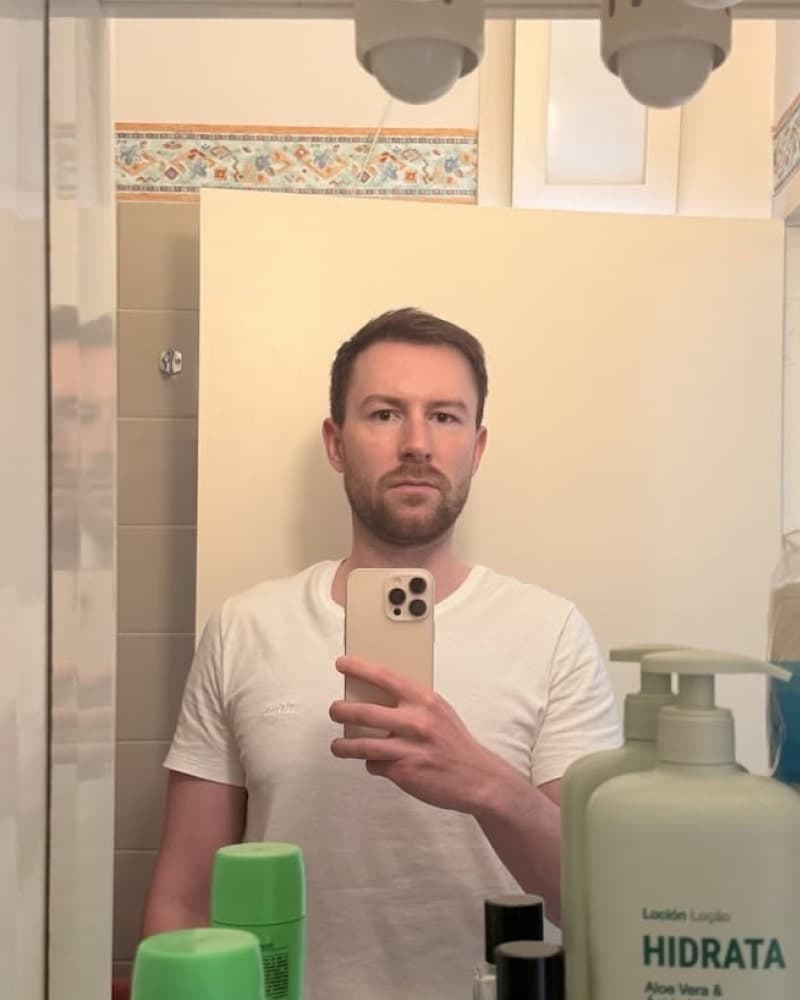

Average users see 8x more right swipes with our AI photos. Stop wasting time on dating apps and join 60,000+ singles who have already found better dates with TinderProfile.ai.
Leveraging Tinder Features for a Better ROI
Tinder offers a variety of premium features designed to enhance your dating experience. But are they worth the money? Let's analyze the return on investment (ROI).
Tinder Gold vs. Platinum: Which Subscription Increases Matches More?
| Factor | Tinder Gold | Tinder Platinum |
|---|---|---|
| Primary benefit | See Who Likes You, so you can work through existing likes efficiently | Priority Likes, which puts your profile ahead of non-Platinum users among people you like |
| Best for | Saving time and matching with people who already liked you | Getting a competitive edge when visibility matters |
| Visibility tradeoff | Helps you act on likes already in your queue | Improves your position in the swipe decks of people you've liked |
| Cost tradeoff | Lower cost than Platinum | Higher cost than Gold |
Gold makes more sense when efficiency is your goal. Platinum is the better fit when you want the visibility advantage. Neither subscription fixes weak photos or a vague bio.
Super Likes and Boosts: A Maximum Impact Strategy
These features, when used correctly, can significantly increase your match rate.
- Super Likes: Gold and Platinum subscriptions include weekly Super Likes, but the exact allowance and available messaging options can vary. Check your current subscription details, then use them strategically on profiles you're genuinely interested in.
- Boosts: A Boost can make your profile one of the top profiles in your area for 30 minutes, but whether Boosts are included depends on your subscription and current testing. Check your plan details, then use one after you've optimized your profile and when you can reply to new matches.
While these features can boost your chances, the core of your success on Tinder still lies in having an attractive, authentic profile. For tips on creating an optimal Tinder profile, check out our guide on How to Get More Matches on Tinder.
Troubleshooting: Why You're Not Getting Matches (And How to Fix It)
If your match count has flatlined, it's time to diagnose the problem. It could be your profile, your strategy, or the algorithm.
If the drop happened gradually, start by reading about why Tinder matches dry up before you change your account. A stalled profile often needs a better photo lineup or clearer settings, not a brand-new account.
Swiping and Account Changes to Test Carefully
Tinder does not publish fixed penalty rules for swipe ratios or account resets. Treat these behaviors as variables to test, not proven shortcuts or penalties.
- Indiscriminate Swiping: Swiping right on every profile makes your choices less intentional and can lead to poor matches. Choose profiles you genuinely want to meet. Tinder does not publish a right-swipe percentage that improves visibility.
- Frequent Resets: Deleting and recreating your account can erase profile progress and create account or verification complications. Review your photos, bio, and settings first, then check Tinder's current account rules before you reset.
Is It a Tinder Shadowban? How to Tell
A shadowban is a stealth penalty where your profile remains active, but its visibility is secretly crushed. Symptoms include:
- A sudden and sustained drop from many matches to zero or near-zero.
- You send out likes but get no matches in return, even with Boosts.
- Your messages to existing matches get no replies.
If you suspect a shadowban, the first step is always to overhaul your profile. If problems persist, you may have been flagged. This can be a hard situation to fix, often discussed in guides for dealing with Tinder no matches.
Conduct a Profile Audit: A Quick Checklist
Before blaming the algorithm, audit your profile with brutal honesty:
- Photos: Do you have at least 4-6 high-quality, varied photos? Is your first picture a clear, smiling headshot without sunglasses?
- Bio: Is it complete? Is it positive and engaging? Does it have a question or a call to action to start a conversation?
- Settings: Are your age and distance settings too restrictive? Try expanding them.
- Activity: Have you been active recently? Logging in and swiping thoughtfully signals to the algorithm you're an engaged user.
For a broader checklist, these 2026 Tinder matching tips also recommend reviewing your photo mix, settings, activity, and profile refresh cadence.
Profile Verification: Does Tinder Verification Increase Matches?
Tinder verification adds a blue checkmark to your profile, indicating that your photos are authentic. This builds trust and can have several benefits:
- Increased Trust: Verified profiles are seen as more reliable and authentic.
- Stand Out: The blue checkmark makes your profile more noticeable.
- Potential Algorithm Boost: Tinder may favor verified profiles in its matching algorithm.
Fact: Verification can increase trust, but it does not guarantee more matches or likes.
While not a magic bullet, verification removes a key reason for someone to swipe left: suspicion of a fake profile. For more insights on creating an optimal Tinder profile, including verification tips, check out our guide on Optimizing Your Tinder Profile.
The Final Algorithm: Your Blueprint for More Tinder Matches
Maximizing your Tinder matches takes a clear profile and a testable strategy. Focus on strong photos, an honest bio, and thoughtful swiping, then track which changes lead to better conversations.
The key to success is authenticity combined with smart strategy. Use tools like TinderProfile.ai to present the best version of yourself, but always stay true to who you are. After all, the goal isn't just to get more matches, but to find the right matches for you. Now, armed with these insights, you're ready to take your Tinder game to the next level.
Maximizing Tinder Matches: Frequently Asked Questions
How can I get more matches on Tinder?
To get more matches on Tinder, improve the parts people see first: lead with a clear solo photo, add four to six varied images, write a short bio with one specific hook and a question, then review your age and distance settings. Swipe selectively, answer matches, and refresh a weak profile before you consider resetting it.
How can I get more likes on Tinder?
To get more likes on Tinder, make your profile easy to understand in one quick glance. Use a smiling first photo without sunglasses, show different settings across the rest of your lineup, and give your bio one concrete detail that invites a reply. Better targeting and consistent activity help, but no single trick guarantees likes.
How many photos should I use on Tinder?
Use four to six high-quality Tinder photos. Start with a clear solo headshot, then add a full-body or lifestyle image, a social photo where you are easy to identify, and one hobby or conversation-starter shot. Variety gives people context without making your profile feel repetitive. Choose photos that still look like you now.
Is Tinder Gold or Platinum worth paying for more matches?
Tinder Gold is mainly an efficiency tool because See Who Likes You lets you work through people who already liked you. Platinum adds Priority Likes, which places your profile ahead of non-Platinum users among people you like. Gold fits a time-saving goal. Platinum suits a competitive edge. Neither one fixes weak photos or a vague bio.
Does resetting a Tinder account increase matches?
Resetting a Tinder account may expose your profile to new people briefly, but repeated resets can hurt long-term visibility and erase useful account history. Treat a reset as a last resort. First improve your photos and bio, check your settings, and rule out a profile or visibility problem before starting over.
How often should I refresh my Tinder profile?
Refresh your Tinder profile when your photos no longer represent you, your match count stalls, or your bio has gone stale. Replace the main photo, add a stronger supporting image, or tighten the opening line, then give the changes time to work. There is no guaranteed two-week schedule, so review your profile regularly instead of resetting it.