



Imparare come resettare il tuo profilo Hinge quando non hai nuovi like è come urlare nel vuoto. Hai swipato, hai inviato rose, e ancora... niente. Non sei solo. Il pensiero "Dovrei semplicemente eliminare il tuo account e ricominciare?" è intelligente, ma solo se lo fai nel modo giusto.
Un reset di Hinge è una strategia potente per una seconda possibilità di fare una prima impressione. Questa guida non ti mostrerà solo come resettare il tuo account. Ti mostrerà come rendere il tuo nuovo profilo drasticamente più efficace.
Perché resettare il tuo profilo Hinge? I 3 segnali che è ora di ricominciare
Pensare a un reset non è un atto di disperazione. È una mossa strategica. Se stai riscontrando uno di questi segnali, potrebbe essere il momento di agire.
Segnale 1: Non ottieni match (o solo quelli di bassa qualità)
Questo è il segnale più ovvio. Se la tua sezione "Mi Piace" è un deserto, il tuo profilo è stato probabilmente visto dalla maggior parte degli utenti attivi nella tua zona. L'algoritmo di Hinge ti ha probabilmente categorizzato, ed è difficile fargli cambiare idea.
Un reset completo ti dà una tabula rasa e l'ambita spinta da "nuovo utente", mettendo il tuo profilo di fronte a più persone, velocemente.
Segnale 2: Hai esaurito le persone
Hai mai visto quella temuta schermata "Hai finito le persone"? Soprattutto se vivi in una città più piccola o in un paese, potresti aver davvero swipato tutti gli utenti disponibili nelle tue preferenze. Succede.
Un reset può rimettere in circolo il tuo profilo, mostrandoti a persone che potrebbero essere state inattive o che si sono iscritte di recente all'app. Rimescola completamente le carte.
Segnale 3: Hai migliorato drasticamente il tuo profilo (ma è troppo tardi)
Forse hai finalmente ottenuto delle buone foto per app di incontri o hai scritto risposte brillanti ai prompt. Il problema? Il punteggio del tuo profilo con l'algoritmo è già "bloccato" in base alla tua vecchia versione, meno attraente.
I tuoi primi swipe e interazioni influenzano pesantemente il modo in cui l'app ti vede. Un reset permette al tuo nuovo profilo, molto migliorato, di essere giudicato equamente fin dal primo giorno, senza il peso dei tuoi errori passati.
Fai colpo su ogni app di dating. In soli 10 minuti, la nostra IA genera foto realistiche e di grande impatto, progettate per darti più like e più appuntamenti.
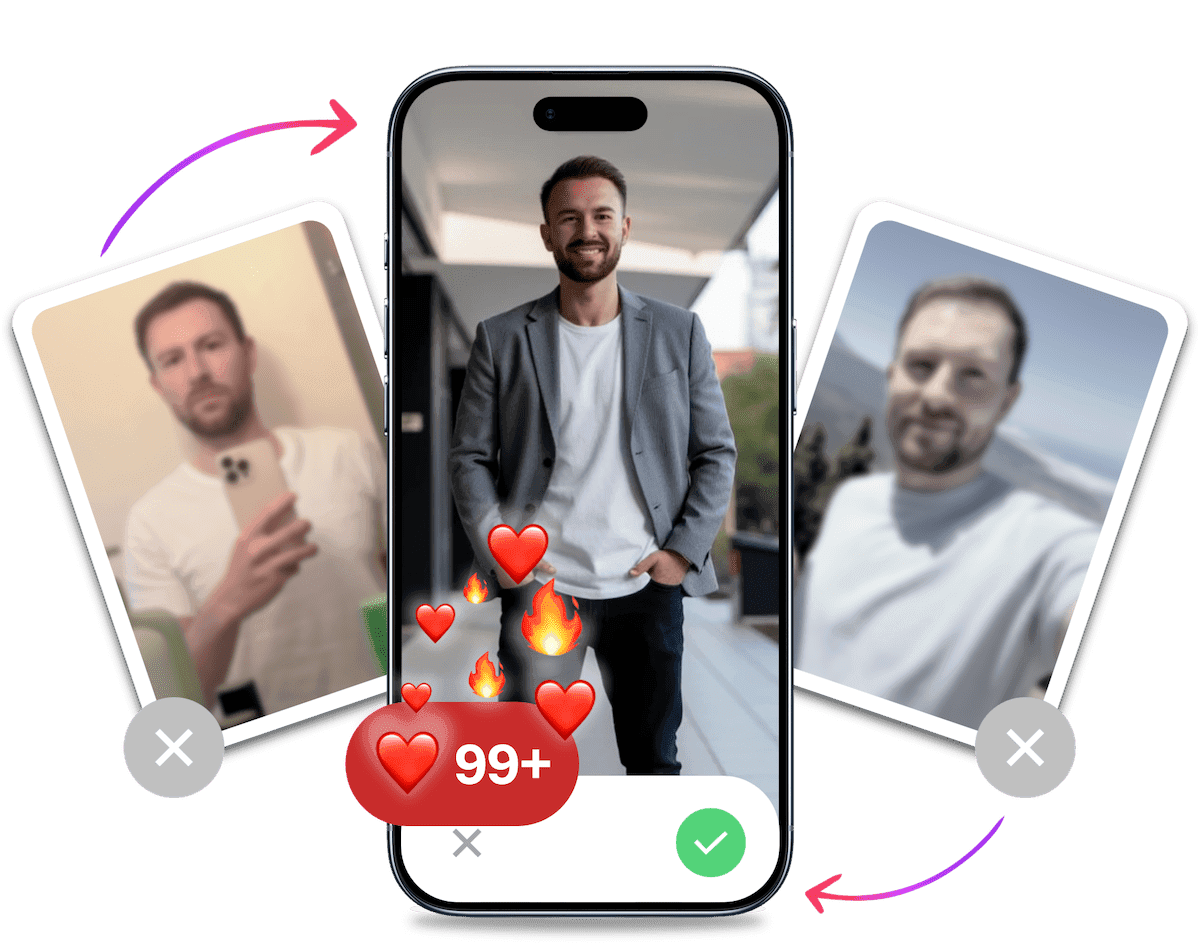
- Finalmente un profilo che ami
- Fai schizzare alle stelle i tuoi match
- Trasforma i match migliori in più appuntamenti
Il Metodo Semplice: Usare la Funzione "Fresh Start" di Hinge
Prima di considerare misure drastiche, Hinge offre un'opzione integrata chiamata "Fresh Start". È la soluzione ufficiale dell'app per chi desidera resettare il proprio viaggio negli incontri senza eliminare completamente il proprio account.
Cos'è "Fresh Start"?
"Fresh Start" ti permette di resettare la tua cronologia di "scoperte". In pratica, tutte le persone che hai precedentemente scartato (e che ti hanno scartato) torneranno nel tuo feed come se non le avessi mai viste. Questo è un modo per resettare Hinge senza perdere i match e le conversazioni esistenti.
Come usare "Fresh Start":
- Apri Hinge e vai alla scheda Profilo.
- Tocca Impostazioni.
- Scorri fino ad Account.
- Tocca Fresh Start e conferma la tua scelta.
Pro e Contro di "Fresh Start" vs. Hard Reset
- Pro di Fresh Start: È facile, veloce e sicuro. Non perdi i tuoi match o le conversazioni. È l'ideale se vivi in una zona densamente popolata e vuoi semplicemente una seconda possibilità con i profili che hai scartato in fretta.
- Contro di Fresh Start: Non è un vero reset. L'algoritmo conosce ancora la tua cronologia. Non ti dà la potente "spinta da nuovo utente" che ottieni con un hard reset. Se i tuoi match si sono completamente esauriti o sospetti uno shadowban, questo metodo probabilmente non sarà sufficiente.

La differenza cruciale: Soft Reset vs. Hard Reset
Troverai molti consigli online su come resettare il tuo profilo. La maggior parte sono sbagliati. Chiariamo la confusione tra i due metodi di cui si parla.
Cos'è un Soft Reset di Hinge?
Un "soft reset" di solito implica mettere in pausa il tuo account per un po', sostituire tutte le tue foto e i prompt, cambiare la tua fascia d'età e poi riattivarlo. La speranza è che questo inganni l'algoritmo facendoti vedere come un nuovo utente.
Funziona? Assolutamente no.
L'algoritmo sa ancora chi sei in base al tuo numero di telefono, Apple ID, account Google e ID del dispositivo. È come mettere un nuovo adesivo sul paraurti di un'auto e sperare che la Motorizzazione la consideri un veicolo nuovo. Non raccomandiamo questo metodo.
Cos'è un Hard Reset di Hinge? (L'unico metodo che funziona)
Questo è il vero affare. Un hard reset di Hinge è l'unico vero modo per ricominciare. Questo processo implica l'eliminazione completa del tuo account e di tutti i dati associati dai server di Hinge.
Se fatto correttamente, l'algoritmo di Hinge non avrà memoria di te. Sei, a tutti gli effetti, un utente completamente nuovo. È così che ottieni quella potente spinta iniziale e una vera seconda possibilità.
La Checklist Completa per l'Hard Reset di Hinge: Una Guida Passo-Passo
Avviso Cruciale: Questa è un'azione permanente. Prima di iniziare, comprendi che perderai tutti i tuoi match, conversazioni e like esistenti. Non si può tornare indietro. Se sei pronto, cominciamo.
Segui questi passaggi con precisione. Saltarne anche uno solo può far sì che Hinge riconosca il tuo vecchio profilo e rovini il reset.
1. Preparazione: Cosa fare prima di eliminare
Non affrettarti. Se ci sono conversazioni o contatti che vuoi salvare, questo è il momento di scambiare i numeri o i social media. Una volta che premi "Elimina", tutto sparisce per sempre.
2. La Procedura di Eliminazione Definitiva
Questo è il punto di non ritorno. Devi eliminare l'account dall'interno dell'app stessa, non solo cancellando l'app.
- Apri Hinge e vai alla scheda Profilo.
- Tocca Impostazioni.
- Scorri verso il basso e tocca Account.
- Tocca Elimina account e segui le istruzioni di conferma. Questo invia una richiesta ai server di Hinge di cancellare i tuoi dati.
3. Post-Eliminazione: Scollegare Account e Attendere
Questo è il passaggio cruciale che la maggior parte delle persone sbaglia, portando a un reset fallito.
- Scollega i Social: Hinge può identificarti tramite Facebook o Google. Vai nelle impostazioni di sicurezza di Facebook/Google, trova la sezione "App e siti web" e revoca l'accesso di Hinge.
- Usa Informazioni "Pulite": Per il nuovo account, il metodo più sicuro è usare un numero di telefono diverso. Puoi usare un servizio come Google Voice o chiedere a un amico di ricevere il codice di verifica. Se devi usare lo stesso numero, è fondamentale rispettare il periodo di attesa.
- Il Periodo di "Raffreddamento": Aspetta almeno 72 ore prima di creare un nuovo account. Questo dà ai server di Hinge il tempo di elaborare l'eliminazione. Se riutilizzi lo stesso numero di telefono, un'attesa più lunga (fino a una settimana) è ancora più sicura per evitare di essere collegato al tuo vecchio profilo.
Il Reset è la Soluzione allo Shadowban di Hinge?
Se il tuo profilo sembra completamente invisibile, potresti essere vittima di uno shadowban. Questo accade quando l'algoritmo limita drasticamente la visibilità del tuo profilo senza avvisarti.
Come riconoscere uno Shadowban di Hinge:
- Passi da ricevere alcuni like/match a zero assoluto per un periodo prolungato.
- I tuoi match esistenti non rispondono, forse perché non vedono i tuoi messaggi.
- Vedi costantemente gli stessi profili, anche dopo averli scartati.
Un shadowban di Hinge può essere causato dalla creazione di più account, dall'essere segnalato da altri utenti o da un reset eseguito in modo errato.
La cattiva notizia? Una volta che sei in shadowban, il tuo profilo è praticamente morto. La buona notizia? Un hard reset eseguito correttamente è la soluzione più efficace. Eliminando completamente i tuoi dati e ricominciando con informazioni "pulite" (soprattutto un nuovo numero di telefono), puoi sfuggire allo shadowban e ottenere una vera seconda possibilità.
Non fare lo stesso errore due volte: La vera ragione per cui il tuo profilo Hinge ha fallito
Resettare il tuo profilo è facile. Crearne uno che non subisca la stessa sorte è la parte difficile.
Un reset ti dà un nuovo inizio, ma non rende magicamente un profilo scadente buono. La paura più grande è affrontare tutta questa fatica solo per ritrovarti al punto di partenza senza match.
Qual è la ragione numero uno del fallimento? Sono quasi sempre le tue foto. Puoi avere i prompt di Hinge più divertenti del mondo, ma le tue foto sono il primo e più importante filtro. Foto scadenti garantiscono uno swipe a sinistra.
Probabilmente sono le tue foto.

I nostri utenti ricevono in media 8 volte più swipe a destra con le nostre foto IA. Smetti di perdere tempo sulle app di dating e unisciti a oltre 50.000+ single che hanno già trovato appuntamenti migliori con TinderProfile.ai.
La Strategia Foto per un Nuovo Inizio: Perché i tuoi selfie stanno uccidendo le tue possibilità
Pensa alle foto del tuo vecchio profilo. Erano una raccolta casuale di selfie sfocati, foto datate di tre anni fa, o scatti di gruppo dove sei a malapena visibile? Questi sono i classici errori nel profilo di app di incontri che gli uomini commettono.
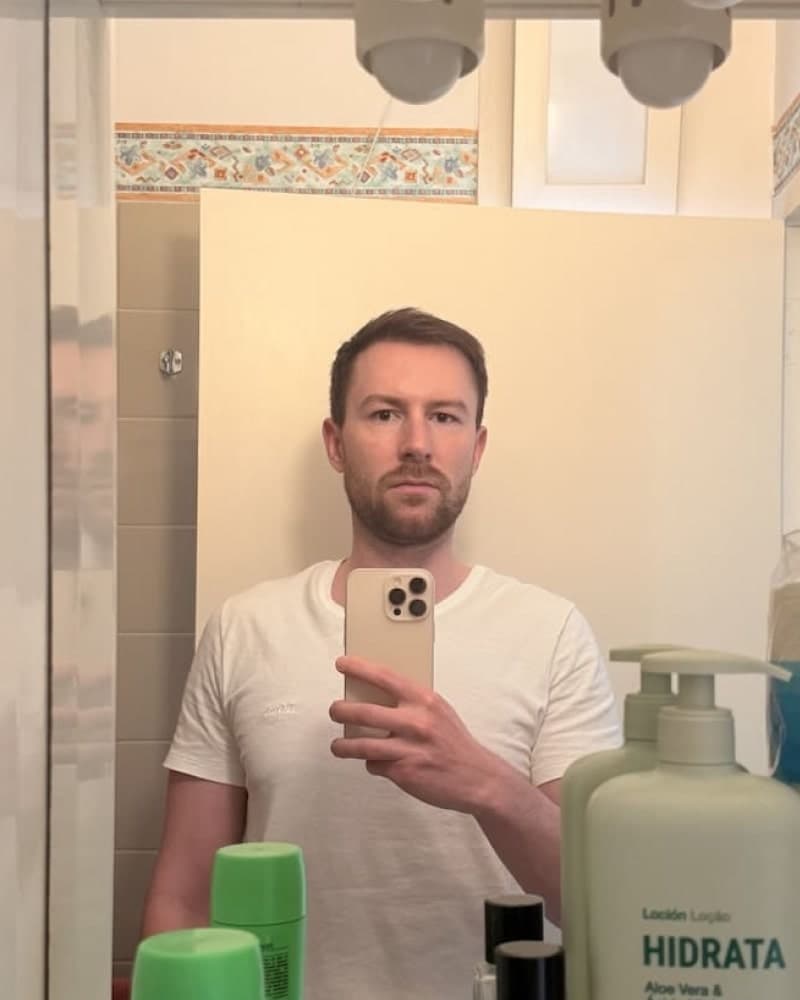
Una grande foto per app di incontri appare autentica, sicura di sé e avvicinabile. Dovrebbe sembrare scattata da un amico in una bella giornata, catturando un momento genuino. Non dovrebbe sembrare una foto aziendale sterile o un selfie in bagno fatto senza impegno.
Il Vantaggio Ingiusto: Usare l'IA per Creare il Tuo Portfolio Fotografico Definitivo
Ottenere ottime foto è un enorme problema. Assumere un fotografo è costoso e può risultare imbarazzante. Cercare di scattare buone foto da solo è frustrante e spesso produce risultati scarsi. Quindi qual è la soluzione?
È qui che TinderProfile.ai ti offre un vantaggio incredibile.
"Assumere un fotografo è costoso e imbarazzante. Cercare di scattare buone foto da solo è frustrante. E gli altri strumenti di IA? Ti fanno sembrare finto, di plastica, o come se stessi facendo domanda per un lavoro su LinkedIn."
Noi risolviamo questo problema direttamente. Siamo gli specialisti degli incontri, non uno strumento generico per foto professionali.
La nostra IA è sviluppata esclusivamente per gli incontri. Capisce cosa funziona su Hinge, Tinder e Bumble. Crea immagini autentiche, sicure di sé e avvicinabili.
È semplicissimo. Non sono necessari prompt complicati o competenze tecniche. Basta caricare 5-10 delle tue foto esistenti, e la nostra IA fa tutto il lavoro, consegnandoti oltre 100 nuove foto per app di incontri in pochi minuti.
Sembra autentico. Diamo priorità al realismo. Il nostro obiettivo è creare foto IA realistiche per app di incontri che ti assomiglino al tuo meglio assoluto—non un avatar dall'aspetto finto. È il modo migliore per creare un profilo che si distingua davvero.
Ottieni subito le tue foto IA per app di incontri e rendi indimenticabile il tuo nuovo profilo
Ottimizzazione del profilo Hinge: La strategia per il tuo nuovo account
Una volta che hai le tue foto mozzafiato, devi completare il tuo profilo. Non trascurare i dettagli! Questi sono consigli per un buon profilo Hinge che fanno la differenza tra uno swipe a sinistra e un like. L'ottimizzazione del profilo Hinge va oltre le immagini.
- Scegli prompt coinvolgenti: Non limitarti a elencare fatti. Scegli prompt che invitino a una risposta e mostrino la tua personalità.
- Cattivo: La cosa che mi rende competitivo... "Tutto." (Pigro e arrogante)
- Ottimo: La cosa che mi rende competitivo... "La serata giochi. Ti sfido a una partita a Catan, ma ti avverto, le amicizie sono state messe alla prova per molto meno." (Divertente, specifico, e lancia una sfida giocosa).
- Dai un'occhiata alla nostra lista dei migliori prompt di Hinge per idee che facciano partire le conversazioni.
- Scrivi una bio eccezionale: Non hai una bio su Hinge, ma le tue risposte ai prompt funzionano come tale. La chiave è essere concisi, positivi e aggiungere un tocco di umorismo o una domanda per stimolare la curiosità. Pensa a ogni risposta come a una mini-bio.
- Cattivo: Fatto insolito su di me... "Mi piace viaggiare." (Generico e noioso)
- Ottimo: Fatto insolito su di me... "Una volta ho convinto un intero bar a Praga che ero l'erede perduto di una fabbrica di gnocchi. Spoiler: non lo sono. Ma ho ottenuto birra gratis tutta la notte." (Unico, divertente, e racconta una storia).
- Se sei a corto di idee, un Generatore di Bio per Profili di Incontri IA può aiutarti a trovare l'ispirazione.
- Usa i memo vocali: Un memo vocale è un modo fantastico per distinguerti. Aggiunge un elemento umano che foto e testo non possono catturare. Sentire la tua voce sicura e amichevole può creare una connessione istantanea e farti sembrare più reale e avvicinabile.
Domande Frequenti sul Reset del Tuo Account Hinge
Ecco le risposte ad alcune delle domande più comuni su come ricominciare su Hinge.
Hinge può bannarti per aver resettato il tuo profilo?
Anche se tecnicamente è contro i loro termini di servizio, è improbabile che tu venga bannato se lo fai correttamente e non in modo eccessivo. Il metodo descritto in questa guida è progettato per essere sicuro ed evitare il rilevamento. Un shadowban di Hinge è più probabile se sei pigro e riutilizzi vecchie informazioni.
Vedrò le stesse persone dopo aver resettato Hinge?
Sì, alla fine rivedrai tutti nella tua zona. Ma è proprio questo il punto! Ti vedranno con un profilo fresco e drasticamente migliorato. Ottieni una seconda possibilità per fare quella cruciale prima impressione.
Resettare Hinge ti fa davvero ottenere più match?
Sì, ma con una condizione importante. Otterrai una "spinta da nuovo utente" dall'algoritmo, che aumenta temporaneamente la tua visibilità. Tuttavia, questa spinta è efficace solo se il tuo nuovo profilo è significativamente migliore del precedente. Un reset con le stesse foto scadenti porterà agli stessi scarsi risultati.
Il Tuo Nuovo Inizio su Hinge: Una Strategia Vincente
Un reset di Hinge è uno strumento potente, ma è solo metà della battaglia. Ti apre le porte per una seconda possibilità, ma non garantisce che tu la percorra con successo.
La vera chiave per trasformare la tua vita di incontri è abbinare quel reset a un profilo di alto livello costruito su foto straordinarie e risposte ai prompt intelligenti. Questa è la combinazione che fa girare la testa e ottiene match.
Non sprecare il tuo nuovo inizio. Dai al tuo nuovo profilo le foto ad alte prestazioni che merita. Prova TinderProfile.ai oggi stesso e scopri la differenza tu stesso.