


En Hinge shadowban er et uoffisielt navn brukere gir et plutselig bortfall av synlighet eller respons. Hinge dokumenterer ikke dette som en offentlig kontostatus, og ett enkelt symptom beviser ingenting. Tekniske feil, Pause- eller oppdagelsesinnstillinger, smale preferanser, svak profilrespons og formell moderering kan føles helt likt.
Kort svar om Hinge shadowban
- "Shadowban" er ikke en offentlig dokumentert Hinge-kontostatus.
- Fravær av likes eller matcher alene beviser ikke at Hinge har begrenset kontoen din.
- Sjekk Pause, oppdagelsesinnstillinger, filtre, appversjon og nettverk før du trekker en konklusjon.
- Har du fått et kontovarsel eller opplevd en plutselig uforklarlig endring, bør du kontakte Hinge-support eller bruke den offisielle klageordningen.
- Forbedre profilen først når kontoen fungerer normalt og svake bilder eller prompts er den sannsynlige årsaken.
Er det en shadowban eller bare en teknisk feil?
Før du konkluderer med at du er shadowbannet, er det viktig å utelukke vanlige tekniske problemer. Mange brukere opplever et frustrerende problem: for mange bekreftelsesforespørsler på Hinge. Dette er vanligvis ikke en shadowban, men en teknisk feil eller en kontoglisj.
Hvis du opplever et slikt Hinge-kontoproblem, prøv disse trinnene:
- Vent 24-48 timer: Noen ganger løser slike feil seg selv. Ikke prøv å logge inn gjentatte ganger, da dette kan forverre situasjonen.
- Tøm appens cache: Gå til telefonens innstillinger, finn Hinge-appen, og tøm mellomlageret (cache).
- Installer appen på nytt: Slett appen helt og installer den på nytt fra App Store eller Google Play.
- Kontakt support om en teknisk feil: Hvis problemet vedvarer, kontakt Hinge-support. Vær tydelig på at du opplever en teknisk Hinge-feil, ikke at du tror du er shadowbannet. Dette hjelper dem med å feilsøke riktig problem.
Hvis appen generelt ikke fungerer som den skal, kan det være et utbredt problem med Hinges servere, ikke et problem med kontoen din.
Forstå Hinge shadowban
"Hinge shadowban" er et uoffisielt uttrykk for mistanken om at en konto fortsatt kan brukes, men får langt mindre synlighet eller respons. Hinge har ikke bekreftet en offentlig kontostatus med dette navnet, så opplevelsen alene viser ikke at plattformen har lagt inn en skjult straff.
Det kan føles som å være på en fest der ingen ser eller hører deg. Men metaforen er bare en beskrivelse av følelsen. Lav profilrespons, feil innstillinger, tekniske problemer og dokumentert moderering kan gi mange av de samme symptomene.
Shadowban vs. lav algoritmerangering: hva er forskjellen?
Få eller ingen matcher peker ikke automatisk mot skjult håndheving. Skill mellom vanlig profilrespons, et teknisk kontoproblem og en formell handling fra Hinge før du bestemmer hva du skal gjøre.
- Lav synlighet eller svak profilrespons: Kontoen fungerer, men bildene, promptene, aktiviteten eller smale filtre gir få resultater. Se hvorfor du ikke får matcher på Hinge før du antar at kontoen er begrenset.
- Teknisk problem: Pause, oppdagelsesinnstillinger, appfeil, nettverk eller bekreftelsesproblemer kan hindre normal bruk uten at Hinge har håndhevet noe mot kontoen.
- Dokumentert håndheving: Et varsel, en suspensjon eller en avsluttet konto er en konkret kontohandling. Da er support eller den offisielle klageordningen riktig vei videre.
Resultatet kan føles likt, med færre matcher, men årsaken og løsningen er forskjellige. Hvis kontoen fungerer normalt, trenger du ikke en drastisk nullstilling. Du trenger kanskje en profiloppdatering. Start med å forbedre bildene og promptene dine. Gode Hinge-profiltips kan gjøre en stor forskjell uten ekstreme tiltak.
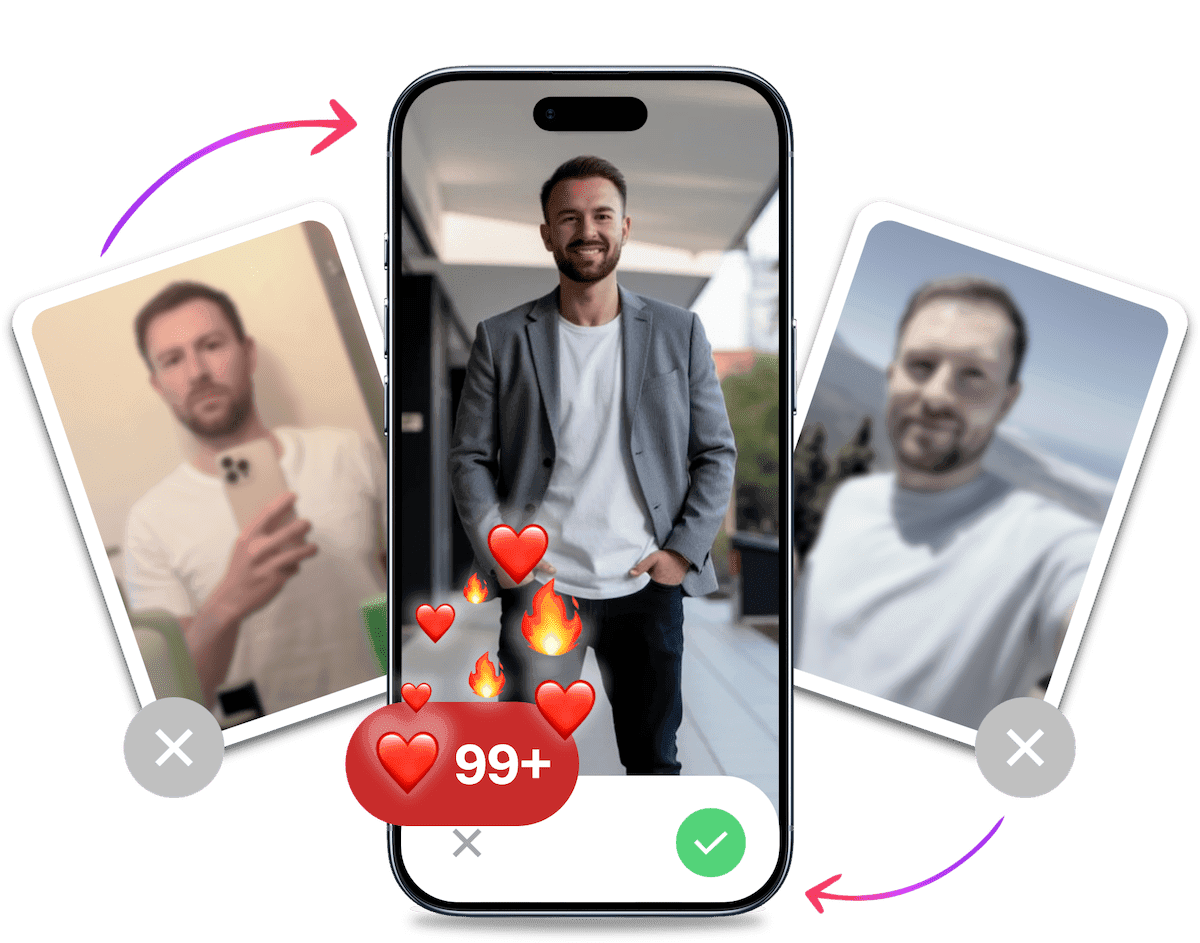
Se best mulig ut på alle datingapper. På 10 minutter skaper vår KI realistiske datingbilder designet for å gi deg flere likes, bedre matcher og bedre dater.
- Få en profil du er stolt av
- Bevist å øke matches på datingapper
- Gjør gode matches om til flere dates
7 signaler som bør få deg til å feilsøke Hinge-kontoen
Ingen av signalene beviser en skjult begrensning alene. Bruk listen til å velge neste feilsøkingstrinn.
- Matchraten faller brått til null: Sammenlign med ditt eget normalnivå, ikke med én stille dag.
- Nye matcher svarer ikke: Stillhet har mange mulige årsaker, men et klart brudd med tidligere respons er verdt å undersøke.
- Likes gir aldri matcher: Sjekk først om filtrene er svært smale og om profilen fortsatt er konkurransedyktig.
- Du ser de samme profilene igjen: Et lite utvalg, filtre eller en appfeil kan være årsaken.
- Du får ingen innkommende likes: Premium endrer ikke hva signalet betyr. Sammenlign med en lengre baseline.
- En venn finner ikke profilen din: Testen er upålitelig fordi Hinge styrer hvem som vises.
- Du har fått et kontovarsel: Et varsel, en suspensjon eller en avsluttet konto er konkret. Følg instruksjonene fra Hinge.
Diagnose: Er du virkelig rammet av en Hinge-shadowban?
Ingen brukertest gir en endelig diagnose. Følg tre trinn for å skille teknikk fra svak profilrespons eller dokumentert håndheving.
1. Kontroller innstillinger og teknikk
- Hypotese: Pause, filtre eller en lokal appfeil begrenser normal bruk.
- Metode: Kontroller Pause og oppdagelsesfiltrene, oppdater appen og test en stabil tilkobling. Installer appen på nytt ved feil.
- Resultat: Fungerer appen igjen, var problemet teknisk eller knyttet til innstillingene. Ellers går du videre uten å anta skjult håndheving.
2. Sammenlign med normalnivået ditt
- Hypotese: Endringen skyldes vanlig variasjon eller profilresultater, ikke en kontohandling.
- Metode: Sammenlign likes, matcher og svar med perioden før problemet. Ikke bruk 48 timer som bevis, særlig med smale filtre.
- Resultat: Et gradvis fall peker mot utvalg eller profilkvalitet. Et brått og vedvarende fall gjør support relevant, men beviser ikke en shadowban.
3. Kontakt Hinge-support eller bruk klageordningen
- Hypotese: Bare Hinge kan avklare kontoproblemet, eller du har fått et håndhevingsvarsel.
- Metode: Oppgi tidspunkt, feilmelding og endring, og legg ved skjermbilder. Bruk en tilbudt klagemulighet fremfor en erstatningskonto.
- Resultat: Et svar eller kontovarsel er bedre dokumentasjon enn likes, vennetester eller premium-funksjoner. Følg den offisielle prosessen.
Løser ikke kontrollene problemet, og endringen er tydelig mot normalnivået ditt, er Hinge-support neste steg.
Vanlige årsaker til kontohandlinger på Hinge
Hinge har regler og sikkerhetssystemer som skal begrense misbruk. Hinges bruksvilkår og rapporteringsregler beskriver hvordan brukere kan rapportere profiler og hvordan Hinge kan håndheve vilkårene, men de dokumenterer ikke en offentlig shadowban-status.
Brudd på samfunnsretningslinjene
Hinge tar sine samfunnsretningslinjer seriøst. Noen vanlige brudd er:
- Postering av upassende innhold (hold det stilfullt, folkens!)
- Trakassering eller mobbing av andre brukere (ingen liker en digital bølle)
- Oppretting av falske profiler (beklager, catfish-entusiaster)
- Spamming av andre brukere med kopierte og limte meldinger (kreativitet teller!)
Kontoaktivitet som kan se mistenkelig ut
Enkelte bruksmønstre kan se mistenkelige ut eller gi en dårligere opplevelse. Dette inkluderer:
- Sende likes til alle profiler (Hinge er ikke et tallspill, det handler om kvalitetsmatcher)
- Sende svært mange likes på kort tid (ta det med ro, racerbilfører!)
- Hyppig sletting og oppretting av kontoen din (slette og lage ny Hinge-konto for ofte er et rødt flagg)
Hyppige rapporter fra andre brukere
Hvis andre brukere rapporterer deg på Hinge, kan Hinge undersøke om profilen bryter reglene. Vanlige grunner til rapportering inkluderer:
- Fornærmende meldinger eller kommentarer
- Feilaktig fremstilling i profilen din
- Upassende oppførsel under videochatter
5 metoder for å håndtere et mulig Hinge-kontoproblem
Velg en trygg handling ut fra det du faktisk vet, fra support til profilforbedring og vanlig kontoadministrasjon.
Metode 1: Ta en pause og samle bedre data
En pause kan gi et renere sammenligningsgrunnlag, men har ingen dokumentert evne til å "nullstille" kontoen. Kontroller innstillingene når du kommer tilbake, og sammenlign med normalnivået ditt. En bestemt ventetid beviser ikke hva Hinge har gjort.
Metode 2: Kontakt Hinge-support
Dette er første aktive steg når problemet ikke har en teknisk forklaring.
- Åpne Hinge-appen og gå til Innstillinger > Hjelp og support > Hjelpesenter.
- Velg "Kontakt oss" og beskriv starttidspunktet, kontrollene og eventuelle feilmeldinger.
- Har du fått et varsel om suspensjon eller avslutning, bruk klagelenken eller instruksjonene Hinge har gitt deg. Ikke prøv å omgå prosessen med en ny konto.
Be Hinge bekrefte om kontoen fungerer, og legg ved relevante skjermbilder.
Metode 3: Full profiloptimalisering
Hvis kontoen fungerer normalt, men profilen får svak respons, kan en total overhaling være relevant.
- Nye bilder: Bytt ut alle bildene dine. Dette lar deg teste om bildene var flaskehalsen.
- Nye prompts: Svar på promptene på nytt. Vær kreativ og vis personlighet. Prøv noen morsomme Hinge-prompts for å skille deg ut.
- Ny bio: Skriv om biografien din fra bunnen av.
Metode 4: Feilsøk appen uten å forveksle det med en kontoreset
Å tømme cache, oppdatere eller installere appen på nytt kan løse lokale feil. Det sletter ikke kontoen eller fjerner dokumentert håndheving. Du kan nullstille Hinge-profilen som vanlig vedlikehold, men en reset lover ikke gjenopprettet synlighet.
Metode 5: Administrer kontoen gjennom den offisielle prosessen
Å slette appen er ikke å slette kontoen. Vil du avslutte den, følg slik sletter du Hinge-kontoen permanent og vent på bekreftelse.
Ved utestengelse bruker du klageordningen fremfor en erstatningskonto. Hinges Trust & Safety-side sier at plattformen forsøker å hindre regelbrytere i å opprette nye kontoer. Omgåelse er derfor upålitelig og i konflikt med sikkerhetsarbeidet.
Hvor lenge varer en Hinge-shadowban?
Hinge oppgir ingen offentlig tidslinje for en Hinge shadowban, så faste anslag som én uke eller tre måneder kan ikke brukes som fasit. Hinges norske personvernerklæring beskriver i stedet datalagring: blant annet en sikkerhetsperiode på tre måneder etter kontolukking og opptil to år etter at en konto er avsluttet av Hinge, med begrenset videre lagring for juridiske og sikkerhetsmessige behov. Dette er lagringstider, ikke dokumentasjon på en skjult synlighetsbegrensning.
Det er sannsynligvis bildene dine.
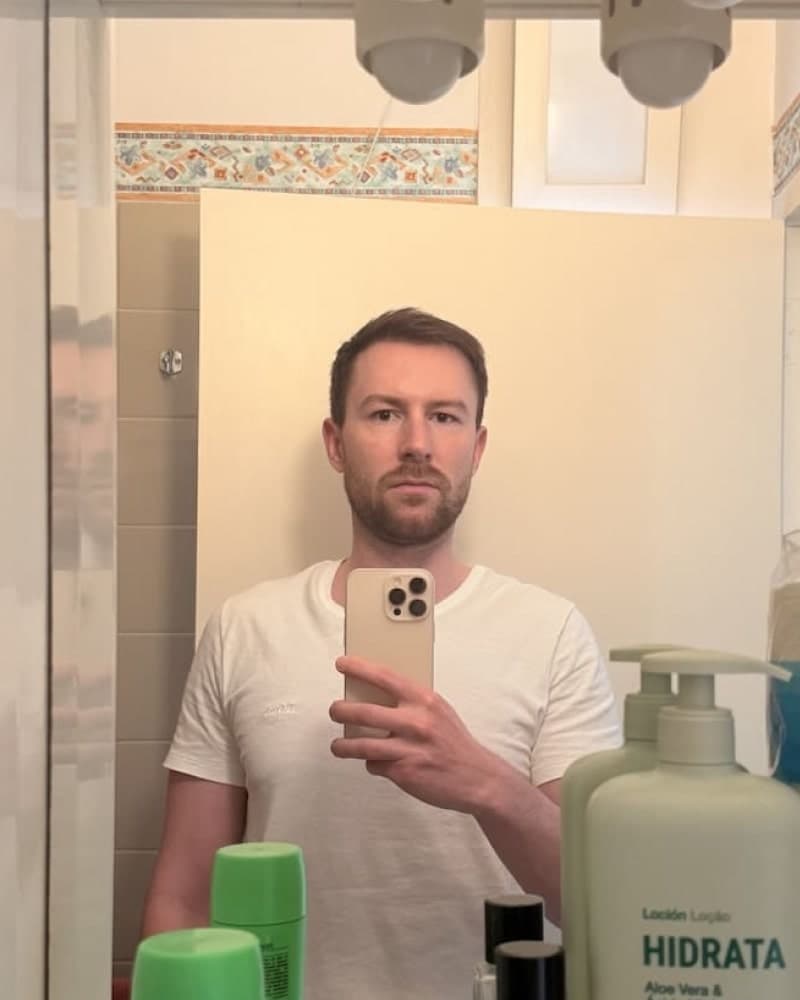

Bilder laget for å gi deg flere likes, bedre matcher og bedre dater. Over 60 000 brukere stoler på TinderProfile.ai.
Slik unngår du konto- og profilproblemer på Hinge
Når du har feilsøkt kontoen, kan gode bruksvaner redusere risikoen for nye problemer. Følg disse reglene for å bruke Hinge trygt.
Beste praksis for bruk av Hinge: de gylne reglene
Bruken av Hinge bør være som å nyte en god vin - nyt den, ikke svelg den. Her er noen gylne regler for respektfull bruk:
- Kvalitet over kvantitet: Ikke vær en masse-sviper. Ta deg tid til å gjennomgå profiler og engasjer deg bare med de du virkelig er interessert i. Det gir mer gjennomtenkte valg.
- Vær autentisk: Profilen din bør være så ekte som mulig. Ingen falske bilder, ingen overdrevne bios. Autentisitet er ikke bare etisk, det er attraktivt!
- Engasjer deg meningsfullt: Hvis du matcher med noen, ikke bare si "hei". Skriv personlige meldinger som viser at du faktisk har lest profilen deres.
- Respekter grenser: Hvis noen ikke er interessert, trekk deg grasiøst tilbake. Ikke trakasser, ikke argumenter, prøv ikke å endre mening.
Unngå potensielle røde flagg: ikke utløse alarmen
Akkurat som i den virkelige verden er det visse typer oppførsel du bør unngå på Hinge:
- Rask swiping: Hinge er ikke en spilleautomat. Hvis du swiper raskere enn du kan blunke, gjør du det feil.
- Kopierte og limte meldinger: Vi forstår at det kan være slitsomt å skrive unike meldinger for hver match. Men stol på oss, det er verdt det!
- Upassende innhold: Hold det rent! Ingen upassende bilder, ingen støtende språk, ingen overdrevent seksuelle kommentarer.
- Salg eller markedsføring: Hinge er for dating, ikke for å promotere ditt nyeste mixtape eller MLM-pyramidespill.
Merk: Hvis du er usikker på om noe kan anses som upassende, spør deg selv: "Ville jeg sagt dette til noen jeg nettopp møtte på en kafé?" Hvis svaret er nei, ikke si det på Hinge.
Når TinderProfile.ai kan hjelpe datingprofilen din
Nye bilder fjerner ikke en suspensjon, utestengelse eller annen kontohandling. De er relevante først når innstillingene er riktige, appen fungerer og du har grunn til å tro at problemet er en svak eller utdatert profil. Da kan et bedre bildeutvalg være et konkret eksperiment, ikke en omvei rundt Hinge-systemet.
TinderProfile.ai gjør 2-5 opplastede bilder om til naturlige datingprofilbilder i relevante livsstilsmiljøer. Du slipper å organisere en fotografering, og resultatene er klare på rundt 10 minutter. Poenget er ikke å late som du lever et annet liv, men å vise en troverdig og gjennomført versjon av deg selv.
Den norske startprisen er 140 kr, så du kan teste nye bilder uten kostnaden og planleggingen som følger med en tradisjonell fotografering.
Bytt bildene, behold resten av profilen stabil og sammenlign responsen med ditt tidligere normalnivå. Hvis bildene faktisk er flaskehalsen, kan du prøve TinderProfile.ai. Hvis kontoen har et teknisk problem eller et håndhevingsvarsel, bruk Hinge-support i stedet.
Konklusjon: Slik håndterer du Hinge-kontoproblemer i 2026
Puh! Vi har vært på en ganske reise. Fra shadowban-fortvilelsens dyp til profilperfeksjonens høyder. Du startet kanskje med å føle deg som et spøkelse i Hinge-maskinen, men nå er du bevæpnet med en komplett diagnostisk verktøykasse og løsninger skreddersydd for norske brukere.
La oss bryte det ned en siste gang:
- Diagnostiser riktig: Først, finn ut om det er en teknisk feil, en lav-rangerende profil eller en dokumentert kontohandling. Ikke hopp til konklusjoner.
- Velg riktig løsning: Enten det er å kontakte support, forbedre profilen din med bedre bilder og prompts, eller administrere kontoen gjennom den offisielle prosessen, har du nå en klar handlingsplan.
- Forebygg fremtidige problemer: Spill etter Hinges regler, engasjer deg autentisk og hold profilen din oppdatert.
- Optimaliser profilen din: Med verktøy som TinderProfile.ai kan du lage bilder som hjelper profilen med å tiltrekke de rette matchene.
Husk, målet er ikke bare å overleve på Hinge. Det er å trives. Et mulig kontoproblem er en fartsdump, ikke slutten på reisen. Nå har du kontrollen. Gå ut og erobre online dating-verdenen. Din perfekte match er der ute, og med disse verktøyene og tipsene er du bedre rustet enn noen gang til å finne den. God Hing-ing!
Vanlige spørsmål om Hinge-shadowban og kontoproblemer
Her er korte svar på de fem spørsmålene som oftest avgjør hva du bør gjøre videre.
Har Hinge bekreftet at de bruker shadowban?
Nei. Hinge har ikke offentlig dokumentert "shadowban" som en egen kontostatus, en fast varighet eller en test du kan kjøre selv. Hinges vilkår beskriver rapportering og håndheving, men få likes eller matcher beviser ikke at en skjult straff er aktiv. Se først etter tekniske feil, innstillinger og vanlig profilrespons.
Hvordan vet jeg om Hinge-kontoen min er begrenset?
Du kan ikke fastslå det ut fra ett symptom. Sjekk Pause, oppdagelsesfiltre, appversjon og nettverk, og sammenlign resultatene med ditt tidligere normalnivå. Har du fått et varsel, en suspensjon eller en plutselig endring som ikke kan forklares teknisk, kontakt Hinge-support eller bruk klageordningen. Det er mer pålitelig enn en vennetest.
Hjelper Hinge+ hvis profilen min ikke får likes?
Hinge+ beviser eller fjerner ikke en kontobegrensning. Betalte funksjoner kan gi flere filtre eller visningsmuligheter, men de forteller ikke hvorfor responsen er lav. Hvis kontoen fungerer normalt, vurder bilder, prompts, preferanser og område. Hvis du har et kontovarsel eller en teknisk feil, bruk support før du betaler for å løse feil problem.
Hva gjør jeg ved for mange bekreftelsesforespørsler?
Behandle det først som et teknisk problem, ikke som bevis på en shadowban. Stopp gjentatte innloggingsforsøk, kontroller at appen er oppdatert, test en stabil tilkobling og installer appen på nytt ved behov. Hvis feilen fortsetter, kontakt Hinge-support med tidspunkt, skjermbilde og nøyaktig feilmelding, slik at de kan undersøke kontoen.
Kan jeg opprette en ny konto etter en utestengelse?
Ikke opprett en erstatningskonto for å omgå en utestengelse. Hinge sier på sin Trust & Safety-side at de tar grep for å hindre regelbrytere i å lage nye kontoer. Bruk den offisielle klageordningen hvis du mener avgjørelsen er feil. Vil du avslutte kontoen frivillig, slett den gjennom appens kontoinnstillinger og følg bekreftelsen.