



Check whether your dating app offers direct Instagram linking where you live: Hinge and Bumble no longer support it, though both let you upload photos instead (Hinge Help Center's current Instagram guidance, Bumble Support's current social-account guidance). Tinder's Help page lists editable photos and a bio, but not Instagram, and says options vary by location, so check your profile settings (Tinder Help's profile-editing options). If your app offers a direct link, connect it only when recent posts give an accurate, useful picture of you and you're comfortable sharing them, and leave it unlinked if your feed is sparse, outdated, or too personal. A link can add context, but it doesn't guarantee more matches.
Should You Connect Instagram to Your Dating Profile?
- Check current app support first: Hinge and Bumble no longer allow direct links, while Tinder's options vary by location.
- Check whether the account reveals details you'd rather keep private.
- Review your grid, bio, and captions before deciding.
The Core Question: What Can Your Instagram Feed Show?
If you link Instagram to your dating profile, a visible feed can give someone extra context. What a match actually sees depends on your posts and on how your app displays them.
A linked account does not confirm who you are, and your feed is not proof of your character or intentions. Here is what someone may notice:
- Consistency: Does your dating profile match your public posts? A linked Instagram account may give someone another point of reference, but it does not verify anything about you.
- Authenticity Check: Does your bio say you love hiking, but your feed is mostly nightclub shots and mirror selfies? If your words and pictures don't match, someone may question how accurately your profile represents you.
- Social Proof: Photos of you laughing with friends or taking part in a group activity may give someone a glimpse of your social life. They don't prove anything on their own, but they are part of building social proof on your dating profile.
- Vibe Check: What is the overall feeling of your profile? Is it adventurous and positive, or full of cringey memes, angry rants, and low-effort content? Someone may try to picture what it would be like to spend time with you.
The Upside: 4 Reasons Connecting Instagram Can Add Context
If your dating app currently supports direct Instagram linking in your location, a recent feed can add context beyond your profile photos. A specific post may give someone an easy conversation starter. Linking still doesn't guarantee more matches.
Look your best on every dating app. In 10 minutes our AI generates realistic and high-performing dating photos designed to get more likes and dates.
- Get a profile you're proud of
- Drastically increase your matches
- Turn great matches into more dates
1. It Provides Powerful Social Proof
Your bio can say that you enjoy being social, but a photo with friends at a barbecue or playing a team sport may give that claim more context.
Photos with friends or at a group activity offer a glimpse of the people and activities in your life. Some viewers may read that as a positive sign, though one photo cannot tell them everything about you.
2. It Showcases Your Personality & Lifestyle
Your dating profile has limited space to show what you enjoy. Instagram can add context through photos of travel, music, cooking, or a project you care about.
Those posts may make your interests easier to picture than a row of similar portraits.
3. It Builds Trust and Authenticity
Online dating can involve incomplete or misleading profiles. An Instagram account with public posts may give someone more context to compare with what you've written.
That context does not prove someone's identity or guarantee trust. If the account and bio seem consistent, a potential match may feel they have a clearer sense of who you are before deciding whether to talk.
4. It Gives Her More Reasons to Start a Conversation
A feed that includes a dog, a trip, or a concert can give someone an easy place to start a conversation.
She might ask your dog's name or what you thought of the show. A specific post can help break the ice, but it does not guarantee a message.
The Downside: 5 Ways Connecting Instagram Can Kill Your Profile
If direct linking is available, it can work against you when posts feel out of date, clash with your dating profile, or reveal more than you want to share. Check what Instagram makes public and what your specific app displays before you link.
A feed that clashes with your dating profile can raise questions instead of adding useful context.
1. The "Red Flag" Audit
She may scan your feed for details that match or conflict with your profile. Think about what a stranger could infer from each post before you link it.
Posts like these may give someone pause:
- Endless Selfies: Especially shirtless dating app mirror selfies or gym pics. A grid full of similar shots may feel repetitive.
- Excessive Party Pics: If most of your photos show you with a drink in hand, someone may get the impression that going out is your main hobby.
- Cringey Memes & Political Rants: Memes that rely on insults or aggressive political commentary may not match the impression you want to give.
- Negativity and Complaining: Captions full of complaints about work, life, or exes may leave a negative impression.
- Tasteless Flexing: Posing with rented Lamborghinis or wads of cash may come across as trying too hard. See more dating profile red flags for men.
2. The Low-Follower Count Penalty
Some people may read a sparse account as limited context, but follower count alone does not tell you much about someone's social life. If the rest of your profile is also vague, the combination may leave visitors with unanswered questions.
3. The Inconsistent or "Try-Hard" Vibe
A mismatch may make your profile feel less authentic. Your dating profile might describe you as a laid-back guy who loves the outdoors, while your Instagram shows a grid of carefully posed, professionally edited photos.
That difference can make the two accounts feel out of step. If your photos do not reflect how you describe yourself, someone may think you're trying too hard to project an image.
4. The Mystery Killer
Sometimes, a little mystery is a good thing. Your dating profile should be an intriguing "trailer" that makes her want to see the "movie."
Before sharing a direct link, review what your Instagram profile makes public and what your dating app displays. Archive anything you don't want associated with your dating profile, or upload selected photos instead if your app supports it.
5. Privacy & Security Risks
Look for names, tags, workplace mentions, or location clues in your public posts. Check what your app actually displays before connecting, and leave the account unlinked if you'd rather keep those details off your dating profile.
It's Probably Your Photos.
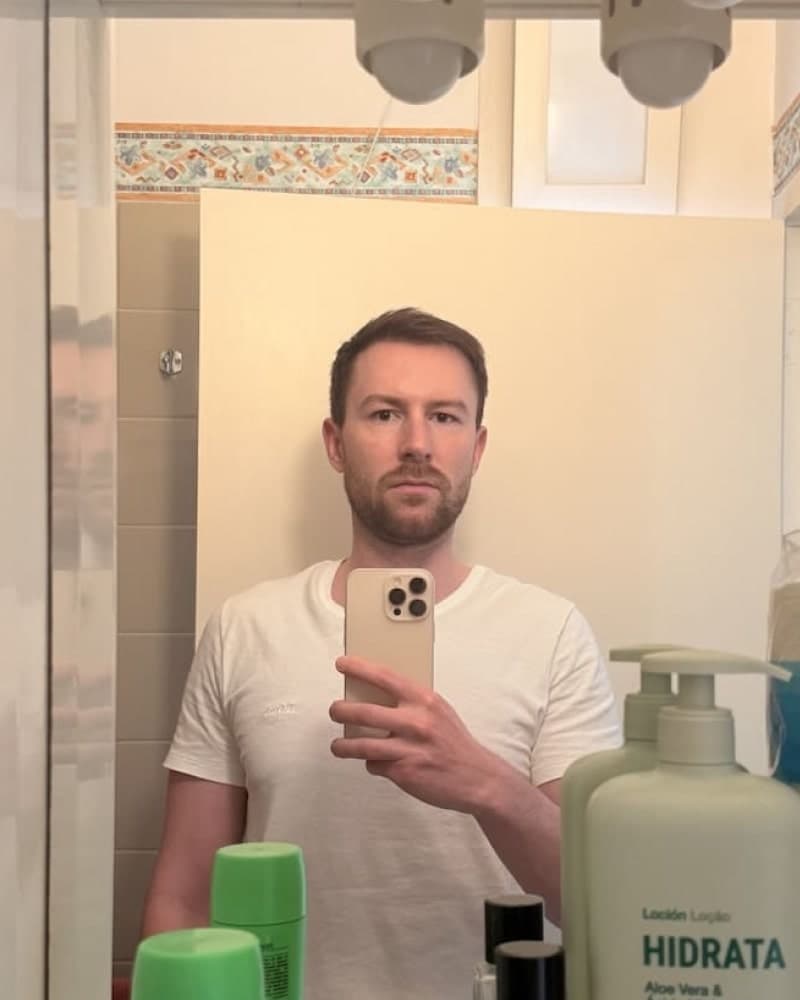
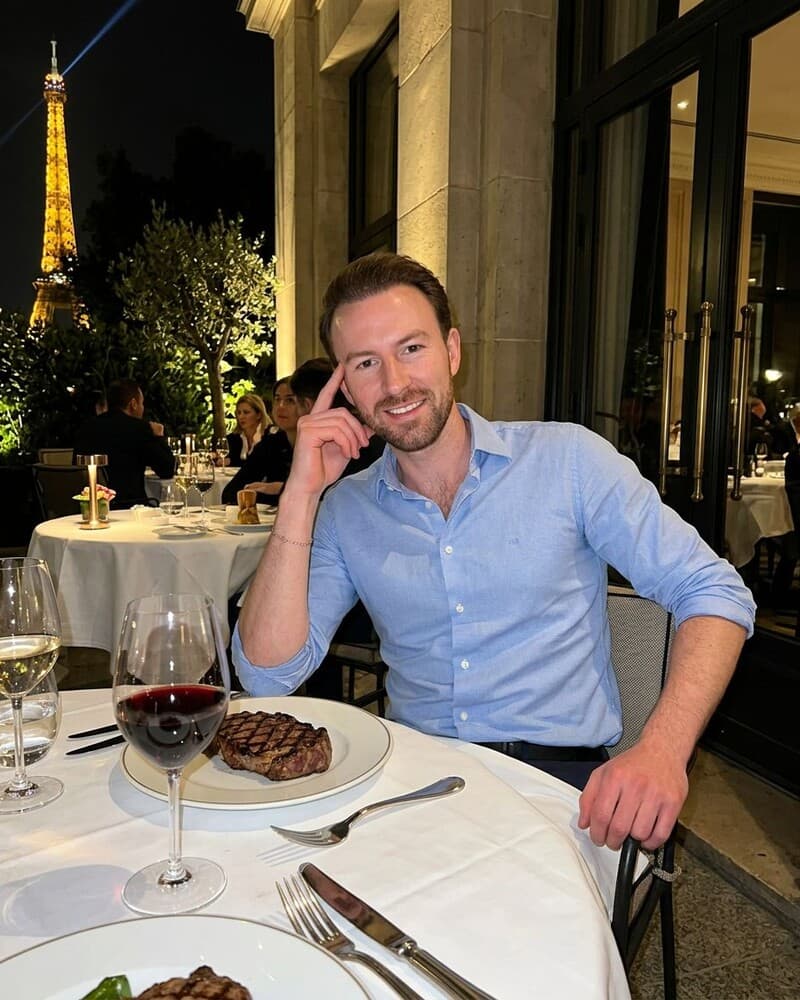
Average users see 8x more right swipes with our AI photos. Stop wasting time on dating apps and join 60,000+ singles who have already found better dates with TinderProfile.ai.
The Instagram Audit: Your 5-Minute Checklist Before You Link or Upload Photos
Before linking Instagram or choosing photos to upload, check what your dating app currently supports and what you're comfortable sharing. The steps below can help you review your public feed or choose individual photos where your app allows uploads.
Follow these steps:
- Check App Support First: Look in your app's current settings or help page to see whether direct Instagram linking is available in your location. If it isn't, use the next steps to choose individual photos to upload where your app allows it. Then scroll through your recent posts and archive anything that reveals more than you want to share or no longer reflects you. A blurry photo from a night out or an angry caption about traffic may be worth removing.
- Check Your Photo Mix: Look at your main grid. If it is mostly selfies, add context with photos of friends, hobbies, travel, or scenery. Keep solo photos that show you clearly and feel current.
- Review Your Bio & Profile Pic: Does your Instagram bio align with the persona on your dating app? Is your IG profile picture a clear, friendly photo of you? Make sure it's consistent and approachable.
- Read Your Last 5 Captions: What do your captions say about you? Are they positive, witty, or engaging? Or are they one-word descriptions, generic quotes, or just a string of hashtags? Your words matter.
- Ask a Brutally Honest Friend: Ask a trusted friend to review your Instagram and give candid feedback. If you're comfortable, ask someone who might use the app you're on. A dating profile audit can help you decide which details add useful context and which ones you would rather keep private.
The Smarter Alternative: Control the Narrative with AI
If your Instagram feed doesn't add useful, representative context, leave it unlinked and focus on your dating profile photos. TinderProfile.ai uses AI to generate dating profile photos from your existing photos, with results ready in 10 minutes. That gives you another way to refresh your profile without opening up a personal social account.
See how AI dating photos work, then decide whether they fit your profile. You can keep Instagram private or separate from dating. The choice still comes down to what you want people to see.
The Final Verdict: To Connect or Not to Connect?
The decision comes down to two checks: does your app currently offer direct Instagram linking where you live, and does your feed add context you're happy to share? If linking isn't available, upload selected photos instead wherever your app offers that option.
| Your Instagram Profile Status | The Verdict |
|---|---|
| Your app currently offers direct linking where you live, and recent posts add context you're comfortable sharing. | CONNECT IT only if you want to share that context. Hinge and Bumble no longer offer direct Instagram links. Both support photo uploads (Hinge Help Center, Bumble Support). |
| Direct linking isn't available, your feed adds little context, or you're concerned about what it shares. | LEAVE IT UNLINKED. Where your app supports photo uploads, choose individual photos instead. Review your feed again if it changes. |
If your feed falls into the 'Leave It Unlinked' category, you don't need to spend weeks cleaning it up.
Focus on the photos and details on your dating profile instead.
Start here by transforming your photos with AI and take control of your first impression.
Frequently Asked Questions About Connecting Instagram to Your Dating Profile
Should I connect a private Instagram to my dating profile?
Check the dating app's current settings and any preview it provides, along with what your Instagram privacy settings make public. Keep the account private if that's your priority. If you can't tell what a connection would show, leave it unlinked.
Will people be able to see my followers if I connect Instagram?
There isn't one answer across dating apps. Check what the specific app says it displays and review any preview it provides, along with your Instagram settings. If you can't confirm whether followers appear, leave the account unlinked until the app provides clearer guidance.
How do I disconnect Instagram from a dating app?
Hinge and Bumble no longer offer direct Instagram linking (Hinge Help Center, Bumble Support). Tinder's profile options vary by location, and its Help page lists photos and bio but not Instagram (Tinder Help). If you already have a connection, check the current app settings or official help page for a disconnect option. Use it only if the option is available, then verify the connection is gone.
Is it weird to create a new Instagram just for dating?
It depends on the account. A new feed may give someone little context about you, which makes it less useful for the decision you're making. If you open one, link it only when it contains recent posts you're comfortable sharing. Otherwise, keep it separate. See common dating profile mistakes men make.