


Bumble Travel Mode is Bumble's paid location feature. It places your profile in another city for 7 days, adds a visible travel indicator, and lets people in that city see you before you arrive. It does not show your exact coordinates. Bumble places you in the selected city instead of exposing your live GPS point.
This guide covers the three things most people want to know first. What Travel Mode costs in 2026, how to turn it on or off, and whether using it makes you look less serious on the app. If you're planning a trip, a move, or just want to test a new dating market, this is the part that matters.
Bumble Travel Mode: Key Facts
- Travel Mode usually appears through Bumble Premium or Premium+, though some regions still show a separate 7-day coin pass instead.
- Activating Travel Mode places your profile in the center of any city you choose, so locals see you as if you're physically there.
- Each activation lasts 7 days and resets to your real GPS location automatically. You can turn it off manually at any time.
- Travel Mode shows a visible badge on your profile indicating you're in Travel Mode, so matches know you're not a local. That transparency is exactly what keeps it from being a red flag.
- Travel Mode is only available on the iOS and Android mobile apps, not on the Bumble web version.
What is Bumble Travel Mode?
Bumble Travel Mode is useful when you want matches in a city before you get there. Instead of waiting until you land, you can start showing up in that local stack early and see whether the trip is actually worth the effort.
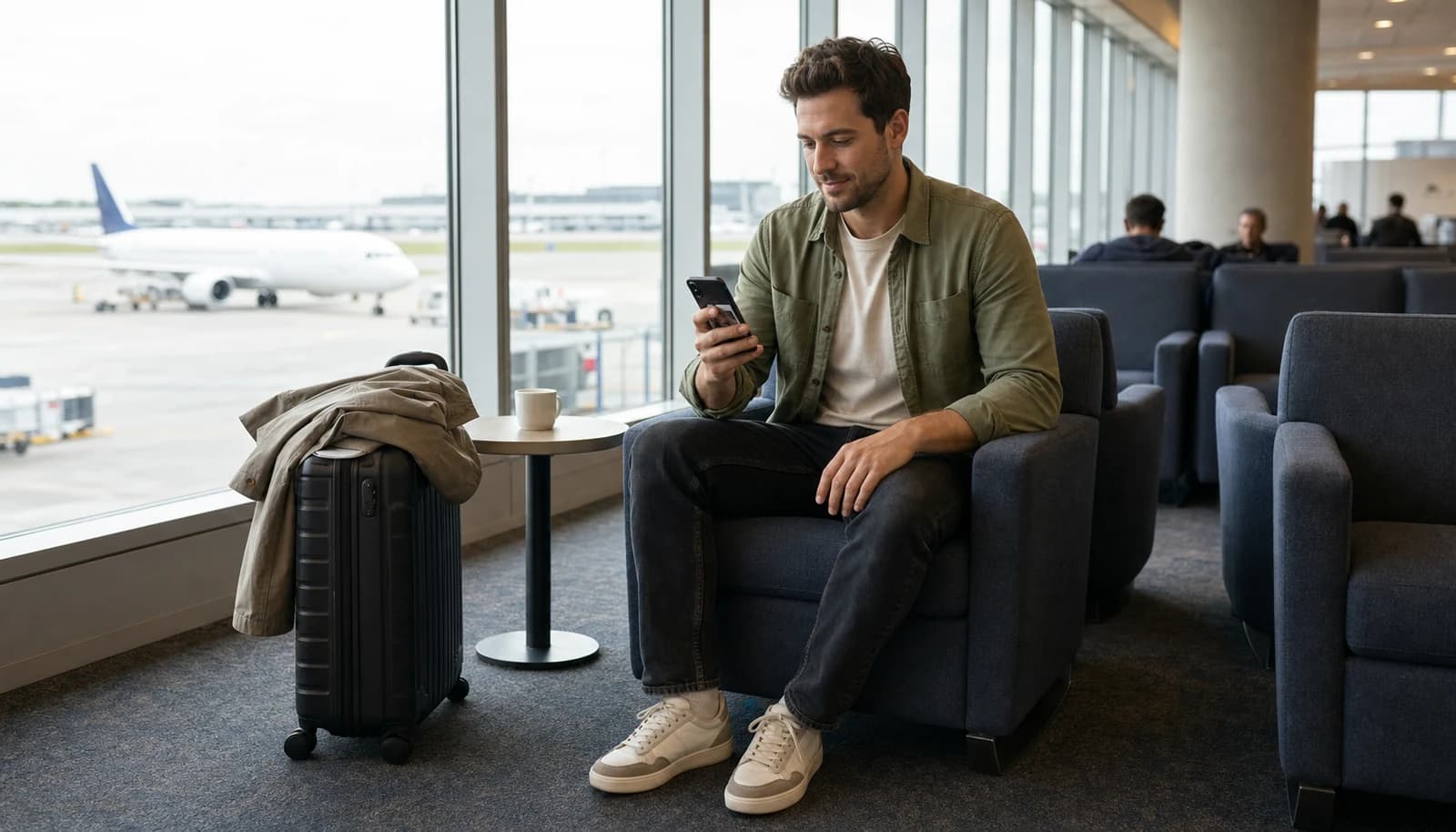
Bumble Travel Mode: A Location-Based Dating Feature
So, what is travel mode on Bumble? It's a paid feature that usually appears through Premium, though some users still report a separate 7-day coin pass in certain markets.
Once activated, you can select a specific city, and your profile will appear to locals as if you're physically there.
While your exact location isn't shown, your presence is marked in the city center of your chosen destination.
This feature is especially handy for:
- Travel enthusiasts: Pre-match with locals before arriving at your destination.
- Digital nomads: Build connections in your next city before you even unpack your bags.
- Networking seekers: Use it for professional or platonic connections, not just romantic ones.
Travel Mode is ideal for making meaningful connections on your own schedule, whether you're preparing for a trip or relocating to a new city.
Key Scenarios for Using Travel Mode
When should you consider using travel mode on Bumble? Here are some scenarios where it shines:
- Vacation Planning: Heading to Paris next month? Start swiping now to meet locals who can show you the hidden gems.
- Relocation Prep: Moving to a new city for work or school? Bumble Travel Mode lets you build a social circle before you arrive.
- Digital Nomad Lifestyle: Constantly on the move? Use this feature to connect with like-minded individuals in your next destination.
- Virtual Dating: Want to experience international dating without leaving your couch? Travel Mode lets you explore matches worldwide.
While you're optimizing your travel dating strategy, why not enhance your profile with our AI Dating Profile Bio Generator to make the best first impression?
How to Activate and Use Bumble Travel Mode
Travel Mode activation is simple once you know which access path your app shows. In many markets, that means Bumble Premium. In some regions, a 7-day coin pass still shows up instead. The app flow is similar either way.
Look your best on every dating app. In 10 minutes our AI generates realistic and high-performing dating photos designed to get more likes and dates.
- Get a profile you're proud of
- Drastically increase your matches
- Turn great matches into more dates
Step-by-Step Guide to Enabling Travel Mode on iOS/Android
- Check your access option first: Open Bumble and go to the subscription or Travel section. Some users see Travel Mode through Premium, while some regions still show a coin-based 7-day pass instead of presenting coins as a universal option.
- Open Bumble App: Launch the app on your iOS or Android device.
- Go to Settings: Tap on your profile icon, then navigate to the settings menu.
- Activate Travel Mode: Look for the "Travel" option under location settings. Tap it to activate.
- Choose Your Destination: Select a city from the list or search for a specific location. Your profile will now appear in that city's dating pool.
The button labels can vary a little by app version, but the flow is consistent with this current Travel Mode walkthrough and this guide on how Bumble handles location changes. For a visual walkthrough, watch this video tutorial:
Selecting Locations: Cities, Countries, and Virtual Dating Hotspots
Bumble Travel Mode lets you choose from a wide range of locations, whether it's a bustling metropolis or a serene beach town. Here's how to make the most of it:
- City Selection: Pick a city that aligns with your travel plans or interests. For instance, if you're into art, choose a city like Florence or Paris.
- Country Exploration: Want to explore an entire country? Start with major cities and expand your search as you go.
- Virtual Hotspots: Some cities are known for being dating app hotspots, like New York, London, or Tokyo. These are great choices for maximizing your matches.
How Much Does Bumble Travel Mode Cost in 2026?
Bumble Travel Mode is paid, not free. In 2026, the clearest answer is that most users get it through Bumble Premium, while some regions still surface a 7-day coin pass. So if you're asking how much Travel Mode costs, the honest answer is that the access model depends on the market and app version Bumble shows you.
| Access option | Typical price signal | Duration | Best for | Caveat |
|---|---|---|---|---|
| Bumble Premium | Varies by plan and region | Ongoing while subscribed | Frequent travelers | Highest total cost if you only need one trip |
| Coin-based pass in some regions | About 5 coins, often around $7.99 | 7 days | One short trip | Not clearly available in every market |
If you want to avoid spoofed GPS workarounds, Travel Mode is still Bumble's official location-change method. If you're still deciding whether a subscription makes sense overall, see our breakdown of whether Bumble Premium is worth it.
How Long Does Travel Mode Last & How to Turn It Off?
Bumble Travel Mode lasts 7 days per activation, and you can turn it off early by switching back to your current location in Settings.
Default Duration: 7 Days
When you activate Travel Mode, the selected city stays active for 7 days. After that, Bumble switches you back to your real location automatically if you do nothing.
How to Turn Off Travel Mode Manually
You do not need to wait the full 7 days. If your plans change, you can switch it off manually and go back to your current location right away.
Here's how to turn off travel mode:
- Open the Bumble app.
- Go to Settings by tapping the gear icon.
- Tap the blue "Travel to..." bar at the top of the screen.
- Select "Current location" to deactivate Travel Mode.
Your profile will return to your live location, and your existing matches stay in your conversations. If you want a second walkthrough, the same steps are shown in this current Travel Mode walkthrough.
Is Bumble Travel Mode a Red Flag? Pros, Cons & Smart Strategy
Bumble Travel Mode is not automatically a red flag. It usually reads fine if you are clear about why you are using it and when you will actually be in town.
The Potential Downside (The "Red Flag" Perception)
Why might someone see Travel Mode as a negative?
- Lack of Seriousness: Some might assume you're just looking for a casual fling or a tour guide.
- Temporary Presence: Matches may be hesitant to invest time if they know you're leaving soon.
- Unclear Intentions: Without context, your profile could be confusing. Are you moving? Just visiting?
The Smart Strategy: How to Use It Effectively
You can avoid most of these concerns with clear context in your profile and early honesty in chat. The goal is to make your situation easy to understand, not mysterious.
- Be Upfront in Your Bio: This is the most important step. Add a simple line to your profile that clarifies your situation. Examples:
- "In Barcelona from Oct 10-17! Looking for recommendations on the best tapas spots."
- "Moving to Chicago in November and looking to meet some new people."
- "Digital nomad currently exploring Southeast Asia for the next three months." If you need ideas for that line, start with our best Bumble bio for men.
- Mention It in Conversation: When you match with someone, bring up your travel plans early. It shows honesty and opens up the conversation.
- Focus on Genuine Connections: Whether you're looking for a date, a friend, or a professional contact, be clear about what you're hoping for.

Safety Tips for Meeting in a New City
Meeting someone new is exciting, but safety should always be your top priority, especially in an unfamiliar place.
- Meet in Public: Always choose a well-lit, public place for your first meeting.
- Tell a Friend: Let someone know where you're going, who you're meeting, and when you expect to be back.
- Stay in Control: Arrange your own transportation to and from the date.
- Trust Your Gut: If something feels off, it probably is. Don't hesitate to end the date and leave.
It's Probably Your Photos.

Average users see 8x more right swipes with our AI photos. Stop wasting time on dating apps and join 60,000+ singles who have already found better dates with TinderProfile.ai.
Top Benefits of Bumble Travel Mode for Modern Daters
The real upside is showing up in a new city with a profile that already makes sense there.
Prepare Your Profile Before You Switch Cities
Before you activate Travel Mode, tighten the parts of your profile that affect first impressions fast:
- Use photos that still look believable in the destination you picked.
- Add one line with your travel dates or move timeline.
- Make your bio specific enough that someone can reply to it.
- Time the switch for your highest-visibility window, especially if you also use the best time to use Bumble Spotlight.
This matters because Travel Mode only changes where you appear. It does not fix weak photos or a vague bio. If you want a stronger base, review how the Bumble algorithm surfaces profiles and how to build a high-converting Bumble profile. If photos are the bottleneck, TinderProfile.ai is one option. Customers report 3x to 8x more matches on average and 7.9x more opening messages after improving their photos.
Pre-Match Before Arriving at Your Destination
One of the best use cases is simple. You land with conversations already started instead of opening the app from zero on day one.
- Plan Ahead: Chat with locals to get recommendations for restaurants, events, or hidden gems.
- Ease the Transition: Moving to a new city? Build a social circle in advance to make your transition smoother.
- Save Time: Skip the awkward "getting to know the area" phase by connecting with people who already know the city.
That pre-arrival angle is exactly why people use travel dating before they arrive, as noted in this piece on travel dating before you arrive.
Networking and Cultural Exchange Opportunities
Travel Mode is not just for dates. It can also help if you are relocating, building a social circle, or testing whether a city feels like a fit.
- Professional Networking: Use Bumble Bizz to connect with professionals in your industry.
- Cultural Exchange: Learn about local customs, languages, and traditions directly from the people who live there.
- Make Friends: Looking for a travel buddy or someone to explore the city with? Travel Mode works for platonic connections too.
Bumble vs Competitors: Travel Features Compared
Bumble is not the only app with travel-style location tools, but it gives you a cleaner middle ground than Tinder or Hinge if your goal is to line up matches before a trip.
Bumble Travel Mode vs Tinder Passport vs Hinge Manual Location
| Bumble Travel Mode | Tinder Passport | Hinge manual location | |
|---|---|---|---|
| Access model | Paid feature through Premium in many markets, with some coin-based access signals | Paid through Tinder tiers | Manual location change, no dedicated travel product |
| Travel badge / visibility | Visible Travel Mode indicator | No equivalent travel badge in this comparison | No travel badge |
| Best trip-planning use case | Start honest conversations before arrival | Browse a new city fast and cast a wider net | Light relocation prep, not true travel planning |
| Best for | Users who want transparency plus planning | Users focused on volume and casual swiping | Users who care more about Hinge's dating style than travel features |
Bumble is usually the better pick when you want matches to know you are traveling instead of assuming you live there. Tinder can be stronger if you want faster volume. Hinge is the weak option for this specific use case because it does not really give you a built-for-travel workflow. For a broader app-level breakdown, see our full Bumble vs Tinder.
Final Verdict: Is Bumble Travel Mode Your Ticket to Global Dating?
Bumble Travel Mode is worth using when you have a real reason to be in another city and a profile that already gives people something clear to respond to. The feature itself is simple. Pay for access, pick a city, stay visible there for 7 days, and be honest that you are traveling.
If your goal is better dates instead of just more swipes, the smart play is to prepare the profile before you flip the switch. Clear travel context, stronger photos, and a bio that sounds like a real person usually matter more than the location change itself.
Your Top Questions About Bumble Travel Mode Answered
How much does Bumble Travel Mode cost, and is it free?
Bumble Travel Mode is not free. In 2026, most guides describe it as part of Bumble Premium, while some regions still show a 7-day coin pass that costs about 5 coins, often around $7.99. If your screen shows only Premium, treat that as your real access path. This current Travel Mode walkthrough explains both versions.
Is Bumble Travel Mode a red flag?
Not by itself. Travel Mode usually works fine when your bio explains why you're using it and when you'll actually be in town. It feels sketchy only when the badge shows one city, your profile gives no context, and your chat makes it sound like you are hiding something.
How do you turn off Travel Mode on Bumble?
Open Bumble, go to Settings, tap the active travel bar, and switch back to your current location. You do not need to wait until the 7-day window ends. Once you turn it off, your profile goes back to your live area, while your existing matches stay in your inbox. This current Travel Mode walkthrough shows the same flow.
Does Bumble Travel Mode show your real location?
No, it does not reveal your exact coordinates. Travel Mode places you in the city you selected and adds a visible travel indicator so people know you are not a local resident in that spot. This overview of how Bumble handles location changes also explains why Bumble treats Travel Mode differently from GPS spoofing.
How long does Bumble Travel Mode last?
Each activation lasts 7 days. After that, Bumble returns you to your real location if you do not change anything manually. You can also turn it off sooner in Settings. What you should not assume is unlimited mid-trip switching, because that claim is not presented consistently across the sources most people cite in 2026.