


Bumble likes reset about 24 hours after you reach the free swipe limit, not at a universal midnight cutoff. The exact timing and number of free likes may vary by account or plan, so treat 24 hours as the expected window rather than a minute-by-minute guarantee.
Bumble Likes Reset: Key Takeaways
- Free Bumble likes generally refresh about 24 hours after you reach the free swipe limit.
- Bumble's refresh window is not tied to a universal midnight reset time.
- Bumble publishes no guaranteed free-like count. The 25-50 range is only a third-party estimate.
- If likes stay unavailable, restart or update the app before contacting Bumble Support.
What to Do When You Run Out of Likes on Bumble
So, you've hit the wall. The "Bumble out of likes for now" message is flashing on your screen. What happens when you run out of likes on Bumble? Simple: you have to wait. But that waiting period isn't dead time. It's a strategic opportunity.
Instead of just closing the app in frustration, here are three smart moves you can make to improve your chances when your swipes return:
- Audit Your Profile: This is the perfect time to look at your profile with a critical eye. Are your photos top-notch? Is your bio compelling? Small tweaks can lead to a huge increase in match rate. Fix the Bumble profile mistakes that cost men matches.
- Refine Your Filters: Are your preferences too narrow or too broad? Use this downtime to adjust your distance, age range, and other filters to curate a better batch of potential matches for your next session.
- Work on Your Openers: Go back to your existing matches. Are there any conversations you can reignite? Practice some new, engaging opening lines so you're ready to start strong when you match with someone new.
Hitting your like limit is a temporary pause, not a full stop. Use it to optimize your strategy.
When Do Bumble Likes Reset?
Bumble's official support guidance says the daily like allowance refreshes after 24 hours. If you hit the limit at 8 PM, Bumble says your swipes should be ready again at 8 PM the next day. This is not a universal midnight reset, and a delayed app counter or account-specific plan can affect what you see.
| Account or issue | What to expect |
|---|---|
| Free account | Bumble says the daily allowance refreshes after 24 hours, such as 8 PM to 8 PM the next day. |
| Paid account | Swipe limits depend on the current plan and region. Check the benefits shown in your app. |
| Free-like count | Bumble publishes no guaranteed number. Third-party estimates commonly cite about 25-50. |
| Refresh is late | Restart and update the app, then follow these common Bumble reset troubleshooting steps. |
Bottom line: Plan around Bumble's documented 24-hour refresh, while allowing for app-sync delays instead of relying on an exact reset minute. If you regularly hit the limit, compare your in-app plan options and decide whether Bumble Premium is worth it for how you use the app.
Look your best on every dating app. In 10 minutes our AI generates realistic and high-performing dating photos designed to get more likes and dates.
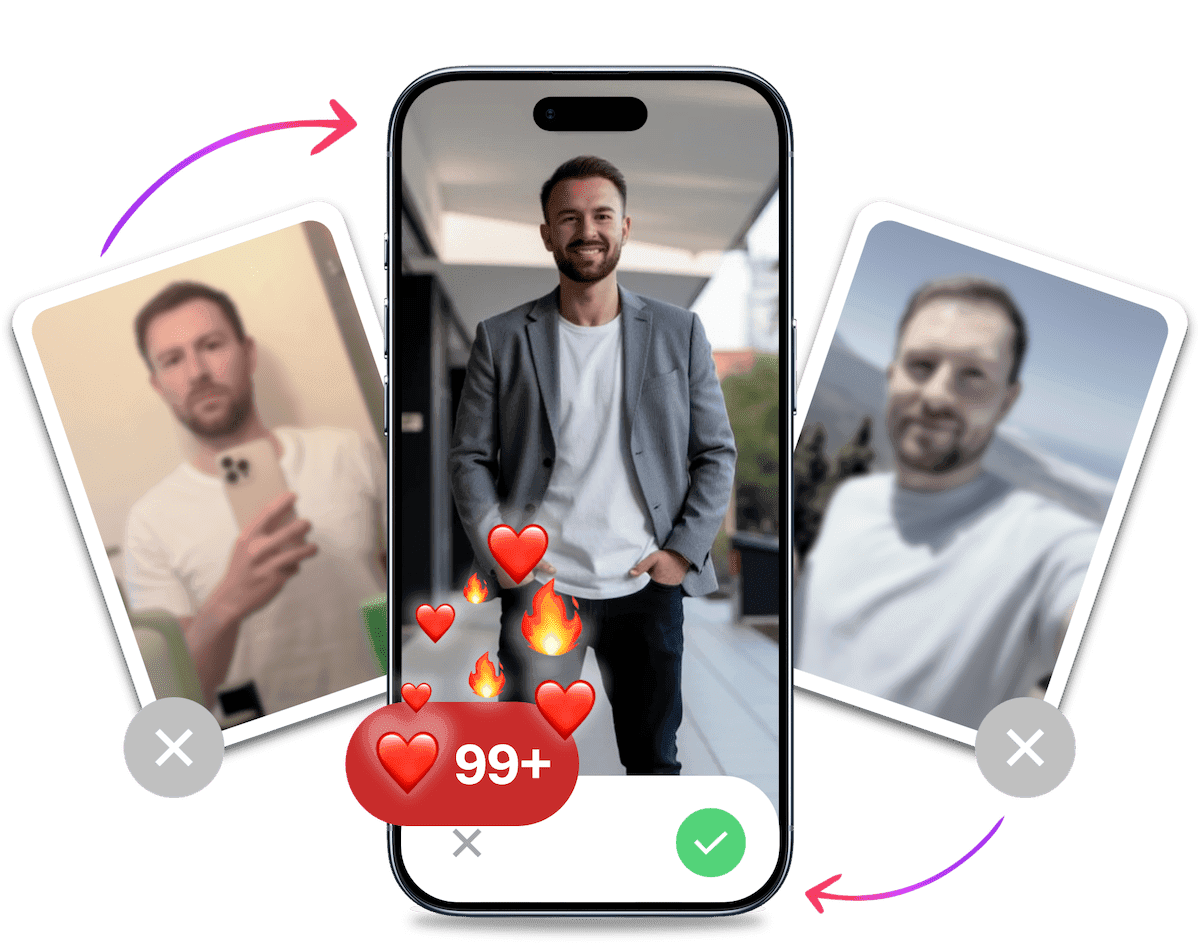
- Get a profile you're proud of
- Drastically increase your matches
- Turn great matches into more dates
The Psychology Behind Like Limits: Why Scarcity Works
Ever wonder why Bumble limits your likes in the first place? It's not just to get you to upgrade. It's a calculated part of dating app psychology designed to improve the quality of connections.
The core principle at play is scarcity. When a resource is limited (in this case, your daily likes), its perceived value increases. This forces you to be more selective and thoughtful with each swipe. Instead of mindlessly swiping right on every profile, you're encouraged to actually read bios and consider compatibility.
This system also helps combat choice overload. When faced with endless options, people often become paralyzed and make worse decisions, or no decision at all. By limiting your choices, Bumble pushes you to focus on quality over quantity, which can lead to more meaningful matches and less burnout.
Strategic Timing: When to Use Your Daily Likes for Maximum Impact
Knowing when your likes reset is only half the battle. Knowing when to use them is how you gain a competitive edge. Using your likes during peak app activity dramatically increases your chances of getting an immediate match and starting a conversation.
Peak Hours for Maximum Match Potential
Data suggests that dating app usage spikes at specific times. To maximize your visibility, save your swipes for these windows:
- Evening Commute (5 PM - 7 PM): People are winding down from work and scrolling on their phones.
- Prime Time (8 PM - 10 PM): This is the sweet spot. Most users are relaxed at home and actively swiping. If you use a paid visibility feature, review the best time to use Bumble Spotlight.
- Sunday Evening: This is widely considered the "Super Bowl" of dating apps. Everyone is planning their week and looking for new connections.
Weekend vs. Weekday Swiping Strategies
Your strategy should adapt to the day of the week.
- Weekdays: Focus your efforts on the evening peak hours. A quick swipe session during your lunch break can also be effective.
- Weekends: Activity is more spread out, but Saturday and Sunday evenings are still prime time. Use Saturday swipes to line up dates for the following week, and Sunday swipes to capitalize on the peak user traffic.
Using your likes strategically helps you engage with the most active users, which is a key factor in the Bumble algorithm.
Gaming the Reset System: Pro Strategies
Running out of likes feels like a penalty, but with the right mindset, it's a strategic advantage. While other guys are mindlessly swiping, you can use the downtime to out-maneuver the competition. Here's how to turn waiting time into winning time.
The "Downtime" Profile Overhaul
Your like reset period is the perfect time for a profile tune-up. Don't just glance at it. Do a deep dive:
- Photo A/B Testing: Swap out your primary photo right before your likes are about to reset. Track your match rate for a couple of days. Is the new photo performing better? This is a simple way to test your most important asset without wasting active swipe time.
- Bio Refresh: Rewrite your bio or update your prompts. A fresh bio can re-engage users who might have seen your profile before but didn't swipe right.
The Multi-App Strategy
Your Bumble likes may be gone, but your opportunities aren't. While you wait for the Bumble reset, pivot to another app like Hinge or Tinder. This strategy has two key benefits:
- Maintains Momentum: It keeps you in the "dating mindset," practicing conversation and staying sharp.
- Diversifies Your Funnel: You're not putting all your eggs in one basket. You might find a great match on another platform while the Bumble clock is ticking.
Factors Affecting Bumble Like Resets
Two things matter most when your likes refresh: the plan attached to your account and whether the app has synced correctly. Treat the 24-hour window as an estimate, then troubleshoot the app if the limit still appears after that window.
Account Type: Free vs. Premium
Free accounts have a limited number of right swipes, while paid-plan benefits can differ by plan and location. Check the subscription screen in your version of Bumble rather than assuming every paid tier removes the same limit. A paid plan changes access, but it does not make a weak profile convert better.
Technical Factors
If the expected window has passed, force-close and reopen Bumble, confirm your connection, and install any available app update. Log out and back in if the limit still appears. Contact Bumble Support if those steps fail. Bumble does not document changing your phone's clock as a reset method.
It's Probably Your Photos.

Photos designed to get you more likes, better matches and better dates. TinderProfile.ai is trusted by 60,000+ users.
Maximizing Your Bumble Likes
Now that we understand when and how Bumble likes reset, let's dive into strategies for making the most of your limited swipes.
Whether you're a free user or a premium member, these tips will help you optimize your Bumble experience and increase your chances of finding meaningful connections.
Strategies for Efficient Use of Daily Likes
- Set a Swiping Schedule: Align your swiping sessions with your like reset times. If you know your likes reset at 8 PM, make that your prime swiping hour.
- Quality Over Quantity: Don't rush through profiles. Take time to read bios and look at all photos. This approach leads to better matches and fewer wasted likes.
- Use Filters Wisely: Bumble's filters can help you narrow down your potential matches. However, be careful not to over-filter, as you might miss out on great connections.
- Peak Hours Swiping: Try to use your likes during peak usage hours in your area. This typically increases your chances of getting immediate matches.
Tip: Strategic swiping is key. It's not about how many likes you have, but how effectively you use them.
Tips for Increasing Match Potential with Limited Likes
- Optimize Your Profile: A stellar profile increases your chances of getting right swipes in return. Check out our guide on how to take dating pictures by yourself for some great tips.
- Craft an Engaging Bio: Your bio is crucial. Use it to showcase your personality and interests. For inspiration, look at our Tinder bio generator - many of the principles apply to Bumble as well!
- Be Active Beyond Swiping: Engage with matches promptly. The more active you are, the more likely Bumble's algorithm is to show your profile to others.
- Use Bumble's Features: Take advantage of features like profile badges, video calls, and question games to stand out.
Pros and Cons of Upgrading to Premium for Unlimited Likes
Pros:
- Unlimited likes
- See who's already liked you
- Rematch with expired connections
- Access to advanced filters
Cons:
- Additional cost
- Potential for over-swiping
- Might reduce the excitement of matching
Tip: Before upgrading, try maximizing your free account for a month. If you're consistently running out of likes before finding quality matches, a premium account might be worth considering.
Troubleshooting Bumble Like Issues
Even with a solid strategy, you might hit a snag. Here's how to troubleshoot common like-related problems so you can get back to swiping.
What to Do If Likes Don't Reset After 24 Hours
- Force Close and Reopen: The oldest trick in the book often works. Completely close the Bumble app and restart it.
- Check Your Internet Connection: A weak Wi-Fi or cellular signal can prevent the app from syncing with Bumble's servers.
- Update the App: Make sure you're using the latest version of Bumble from your app store. Bugs affecting likes are often fixed in updates.
- Log Out and Log Back In: This can re-establish a fresh connection with the server and often resolves account-specific glitches.
Fixing an Incorrect Reset Timer
If the timing looks wrong, do not try to force a refresh by changing your phone's clock. Restart Bumble, install any available update, and note when you first reached the limit. If your likes remain unavailable after the expected window, use Bumble's in-app support flow.
How to Contact Bumble Support for Like-Related Problems
If you've tried everything and are still having issues, it's time to contact support.
- In-App Support: Go to Settings > Contact & FAQ > Contact Us. This is the most direct method.
- Email Support: Send a detailed email to feedback@team.bumble.com.
- Social Media: Reach out to @BumbleSupport on X.com (formerly Twitter).
Pro Tip: When contacting support, provide specific details and screenshots. A clear explanation like "My likes ran out at 8 PM yesterday, it's now 9 PM and they haven't reset" will get you a faster, more helpful response.
How to Make Limited Bumble Likes Convert Better
The reset gives you more chances to swipe, but your profile decides whether those swipes become matches. Fix the first impression before buying more access. A clear lead photo, specific written details, and honest tracking will tell you more than another high-volume swipe session.
- Choose a clear lead photo: Use a recent, well-lit image where your face is easy to see. Skip sunglasses, group shots, and distant photos in the first slot.
- Complete your bio and prompts: Give matches something concrete to ask about. "Sunday morning coffee and a long walk" works harder than "I love adventures."
- Track match quality: Change one profile element at a time, then compare the conversations and dates it produces, not just your raw match count.
Use the full guide to build a stronger Bumble profile. If weak photos are the obvious problem and you do not have time for a shoot, TinderProfile.ai can recreate them in about 10 minutes.
Your Game Plan for the Bumble Like Limit
Success on Bumble isn't just about waiting for your likes to reset. It's about mastering the system. By understanding the 24-hour rolling reset, leveraging strategic timing, and optimizing your profile, you shift from being a passive user to an active player.
Remember these key takeaways:
- Time is a Tool: Your likes generally reset about 24 hours after you hit the limit. Use them during peak hours like Sunday evenings for max impact.
- Scarcity Breeds Quality: The like limit is designed to make you choose wisely. Embrace it to find better matches.
- Your Profile is Your Power: A great profile makes every limited like more powerful. High-quality photos and an engaging bio are non-negotiable.
- Know When to Upgrade: If you're consistently hitting the like limit and have a solid profile, check the swipe benefits in Bumble's current paid plans.
The goal isn't just to get more likes. It's to get more high-quality matches. Combine the tactics in this guide with an outstanding profile, and you'll stop waiting for likes and start having more conversations.
Frequently Asked Questions About Bumble Likes Reset
When do Bumble likes reset?
Bumble says free likes refresh after 24 hours. If you reach the limit at 8 PM, its support guidance says the swipes should be ready again at 8 PM the next day. The app may show the change late, and your account type or current plan can affect how many right swipes are available.
Do Bumble likes reset at midnight?
No, Bumble's support guidance describes a 24-hour refresh with the same-time-next-day example, not a universal midnight reset. If the app shows the limit after that window, check the app state and connection instead of assuming the account follows a different daily schedule.
How many free likes do you get on Bumble?
Bumble does not publish a guaranteed number of free likes for every user. Third-party estimates commonly place the allowance around 25-50 right swipes per 24-hour period, but that range is not an official promise. Treat it as a rough planning number and use the limit displayed in your own account as the practical source of truth.
Why have my Bumble likes not reset after 24 hours?
A delayed refresh can be an app-sync or connection issue, and the 24-hour timing is approximate. Force-close and reopen Bumble, check your internet connection, and install any available update. If the limit still appears after logging out and back in, contact Bumble Support through the app and include the time you first hit the limit.
Can you manually reset Bumble swipes?
No documented free control lets you manually reset Bumble swipes on demand. Changing your phone's time is not a documented reset method, and deleting an account is not a reliable workaround. Wait through the expected refresh window, troubleshoot the app if needed, and check the current paid-plan benefits if you regularly need more swipes.
Do unused Bumble likes roll over?
Bumble does not publish a clear universal rollover policy for unused free likes. Do not assume leftover swipes will stack into a larger allowance after the next refresh window. Use likes selectively when you find a genuine fit, but there is no need to rush through profiles simply to spend a quota before the app refreshes.